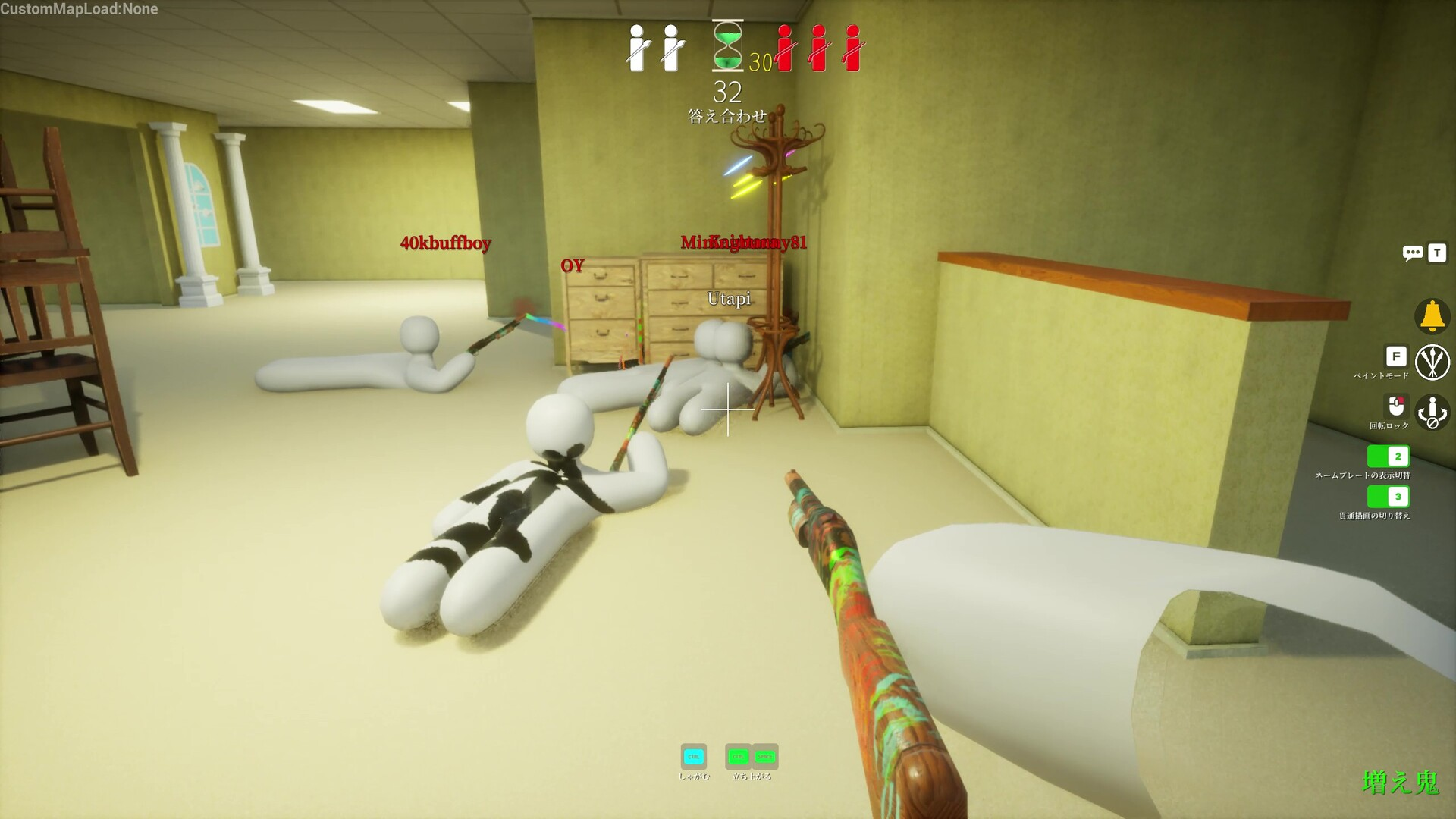
Meccha Chameleon is a multiplayer hide-and-seek painting game for PC from Lemorion_1224, released on June 9th, 2026. You paint yourself to match the environment and disappear in plain sight while seekers hunt you across maps like Hide-and-Seek Mansion, Indoor Country, Sewer, and the Backrooms. Because matches support up to 10 players in public and private lobbies, cheating here is an online-play problem, not a harmless single-player tweak.
Quick answer: Any external cheat tool used in Meccha Chameleon’s public matches carries a high risk of permanent account or hardware bans, and value editors like Cheat Engine only work reliably in offline or solo scenarios. There is no safe way to cheat in online lobbies.
What the Meccha Chameleon cheat tools claim to do
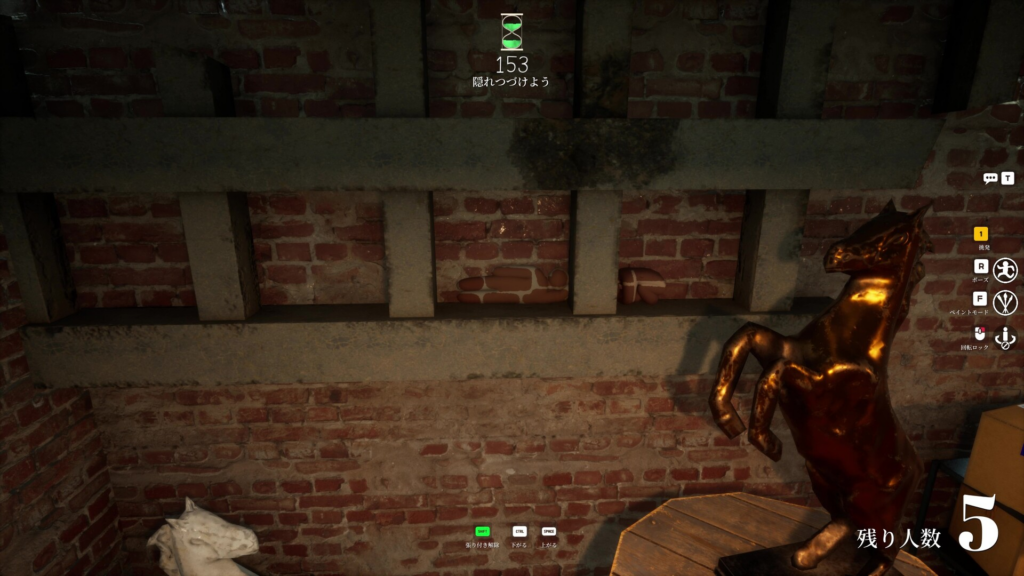
The circulating external cheat for the June 2026 build attaches to the running game process and edits values in real time. It targets the systems that define a round, including paint resources, camouflage blending, stamina, pose stability, seeker detection, match timers, scoring, and prop spawning. The advertised feature set maps each function to a hotkey.
| Feature | Hotkey | Effect |
|---|---|---|
| God Mode | F1 | No detection or elimination by seeker scans |
| Infinite Paint | F2 | Unlimited colors, patterns, and brush tools |
| Perfect Camo Lock | F3 | Instant environment match with pose freeze |
| Infinite Stamina | F4 | No fatigue when moving or painting |
| Instant Win / Timer Edit | F5 | Force a victory or extend round time |
| Seeker Vision Hack | F6 | Enhanced or disabled seeker vision |
| Pose & Animation Lock | F7 | Freeze poses for steady camouflage |
| Score & Reward Editor | F8 | Modify points and match outcomes |
| Speed & Mobility Boost | F9 | Movement and jump multipliers |
| Prop & Decoy Spawner | F10 | Spawn paint tools and objects |
The tool is built for Windows 10 and 11 (64-bit), and it expects an Intel i5 or Ryzen 5 class CPU with 8 GB of RAM or more. It needs to be re-attached after the game restarts or a new round loads, and overlays are meant to be disabled during injection.
The ban and corruption risks you take on
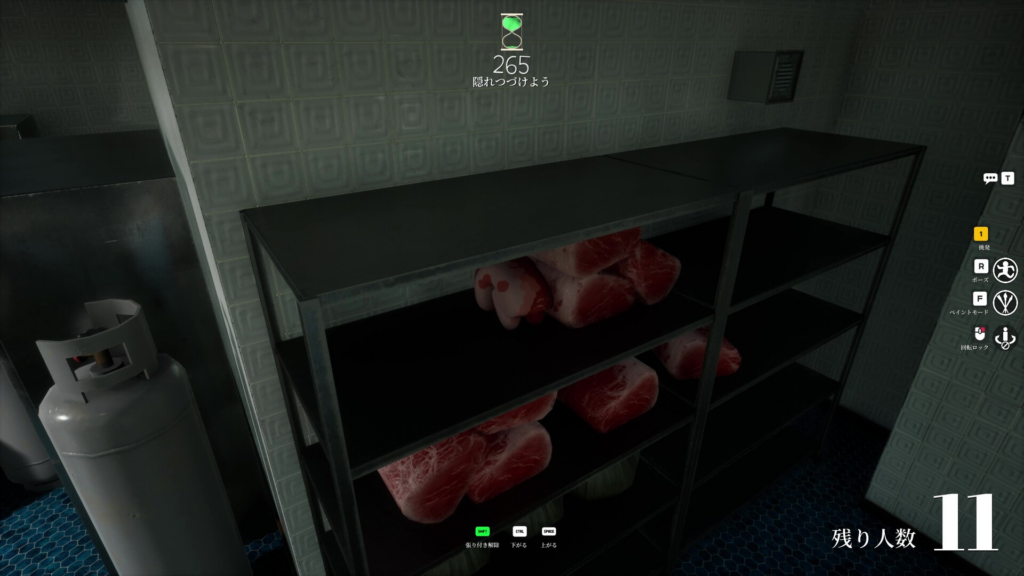
These risks are the most important part to understand before touching any of it, because none of them can be undone once they happen.
| Risk | What happens |
|---|---|
| Account and hardware bans | Use in public matches frequently triggers detection, which can lead to permanent account or hardware/ID bans with no recovery. |
| Save and profile corruption | Extreme paint values or timer edits can damage local profiles. Backups are the only protection, and corrupted profiles cannot be restored. |
| Glitches and crashes | Rapid edits during active rounds often cause visual glitches, desync, or client crashes. |
| Antivirus flags | The injection process commonly trips antivirus detections because it writes to game memory. |
| Update breakage | Heavy use can break specific match scripts or stop working after a patch. |
Perfect camo and god mode are advertised as working everywhere, including public lobbies, but that is exactly where detection and bans are most likely. Private lobbies reduce, not remove, the exposure.
Cheat Engine and value editing for offline play
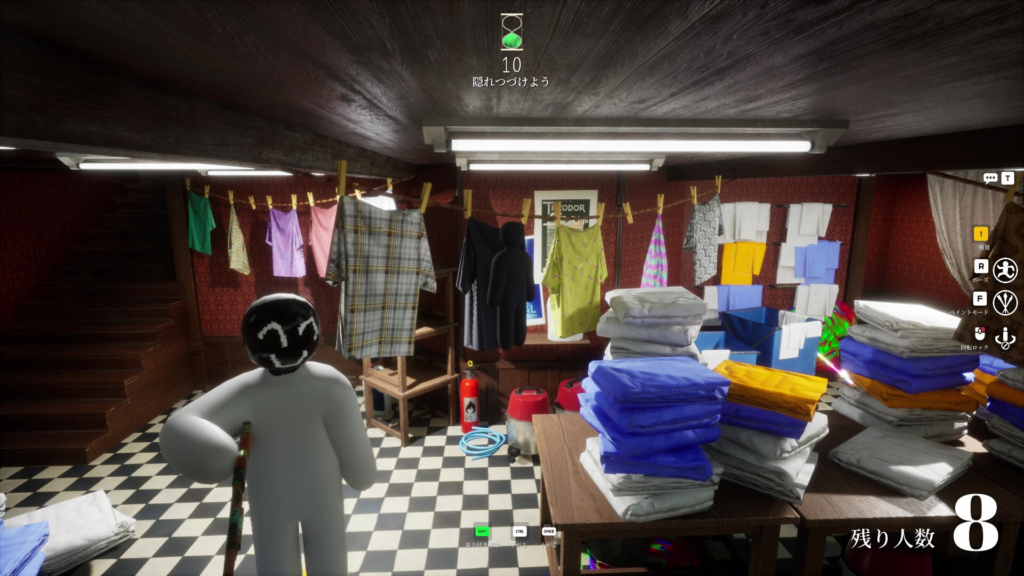
Cheat Engine is the long-standing memory scanner people use to read and change in-game numbers like currency, health, experience, or timers. It works by locating a value in memory, narrowing the search as the value changes in-game, then letting you overwrite the result. The same workflow applies to Meccha Chameleon, but the meaningful caveat is that online and multiplayer modes are where edits either fail or get you banned.
Cheat Engine is free and beginner-friendly, but it does not work on every title. Games with strong anti-cheat or protected memory resist editing. Single-player edits usually avoid bans, but everything you do remains at your own risk.
How to tell if a cheat is actually working
For an external trainer, the on-screen interface opens with the INSERT key after the tool is attached and the game is running, and hotkeys apply changes the moment you press them. With Cheat Engine, success shows up as the edited counter holding your new value after the next in-game refresh. If injection fails or the game crashes, the standard fixes are to run both the tool and the game as administrator, disable the Steam overlay and background apps, verify the game files, and use the latest version of the tool.
The reliable approach is to test any feature in a private lobby or solo first, keep multiple profile backups before each session, and accept that a public-match ban or a corrupted profile is permanent. If you simply want to disappear more convincingly, the game already rewards smart positioning, and learning the strongest blend spots on each map is a far lower-risk way to outlast seekers.