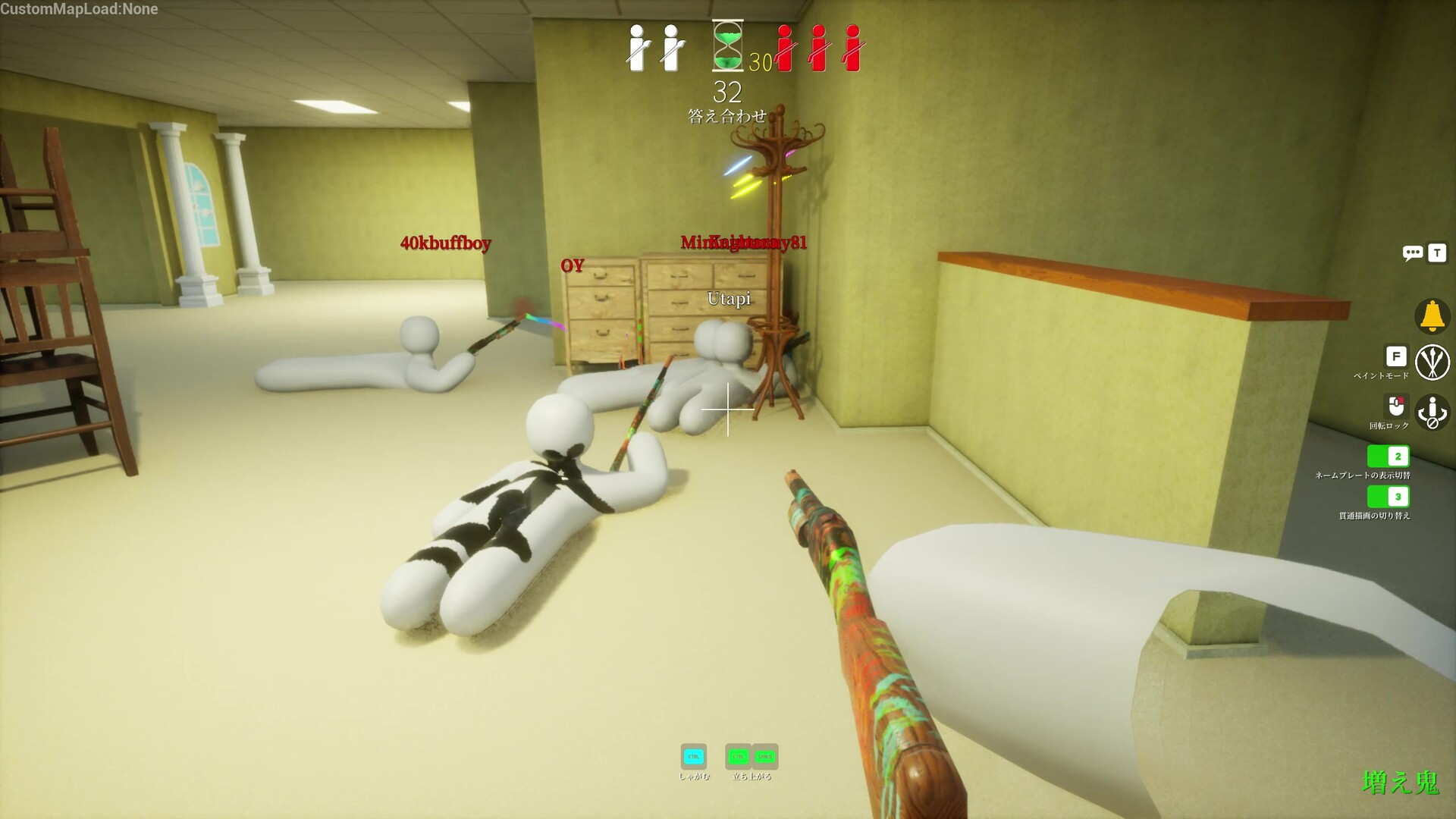
MECCHA CHAMELEON does not have crossplay, and the reason is simple. The paint-and-hide party game from Japanese solo developer lemorion_1224 only exists on one platform, so there is no second device for anyone to play across. Everyone in your lobby is running the same Windows build through Steam.
Quick answer: There is no cross-platform play. The game is sold only on Steam for Windows 10 64-bit, so every player is already on the same platform. If a friend can install it from Steam, they can join your game with no codes or matchmaking toggles.
Why there is no crossplay in MECCHA CHAMELEON
Crossplay only matters when a game runs on more than one system, such as PlayStation talking to PC, or console linking to mobile. MECCHA CHAMELEON ships exclusively on Steam for Windows PCs, so that whole question disappears. There is no console-versus-PC matchmaking, no friend codes, and no input-based lobby splitting to manage.
The only thing that resembles cross-device play is Steam itself. Through Steam Link and Remote Play, you can stream your own copy from your PC to a phone, tablet, or TV on your network. That moves your single purchase to another screen. It does not let a second person join on a different platform.
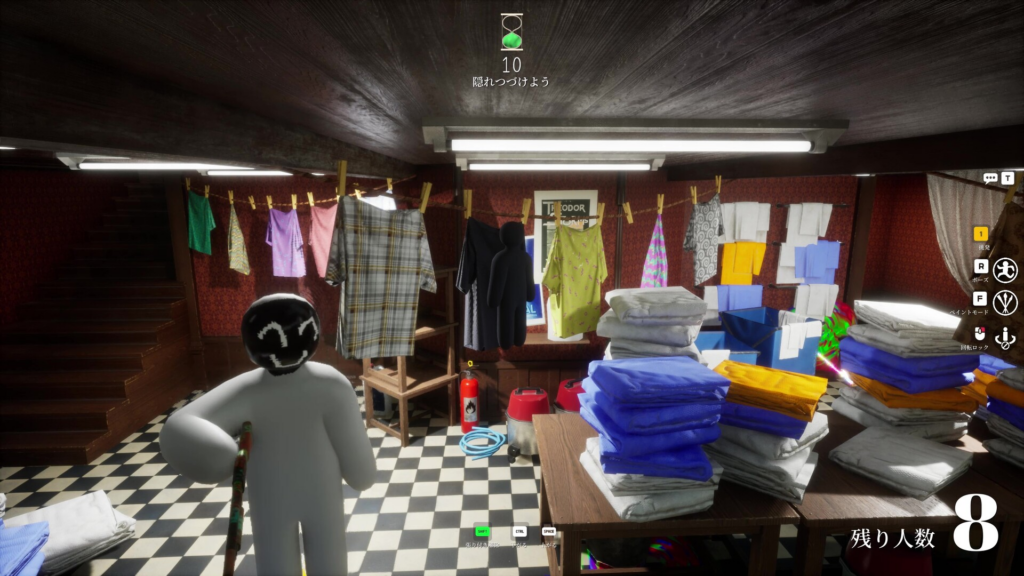
What platforms MECCHA CHAMELEON runs on
The game is PC only on Steam, built for Windows 10 64-bit and played with keyboard and mouse. As of June 2026, there is no PlayStation 5, Xbox, Nintendo Switch, iOS, or Android version, and no native Mac or Linux build. It is light enough to run on modest hardware, with a minimum spec around a Core i5 and a DirectX 11 or 12 graphics card.
| Platform | Available? | Notes |
|---|---|---|
| PC (Steam) | Yes | Windows 10 64-bit, keyboard and mouse |
| PlayStation 5 | No | No console version announced |
| Xbox Series X/S | No | No console version announced |
| Nintendo Switch | No | No Switch version announced |
| iOS / Android | No | No official mobile app |
| Mac / Linux | No native build | Needs a Windows setup such as Boot Camp on Intel Macs |
Console ports are common when a small party game breaks out, so this list could grow later. For now, the Steam store page for Windows is the only confirmed way in. Treat reposted screenshots or keyword pages claiming a PS5 release as unverified until a developer post or a real platform store listing appears.
Player count and how the host controls the lobby
Matches support 2 to 10 players. The Steam listing recommends staying in that range for stable performance, and the developer notes that the true maximum depends on the host’s network environment. One player hosts the server and everyone else connects through them, so a weak upload connection is what causes lag and player caps in practice, not the game.
Two or three players will run fine on almost anything. A full eight-to ten-player room is where a wired connection or a strong router on the host’s side keeps the round smooth and avoids rubber-banding during the hunt.
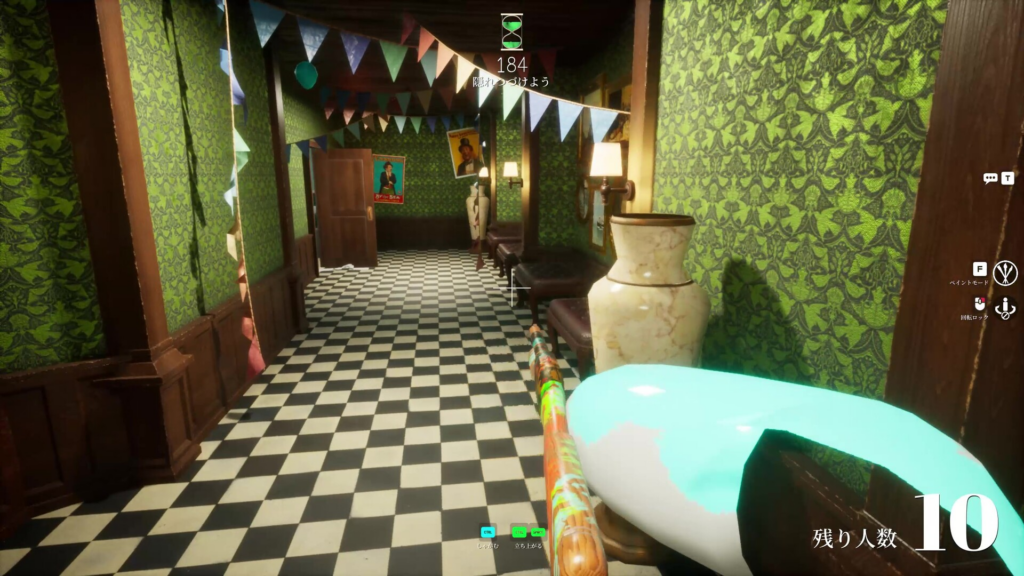
How to play MECCHA CHAMELEON with friends
Because there is no crossplay, the entire setup runs through Steam. Each person needs their own copy, and you either host a private room or join a public one.
You will know it worked when the other players appear in the same lobby browser room and the host can start the round. From there, players split into hiders and seekers; hiders get prep time to paint and pose, and seekers hunt before the timer runs out.
The game has Steam Family Sharing enabled, so an eligible household member can launch it from a shared library to try it. Two people generally cannot play the same shared copy online at the same time, so plan on one copy per player for a real squad.
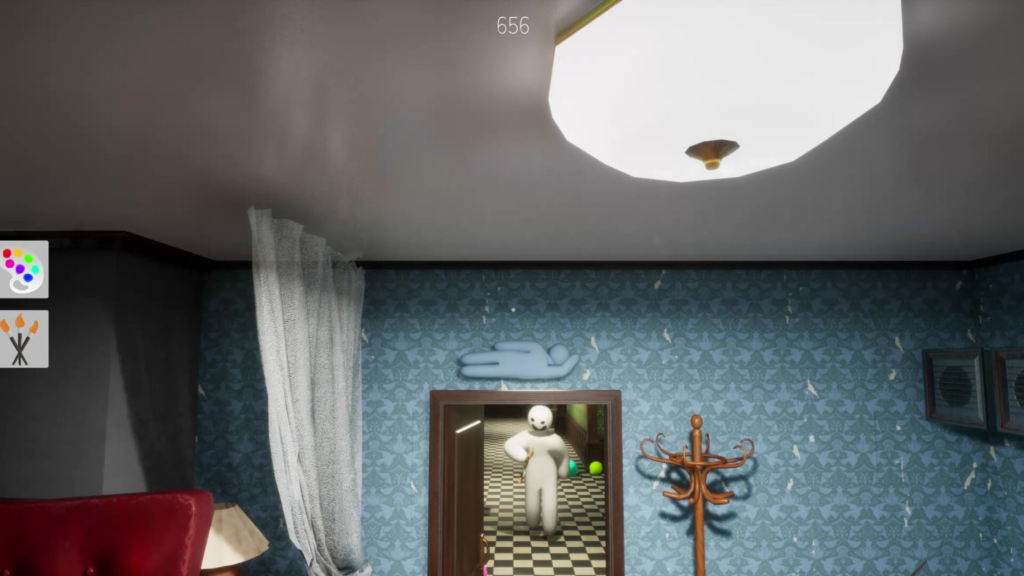
Steam Deck, cloud, and couch play
You are not stuck at a desk. The game runs on Steam Deck, including Deck OLED, though it does not carry an official Deck Verified badge yet. It supports controllers, so navigation and the hunt phase feel fine on a pad. The catch is the paint tool, which relies on fine pointer control, so a trackpad or an attached mouse beats thumbstick painting.
For the living room, Steam Link and Remote Play stream your PC copy to a TV, phone, or tablet on your network. Again, this is your own copy on another screen, not a way to share one purchase across players.
Plug a mouse into your Steam Deck or TV setup before a serious session. Painting a clean disguise with a thumbstick is the fastest way to get tagged.
For a group, the takeaway is straightforward. Buy on Steam, get one copy per person, and run a private room when you want just your friends. The lack of crossplay never becomes a problem because there is no other platform to bridge, and at $5.99 (discounted to $4.79 until June 16, 2026) the whole squad lands on the same Windows build with nothing to configure.