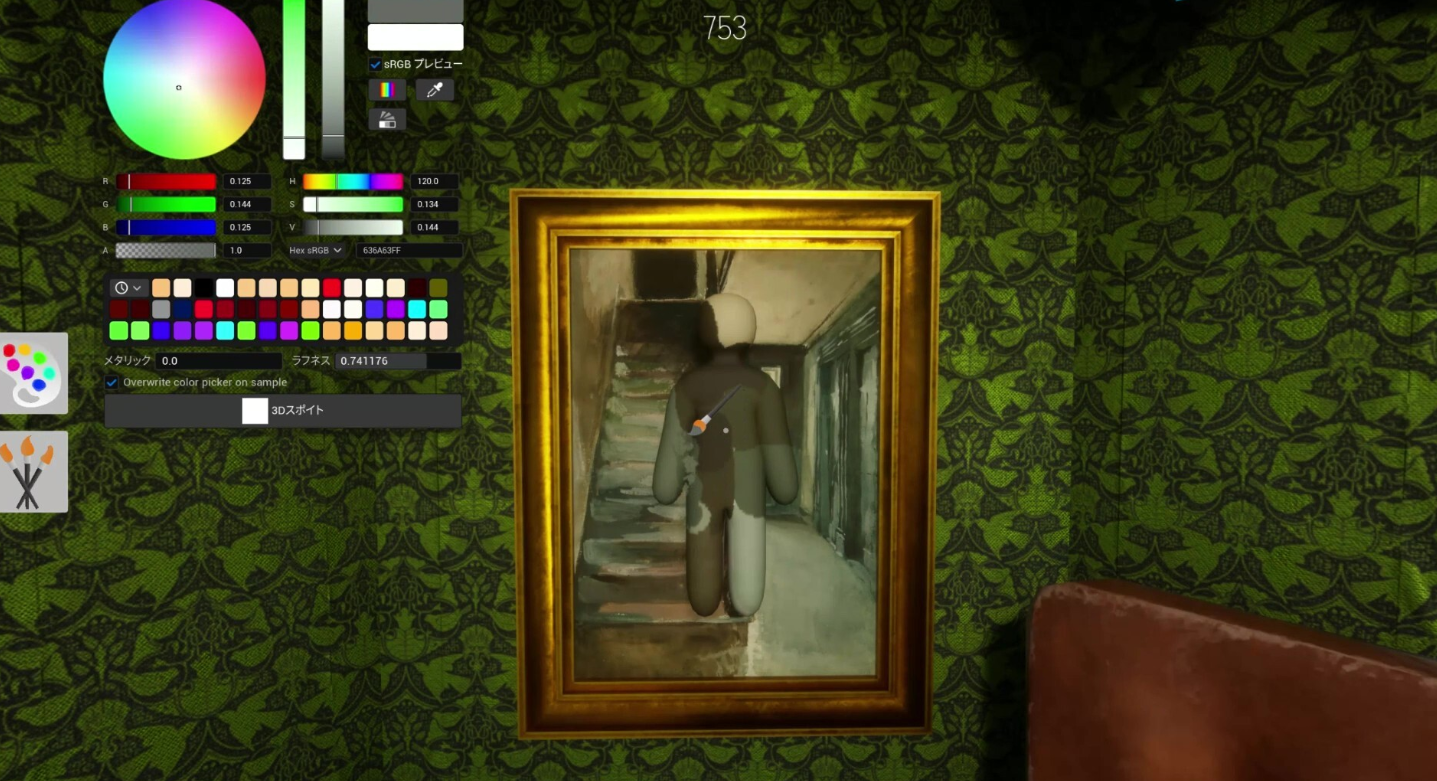
Meccha Chameleon is an online hide-and-seek party game where players paint themselves to blend into the environment, and the size of your lobby shapes how chaotic each round gets. There is no hard cap built into matchmaking, but the practical player limit depends on what the host sets and how strong their connection is.
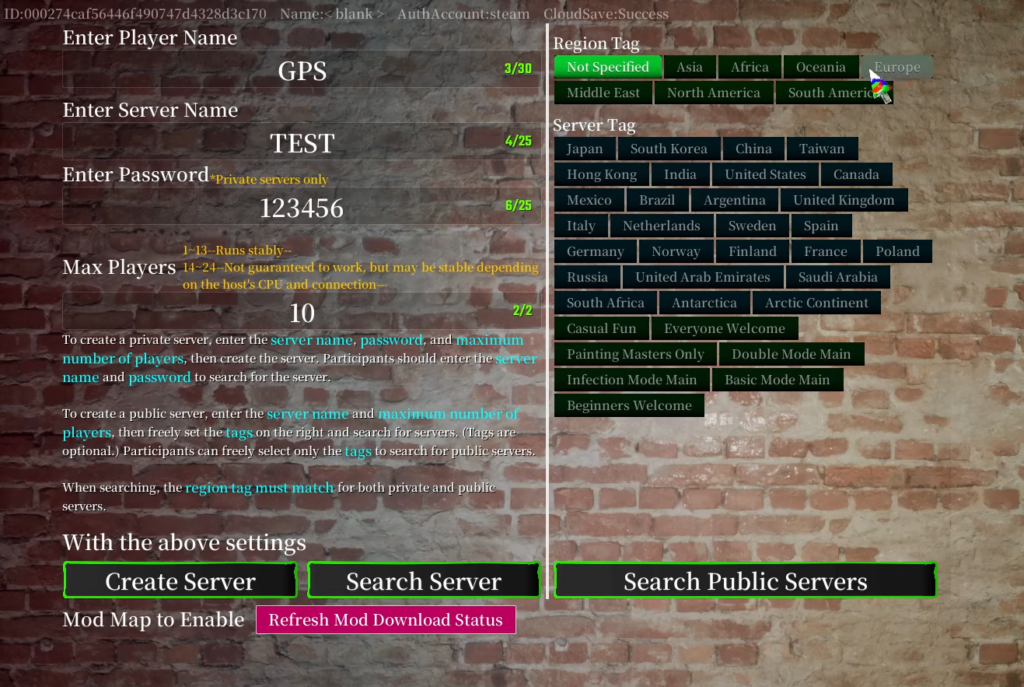
Quick answer: Set your room to 2–10 players for a stable session. The host can raise the cap as high as 24, but anything above 13 may run poorly and is not guaranteed to work.
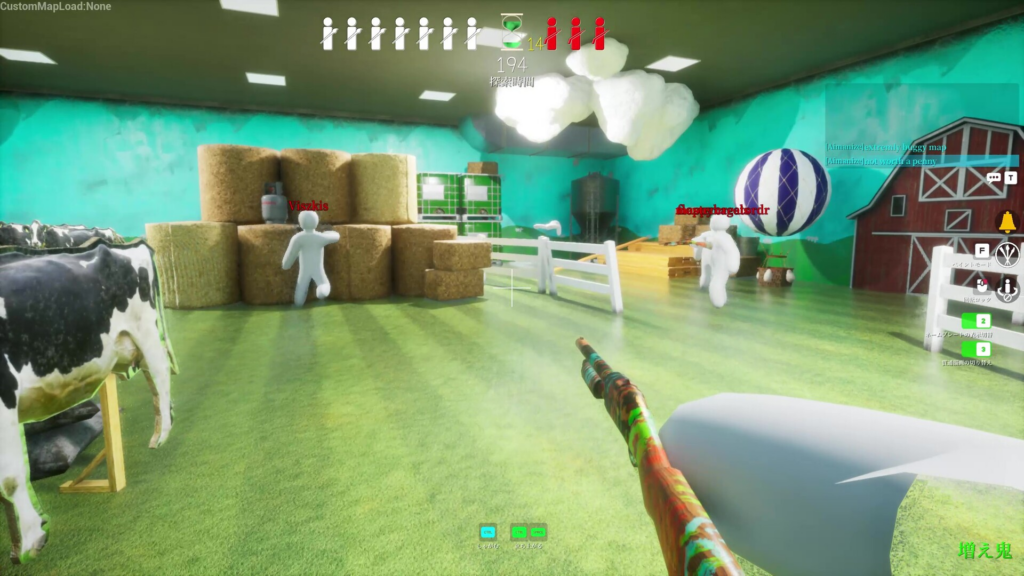
Meccha Chameleon player limit: recommended vs maximum
When a host creates a room, they choose the maximum number of players who can join. The highest value available is 24. The developer recommends keeping it between 2 and 10 for the smoothest experience, and says lobbies up to 13 players should still run stably. Beyond that, performance is not guaranteed and the quality everyone sees can drop.
| Lobby size | What to expect |
|---|---|
| 2–10 players | Recommended range for the most reliable, balanced matches |
| 11–13 players | Should run stably in most cases |
| 14–24 players | Possible but unstable; no guarantee it works well |
Why the host’s connection sets the real limit
Sessions run through the host player rather than dedicated servers, so the host’s internet quality decides how many people a room can comfortably hold. A host with a strong, stable connection can support more players, while a weaker connection will struggle even within the recommended range.
Two things matter here. First, broadband internet is required because the game is online multiplayer only. Second, if the host disconnects, the entire session ends for everyone. If you plan to host a larger group, use a wired connection for the most consistent results.
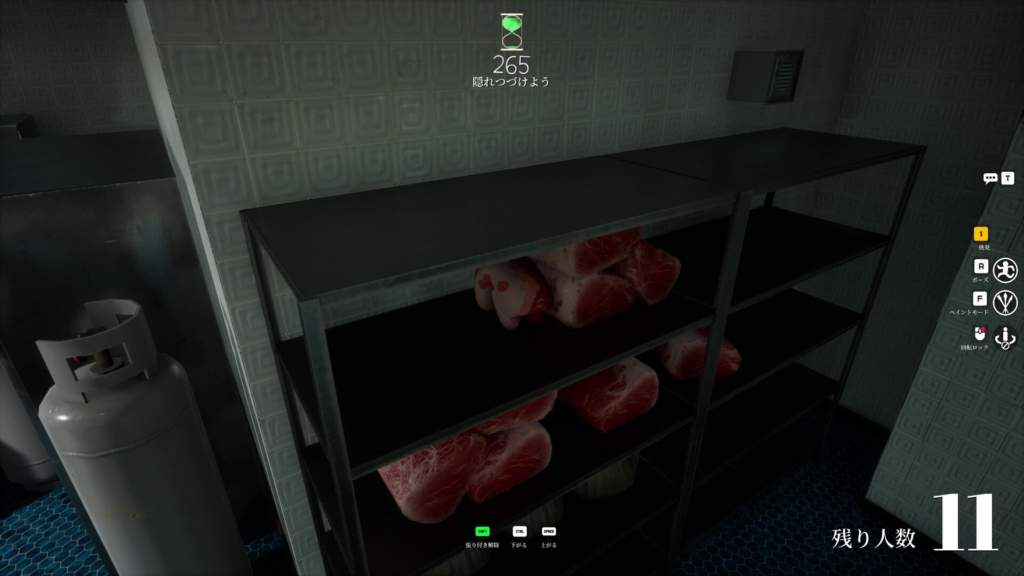
How to set up a lobby with friends
You can create either a public room that random players can join or a private room locked to your group. The setup is handled from the main menu.
You will know the lobby is working when all your friends appear in the room list before the match starts. If someone cannot find the room, double-check the password and that their game version matches yours.
Best game modes by party size
The mode you pick changes how rounds play out, and some scale better with larger groups than others.
| Mode | Best for |
|---|---|
| Normal Mode | The standard hide-and-seek format; works for nearly any group size |
| Increasing Oni Mode | Shines with 6 or more players, since eliminated Hiders join the Seeker side |
| Double Mode | Good for organized groups, as every player gets to both hide and seek |
For most groups, staying within the 2–10 player range gives the cleanest matches without risking lag or dropped connections. Push toward the higher numbers only if your host has the bandwidth to back it up, and treat anything above 13 as experimental. Meccha Chameleon is available on Steam, where you can confirm the current player and network details on the official store page.