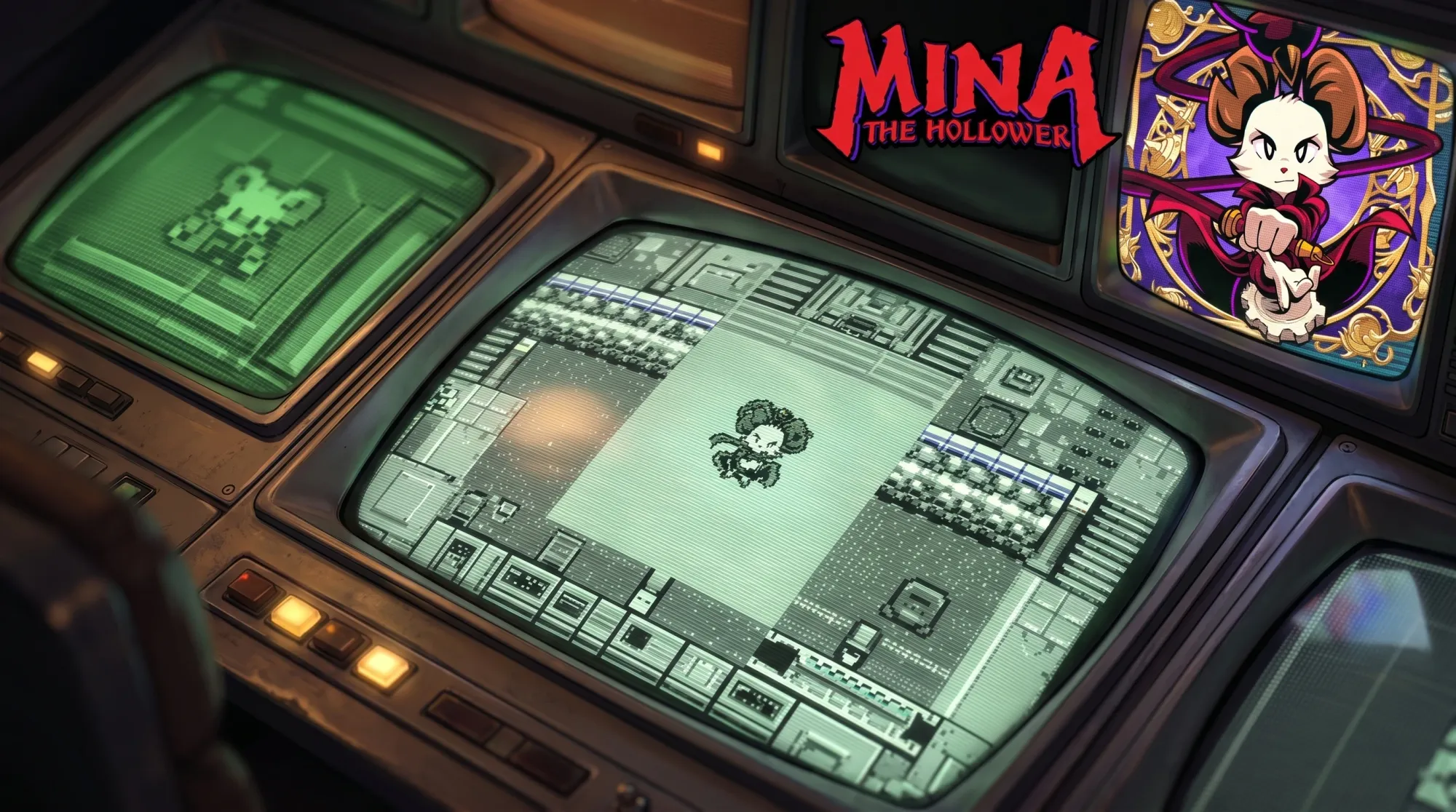
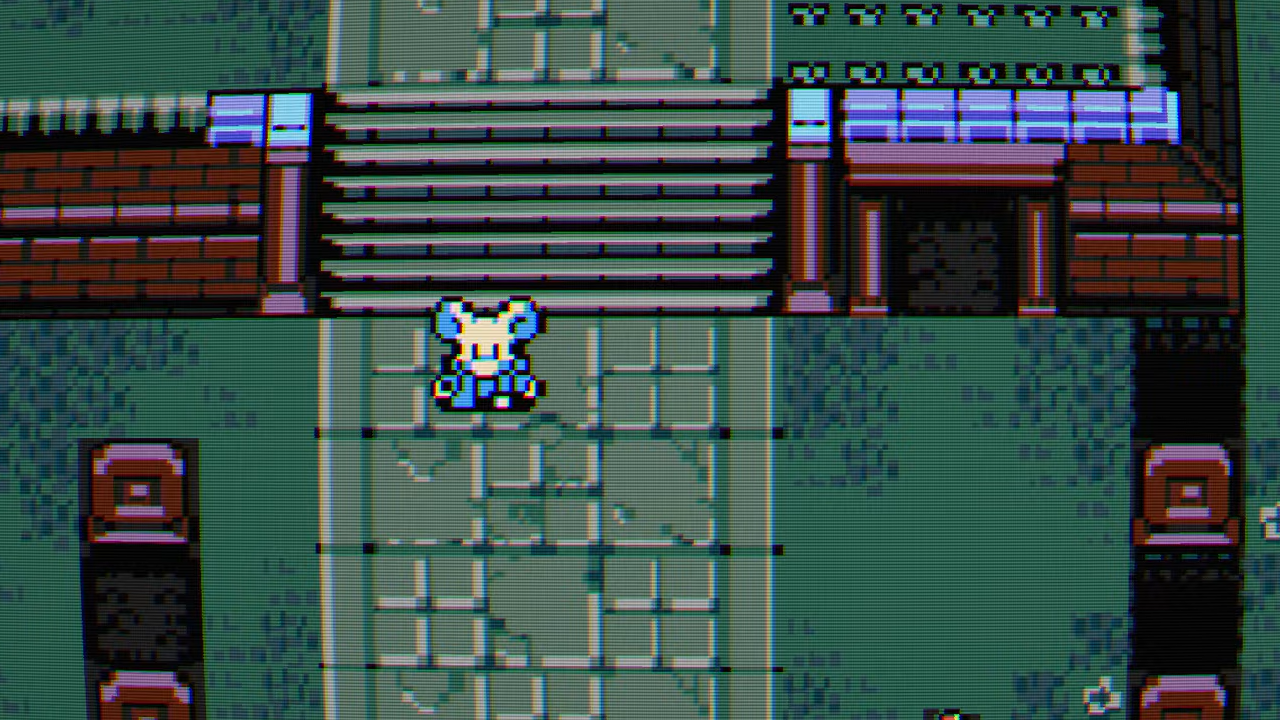
Mina the Hollower draws its art with textured triangles at a 256×144 resolution and a custom 64-color palette built to evoke Game Boy Color games. On a modern flat panel, those pixels render as crisp squares. The CRT shader by BonusJZ reintroduces scanlines, glow, and soft blur so the picture reads closer to an old tube display, and it ships with two looks you can flip between in-game.
What the Mina CRT shader does
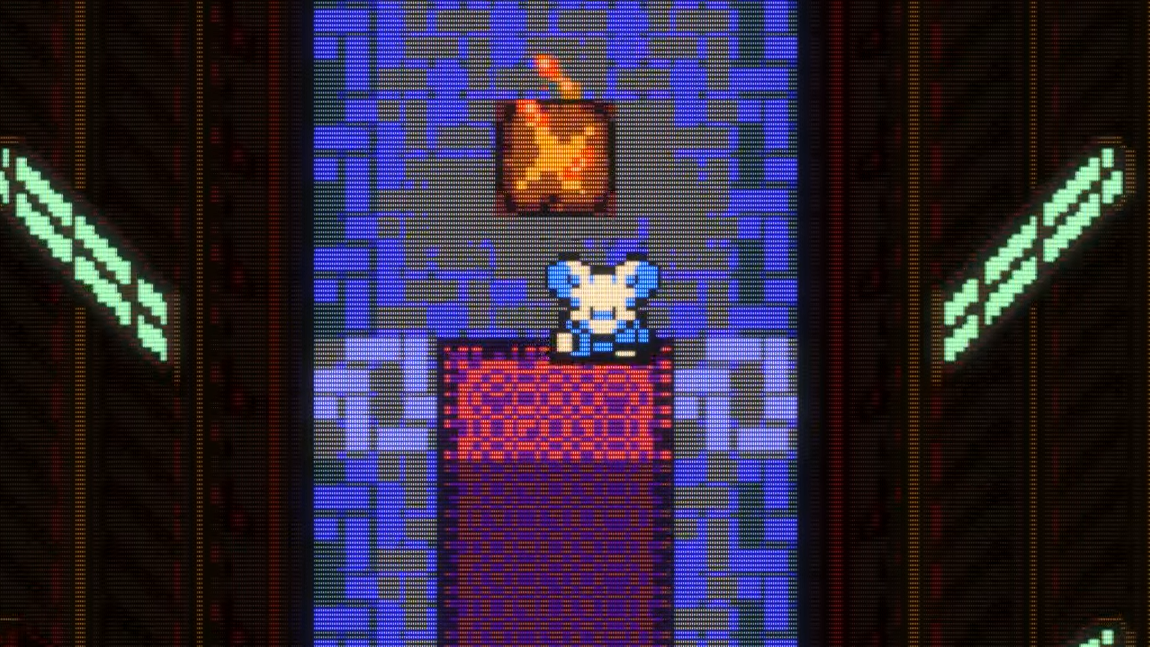
The shader overlays a CRT-style filter on top of Mina the Hollower’s native sprite output. It adds the kind of scanline merging, color bleed, and subtle phosphor glow that softened edges on real cathode-ray displays. The result keeps the game’s intended look intact while smoothing the hard pixel grid that modern monitors expose.
Each resolution file contains two presets. The default preset is sharper, while the composite preset is softer. You switch between them at runtime, so you can compare both without editing files.
Requirements before installing
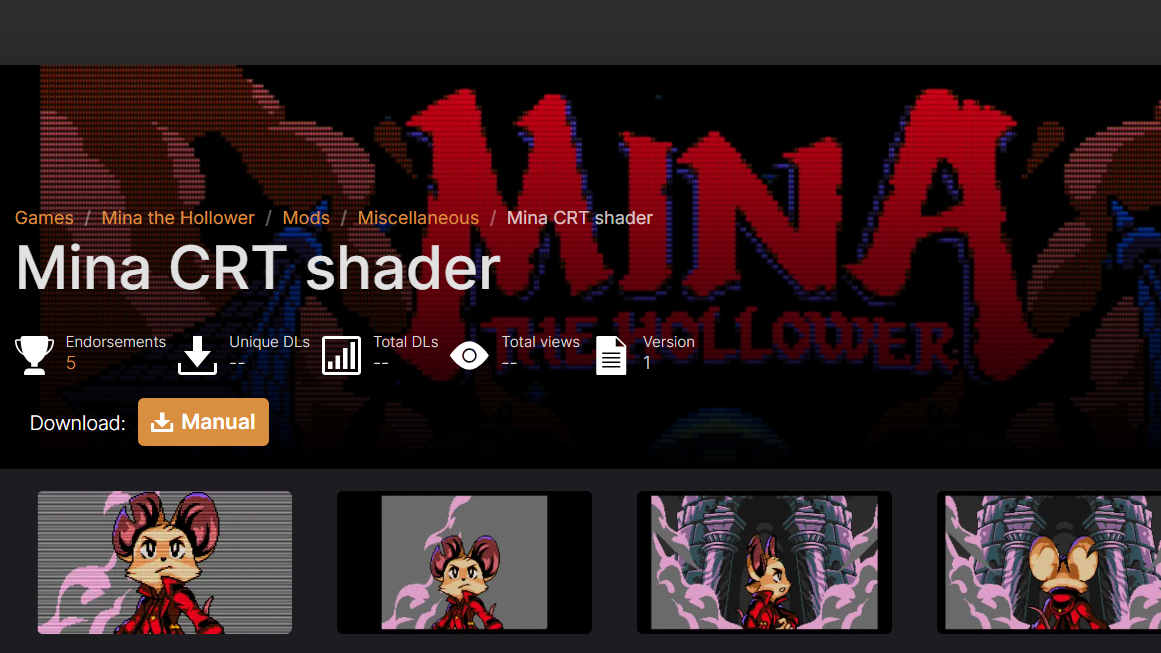
You need a working copy of Mina the Hollower and access to its installation folder, specifically the directory where the game’s executable lives. Pick the shader file that matches your display resolution, since the download is split by resolution.
Install the CRT shader for Mina the Hollower
You know it worked when the on-screen image shifts from a clean pixel grid to a CRT look with visible scanlines and softened edges. Tapping PageUp should visibly toggle between the harder and gentler versions of that effect.
Steam Deck configuration (Proton)
Running the shader on Steam Deck through Proton 11 requires a launch option so the rendering layer loads the shader. Set the following in the game’s properties under launch options.
WINEDLLOVERRIDES="dxgi=n,b" %command%With that override in place, launch the game as normal, and the CRT filter will apply the same way it does on a desktop install.
1440p display settings
For a 1440p screen, adjust the in-game video options so the shader scales cleanly. Set the pixel size to x9 and set the pixel scale to FIT. This keeps the scanline pattern aligned with the panel instead of producing uneven scaling.
Other BonusJZ shaders for Mina the Hollower
The same author offers additional display filters for the game. Installing more than one adds extra presets to the PageUp cycle, so you can rotate through several looks without swapping files.
| Shader | Look | Presets included |
|---|---|---|
| CRT | Scanlines, glow, soft blur | Default (sharper), composite (softer) |
| LCD Matrix | Handheld LCD grid | Default (sharper), composite (softer) |
| HD | Cleaner high-definition pass | Adds presets to the PageUp cycle |
Each of these installs the same way, by extracting into the game folder and launching. With multiple shaders present, PageUp steps through every available preset in turn, letting you settle on the one that matches how you remember handheld games looking.