Paralives launched in Early Access on May 25, 2026, and players moving over from other life sims have been asking whether a built house can be picked up and dropped onto a different lot the way it works in The Sims 4. The short version is that the workflow in Paralives is built around the build mode and the gallery-style sharing system rather than a single “move house” button.
What the build system actually supports
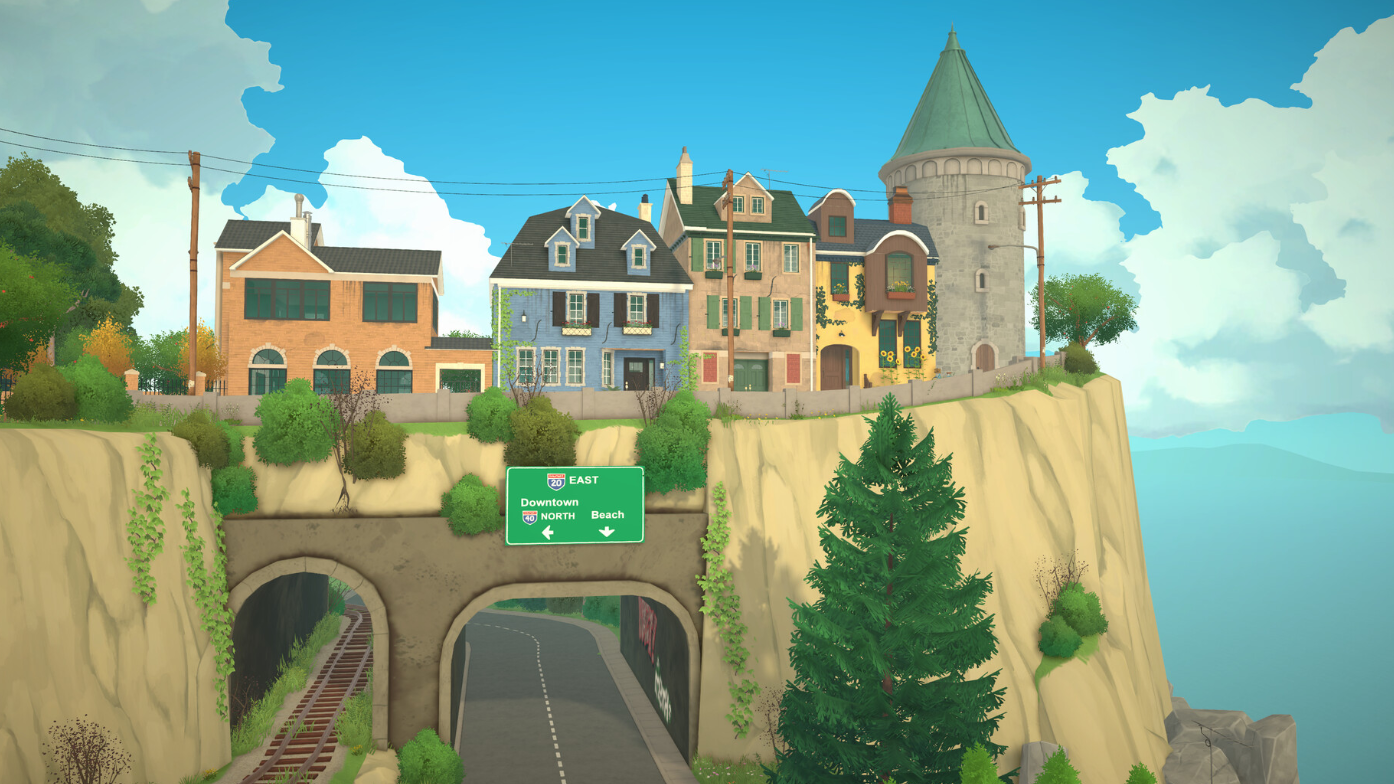
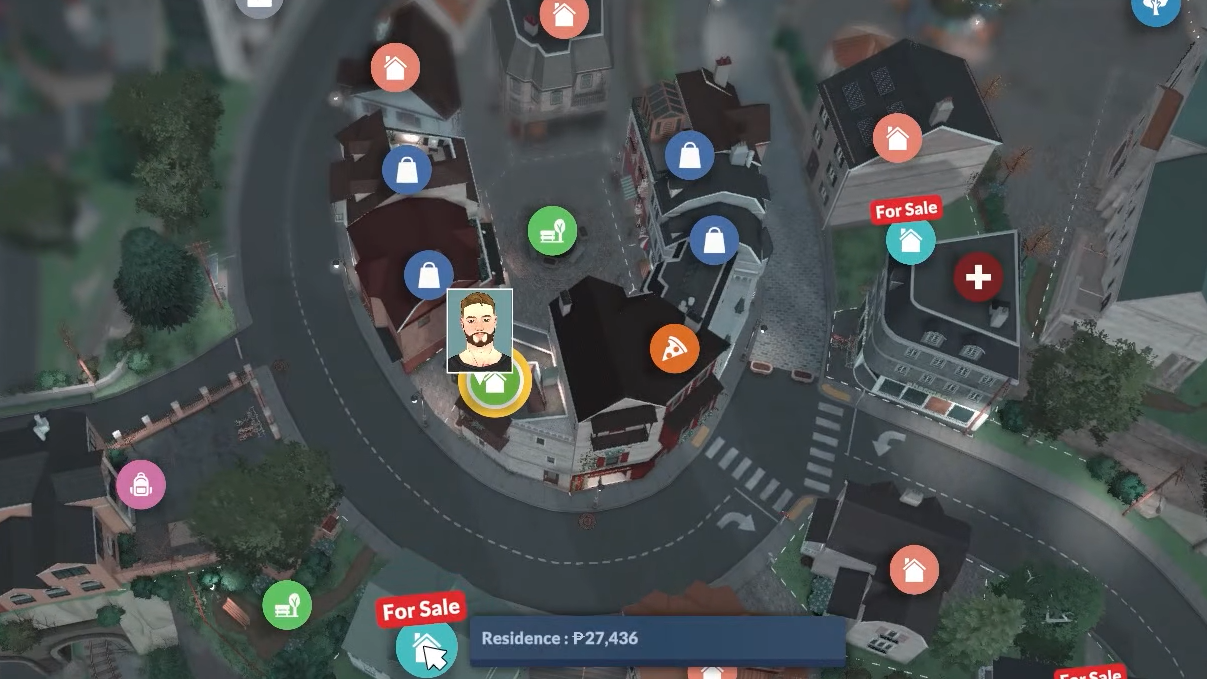
Paralives ships with a flexible build mode that lets you place rooms, walls, and objects freely on any buildable lot in Melino, the game’s world. Lots come in two main flavors: empty plots you can build on from scratch, and pre-built homes you can purchase and move into directly.
Because building is free-form rather than grid-locked, the practical way to “move” a house is to save the structure to your own library and then place it on the destination lot. This is the same pattern used for sharing builds through Steam Workshop, which Paralives supports for user creations and mods.
Swapping the house on a lot you already own
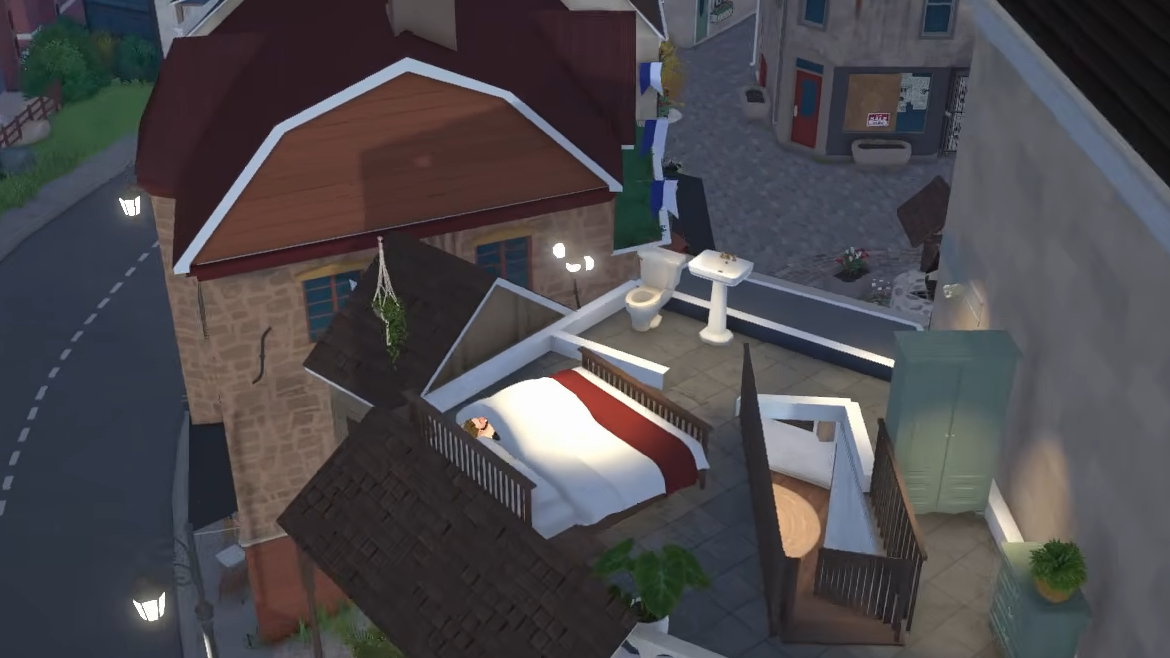
Moving a household to a different lot
Relocating the people, rather than the building, is the more reliable workflow. Households can move out of their current home and into another residential lot in Melino, taking their funds with them to purchase or build at the new address.
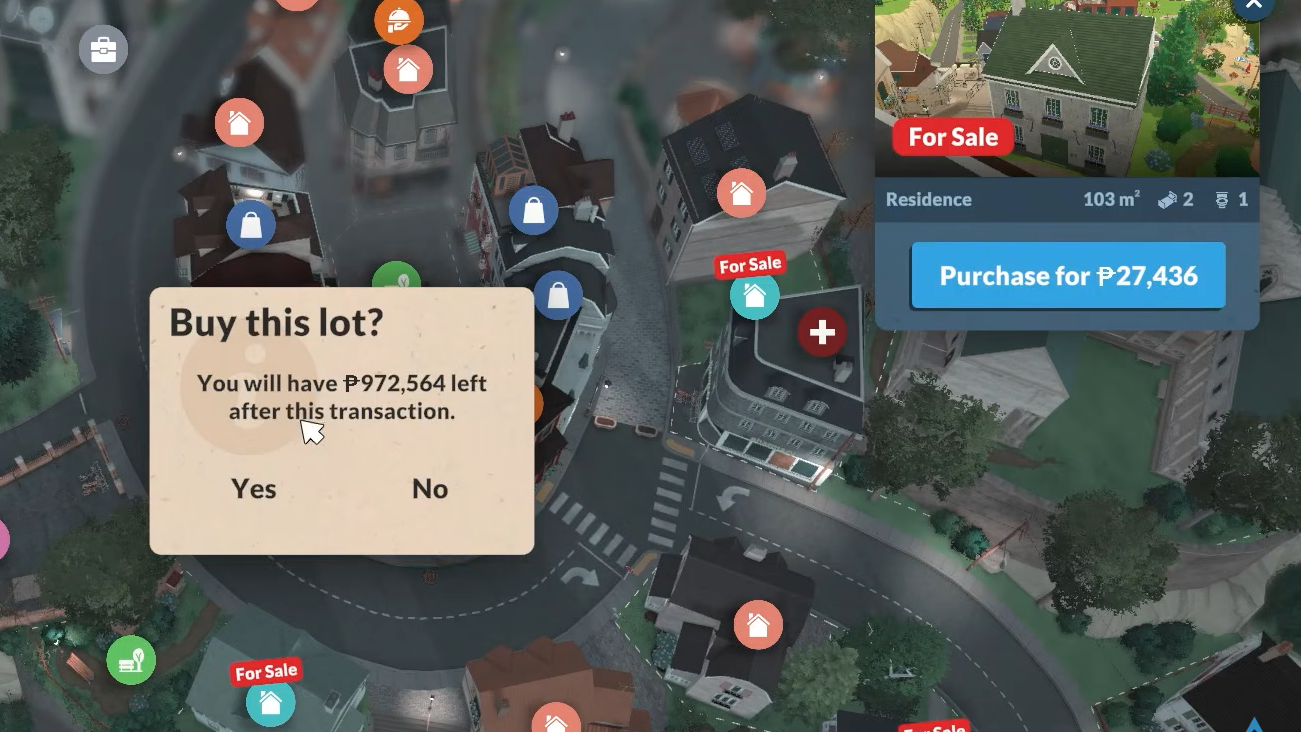
Why a direct “pick up the house” tool isn’t there
Lots in Paralives have fixed footprints and street orientations tied to the neighborhood layout. A finished house designed for one footprint won’t always fit another without rotation or resizing, which is why the library-and-replace flow exists instead of a one-click transplant. Saving the building first preserves the design so you can place it on any compatible lot later.
Verifying the move worked
| Check | Expected result |
|---|---|
| Lot ownership | The household appears as residents of the new lot on the world map. |
| Build placement | The placed house sits inside the lot boundary with no red collision markers. |
| Essential rooms | Each Parafolk has access to a bed, bathroom, and kitchen without warnings. |
| Front door | A door connects the interior to the street-facing path so visitors can enter. |
If a feature you expected isn’t in the build
Paralives is in Early Access, and the development team has stated that free expansions will continue to add features rather than paid DLC. If a more direct lot-to-lot house transfer tool is added later, it would arrive through one of those updates. For now, the save-to-library and rebuild workflow is the supported path, and Steam Workshop makes it straightforward to import builds shared by other players.
For official details on what the Early Access build includes and how updates will roll out, the developer’s FAQ page is the primary reference.