Update: Checked for new Navy Tycoon codes on June 04, 2026.
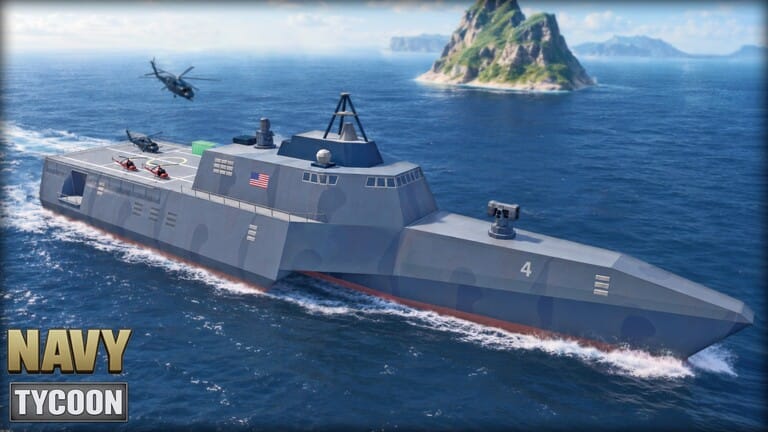
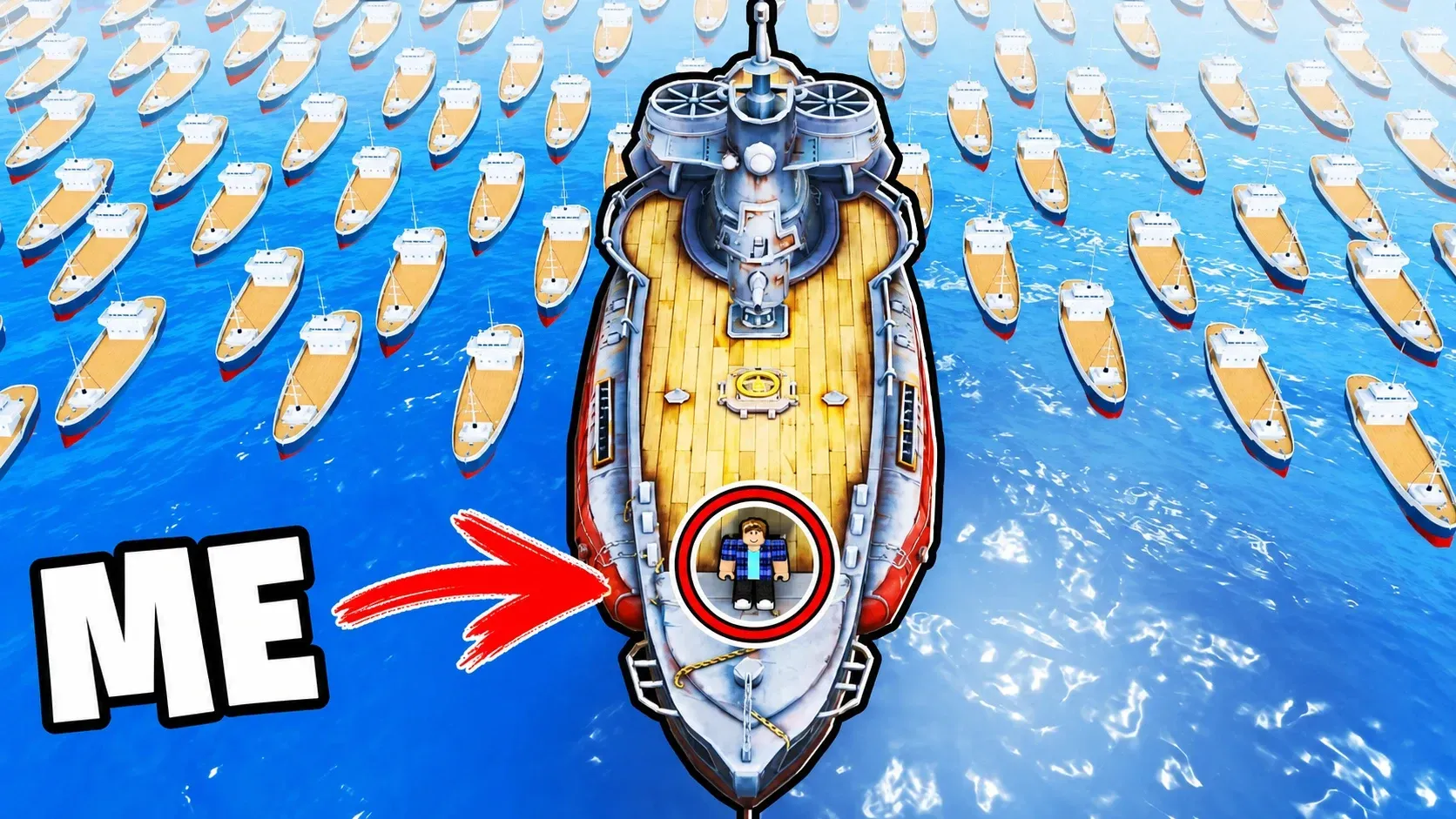
Navy Tycoon is a Roblox naval warfare tycoon game by Mega Studios where you construct a harbor, build out a fleet, and battle other players for control of the seas alongside a crew of five. Active codes hand out spins for the in-game lucky wheel, which can reward ships, cosmetics, and other items — a meaningful advantage when you’re trying to grow your base or unlock stronger vessels without the grind.
Working Navy Tycoon codes
SEASON2— 1 Spin NEWINDEPENDENCE— 1 Spin NEWBOMBERS— 1 Spin NEWCONSOLE— 1 Spin
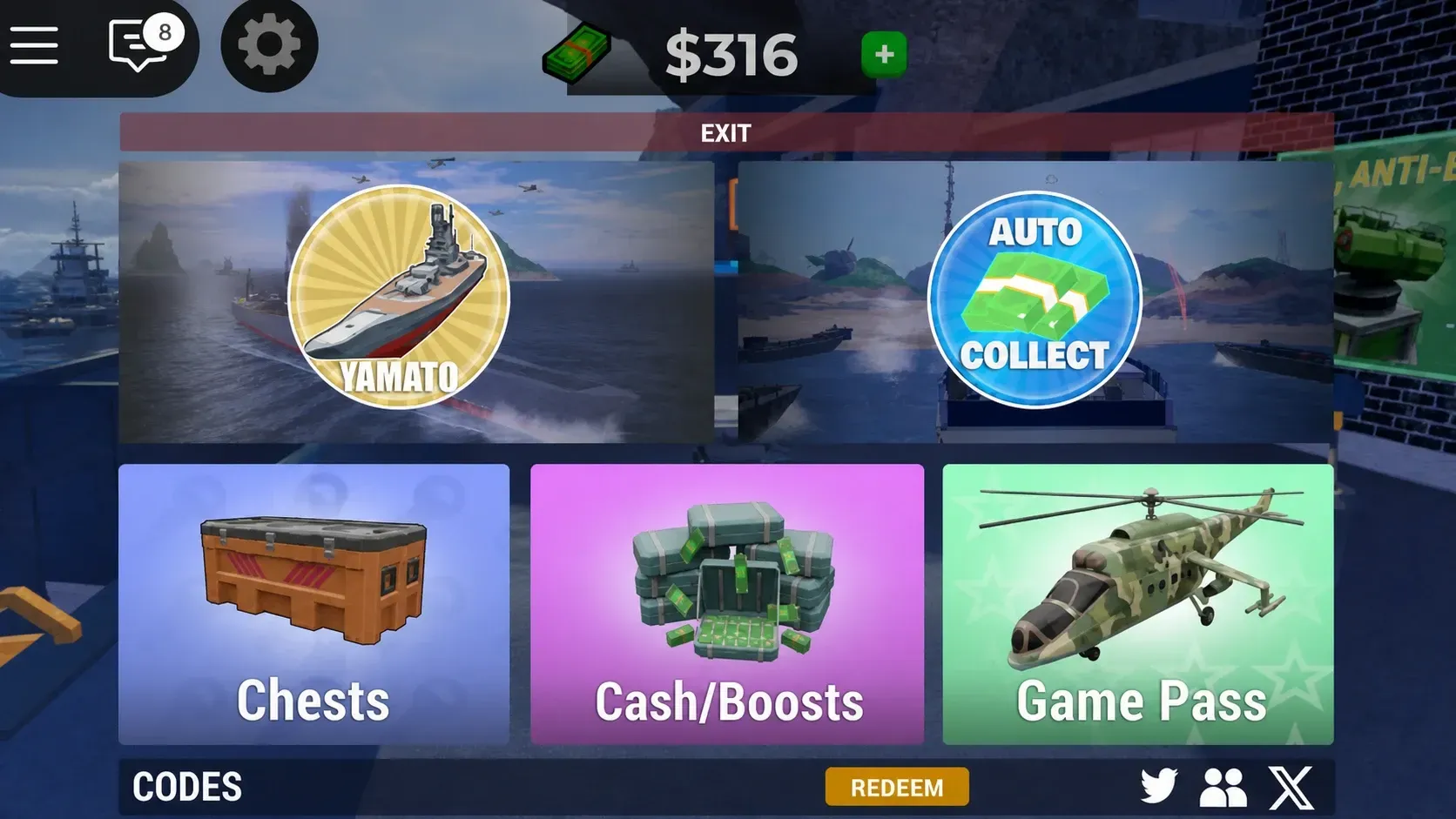
How to redeem Navy Tycoon codes
Expired Navy Tycoon codes
The codes below no longer work. They’re listed here for reference, as expired codes occasionally return during special events.
CLANSCRUISERSHOVERCRAFTLEGACYBISMARCKBUNKERCASHMONEYWAROCEANRELEASE
Mega Studios tends to drop new codes around major game updates, community milestones such as player and like counts, and seasonal events. The fastest way to catch them is through the official Navy Tycoon Discord server and the Mega Studios community page on Roblox, where the developer posts announcements directly. Redeem codes as soon as they appear — some expire within days of release.