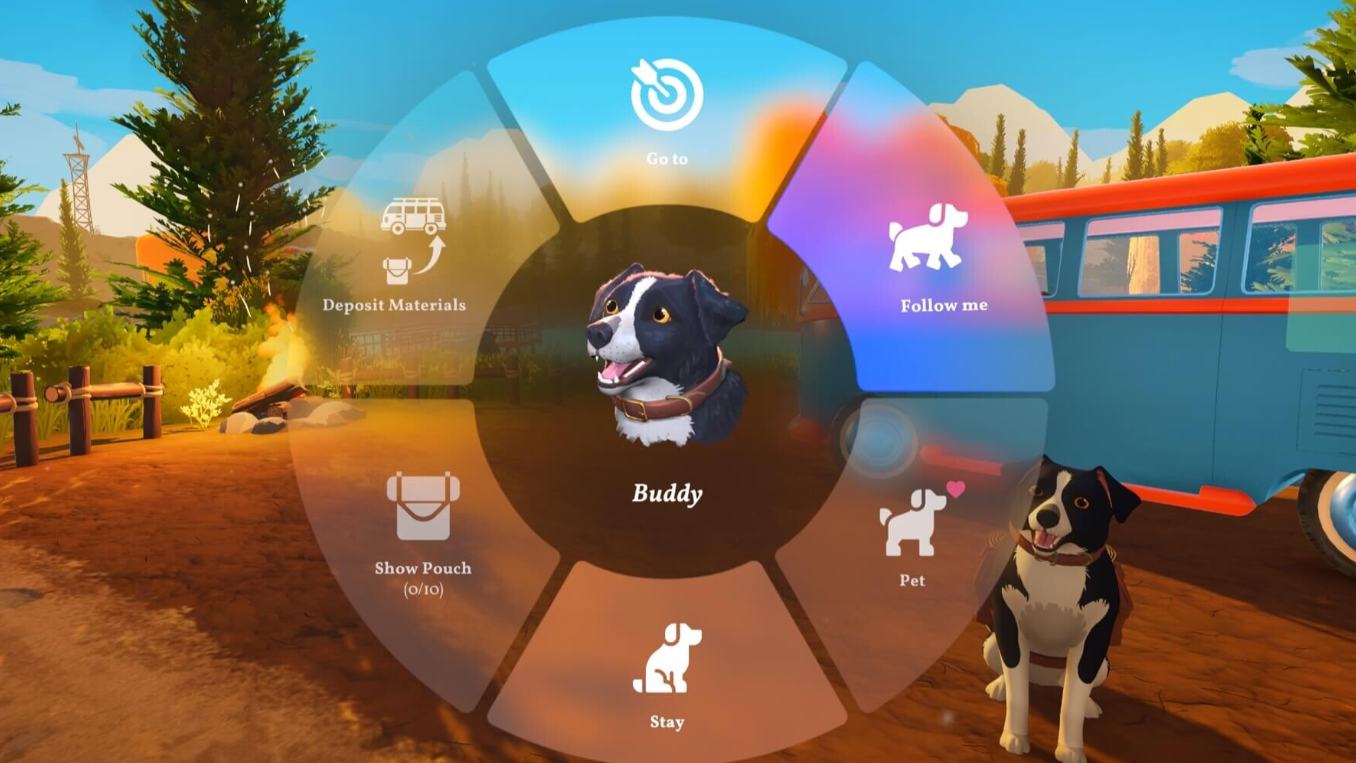
Crafting in Outbound runs on a simple loop. You scavenge resources and litter while exploring, recycle the trash into Download Vouchers, spend those vouchers at signal towers to unlock blueprints, and then build the items at workstations inside your van. Almost every meaningful upgrade in the game, from tools to vehicle parts, lives behind that chain.
Quick answer: Recycle litter at a Recycler to produce Download Vouchers, interact with a signal tower terminal to spend a voucher and pick a blueprint, then craft the item at your van’s workbench using the gathered materials.
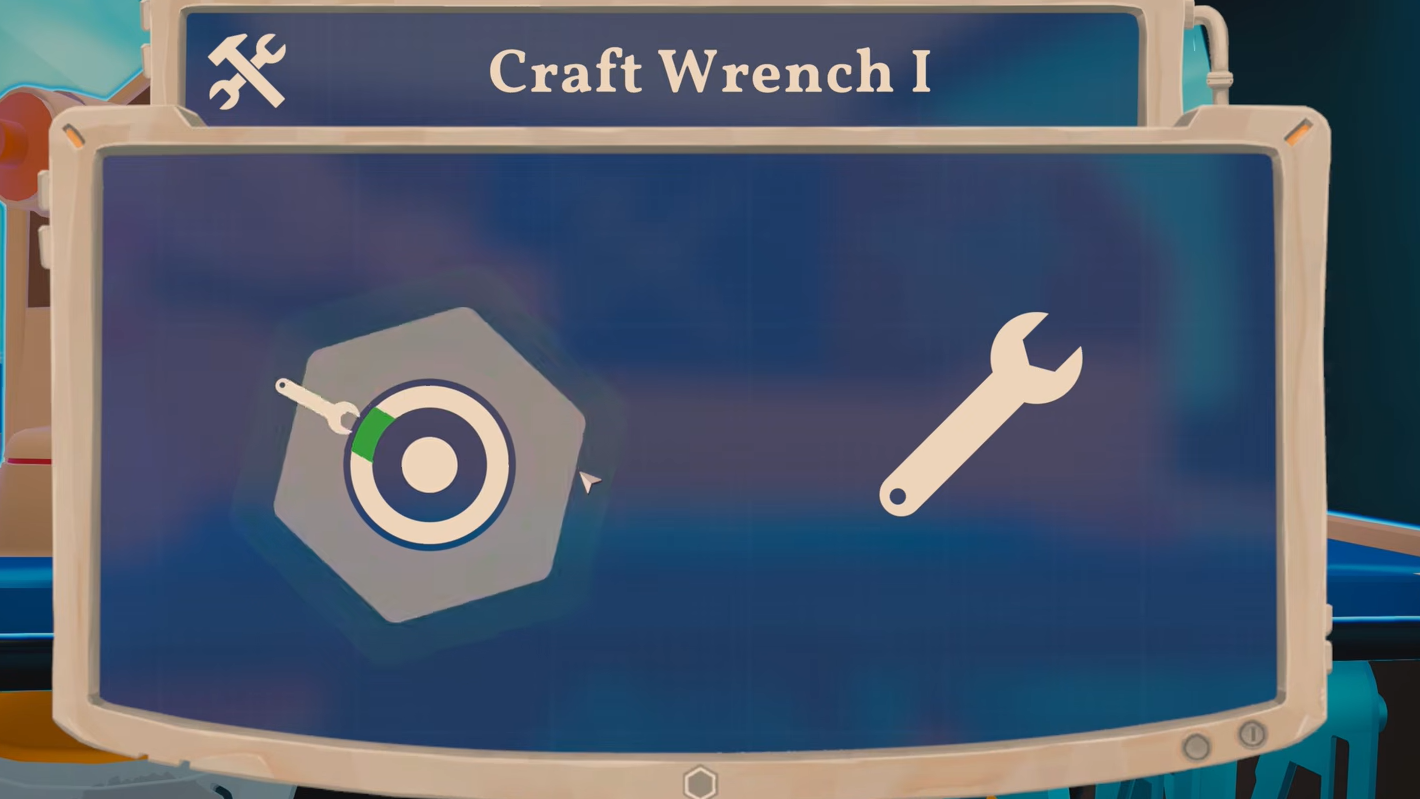
How the crafting loop works in Outbound
The progression chain is fixed, and you cannot shortcut it. Tools, stations, vehicle upgrades, storage, and decorations all need a blueprint downloaded first, and only signal towers (also called radio towers) hand those out. Vouchers are the currency that gates the towers.
The full sequence looks like this: collect litter and resources, run litter through the Recycler to produce vouchers, drive to a signal tower, spend a voucher on a blueprint, return to the van, and craft the item at the matching workstation. The first signal tower offers a free download, but every tower after that charges a Download Voucher per blueprint.
Recipes you skip at a tower are not lost permanently. The pool cycles them back into later tower offerings as you keep exploring, so you can prioritize a tool you need now without worrying about missing a cosmetic item forever.
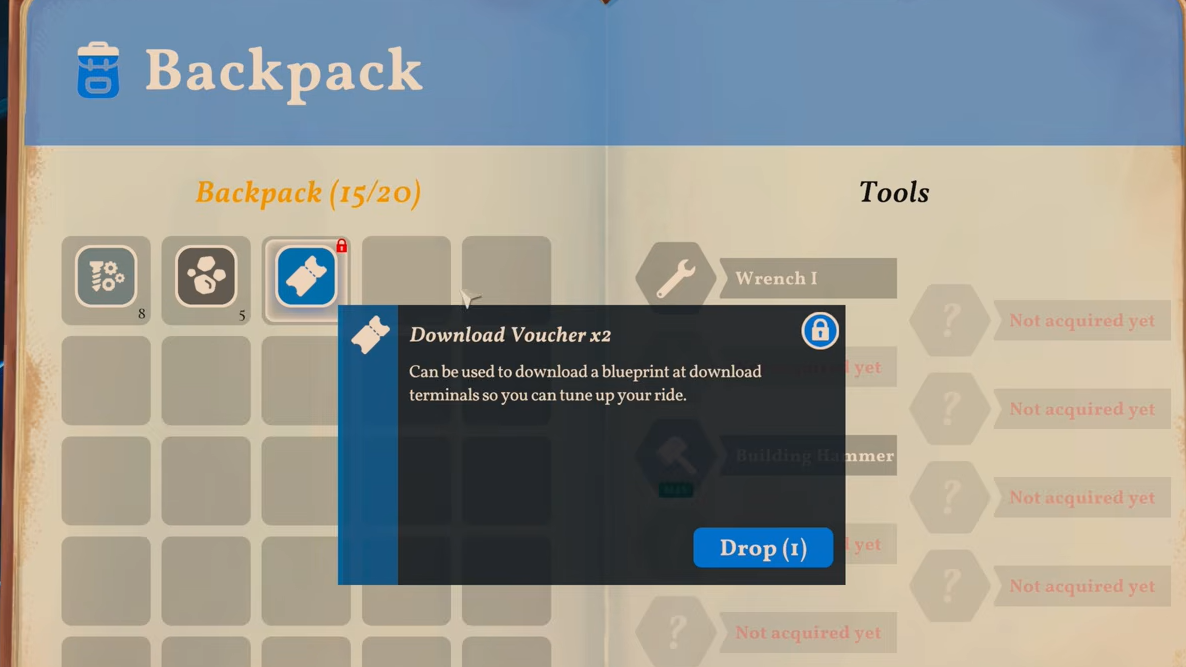
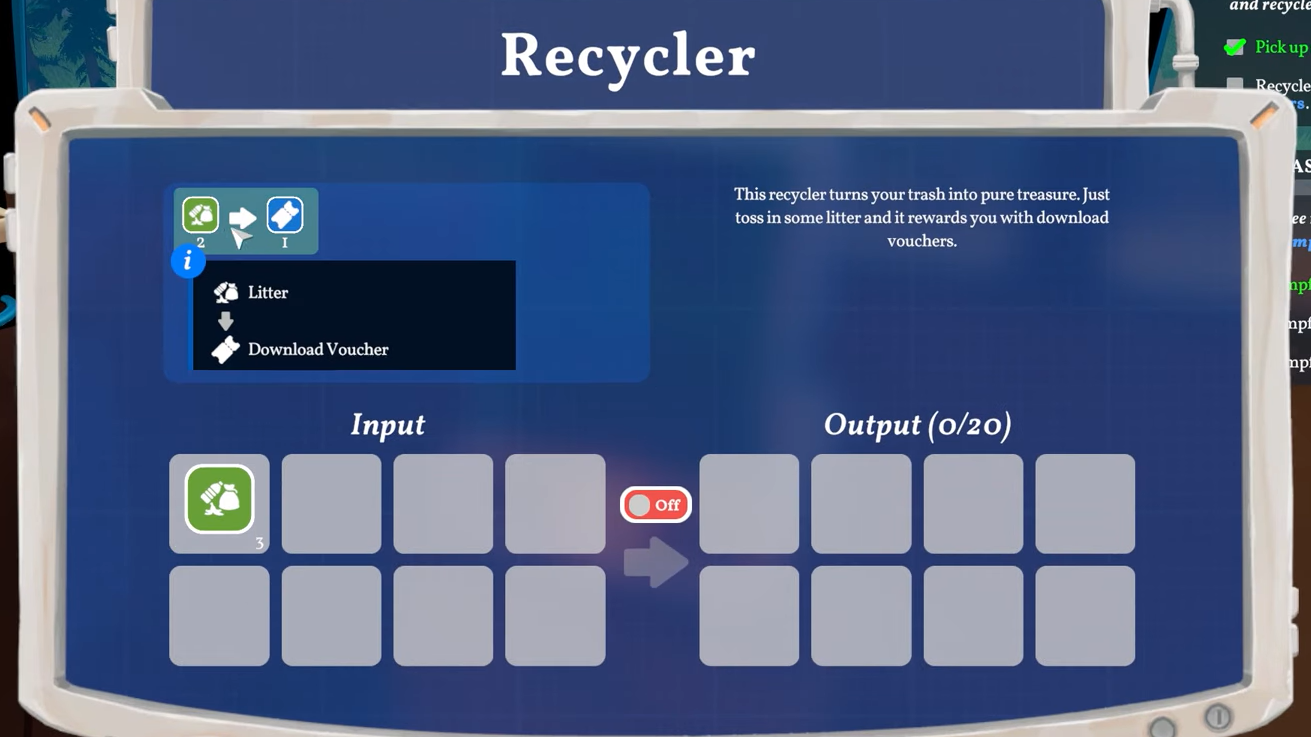
How to craft Download Vouchers
Vouchers come exclusively from the Recycler. You feed litter into it, and the machine converts that trash into Download Vouchers you can carry to towers.
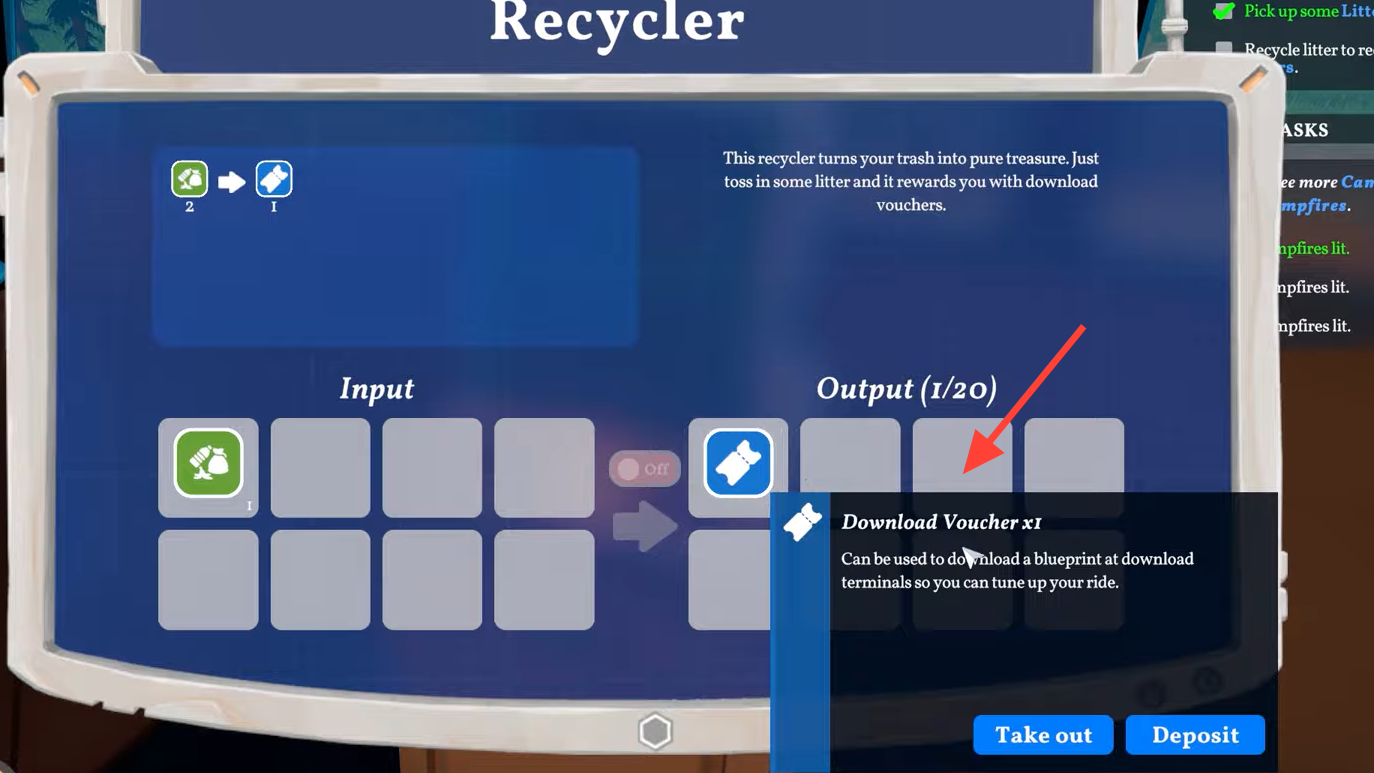
How to download a blueprint at a signal tower
Signal towers are scattered across the map and function as research terminals. Each one presents two or three blueprint choices per visit, mixing tools, stations, vehicle parts, and decorations.
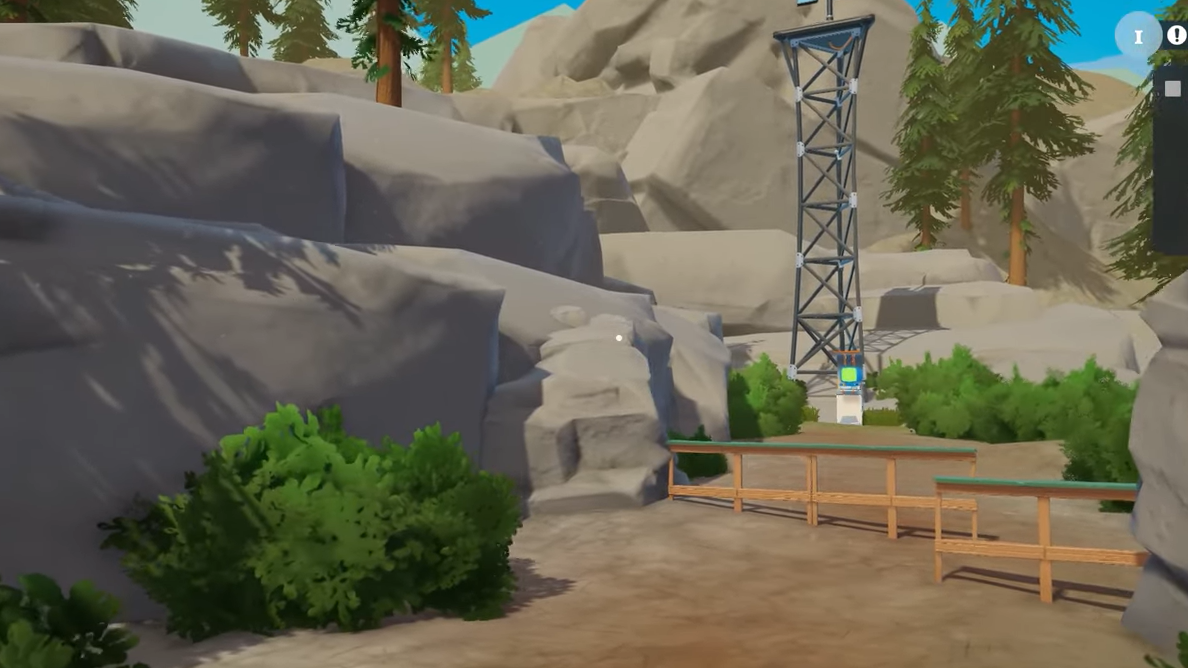
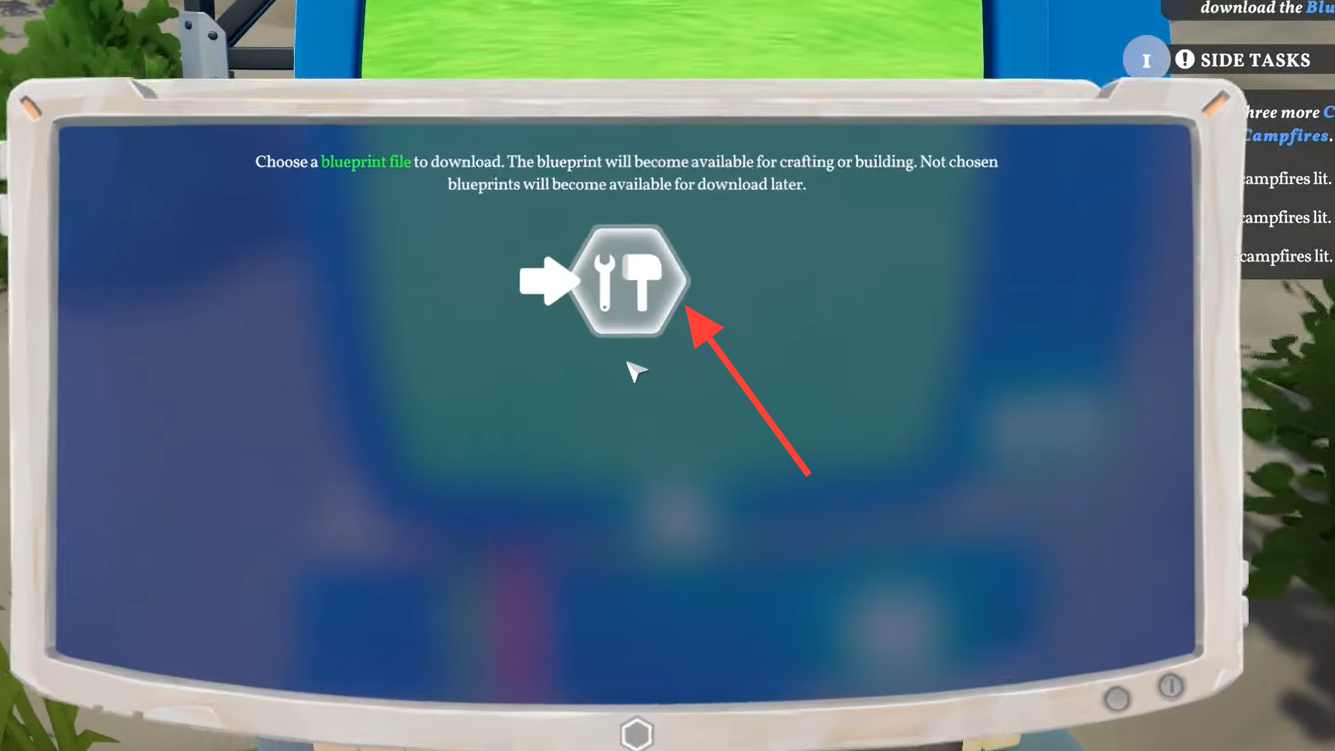
Some early towers offer fixed recipes, including the Sawmill, which sits at the forecast tower southeast of the Fire Lookout Tower. Others rotate offerings based on exploration progress, so visiting new towers as you push into fresh biomes is the main way to expand your recipe list.
How to craft items inside your van
Crafting itself happens at workstations placed inside or attached to your camper van. Each station handles a category of items, and the van’s building menu pulls materials directly from van storage.
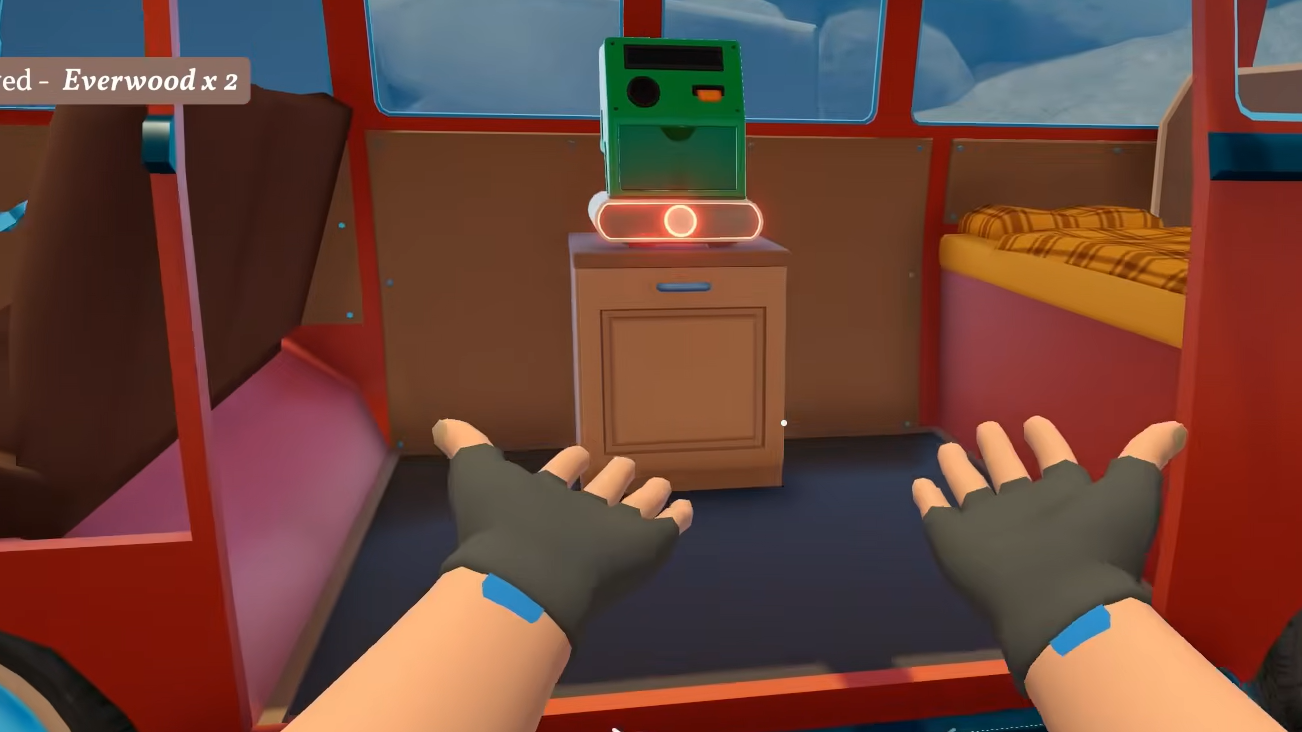
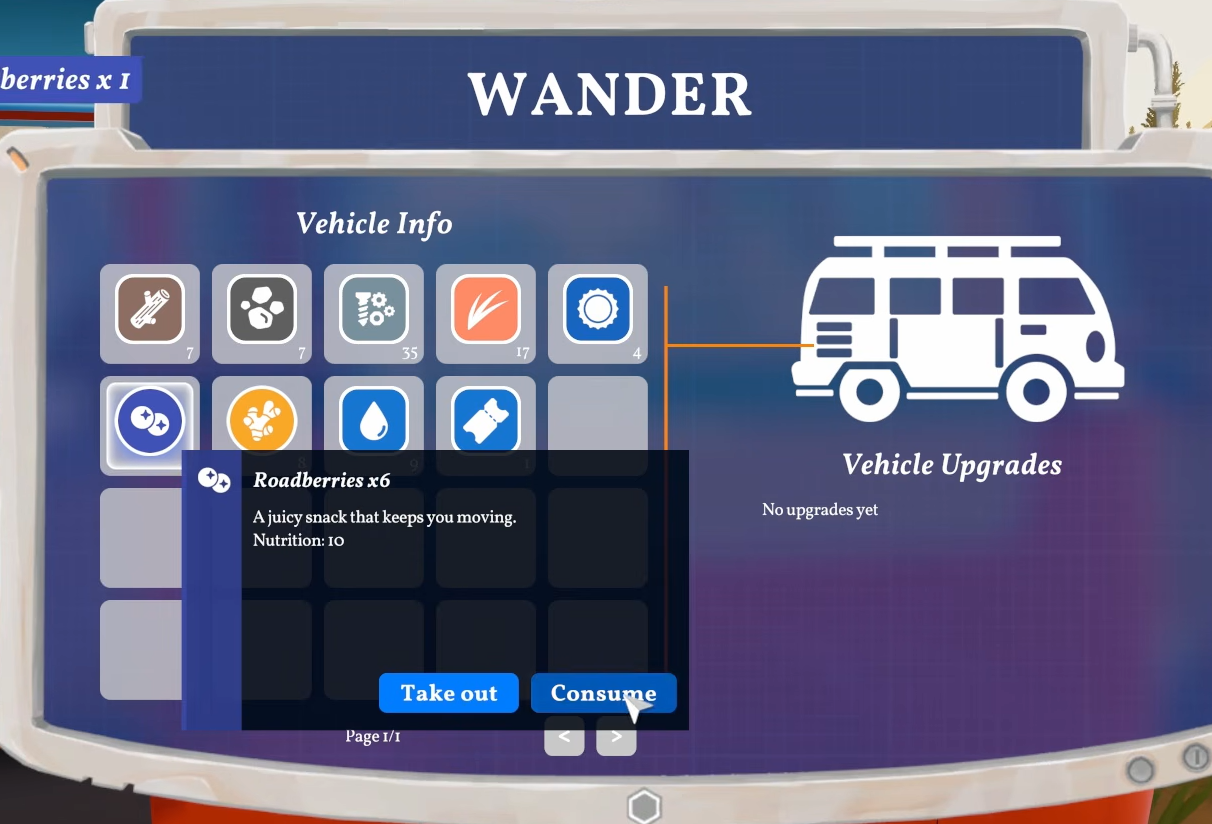
Key workstations and what they craft
| Workstation | Purpose | Why it matters early |
|---|---|---|
| Recycler | Converts litter into Download Vouchers | The only voucher source in the game |
| Workbench | Crafts basic tools like the wrench, hammer, axe, and pickaxe | Required for repairs and gathering |
| Sawmill | Processes raw Everwood into Everwood Planks | Planks are needed for most advanced building parts |
| Bolt Press | Turns scrap metal into crafted bolts | Required for many vehicle upgrades |
| Sewing Table | Crafts fabric items; costs 5 Fiber to build | Unlocks backpack and storage upgrades |
| Spinning Wheel | Produces Thread from Fiber | Feeds into sewing and clothing recipes |
| Vehicle Research Station | Unlocks payload and motor upgrades | Lets the van handle steep terrain and heavier loads |
Vehicle upgrade crafting
Vehicle upgrades sit on a separate track from regular tools and need their own blueprint chain. The Vehicle Research Station has to be built first, then specific upgrades like motor improvements or payload extensions are crafted using bolts from the Bolt Press and processed planks from the Sawmill.
Skipping these upgrades blocks access to several map areas. Steep slopes require a stronger motor, and a van loaded with raw logs and furniture drains its battery far faster than an upgraded one. Watching the motor info panel before long drives helps avoid stranding the vehicle.
How to confirm a craft or download worked
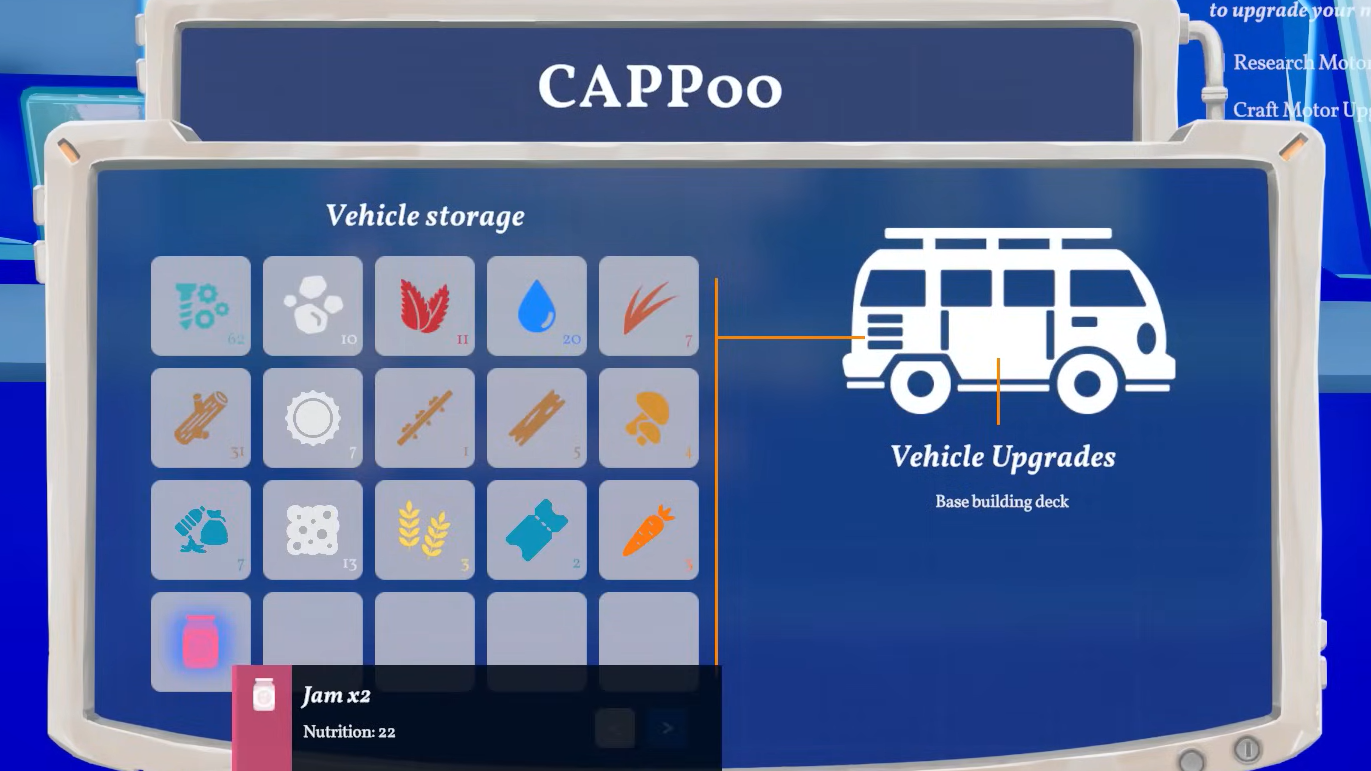
For blueprints, the terminal at the signal tower closes after the voucher is spent, and the new recipe appears inside the matching workstation’s menu or in the van’s building mode. If a recipe does not show up, the blueprint either was not selected, or the voucher was sitting in van storage instead of your backpack.
For crafted items, finished tools land directly in your backpack, and built stations appear in the van as placeable objects. Vehicle upgrades attach to the van during the install step and immediately update the corresponding stat, such as maximum payload or motor power.
Common reasons crafting fails to progress
- Vouchers stored in the van instead of carried in the backpack when visiting a tower.
- Litter recycled too sparingly, leaving you without vouchers for new biomes.
- Raw Everwood burned in the engine for fuel, leaving nothing for planks and base parts.
- Decoration blueprints prioritized over the Recycler, Sawmill, or Bolt Press.
- Backpack full when interacting with a workstation, blocking the finished item from being received.
Sticking to the Recycler, Workbench, Sawmill, Bolt Press, and Vehicle Research Station as the first major unlocks keeps the loop self-sustaining. Once those are in place, voucher income, plank supply, and vehicle range all scale together, and later blueprints stop feeling like bottlenecks.