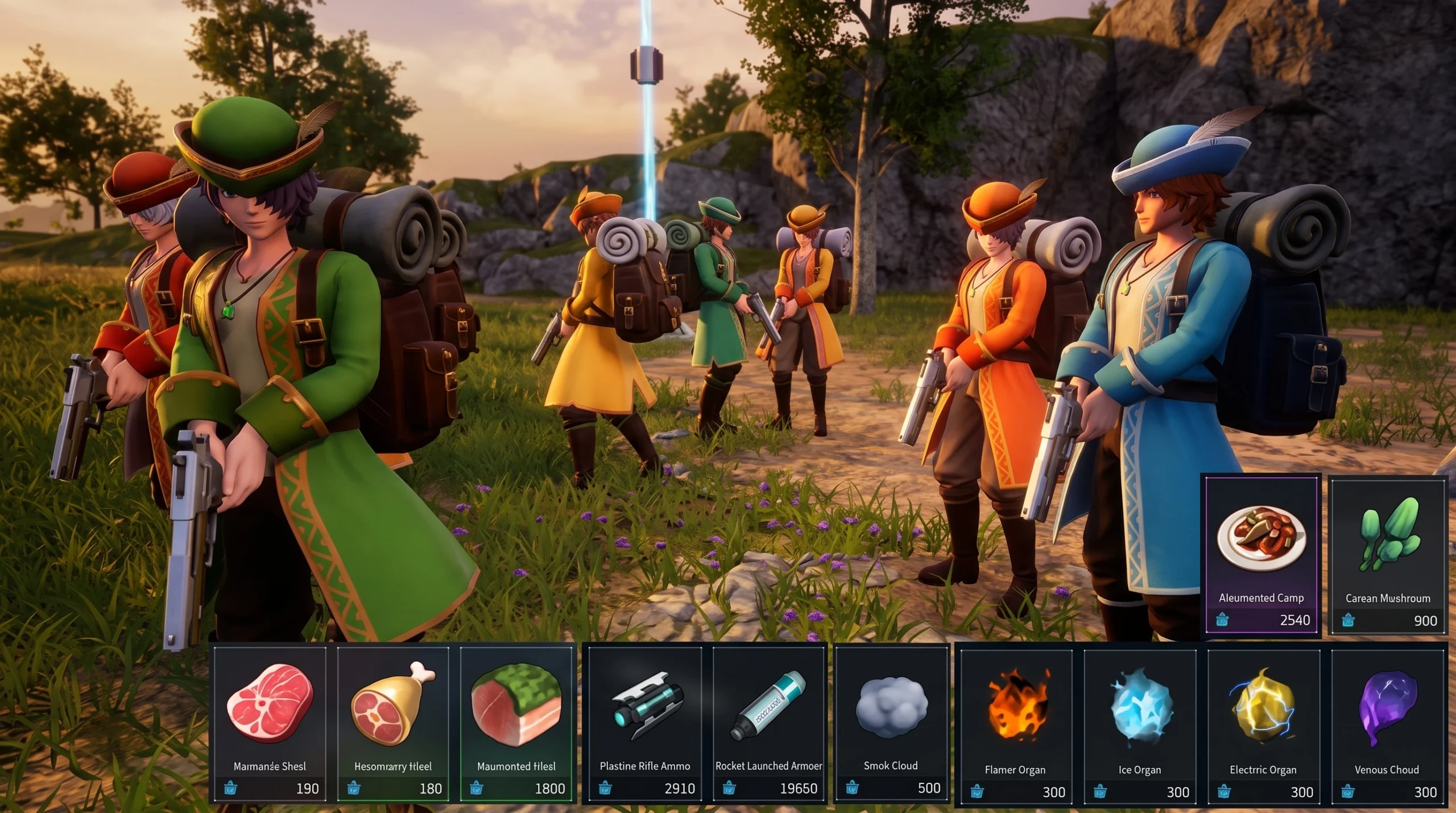
Visiting merchants in Palworld 1.0 walk down to your base at random, and you can capture them with a Pal Sphere just like a Pal. Once stored in your Palbox, a captured merchant can be summoned any time to open its shop, giving you a permanent, repeatable source of ammo, food, medicine, and Pal materials without traveling to a settlement.
Quick answer: Disassemble your base Palbox and immediately rebuild it in the same spot, then wait about 5 minutes for a visiting merchant to spawn and walk down the nearby hill. Catch it with a Pal Sphere, and it will be stored in your Palbox for repeat buying.

Force a visiting merchant to spawn at your base
Visiting merchants normally arrive on their own timer. Resetting the Palbox restarts that spawn check, so you can trigger a new visit on demand instead of waiting.

If raids are enabled in your world, a raid may spawn instead of a merchant. If raids are disabled and nothing appears after about 5 minutes, disassemble and rebuild the Palbox again to reroll the spawn.
Buy from a captured merchant
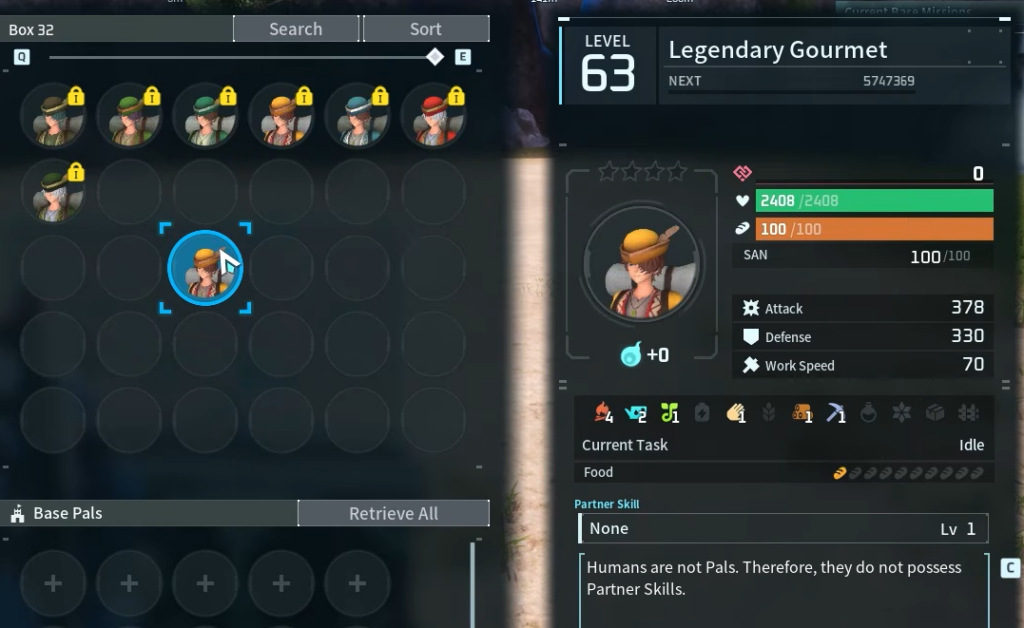
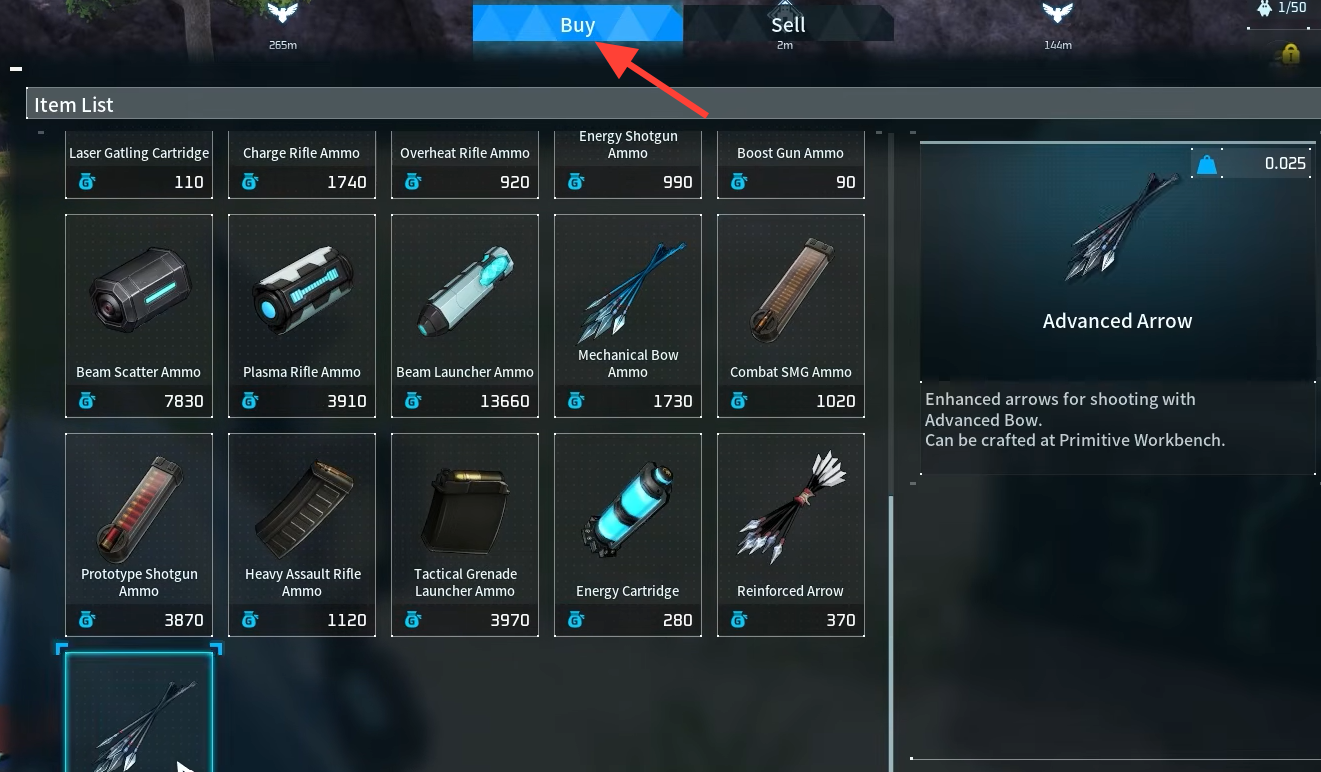
A captured merchant behaves like any stored resident. Open the Palbox Management Menu, summon the merchant you want, then interact with it and choose Buy to open its shop. You can keep several different merchants at once and summon whichever type of goods you need.
You know it worked when the merchant shows up in the Palbox roster after capture, and its inventory opens when you select Buy. Renaming each merchant (for example, “Ammo” or “Organ”) makes it easy to find the right shop later.
Merchant types and what they sell
Different merchants carry different stock, so the value of a capture depends on which type walks down. The highest-level ones cover the widest range of goods.
| Merchant (Level) | Sells |
|---|---|
| Ammo Merchant (70) | Every ammo type, including Arrow, Handgun Ammo, Rifle Ammo, Shotgun Shell, Assault Rifle Ammo, Rocket Ammo, Flamethrower Fuel, Plasma Cartridge, Laser Gatling Cartridge, Meteorite Ammo, and Grenade Ammo. |
| Farming Merchant (66) | Crop seeds and produce: Berry Seeds, Wheat, Tomato, Lettuce, Potato, Carrot, Onion, plus Mushroom, Cavern Mushroom, and Mysterious Mushroom. |
| Medicine Merchant (70) | Medical Supplies at every grade, plus Low Quality and High Quality Recovery Meds, Suspicious Juice, and Strange Juice. |
| Prepared Food Merchant (70) | Cooked dishes such as Omelet, Mushroom Soup, Marinated Mushrooms, Seafood Salad, Eikthyrdeer Stew, Mammorest Curry, and Galeclaw Nikujaga. |
| Pal Materials Merchant (70) | Wool, Leather, Bone, Horn, Flame Organ, Ice Organ, Electric Organ, Venom Gland, High Quality Pal Oil, and Pal-specific drops like Katress Hair and Penking Plume. |
| Wandering Merchant (56) | Hat schematics, Pal Sphere, Simple Bait, basic crops and meats, plus low-tier medical supplies and organs. |
| Paldium Merchant (36) | Paldium Fragment, Skill Fruit: Implode, Acid Rain and Lock-on Laser skill fruits, and basic resources like Wool, Leather, and Bone. |
Because each summon reopens the same stock, keeping one of each high-level merchant turns your base into a standing supply line for ammunition, healing items, cooking ingredients, and crafting materials. Reset the Palbox whenever you want to try for a new merchant type to add to the collection.