Once a Para is living in a household, Paralives locks the Paramaker behind the scenes. Live Mode lets you swap outfits and accessories, but the face, body, height, voice, personality traits, and skills can’t be touched through the normal interface. The Early Access build ships with a developer cheat that reopens the full character creator on whichever Para you have selected, letting you rewrite those locked attributes without starting a new save.
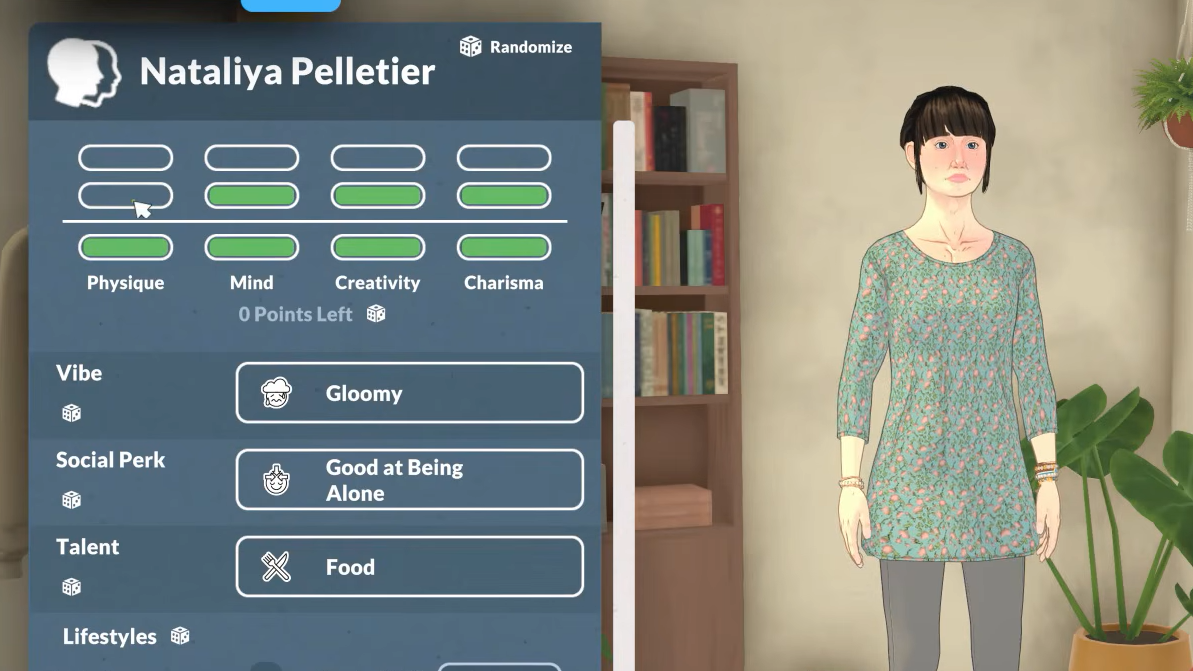
What EDITCHARACTER changes
The command pushes the active Para straight back into the Paramaker with every tab unlocked. Confirming your edits drops the Para back into the house with the new model and stats applied, and the rest of the household, save file, and world state remain intact.
| Category | Editable after launch |
|---|---|
| Appearance | Face, body shape, height, hair, makeup, tattoos |
| Identity | Voice options, pregnancy settings |
| Personality | Traits and talent choices |
| Wardrobe | All four outfit slots and any extra saved looks |
How to use the EDITCHARACTER cheat
EDITCHARACTER and press Enter. The Paramaker loads with the selected Para already on the editing platform.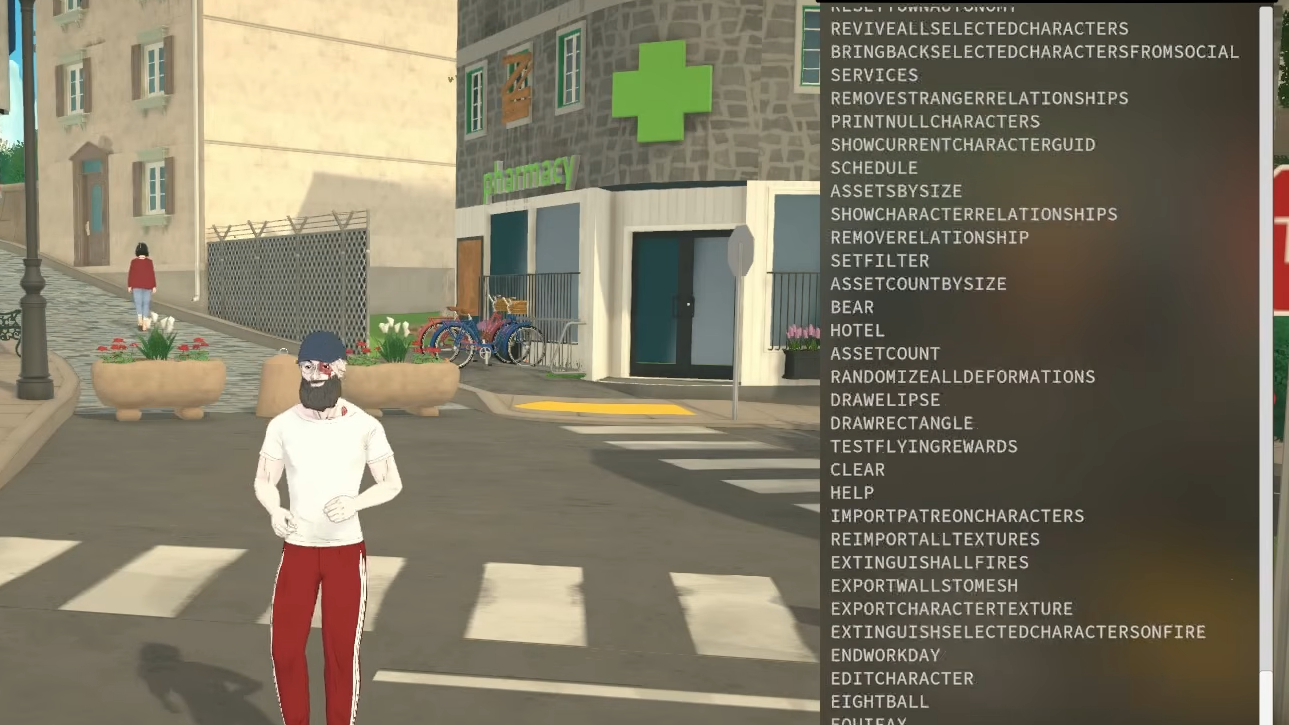
What you can change without cheats
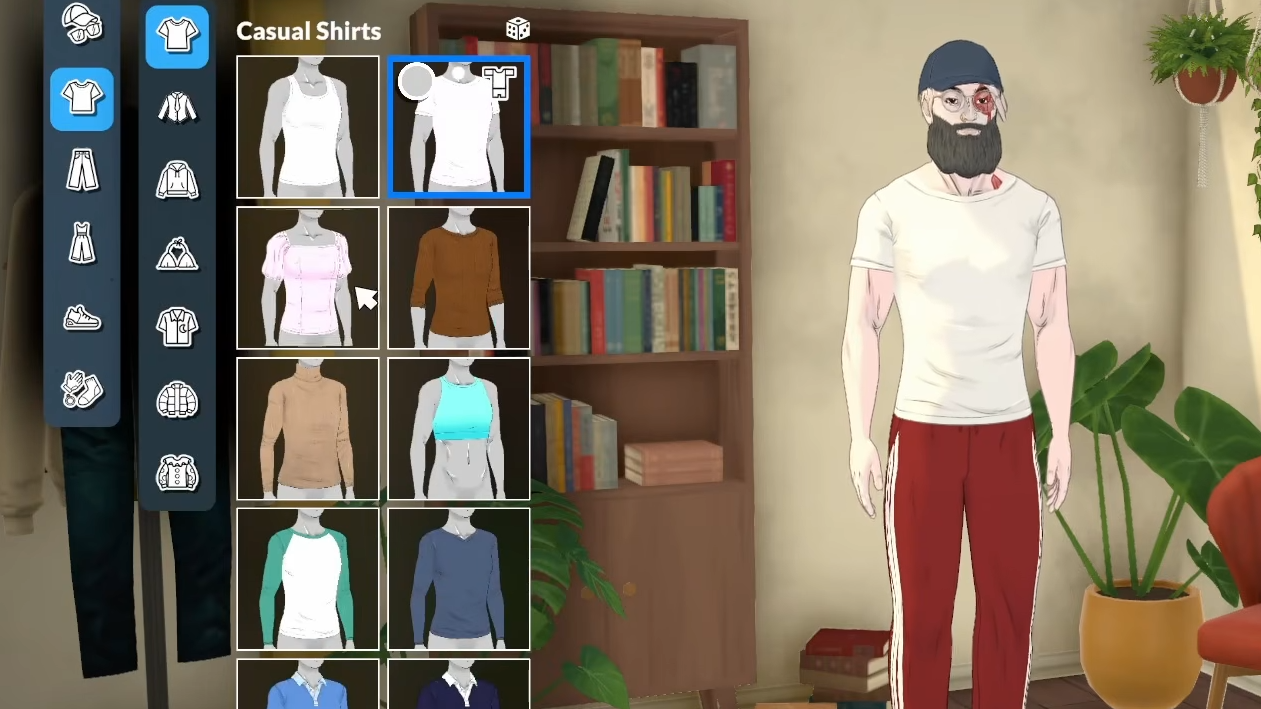
Not every appearance tweak requires the console. Outfits are fully editable in Live Mode through the wardrobe system, which is the official, supported way to change how a Para looks day to day.
Every Para has four default outfit slots filled during creation: Casual, Formal, Workout, and Pajamas. The game swaps between them automatically based on what the Para is doing, like sleeping or heading to work. To change one manually, click the active Para and use the white shirt icon under their name. Opening the wardrobe pauses time, so picking a new look doesn’t burn in-game hours.
Clicking directly on a wardrobe or dresser in the house also works. The Para walks over and physically changes clothes at the furniture.
Adding extra outfits beyond the four presets
You’re not capped at the four default slots. Inside the clothing menu, the Create New Outfit button at the bottom opens a trimmed-down Paramaker focused on clothes, hair, and makeup. Genetic sliders are disabled here, since this menu only handles looks rather than the underlying character.
To duplicate an existing outfit instead of building one from scratch, look at the top-right of the screen, just below the main outfit category icons. A small three-dot button opens a hidden sub-menu where the plus button clones the currently selected preset. From there, you can repaint, restyle, or swap accessories without overwriting your original. There’s no obvious limit on how many variants you can stack per category.
Why the cheat might not work
A few specific conditions stop EDITCHARACTER from doing anything useful:
- No Para is selected when the command runs. The cheat targets the active character only.
- The command was mistyped. It must be entered exactly as
EDITCHARACTER. - The console wasn’t opened first. Pressing Enter on the in-game chat or any other field won’t trigger it.
The cheat list itself is still in flux during Early Access. The development team has stated that many of the roughly 300 internal commands may be removed, hidden, or reworked before full release, so the exact behavior of any cheat can shift between patches. EDITCHARACTER is one of the player-facing commands left active in the current build, alongside money, skill, need, and lifestage cheats.