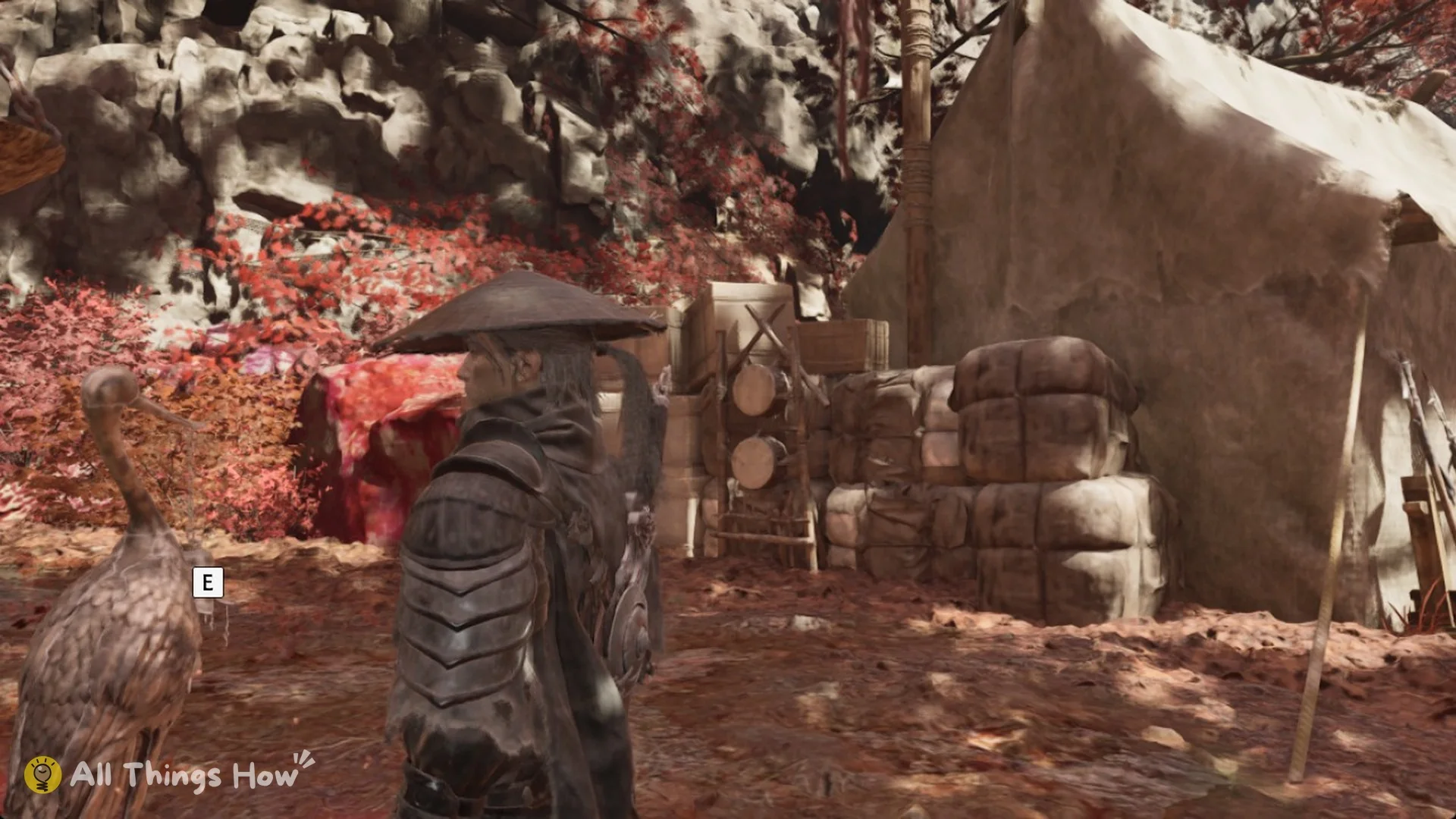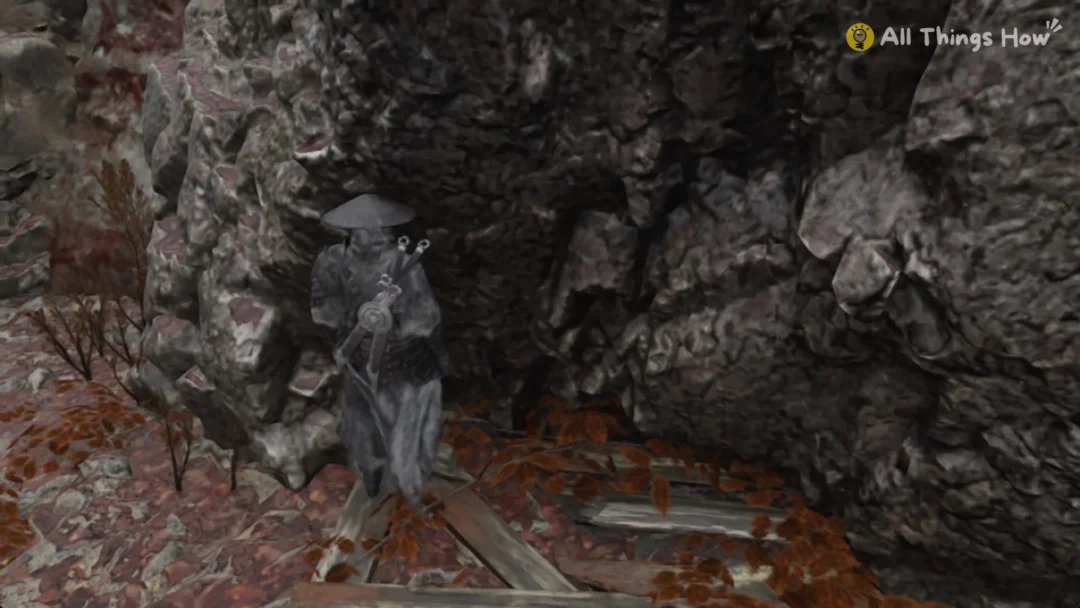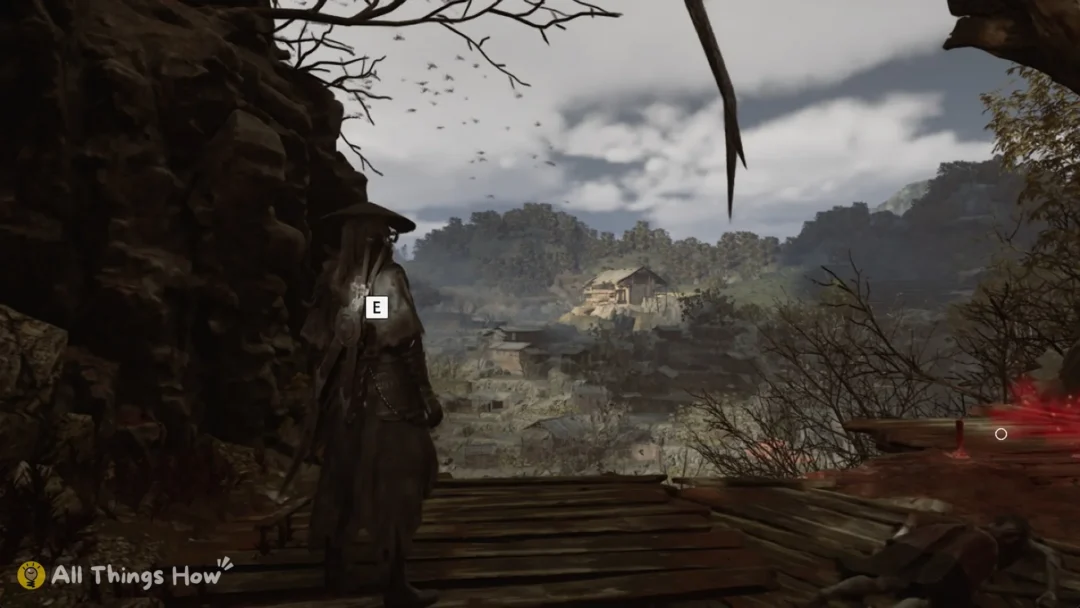
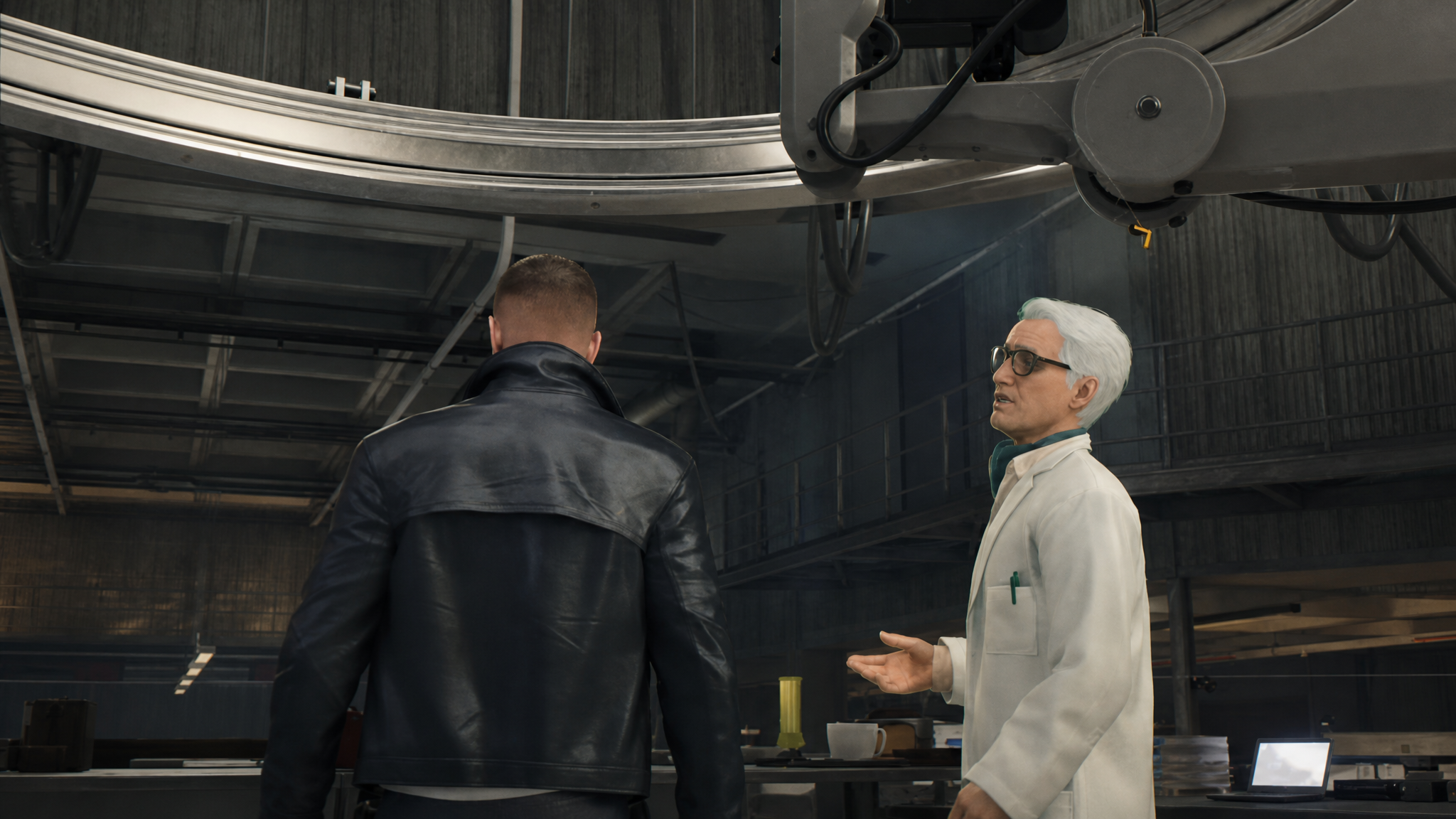
The Q-Lens and Q-Watch in 007 First Light work as a single linked system rather than two separate tools. The Q-Lens is the scanning view that highlights enemies, hackable devices, and interactables, while the Q-Watch is the hub that fires whichever gadgets you have equipped in your loadout. You access the watch’s gadgets through the lens, so one button press sets up the other.
Q-Lens controls and what it reveals
The Q-Lens is not a separate item in the inventory. It is a tactical vision mode that overlays a wireframe view on the environment as long as the button is held. Release the button, and the view returns to normal.
| Platform | Q-Lens button |
|---|---|
| PlayStation 5 | Hold L1 |
| Xbox Series X|S | Hold LB |
| PC (keyboard) | Hold Alt |
While the lens is active, you can see enemy positions through walls, locate CCTV cameras and electronic locks for remote interaction, and spot intel terminals, keys, keycards, and collectible items carried by NPCs. Holding it constantly during movement is the intended playstyle, since most rooms contain at least one hackable or interactable object that is invisible without it.
How the Q-Watch fires gadgets
The Omega Q-Watch is the delivery system for every gadget in Bond’s loadout. You do not select gadgets from a wheel mid-mission. Instead, four gadgets are bound to four buttons before the mission starts, and you trigger them from inside the Q-Lens view.
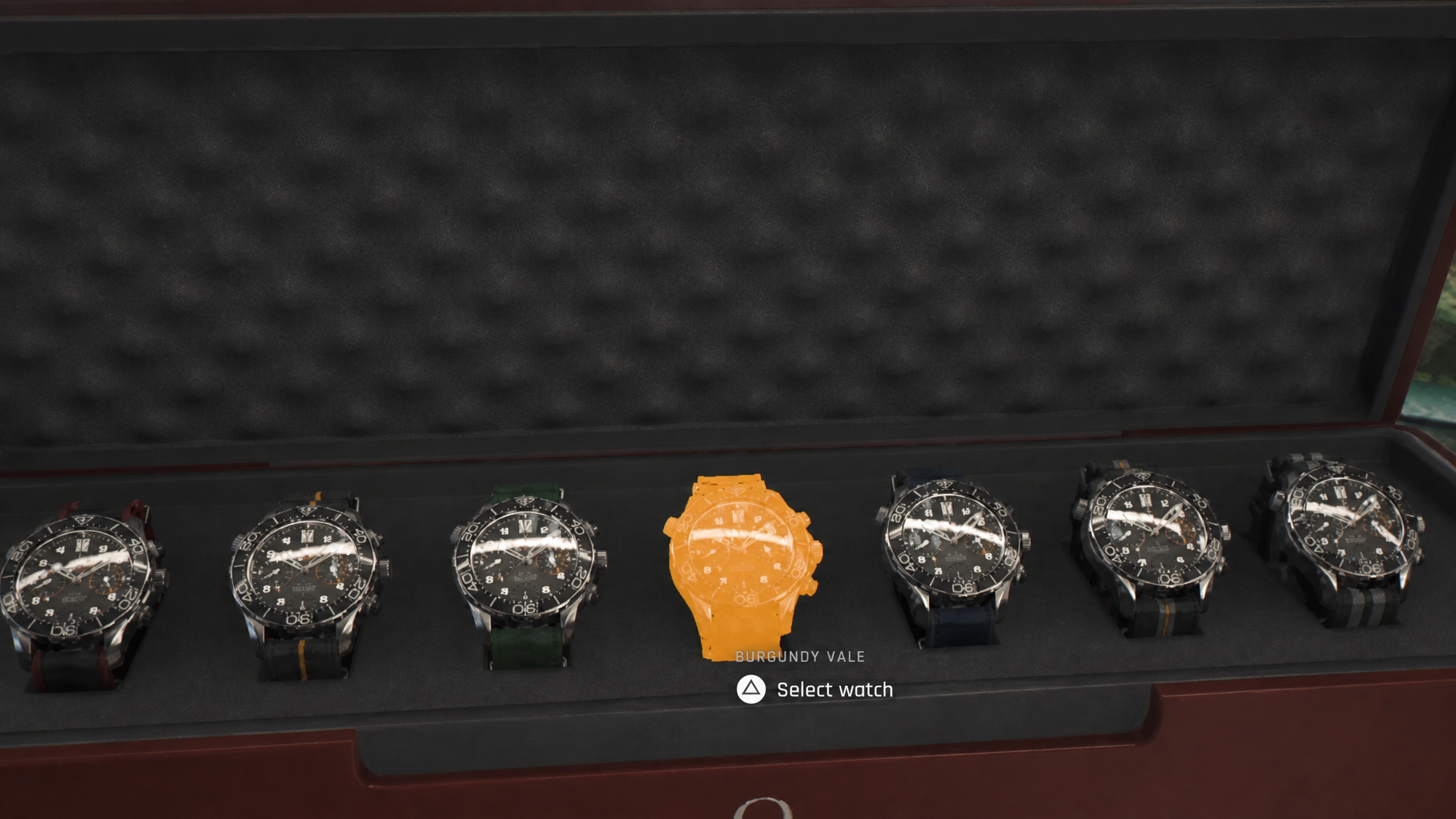
The watch’s built-in laser strap is the simplest example. Aim the lens at a switch, padlock, or suspended object, and the laser cuts or activates it without making a sound. Other slots can hold the Dart Phone, Flash Mine Earphones, EMP charges, or other unlocks that arrive as the campaign progresses.
Choosing your loadout before a mission
Loadout choice is where the gadget system actually opens up. Each mission lets you pick a small set of tools that fit the environment, and those choices determine which approaches are available once you are inside.
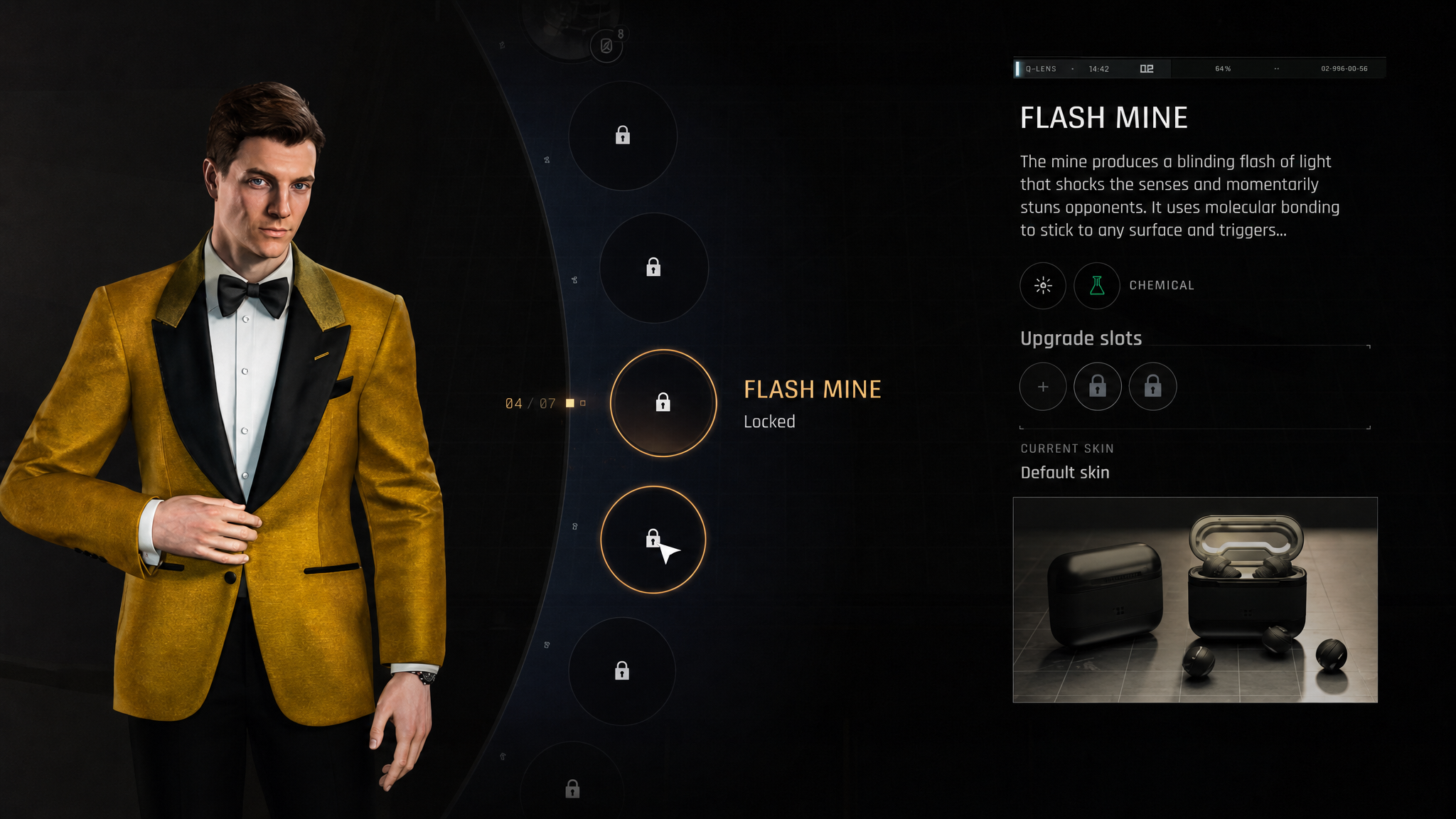
| Gadget | Primary use | Best for |
|---|---|---|
| Q-Watch laser | Cuts ropes, padlocks, and activates objects; dazes enemies | Silent entry, dropping suspended objects on guard groups |
| Dart Phone | Fires non-lethal darts; can also trigger nearby electronics | Stealth removals, distractions, making NPCs leave posts |
| Flash Mine Earphones | Throwable flash and noise distraction | Luring guards into isolation for takedowns |
| EMP Watch Charges | Disables cameras, laser grids, biometric locks | Reaching restricted intel rooms and server areas |
A stealth-leaning loadout typically pairs the Dart Phone with EMP charges to silence electronics and pull guards out of position. A more aggressive setup leans on the Flash Mine and the laser to break sightlines and trigger environmental kills. The four-slot limit means you commit to a style before going in.
Battery and chemical resources
Q-Watch gadgets do not have infinite uses. Electronic tools consume battery charge, and chemical-based gadgets like the Dart Phone draw from a separate chemical resource. Both are tracked on the watch interface.
You refill the battery by interacting with electrical devices marked with a blue battery icon when the Q-Lens is active. Chemical refills come from pickups placed around levels. EMP charges, in particular, are limited per mission, so saving them for biometric safes and laser grids in late-mission intel rooms is more useful than burning them on early cameras; a silenced pistol can disable them instead.
Common reasons a gadget will not fire
When the Q-Watch refuses to act on a target, the cause is almost always one of a small set of conditions.
| Symptom | Cause |
|---|---|
| Gadget button does nothing | Q-Lens is not being held, or battery/chemical resource is empty |
| Target is not highlighted | Object is not interactable with any equipped gadget |
| Laser does not cut a lock | Aim is on the door rather than the padlock itself |
| EMP does not disable a camera | Charge count is 0, or the device is outside effective range |
| Dart Phone trigger fails on electronics | The device is not on the Q-Lens hackable list |
How to confirm the gadget worked
Each gadget produces an unambiguous result. The laser leaves a visible cut on ropes and locks, and the attached object drops or opens immediately. The Dart Phone shows the target slumping or vomiting, depending on the dart type. EMP charges produce a brief surge effect, after which cameras stop tracking, and laser grids switch off for a limited window. If you do not see the corresponding effect, the gadget did not register, and you can repeat the input without losing a charge.
Treat the Q-Lens as a default state rather than an occasional check. Holding it down while moving through any restricted area surfaces the enemies, cameras, and environmental triggers the Q-Watch is built to act on, and the gadget loadout you picked at the mission start decides which of those triggers you can actually pull.