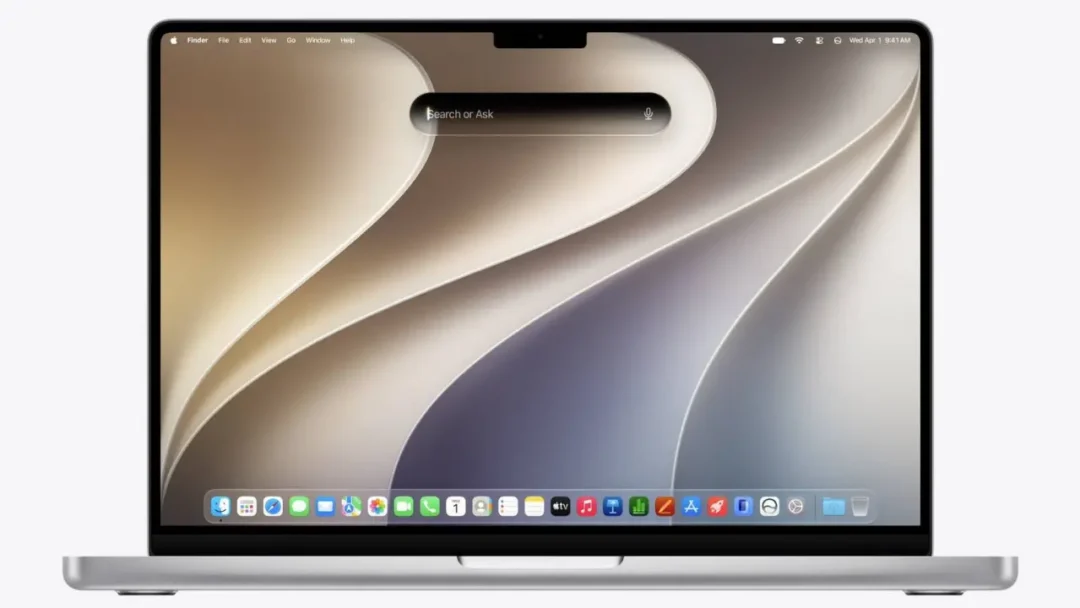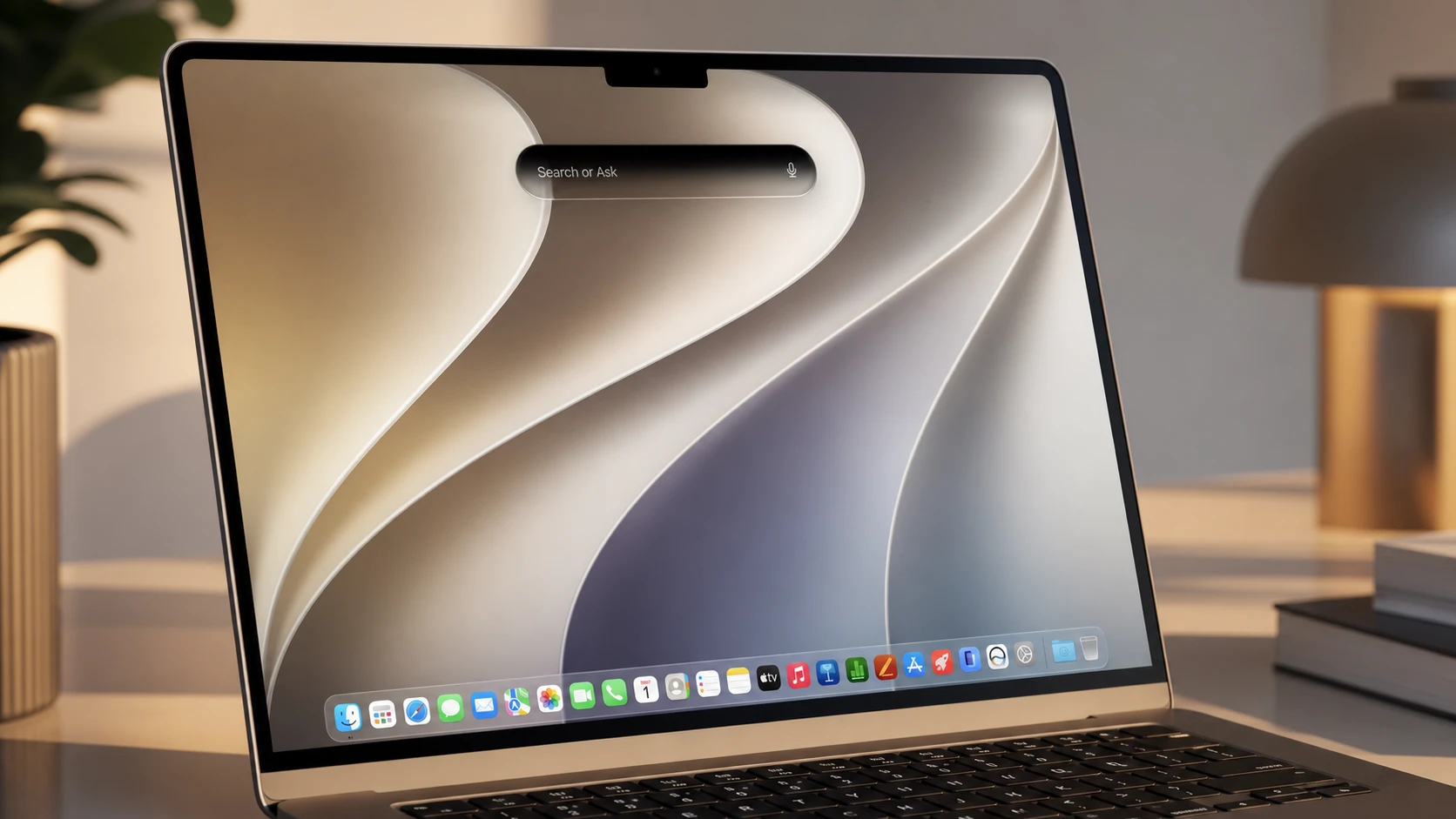
Spotlight on the Mac is no longer just a place to find files and launch apps. With macOS 27 Golden Gate, the search bar doubles as the front door to Siri AI, Apple’s rebuilt, Gemini-powered assistant. Type a question into the same prompt you open with Command + Space, and macOS routes the request to Siri for a full conversation rather than a one-line reply.
Quick answer: Press Command + Space to open Spotlight, type your question, and macOS sends AI-style requests to Siri AI. The reply opens in a dedicated Siri window where you can keep the conversation going.
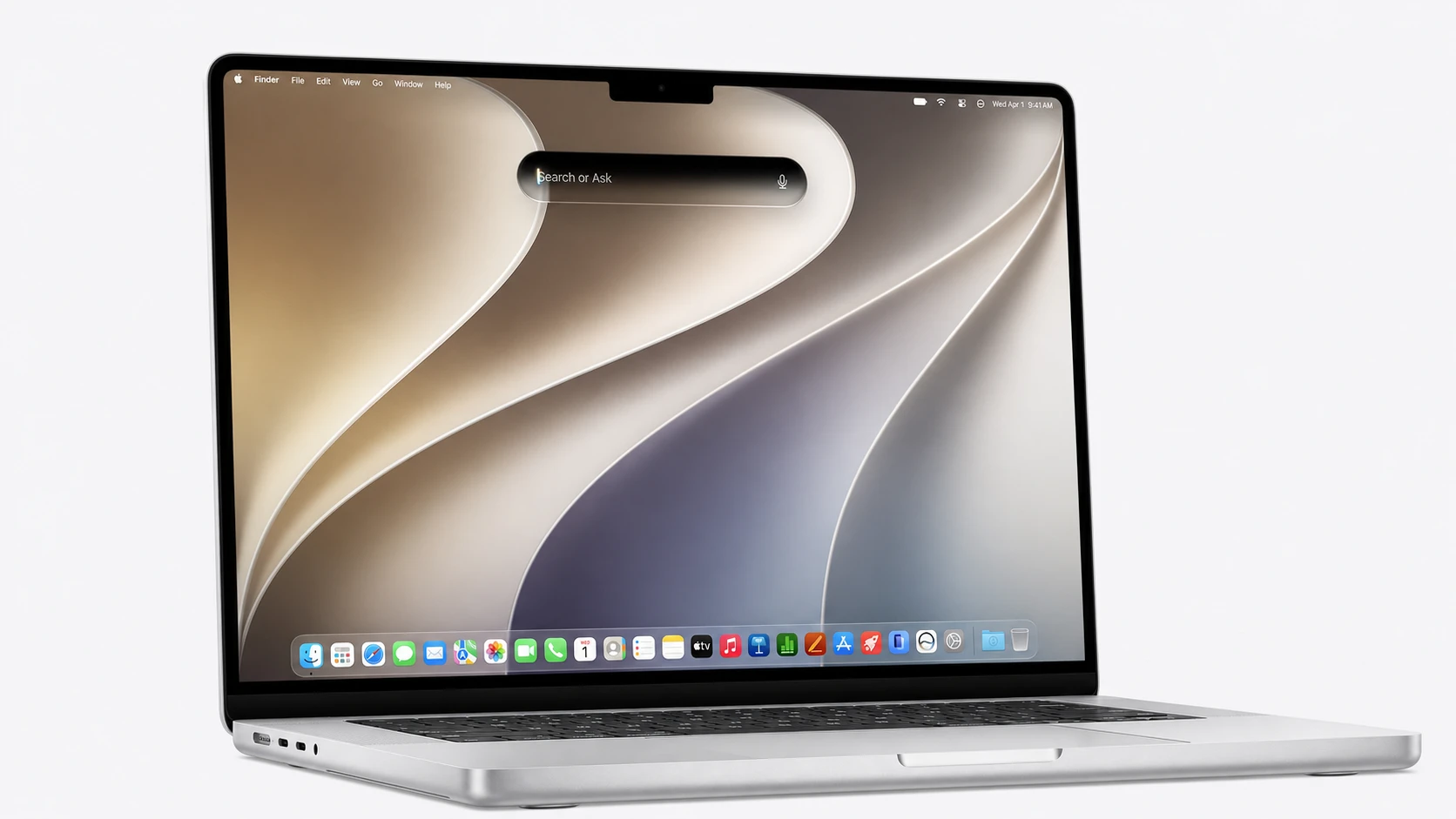
How to start a Siri conversation from Spotlight
What Siri AI can do in the conversation window
The new Siri behaves like a chatbot rather than a command parser. It pulls together Apple’s on-device intelligence, cloud models, your personal content, and web knowledge to answer questions and carry out tasks. Because it draws on world knowledge, it can handle open-ended questions the way ChatGPT, Claude, or Google Gemini do. The underlying technology is built on Google Gemini.
| Capability | What it does |
|---|---|
| Conversational replies | Detailed, back-and-forth answers you can build on with follow-ups |
| File analysis | Drag documents and attachments into the window for review |
| Writing tasks | Drafts emails and Messages and performs actions across apps |
| Personal context | Uses your content to complete tasks and answer personal queries |
| Voice options | Adjustable voice, speaking pace, and expressiveness |
Conversation history syncs across your devices
Siri keeps your conversation history and syncs it privately through iCloud. That means you can start a question on the Mac through Spotlight, then pick it up later on an iPhone or iPad. A dedicated Siri app, called Siri AI, gives you a place to return to past conversations and reference them again.
On the iPhone, the same assistant is reachable by swiping down from the Dynamic Island. On Apple Watch, Siri AI sits in the app grid so you can ask questions from your wrist. The updates also reach CarPlay and AirPods, and on Vision Pro you can trigger Siri by looking at its icon without saying “hey Siri.”
Requirements and availability
macOS Golden Gate 27 runs only on Apple Silicon. It is the first macOS release built exclusively for M-series Macs, so Intel Macs are not supported. The Siri experience starts in English at launch, with the customizable voice and expressivity also limited to English to begin with.
The new features are in beta for developers now. A public beta is planned next month, and a wider rollout to all users follows in the fall. Note that Siri AI on iPhone and iPad will not launch in the European Union when the new operating systems arrive, due to Digital Markets Act rules.
Siri AI in Spotlight is the centerpiece of macOS 27’s Apple Intelligence push, sitting alongside refined Liquid Glass controls, a rebuilt search system, and a new Camera Siri mode. For Mac users, the practical change is simple. The search bar you already reach for with Command + Space now opens into a conversation, and that conversation travels with you across your other Apple devices.