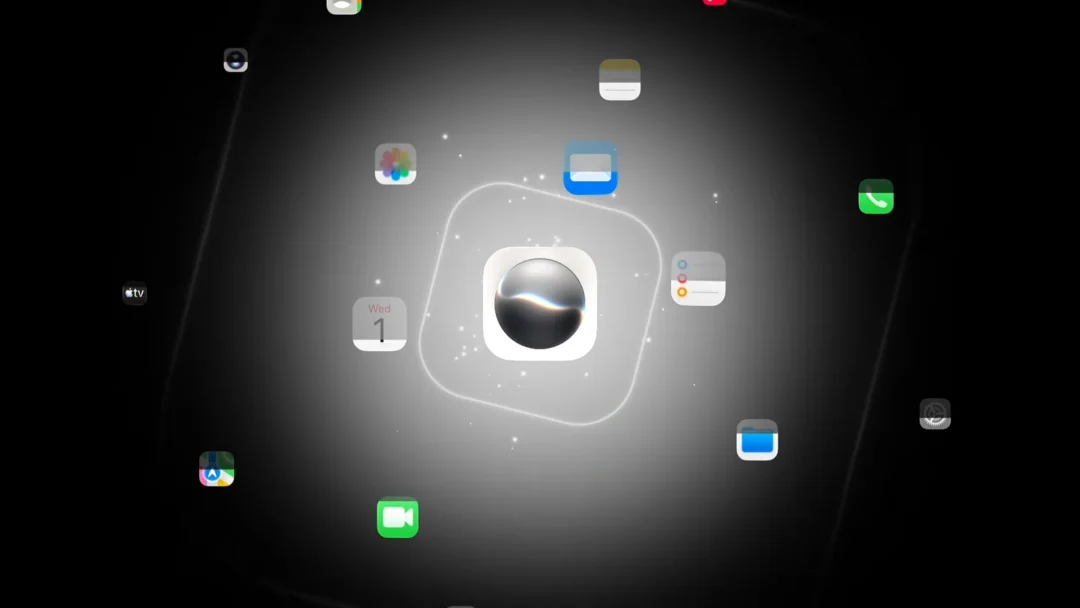
The revamped Siri AI brings a new voice experience, including the ability to adjust how the assistant sounds. The catch is that the controls for pace and expressiveness only run on a short list of Apple’s newest hardware, even if your device can otherwise install iOS 27, iPadOS 27, macOS 27 Golden Gate, or visionOS 27 and use Siri AI.
Quick answer: Voice customization works on iPhone 17 Pro, iPhone 17 Pro Max, iPhone Air, iPad models with M4 or later and at least 12GB of unified memory, Mac models with M3 or later and at least 12GB of unified memory, and Apple Vision Pro (M5). Other Apple Intelligence devices get the new Siri but not the voice sliders.
Siri AI voice customization device requirements
The feature depends on Apple’s most advanced on-device model, which is why the requirement centers on recent chips and 12GB of memory. Here is the full list of supported hardware.
| Device type | Supported models |
|---|---|
| iPhone | iPhone 17 Pro, iPhone 17 Pro Max, iPhone Air |
| iPad | M4 or later with at least 12GB of unified memory |
| Mac | M3 or later with at least 12GB of unified memory |
| Apple Vision Pro | M5 |
Note: The base iPhone 17 does not qualify, and neither does the iPhone 16 Pro. Running the new Siri is not the same as getting the voice sliders, since the customization tier is reserved for the hardware above.
What the voice customization controls do
On supported devices, Siri AI delivers a more expressive voice and adds two sliders. One slider changes the speaking pace, and the other changes how expressive the voice sounds. A separate drop-down menu lets you pick the accent.
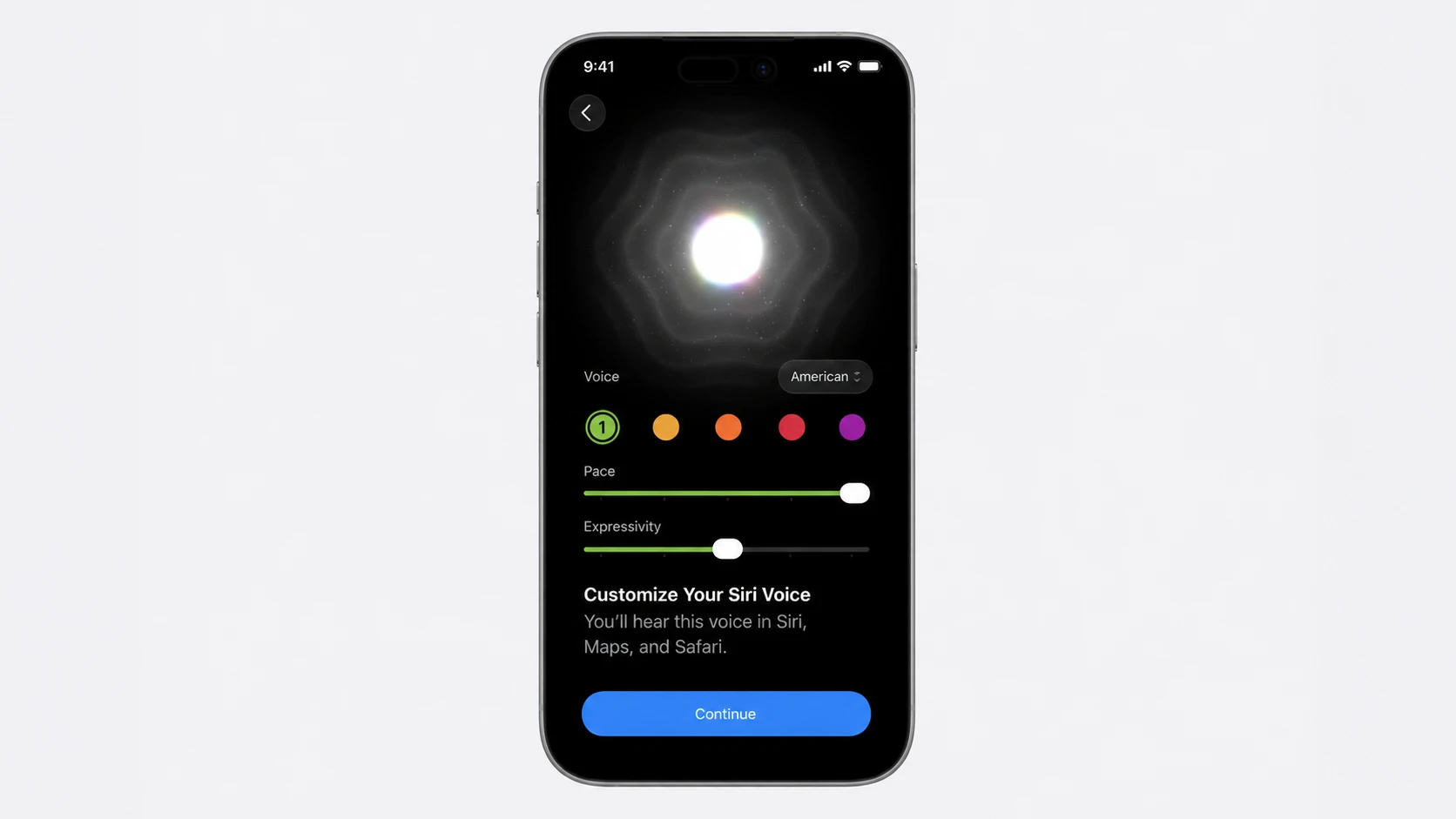
During the developer beta 1, American is the only voice option available. The accent menu exists, but additional choices are expected to expand as the software moves through testing.
Enhanced dictation also needs 12GB of memory
Voice customization is not the only feature tied to the 12GB memory minimum. The upgraded dictation engine is also limited to the same hardware. It turns speech into polished text in real time, handling capitalization, punctuation, and formatting automatically so spoken words appear as intended.
Every other new Siri AI feature should be available on any device that already supported Apple Intelligence. Only the expressive voice controls and the enhanced dictation carry the stricter memory requirement.
How to find the voice settings and confirm access
Tip: During the developer beta, the voice customization controls have behaved as region-restricted. Some users on supported hardware outside the US, such as Canada, have the new Siri but not the expressive voice options yet. Setting the language to English (US) on its own can revert you to the old Siri, so the voice sliders may require both supported hardware and a US setup at this stage.
Where Siri AI voice customization fits in the wider release
The voice controls arrive as part of the broader Siri AI overhaul tied to the OS 27 software updates, built on a partnership with Google. Siri AI adds a dedicated app for reviewing past conversations, contextual awareness of what is on screen and in your messages, writing tools in more places, and improved accuracy.
The software was introduced at WWDC and is expected to reach devices in the fall. For now, the expressive voice sliders and the upgraded dictation remain the two pieces gated behind Apple’s most recent, 12GB-memory hardware, so plan around that list if voice customization is the feature you want.