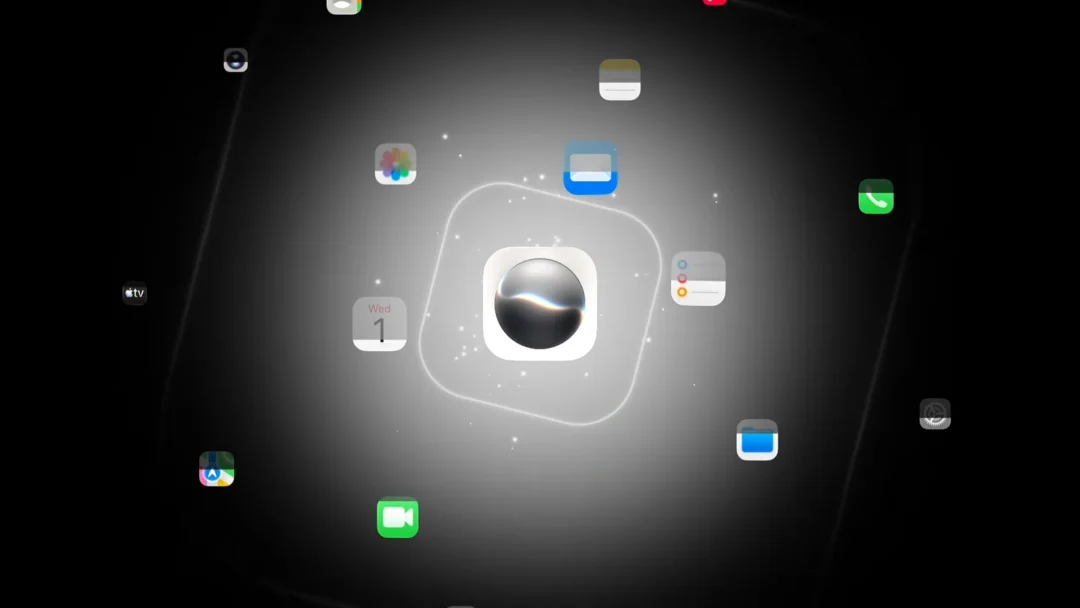
Apple has launched a dedicated Siri app across iOS 27, iPadOS 27, and macOS Golden Gate, giving the rebuilt assistant its own home on the iPhone, iPad, and Mac. The app moves Siri away from one-off voice commands and toward a back-and-forth chat experience, with text and voice input, saved conversations, and answers that hold context across a whole exchange.
Quick answer: Open the Siri app on iOS 27, iPadOS 27, or macOS Golden Gate, type or speak a request, and continue the conversation. Your chat history syncs across devices through iCloud. The more personal version, called Siri AI, is English only at launch.
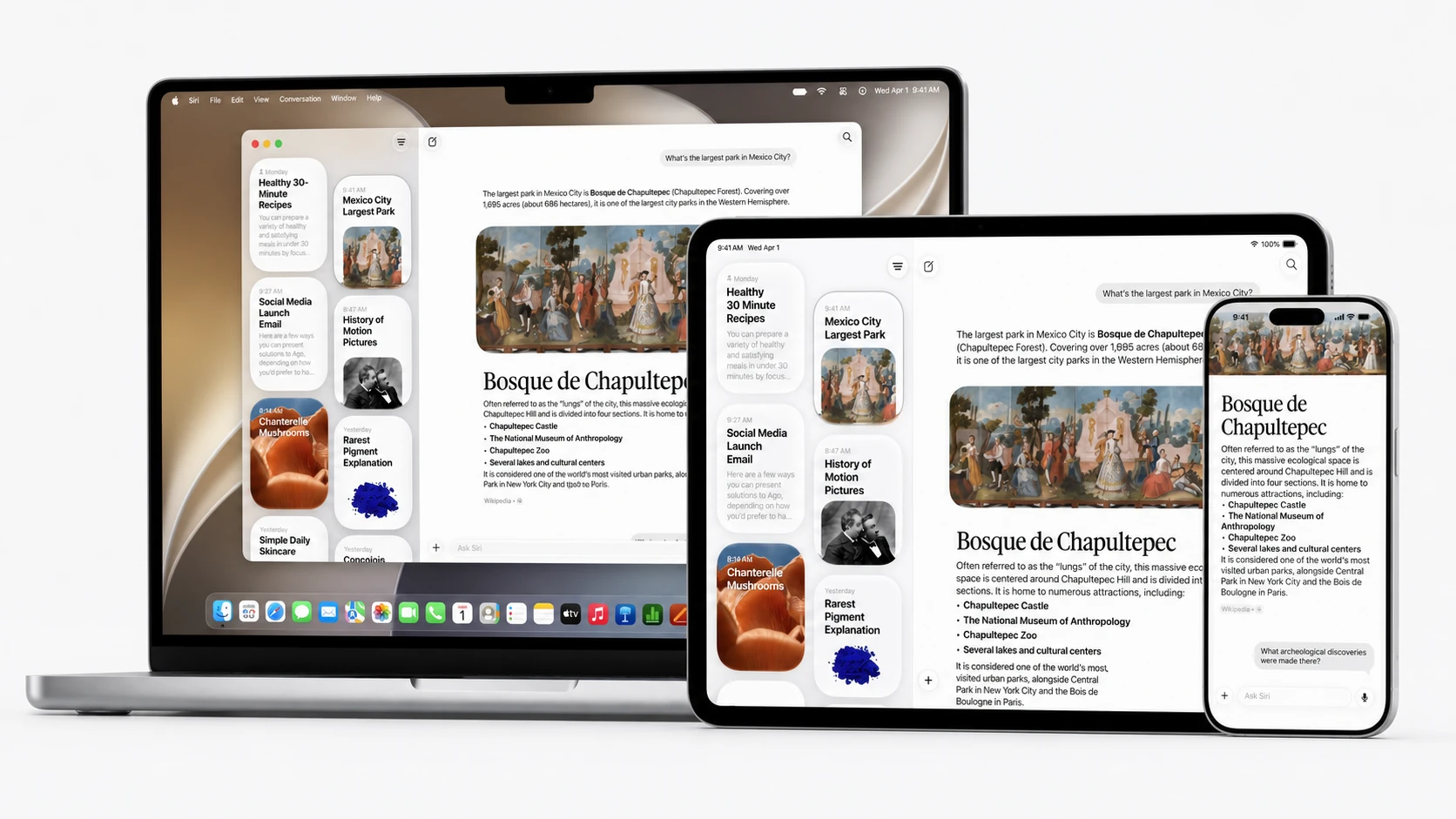
What the Siri app does
The Siri app uses a chatbot-style layout, similar in feel to ChatGPT, Gemini, and Claude. You can type a question or speak it, switch between the two modes, and scroll back through earlier conversations for reference. Because history syncs through iCloud, a chat you start on the iPhone is available on the Mac.
Beyond answering questions, the assistant can carry out tasks directly. It handles on-device search, generates images, and summarizes information. It also connects with apps, so a single prompt can complete an action that would normally take several taps. With screen awareness, you can ask about something visible on your display, including locations and images, without describing it first.
Siri AI: personal context and on-screen awareness
The more personalized assistant is branded Siri AI. It understands your personal context, pulling relevant details from your own information to give answers that fit your situation, such as referencing a flight or a reservation found in Mail and Messages. It also has on-screen awareness, so it can act on what you are currently looking at.
Siri AI is available in English only at launch. Under the hood, Apple’s revamped assistant leans on a custom Google Gemini model that powers the next generation of Apple Foundation Models, with heavier requests routed through Apple’s Private Cloud Compute servers rather than stored or used to train outside models.
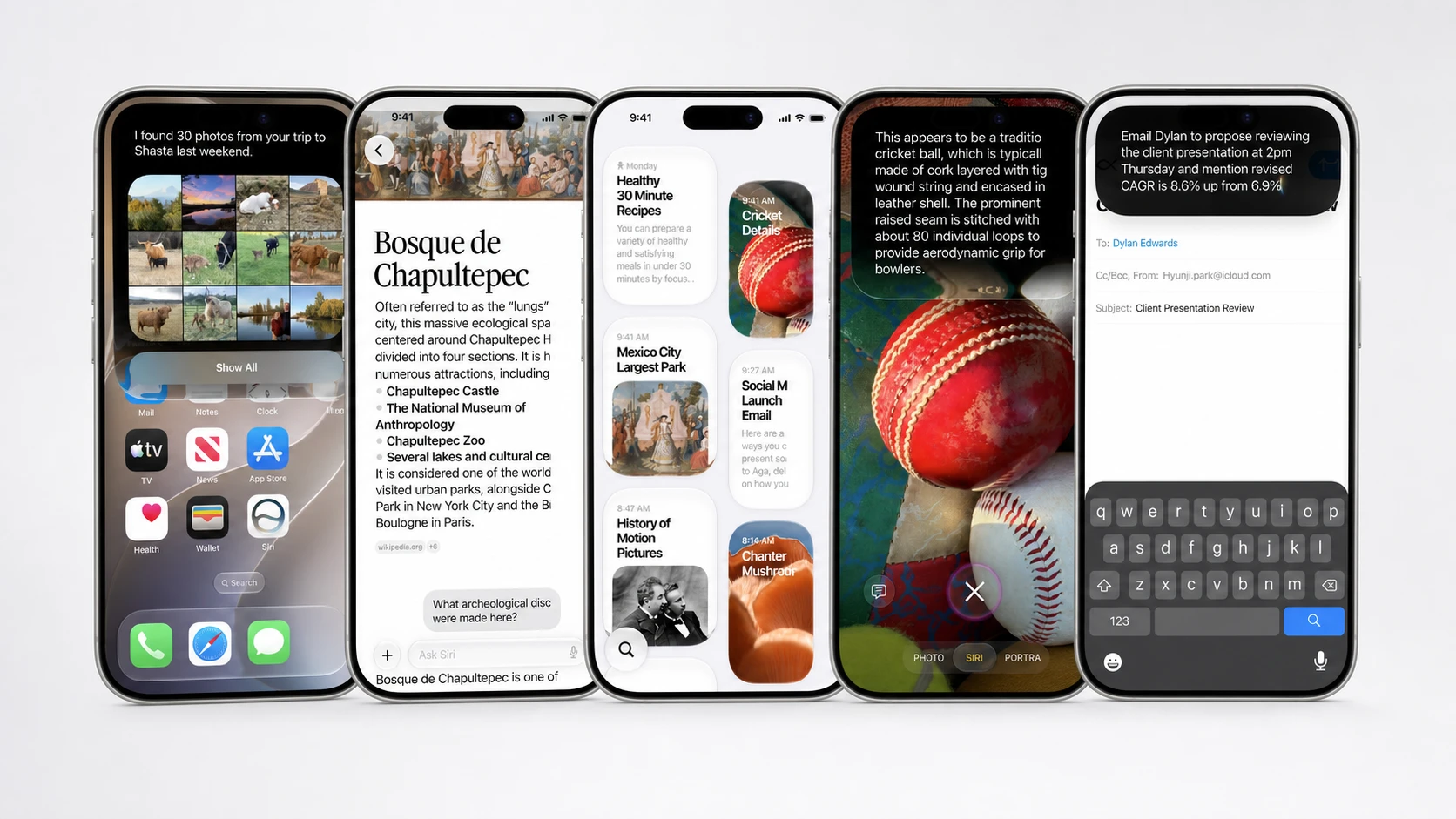
Siri AI in Writing Tools, Safari, and Shortcuts on macOS Golden Gate
On macOS Golden Gate, the assistant reaches beyond its own app. Writing Tools are now powered by Siri AI, so you can draft emails and other text and ask for feedback on a specific passage.
Safari gains two related changes. It can automatically sort open tabs into topic-based groups, and the Notify Me feature watches a web page and tells you when it updates. Shortcuts also understands natural language, letting you describe what you want in plain words and have the automation built for you.
The wider macOS Golden Gate release is a refinement update rather than a redesign. The Liquid Glass interface stays but gets a new slider in settings that lets you move from ultra-clear to fully tinted, app icons get an extra Liquid Glass layer to look sharper, and the system adds smoother animations, faster content loading, and a consistent corner radius for windows.
Device compatibility for macOS Golden Gate and the Siri app
macOS Golden Gate runs only on Apple silicon and drops support for Intel-based Macs. If your machine uses an Intel chip, it will not be able to install the update or the new Siri app.
| Mac that will not run macOS Golden Gate |
|---|
| Mac Pro (2019) |
| 16-inch MacBook Pro (2019) |
| 27-inch iMac (2020) |
| 13-inch MacBook Pro (2020) |
On the iPhone side, the standalone Siri app ships with iOS 27. Note that the most advanced Siri AI capabilities depend on Apple Intelligence, which still requires an iPhone 15 Pro or newer, so a supported phone alone does not guarantee every feature.
Choosing a model with Extensions
iOS 27, iPadOS 27, and macOS Golden Gate include an Extensions framework that lets you route generative AI requests to installed apps. That opens Siri, Writing Tools, and Image Playground to third-party assistants, with Google Gemini and Anthropic Claude joining the existing ChatGPT integration as options you can pick.
Release timeline
Developers can already install the first beta of macOS Golden Gate. A public beta is expected to follow, with the final stable version arriving in the fall.
| Stage | Timing |
|---|---|
| Developer beta | Available now |
| Public beta | Expected July 2026 |
| Final release | Fall 2026 |
You will know the new assistant is active once the Siri app appears on your device and your conversations begin syncing across the iPhone, iPad, and Mac through iCloud. If personal context or on-screen awareness does not appear, check that your hardware meets the Apple Intelligence requirement and that your language is set to English, since Siri AI starts in English only.