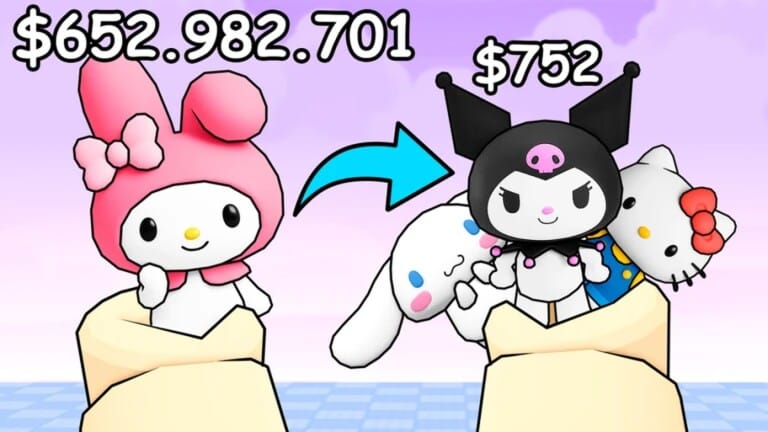
Spin a Kitty is a Roblox idle collection game where rolling Dice unlocks new Kitties that generate Cash on your plot over time. Codes hand out free Cash, Gems, and various tiers of Dice that speed up rolling for rarer Kitties without the usual grind.
Working Spin a Kitty codes
Enter these codes exactly as written to claim their rewards.
CHEDDAR— $500,000 Cash, 200 Gems, 100 Gold Dice, 50 Refined Dice, 10 Auric Dice, 2 Obsidian Dice, and 2 Astral Dice NEWcoolcode— Gems and DiceAUG1ST— 50 Gems and 5 Bronze Diceupday— 150 Gems and 3 Saturn DiceMACHINE— 350 Gemsmrcatjr— 500,000 Cash, 10 Gems, and 5 Lucky DiceKittyTODAY— 30 Diamonds and 450,000 CashLATEGAME— 10 Spectral Dice, 5 Nebular Dice, 3 Paradox Dice, and 25 GemsEARLYSTART— 15 Auric Dice, 5 Radiant Dice, 3 Celestial Dice, 250,000 Cash, and 25 GemsMAY23OP— 1 Mirage Dice, 10 Mystical Dice, and 500,000 CashREALOPCODE— 5 Martian Dice, 25 Sakura Dice, 35 Amber Dice, and 650,000 Cashsuperduperopcode— $100 Cash and 10 Basic Diceapril— 1,000 Gems3kMembers— 100,000 Cash, 150 Gems, and 7 Hacker Diceupdate— 1,000 Gemsnothinghappened— 1 Radiant Dicecensil— 100 Astral Dicemrcat— 5 Eternal DiceOp— Dice and Cashop2— Dice and Cashplay— Dice and Cashreal— Dice and Cashmani— Dice and Cashmeowcode— Dice and Cashcatdmin_abuse— Dice and Cash
How to redeem codes in Spin a Kitty
Redeeming a code takes a few seconds once you know where the menu is.
Expired Spin a Kitty codes
These codes no longer grant rewards.
mrcatisthebest— No longer activemrcat67— No longer active
Where to find new Spin a Kitty codes
New codes tend to arrive alongside game updates and community milestones. The developer, CutePlushie Games, posts fresh codes on its Roblox community page and in the official Discord server, so checking either one from time to time is the fastest way to catch a code before it expires.
Rewards from codes convert directly into faster rolls. Extra Dice let you spin for higher-tier Kitties sooner, while Cash and Gems help you afford upgrades and Eggs without waiting on your plot’s passive income to catch up.