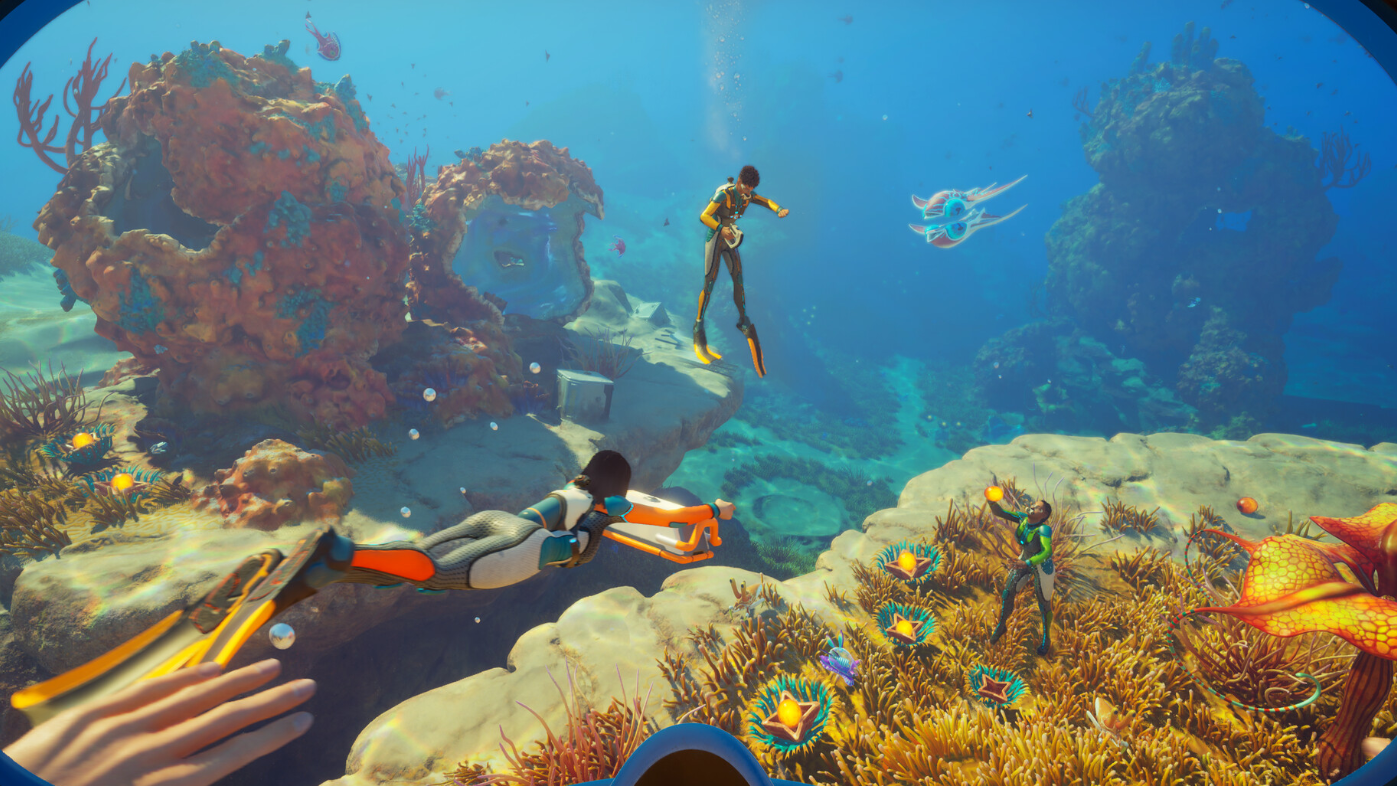
The drums in Subnautica 2 are a craftable base instrument that lets players tap out tones inside their habitat. In co-op sessions, they currently behave inconsistently — non-host players cannot hear their own playing, tone controls only register on one of the two drums, and the keybinds assume a full-size keyboard. None of this is hidden behind a rare interaction; it surfaces the first time a guest tries to play.
What the drums are
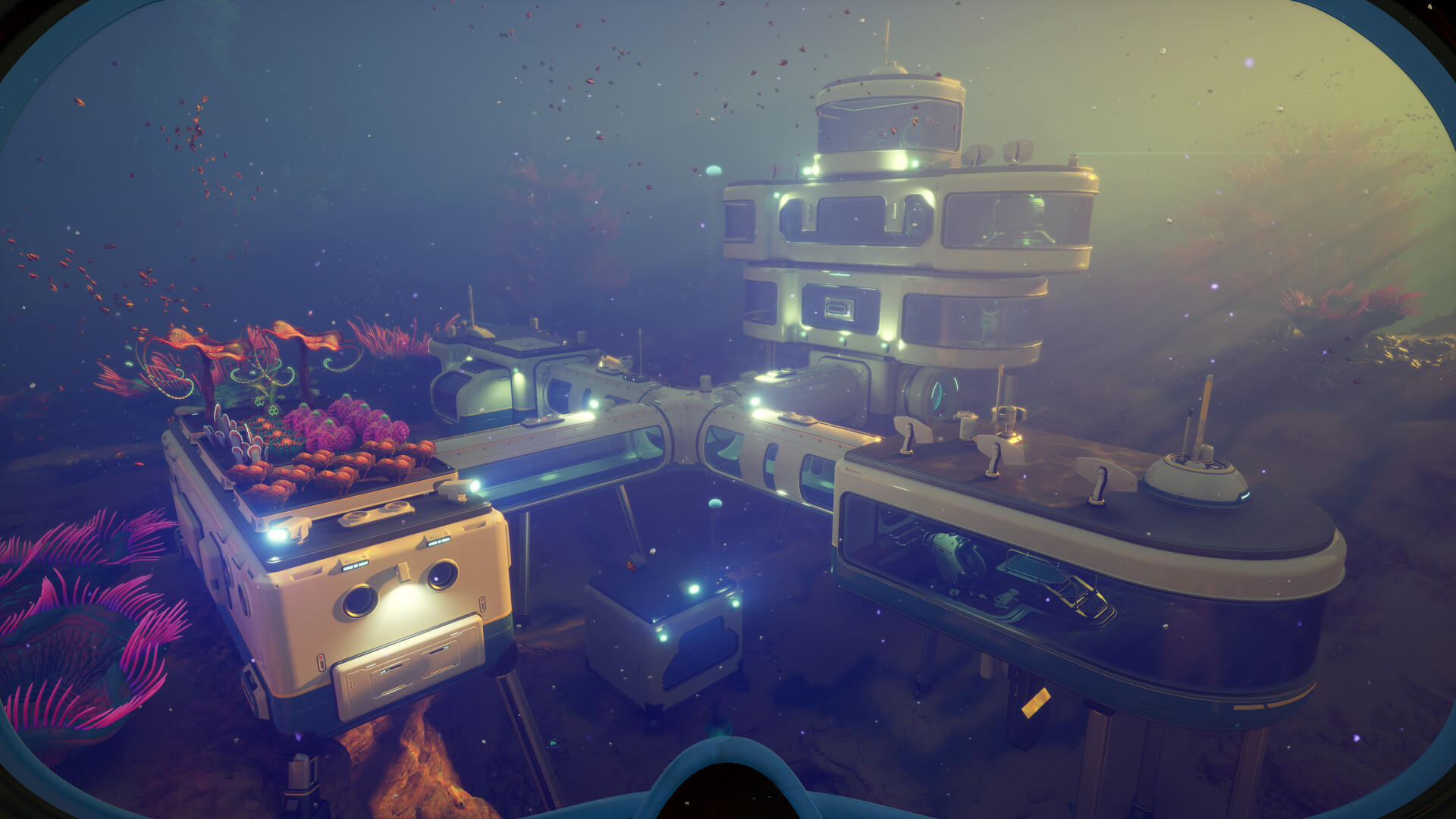
The drums are a placeable base object you craft and deconstruct like other interior items. The setup uses two drums side by side: a taller left drum and a smaller right drum. Players interact with them to produce sound, and a tone-shift control is meant to change the pitch of the strike.
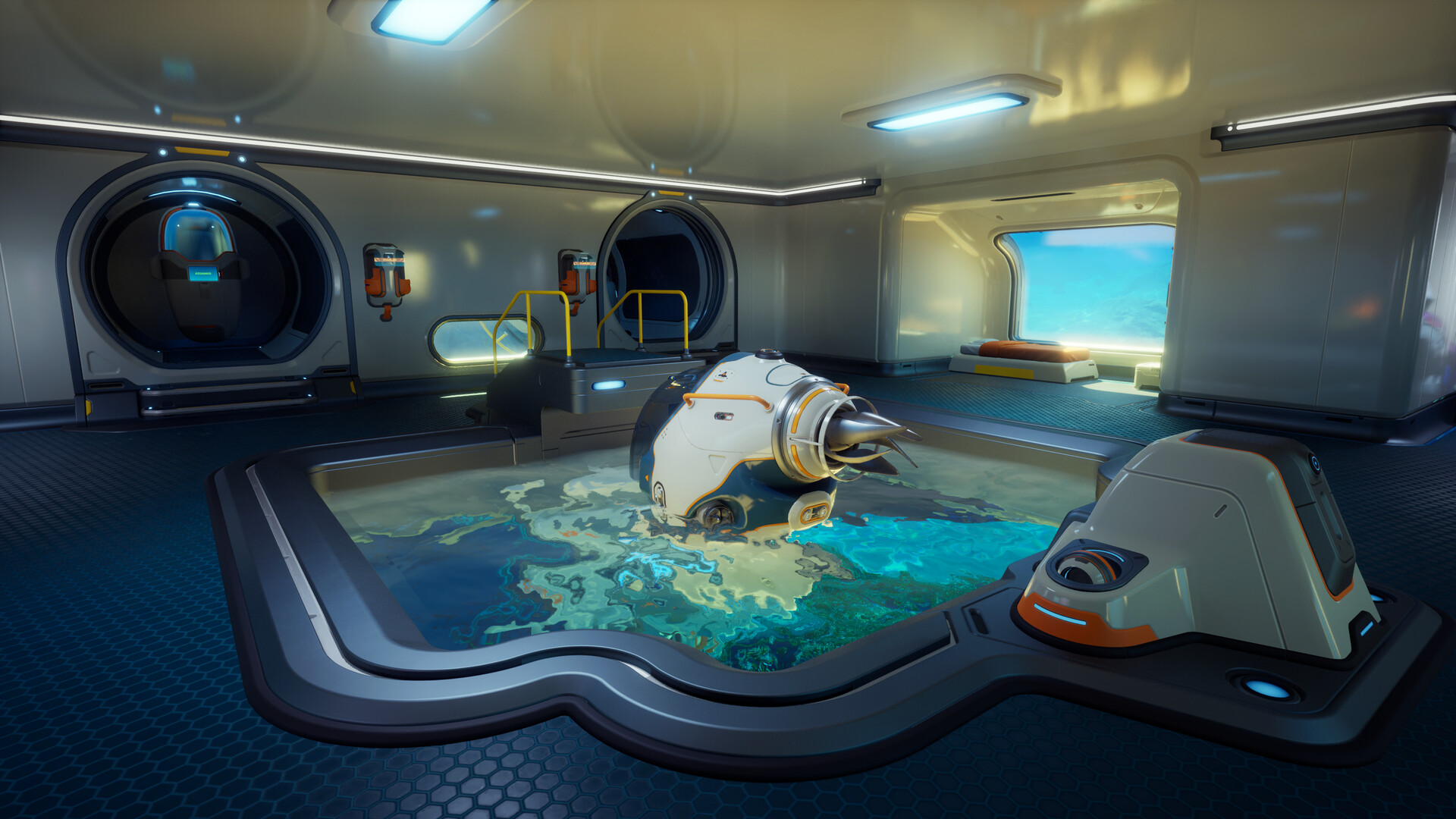
This is purely a flavor/sandbox item, not a quest object. It’s most often built in a habitat room as part of co-op downtime between runs.
The current drum bugs in co-op
Multiple issues stack on top of each other when the drums are used in a multiplayer session. They are reproducible enough that players running standard co-op (host plus up to three guests) will hit them on first use.
| Issue | What happens |
|---|---|
| Non-host players can’t hear their own drum | A guest playing the drum hears nothing locally, but the host and other players in the session can hear that guest’s input. |
| Wrong deconstruct tooltip | Hovering the drums in deconstruct mode shows a tooltip with button prompts that don’t match the actual drum controls. |
| Tone keys bound to numpad | Tone shift is mapped to numpad + and -, which is unusable on keyboards without a numeric pad. |
| Only one drum responds to tone change | The smaller right drum changes pitch when the tone keys are pressed. The taller left drum produces the same sound regardless. |
How to tell if you’re hitting the bug
Workarounds right now
There isn’t a fix for the missing local audio on guest clients — it’s a server/client sync issue with the drum’s sound event, not a volume or output setting. The practical workarounds are limited:
- Have the host play the drums if you want every player in the session to hear them, including the player striking them.
- On a tenkeyless or 60% keyboard, the tone shift inputs won’t fire from the numpad row. Remapping isn’t currently exposed for the drum’s tone controls, so pitch changes are effectively unavailable on those layouts.
- Ignore the deconstruct tooltip prompts on the drums; they don’t reflect the real in-game controls.
Why this matters for Early Access
Subnautica 2 is in Early Access, and Unknown Worlds has been rolling out hotfixes focused on creature behavior, resource distribution, crashes, and multiplayer stability. Smaller interactive props like the drums sit lower on the priority list than the Hammerhead behavior tuning or Tadpole-related crashes that have shipped in recent patches, so a dedicated drum fix may take longer to appear.
If you want it on the team’s radar, the cleanest path is the in-game bug reporting tool, which attaches the session details automatically. Drum-specific reports should mention the guest vs. host role, keyboard layout, and which of the two drums was struck. The official support hub is at support.subnautica.com, and patch notes for ongoing hotfixes are posted on the developer’s news page.
Until the audio sync and tone-shift logic are patched, treat the drums as a host-driven novelty. They work, they make sound, and other players can hear them — just not always the person playing.