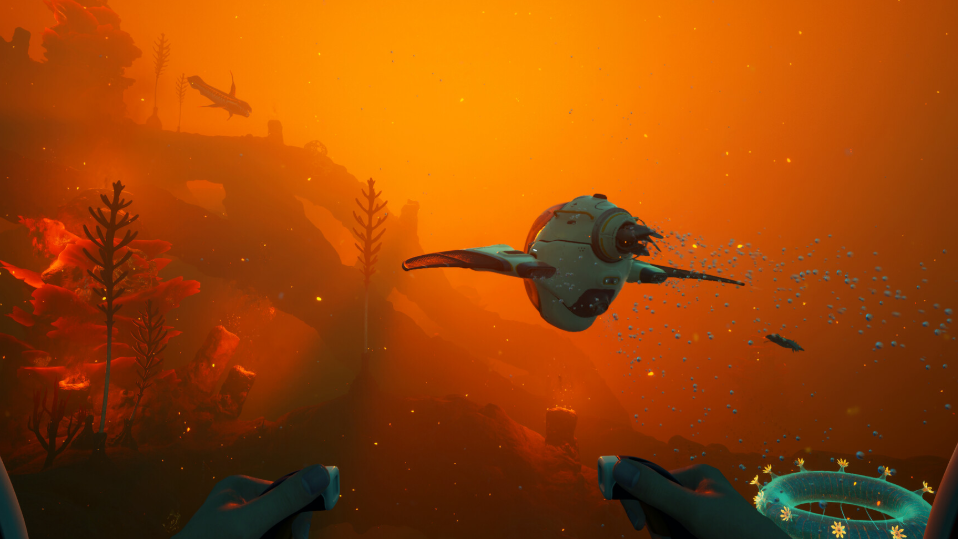
A Tadpole-related ride bug has been showing up in Subnautica 2 co-op sessions. After dying near your Tadpole chassis (commonly from thirst, hunger, or environmental damage), the game can lock you out of riding any Tadpole for the rest of the session. Mounting prompts fail, you can only hang onto another player’s chassis as a passenger, and the in-game Unstuck button does nothing to clear the state.
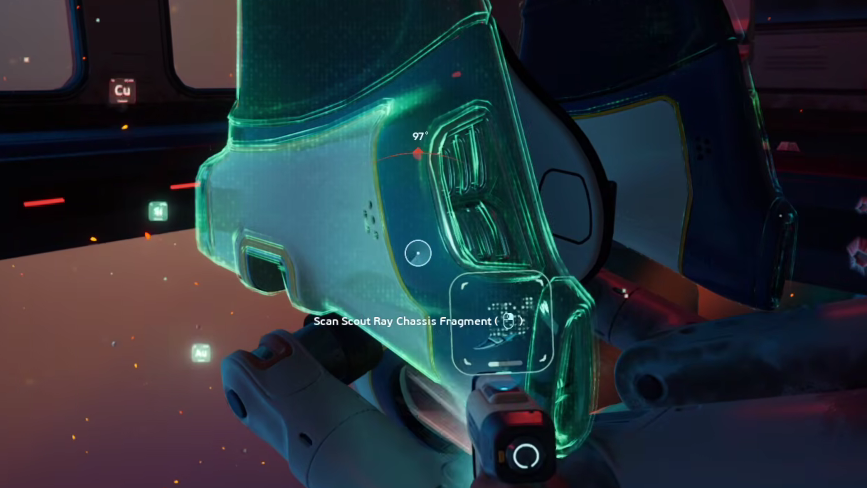
What the Tadpole chassis bug looks like
The trigger pattern reported by players is consistent. You leave your Tadpole sitting in the world, you die from a survival stat or take damage while away from it, and on respawn, the mount interaction breaks. The Tadpole still exists in the world and can be approached, but the prompt to climb into the chassis either does not appear or does not register input.
Symptoms tend to cluster around a few specific behaviors:
- You cannot enter your own Tadpole or any other Tadpole in the session.
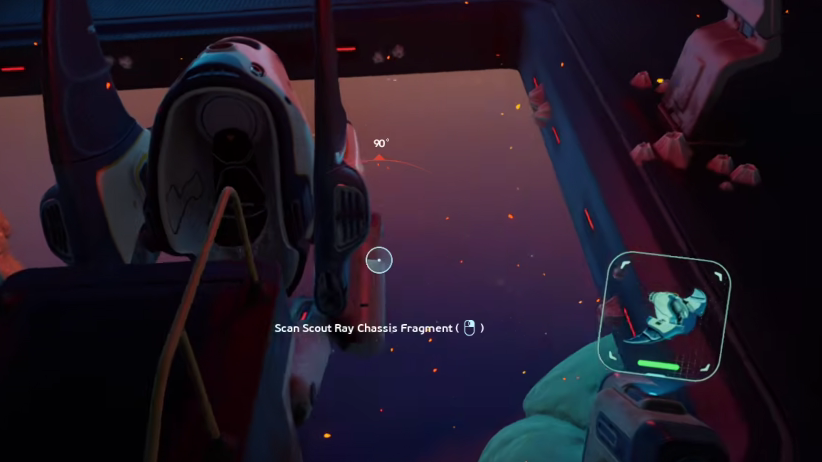
- You can still grab onto another player’s moving Tadpole as a hanger-on, but never take the seat.
- The Unstuck button executes without error but does not change the mount state.
- Suiciding to force a respawn does not reset the flag.
- Disconnecting and rejoining the same session does not clear it.
Workarounds that have worked
The bug appears to live in the session state rather than the character itself, so the most reliable recovery is a full session teardown. Partial resets are not enough.
What does not fix it
Several intuitive recovery attempts have been confirmed to do nothing for this specific bug. Skip them to save time.
| Attempt | Result |
|---|---|
| Pressing the Unstuck button | No effect on mount state |
| Dying again on purpose | Respawn keeps the lock active |
| Restarting the multiplayer session without quitting the game | Lock persists |
| Trying a different Tadpole owned by another player | Still cannot take the seat |
| Approaching from a different angle or distance | Mount prompt remains absent or unresponsive |
How to avoid triggering it again
Until the issue is patched, the safest habit is to never leave your character idle in the open world near your Tadpole. The death-while-AFK pattern is the most consistent trigger reported so far.
- Park your Tadpole inside or next to a safe base before stepping away from the keyboard.
- Top up water and food before any extended idle, since thirst is the most common silent killer in these reports.
- If you must go AFK mid-trip, log out cleanly rather than leaving your character exposed.
- Save manually before any risky action near your chassis, so a reload is a clean rollback rather than a forced replay.
Verifying the fix worked
You will know the lock has cleared when the standard mount prompt reappears as you approach the Tadpole and the seat animation plays normally on input. If you still only see the side-grab interaction, the session is still in a bad state, and you should quit to the desktop again before trying anything else.
Subnautica 2 is in active development, so this behavior may shift between patches. If a future update changes how the Unstuck command handles vehicle ownership or session-level mount flags, the manual quit-to-desktop workaround should stop being necessary. Until then, treat the death-near-Tadpole scenario as something to design around rather than recover from.