
Topic
Firefox
-
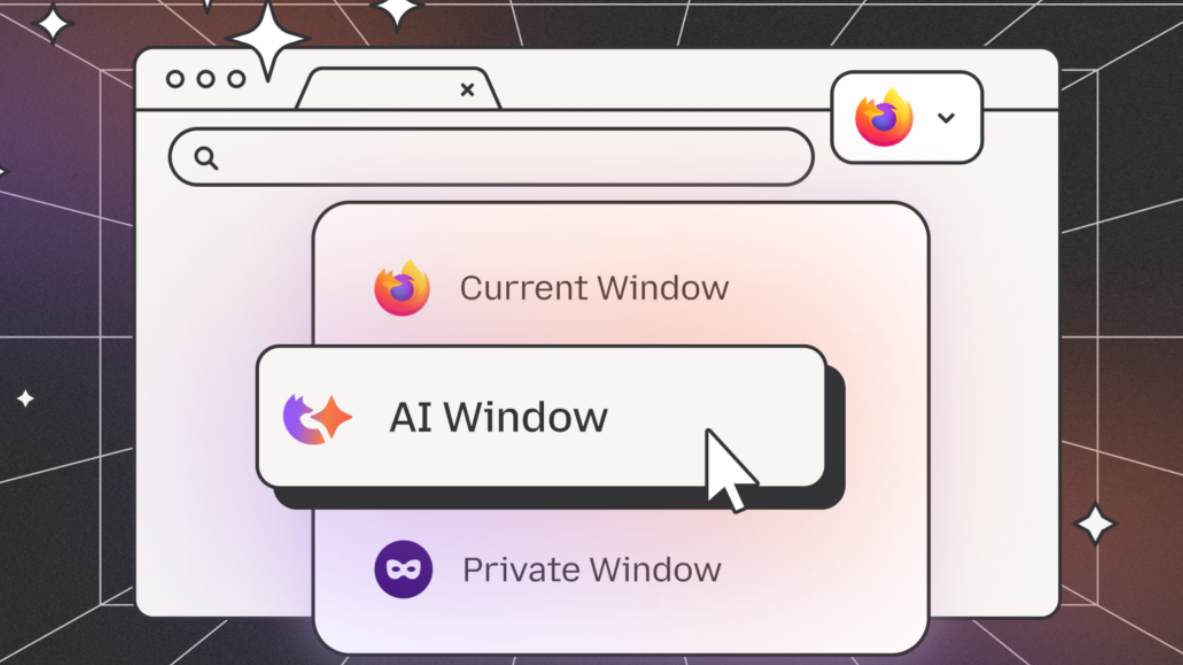
How to Kill Every AI Feature in Firefox for Good
Firefox now offers a built-in AI kill switch, but the about:config method covers far more ground.
-
How to Fix Google Maps Loading Slowly in Chrome, Edge, and Firefox
Targeted solutions to resolve slow Google Maps performance in major browsers and improve map loading speed on your computer.
-
How to Disable Auto Update in Chrome, Edge, and Firefox Browsers
Learn effective methods to stop automatic updates in Google Chrome, Microsoft Edge, and Mozilla Firefox, using Group Policy, configuration files, and built-in settings.
-
How to Disable Access to Profiles in Firefox
Prevent users from creating or switching Firefox profiles by applying system-level restrictions and configuration changes.
-
How to Fix Platform Is Not Compatible Error in Firefox
Resolve the “platform version is not compatible” error in Firefox on Windows 11 by reinstalling the browser and recovering your data.
-
How to Fix Images Not Displaying on Websites in Firefox
Resolve missing or broken images in Firefox with detailed troubleshooting and proven solutions.
-
How to Fix “Your Connection Is Not Secure” Error in Firefox
Resolve the “Your Connection Is Not Secure” error in Firefox by addressing certificate issues, adjusting security settings, and troubleshooting conflicting software.
-
How to Fix Firefox Not Launching
Clear instructions to resolve Firefox not opening on Windows, Mac, and Linux systems, including profile issues, stuck processes, and installation problems.
-
How to Stop Firefox Asking to Save Password
Quickly disable or customize Firefox’s password-saving prompts to streamline your browsing experience and protect your login information.
-
How to Fix Firefox High Memory Usage
Detailed solutions to identify and resolve excessive memory consumption in Firefox, improving browser speed and system stability.