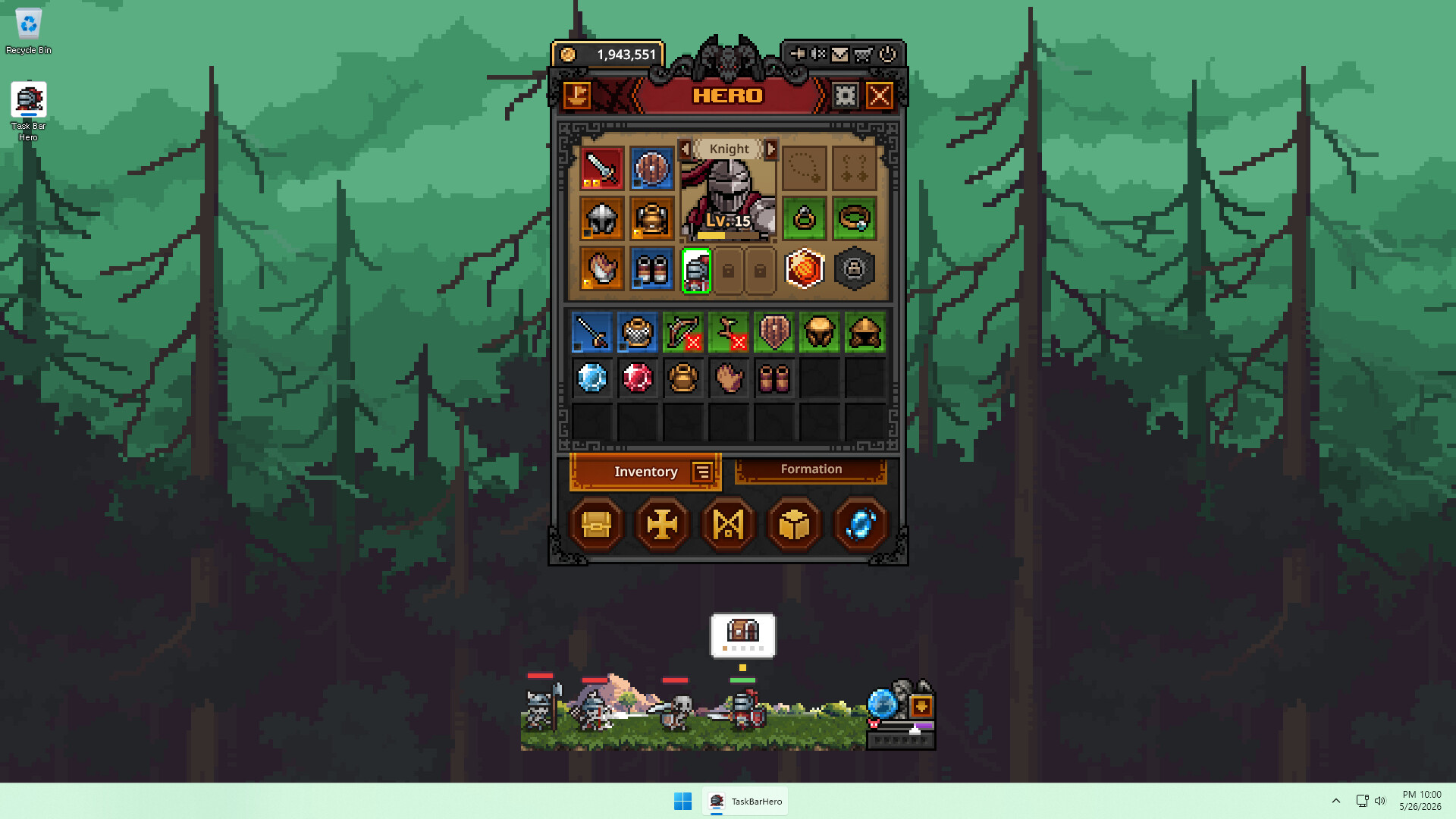
TBH: Task Bar Hero ships with something most idle games never touch. The loot your three-hero party collects can be listed on the Steam Community Market for real wallet funds, because every item is freely tradeable. The game does almost nothing to explain how that works, and one wrong move can destroy hundreds of crafting materials before a single sale clears.
Quick answer: Strip every socket with the Cube Removal tool first, drag the item onto the Trade Ship icon at the top-left of the Hero menu to push it into your Steam inventory, then list it on the Steam Community Market. Listing an item wipes all Cube stats, so remove decorations, engravings, and inscriptions before you do anything else.
How the Trade Ship moves items to your Steam inventory
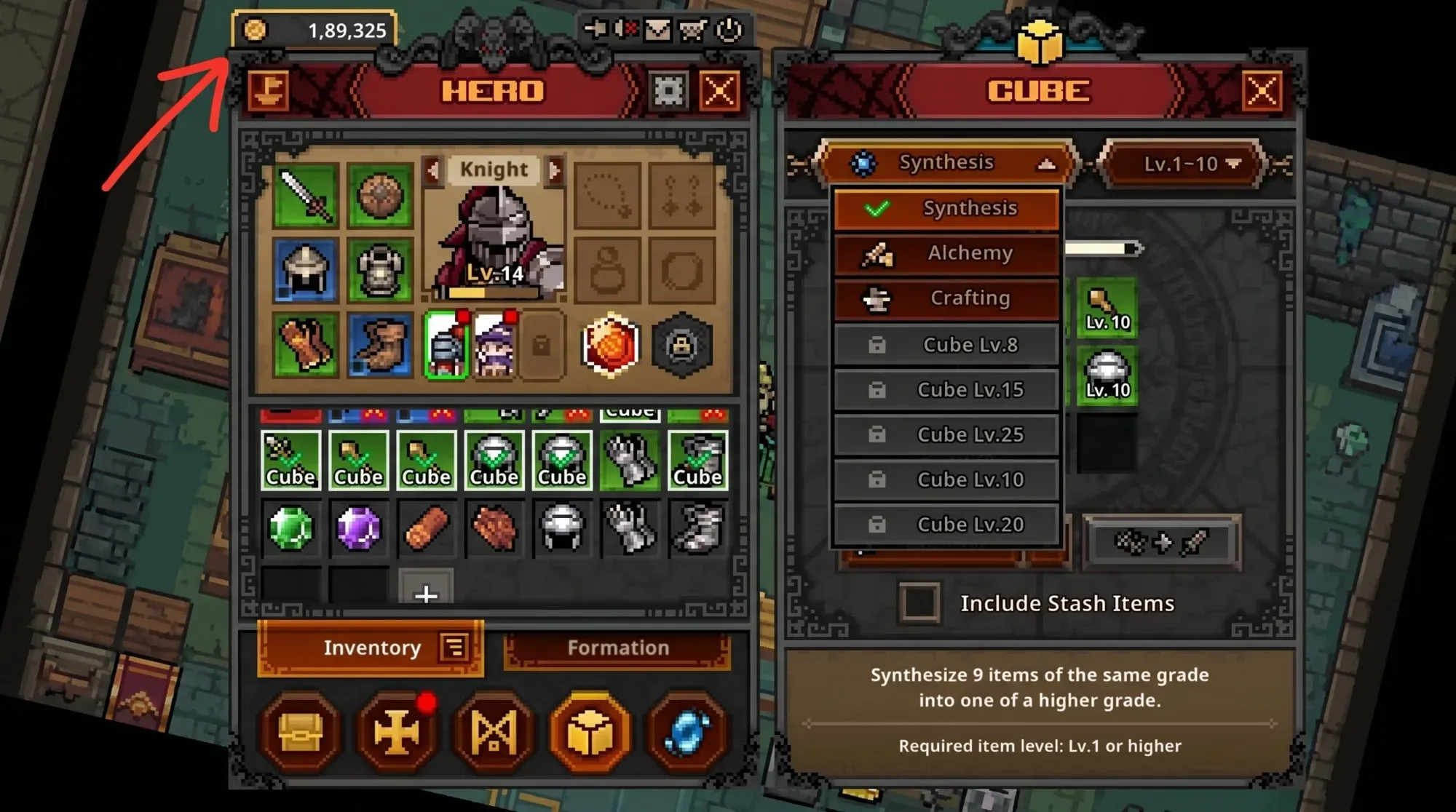
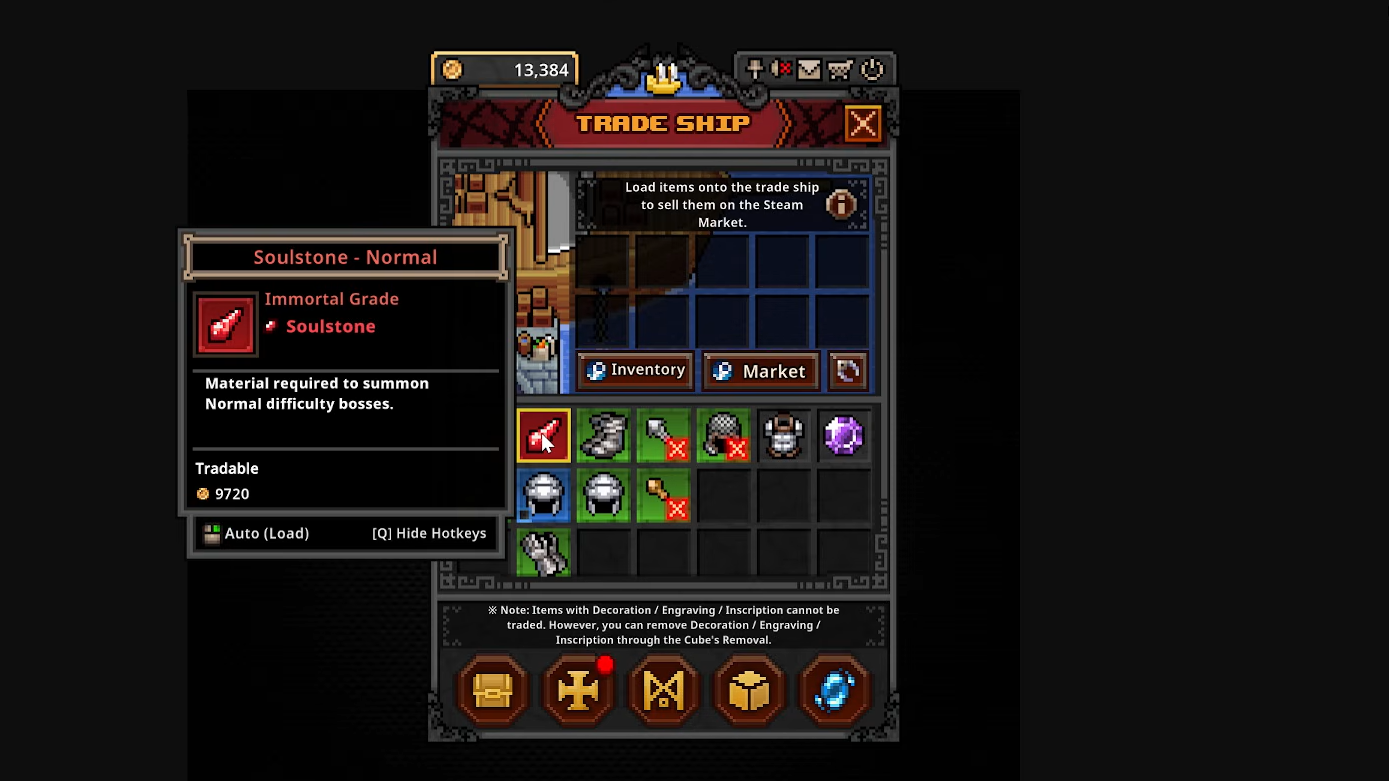
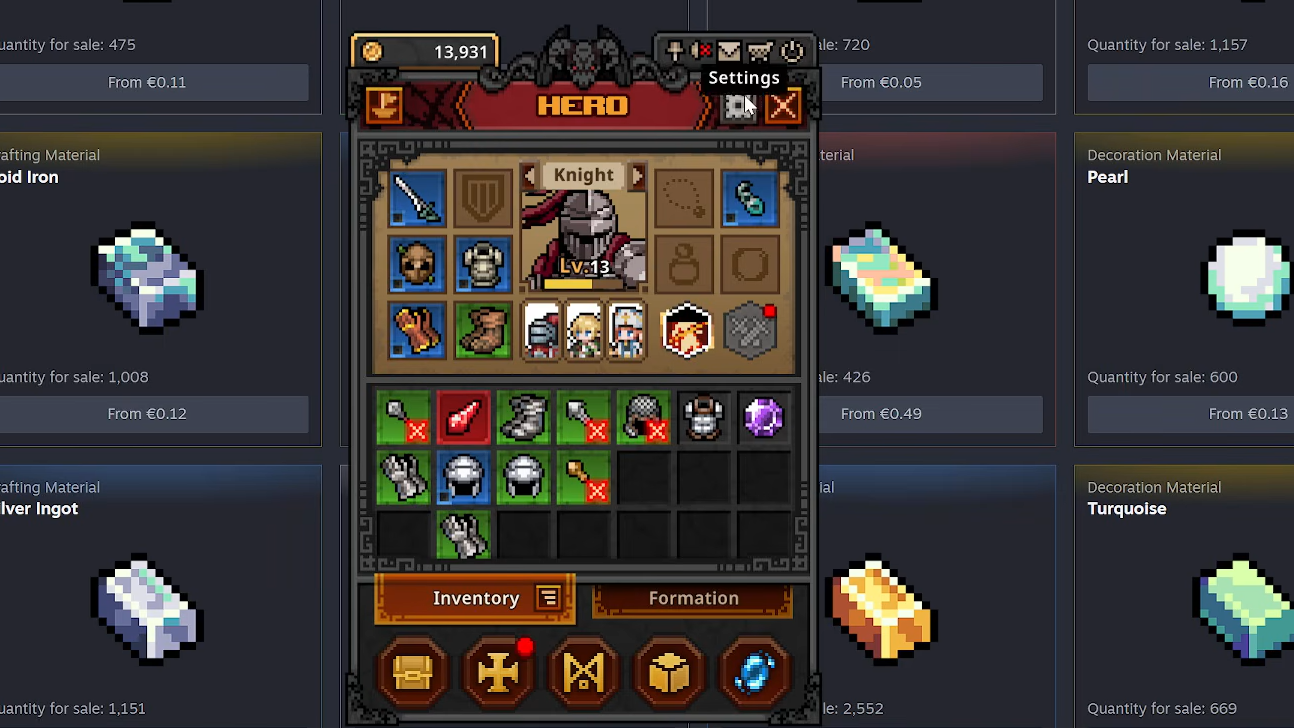
Loot lives inside the game until you deliberately export it. The bridge between your in-game inventory and your real Steam inventory is the Trade Ship icon in the top-left corner of the Hero menu. Selling for gold uses a completely different system, so it helps to keep the two straight.
| Goal | Where to do it |
|---|---|
| In-game gold | Cube → Alchemy |
| Real money / Steam wallet | Trade Ship icon (Hero menu, top-left) |
You know the move worked when the item leaves your in-game inventory and appears in your Steam inventory, ready to list. If it never shows up, confirm you are logged into Steam and that the game has a working broadband connection, since market features need it.
The Cube stat wipe and the Removal tool
This is the single most expensive mistake new sellers make. The moment an item is listed on the market, the game strips every Cube stat off it. Decorations, engravings, and inscriptions all disappear, and there is no way to recover them. Slotting your best gems into a piece you intend to flip throws those materials away for nothing.
The fix is to pull the sockets out yourself before listing. The Cube includes a Removal function that extracts socketed materials back out of the gear. Unequip the item first, run it through Removal, then send the clean piece to the Trade Ship. The materials you recover can be sold separately or reused.
Canceling a listing sends items to your in-game mailbox
Delisting works differently than you might expect. When you cancel a Steam Market listing, the item does not drop back into your regular inventory. Instead, it routes to your in-game mailbox. Open the mail menu, wait out the ten-second refresh timer, and claim the item manually. Nothing is lost, but it will not appear until you collect it from the mail.
What actually sells on the market
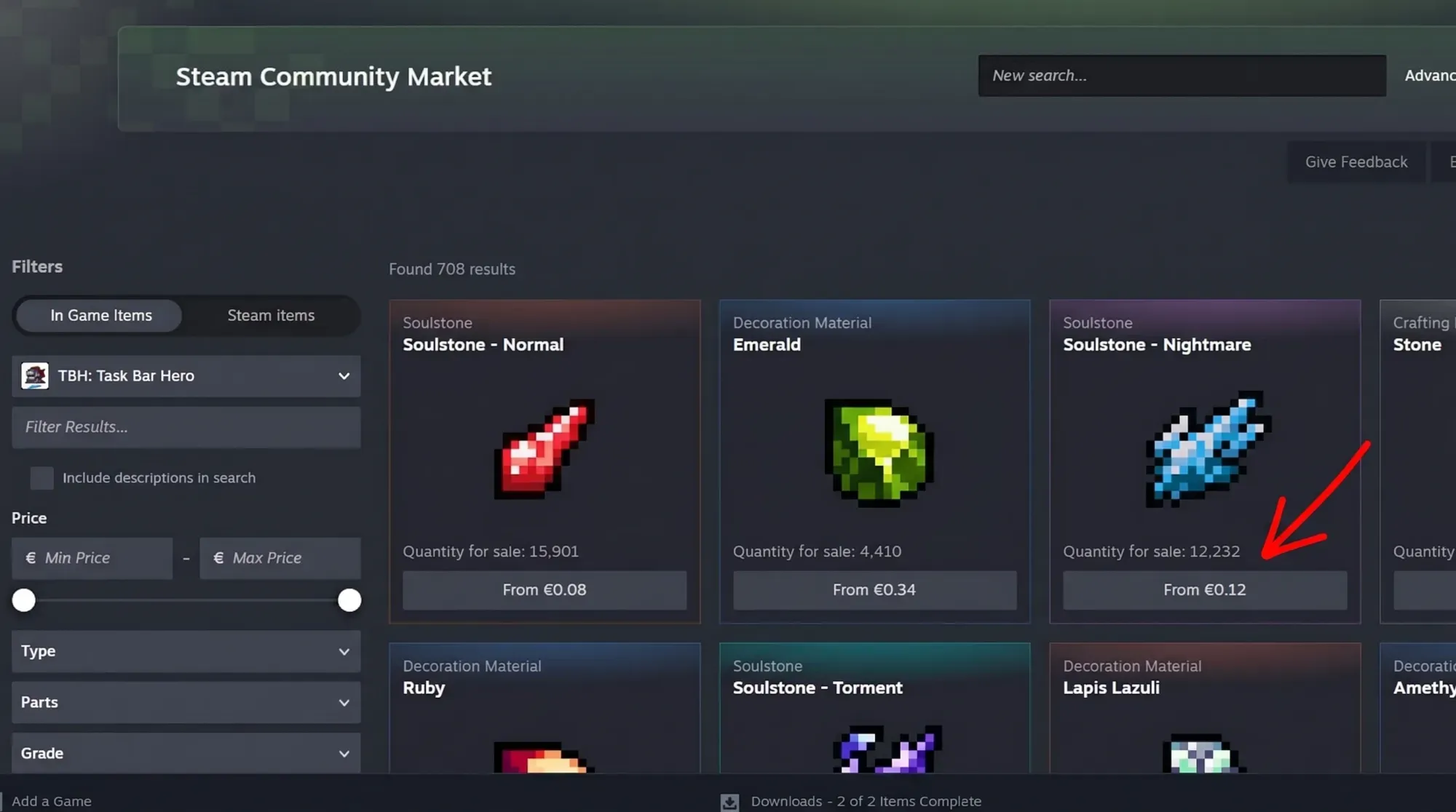
Rarity is not the only thing that moves. Anything Immortal rarity or higher is generally reliable money, but the steady income comes from bulk crafting materials. Soulstones and minor gems sell in volume and can account for a large share of daily revenue. Basic Legendary items sometimes beat Immortal gear on price when their base stats fit the current meta better, so a strong weapon is worth listing even if it is not top rarity.
| Item type | Market behavior |
|---|---|
| Immortal and above | Generally reliable sales |
| Soulstones, minor gems | Sell in bulk; large share of revenue |
| Strong Legendary gear | Can outsell Immortal when stats fit the meta |
| Common Alchemy fodder | Better converted to gold via Cube Alchemy |
Before undercutting Arcana-tier or higher items, check recent sales so you do not list below the going rate. Keep all trades inside Steam. Never move items through outside trades.
Farming setup that maximizes drops
More items per hour means more to sell, and that depends on clearing stages quickly without wiping. A Knight, Ranger, and Priest trio handles this well. The Knight soaks damage so the party survives the later acts where Immortal gear drops, the Ranger provides fast damage, and the Priest is the key piece. Max her Blessing of Strength skill for a 50 percent party-wide damage boost, which speeds up kills and chest output directly.
Pets add permanent passive buffs and cost nothing beyond farming specific stages. The Bat is the early priority. It grants a flat 10 percent boost to common chest drop chance and a 15 percent boost to experience gain. Park your party on Stage 1-7 and grind until the Bat unlocks.
Realistic earnings after the Steam cut
Steam takes a 15 percent cut on every transaction, so factor that into any estimate. Casual play that you boot up occasionally tends to bring in a few dollars a month. Leaving the game running while you work pushes that toward roughly 25 dollars. A heavily optimized party farming Act 3 cleanly can reach 40 to 50 dollars a month. It is pocket change, enough for a few games during a sale rather than a real income stream.
| Play style | Approximate monthly earnings |
|---|---|
| Occasional sessions | A few dollars |
| Running actively while you work | ~$25 |
| Optimized party farming Act 3 | $40–$50 |
Avoiding a permanent market ban
Around 70 accounts caught permanent market bans during the launch week for trying to exploit the system. The selling mechanic itself is legitimate, so there is no reason to risk it. Let your heroes farm, strip your gear properly, and list materials and drops honestly through the normal Trade Ship and market flow.
TBH: Task Bar Hero is free to play, and you can claim it from its Steam store page if you have not started yet. Once Steam Guard is active and your farming trio is running, the only rule that really matters is the Cube wipe. Remove every socket before an item touches the market, and the rest of the process is just dragging loot to the ship and waiting for sales to clear.