

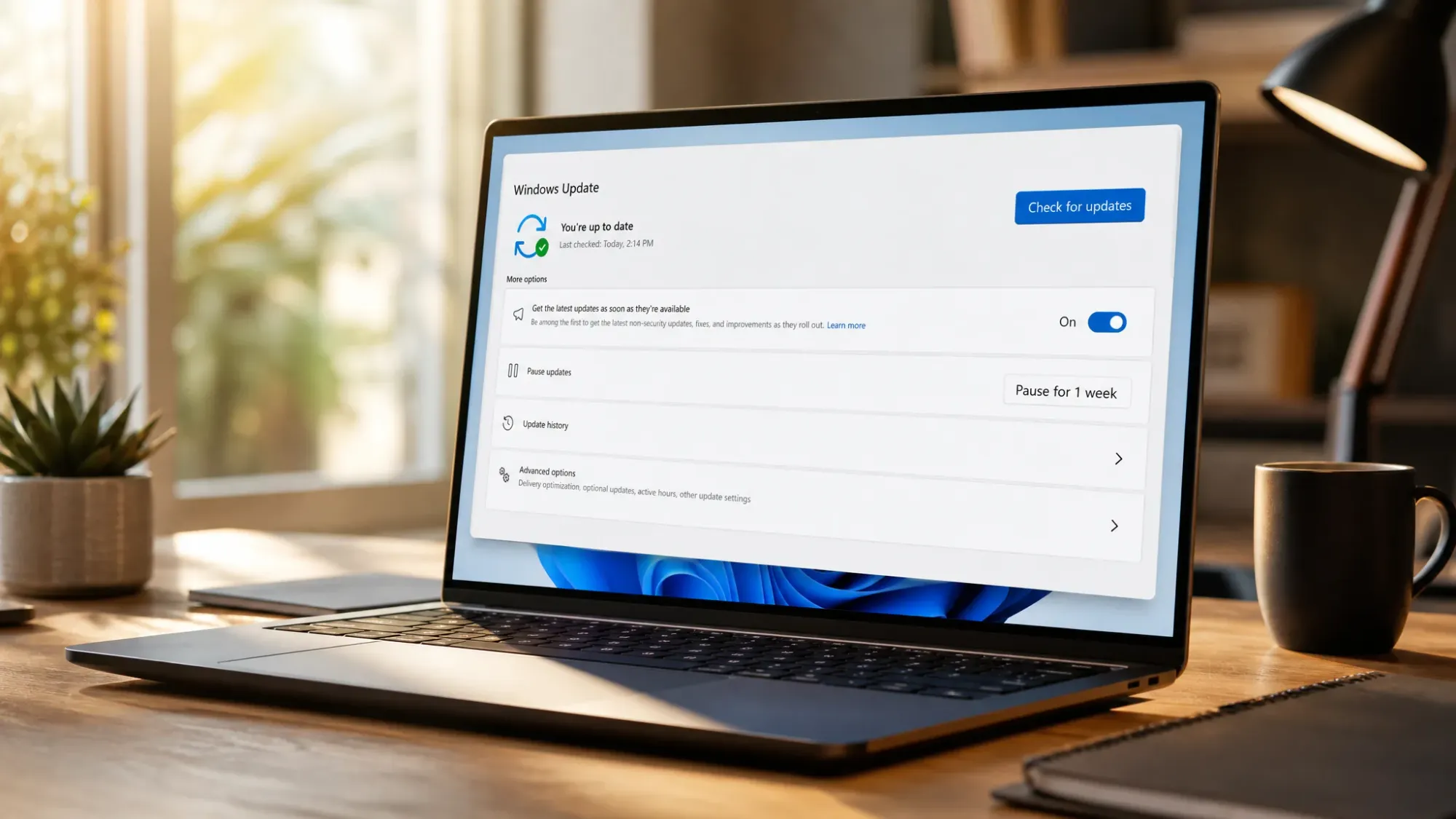
Microsoft has fixed a Windows Update problem that pushed driver updates onto managed PCs even though administrators had set policies to block automatic updates. The company tied the behavior to a misconfiguration in the Windows Update caching service, which briefly dropped device enrollment data and caused some machines to be treated as if they were never enrolled. With that enrollment context missing, the normal driver-approval controls stopped applying, and updates that should have been held back went out anyway.
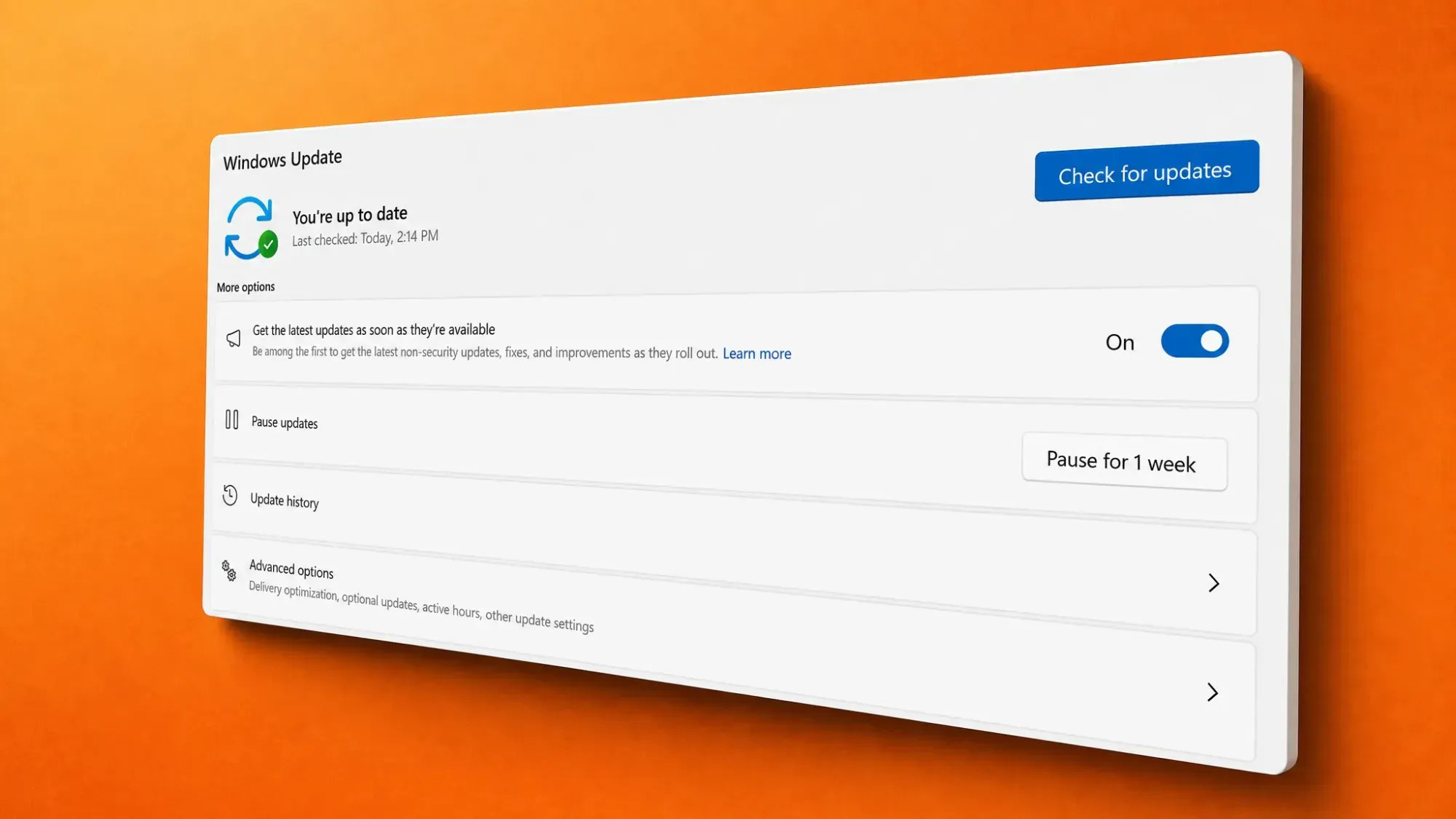
What the Windows Update driver bug did
Affected devices started receiving driver updates without warning, despite having policies in place specifically to prevent auto-updates. Microsoft confirmed that the drivers being delivered were Microsoft approved and signed, and said they did not pose a security threat. That distinction matters for security, but it did not spare IT teams from disruption.
Windows admins reported tens of thousands of machines unexpectedly pulling down BIOS and driver updates. In a number of cases, the surprise installs broke working hardware, with audio and video devices dropping out after the wrong driver landed. For environments that rely on tight change control, an unplanned BIOS or driver push is exactly the kind of event those blocking policies exist to prevent.
The cause: a caching service that dropped enrollment data
The root of the problem sat in the Windows Update caching service. According to Microsoft’s admin center incident report (MO1332784), the service temporarily lost device enrollment information. When that data disappeared, the affected machines looked non-enrolled to Windows Update, so the driver-approval rules configured by administrators were never checked.
Microsoft first acknowledged the behavior on the afternoon of Tuesday, June 2, describing reports of Windows devices with anti-auto-update policies installing drivers anyway. The Intune Support Team also flagged the issue publicly and said the company was working to mitigate it.
How Microsoft fixed it
The remediation happened on the service side, so there was nothing for users or admins to install. Microsoft updated the affected service cache and restored the enrollment status for impacted devices, which brought the driver-approval controls back into force.
On Wednesday, June 3, the company confirmed the issue was resolved after validating the fix against a subset of previously affected users. Microsoft also said it is reviewing how the caching service came to drop enrollment information in the first place, with the goal of detecting, preventing, and responding to similar service-side failures faster.
How driver update controls are supposed to work in Intune
Windows driver update policies in Microsoft Intune decide which drivers are allowed to install on managed devices, and the bug effectively bypassed them. Under normal conditions, you choose between two approval modes, and only approved drivers can install. Windows Update then installs only the latest approved version that is newer than what is already on the device.
| Approval mode | Behavior |
|---|---|
| Manually approve and deploy | Each new driver is added with a status of Needs review. An admin must change it to Approved before it can deploy, and can set a date when it becomes available. |
| Automatically approve recommended drivers | New recommended drivers are added as Approved and deploy after a deferral you set (0 to 30 days). All non-recommended drivers go to the other drivers list as Needs review. |
Two settings are worth confirming if you want to keep drivers out of quality updates. In an update ring policy, the Windows driver setting should be set to Allow only if you want driver delivery; in the settings catalog, the Exclude WU Drivers in Quality Update option in the Windows Update client policies category controls whether drivers ride along with quality updates. Full configuration steps are documented in Microsoft’s Windows driver update policy guide.
Note: Microsoft also points out that driver update policies do not enforce Computer Hardware ID (CHID) targeting set by OEMs, so managed devices can end up with a newer recommended driver instead of the CHID-targeted one even when everything is configured correctly.
A pattern of unexpected driver installs in 2026
This was not an isolated incident. A month earlier, Microsoft fixed a Windows Autopatch bug that delivered restricted driver updates to a limited set of Autopatch-managed devices in the European Union, even where admin policies required manual approval. That issue affected client platforms including Windows 11 23H2, 24H2, and 25H2, and some machines saw unexpected reboots or failures depending on the driver involved. Like the caching bug, it was corrected with a service-side fix that required no action from customers.
The repeated theme is that driver delivery can slip past administrative controls when the supporting service state breaks down, even when the drivers themselves are signed and considered safe. Both incidents now show as resolved, and Microsoft says it is tightening how these services handle enrollment and approval data going forward.