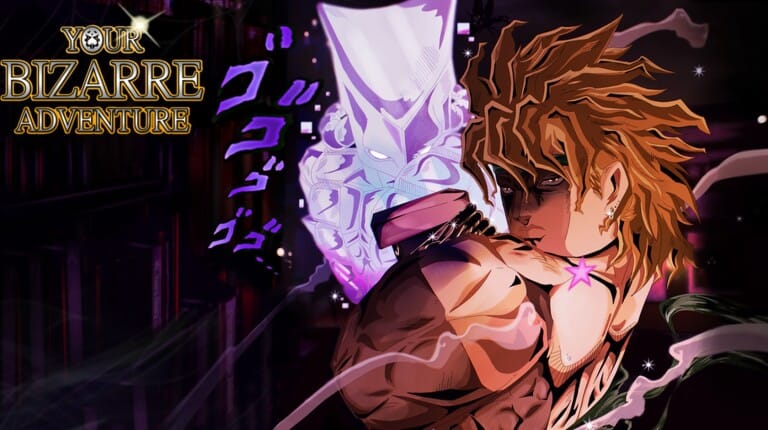
Your Bizarre Adventure is the Roblox brawler built around JoJo’s Bizarre Adventure, where players unlock Stands, train fighting styles, and battle across a shared open world. Redeemable codes hand out Lucky Arrows, EXP boosts, and cosmetic skins that speed up that grind.
Working Your Bizarre Adventure codes
Enter these codes in the Settings menu to claim free Lucky Arrows, EXP boosts, and other rewards before they run out.
MORECODESTOCOME— 1 Lucky Arrow NEW@PARAGON NEW CODE PLS— 1 Lucky ArrowGULLIBLE— 5 Lucky Arrows and a free C-Moon skin6YEARS— 2x EXP and 1 Lucky ArrowCHRISTMAS2025— 1 Lucky Arrow and 1 Christmas PresentPARAGONLUCK— 1 Lucky ArrowHALLOWEEN2025— 1 Lucky Arrow, 1 Requiem Arrow, and 25 minutes of 2x EXPrevivesoon?— 6 Arrows and 7 Mythical ChestsBLEACHSOON— 5 Lucky ArrowsTYSMFOR24MILVISITSANDFAVS— a batch of freebiesSKIPGRINDCHEAT— an instant boost to Prestige 3
Redeem codes in Your Bizarre Adventure
Some codes only work once your character has reached Prestige level 3 or higher, so level up before trying to redeem anything on a fresh account.
Expired Your Bizarre Adventure codes
These codes no longer redeem anything, so skip them if you spot them elsewhere.
12 HOURS WITHOUT YBA5YEARSARE YOU WATCHING ME?YOUR NEXT LINEYessirMy3VampMainsRiseUpFreeStandSkinLootBugStickyChristmasGiftStickyArrowsStickyAndFruity2WOUREWORKMERRYCHRISTMASYBANUDONTDELAYANUPDATECHALLENGESORRYFORGUTSQUESTBUGweresobackybanuYareYareDawaYummersOneMillionLikesHUGE
Where new codes get announced
The developer doesn’t push out new codes on a fixed schedule, so the fastest way to catch one is to watch the official channels directly. The Your Bizarre Adventure Discord server posts new codes in its updates channel alongside patch notes, and the same information usually shows up on the developer’s X account and YouTube channel shortly after.
Codes tend to expire without a set countdown, often tied to a like milestone on the game’s page or a content update, so redeeming them as soon as you see them listed is the safest approach.