The “rush over an edge” objective inside the second TacSim escalation mission trips up a lot of players because it looks like a regular shoulder charge into a drop. It isn’t. The game counts a sprint-tackle off a ledge as a throw, which is why the prompt keeps registering the wrong takedown type even when an enemy clearly goes flying.
Why the rush keeps counting as a throw
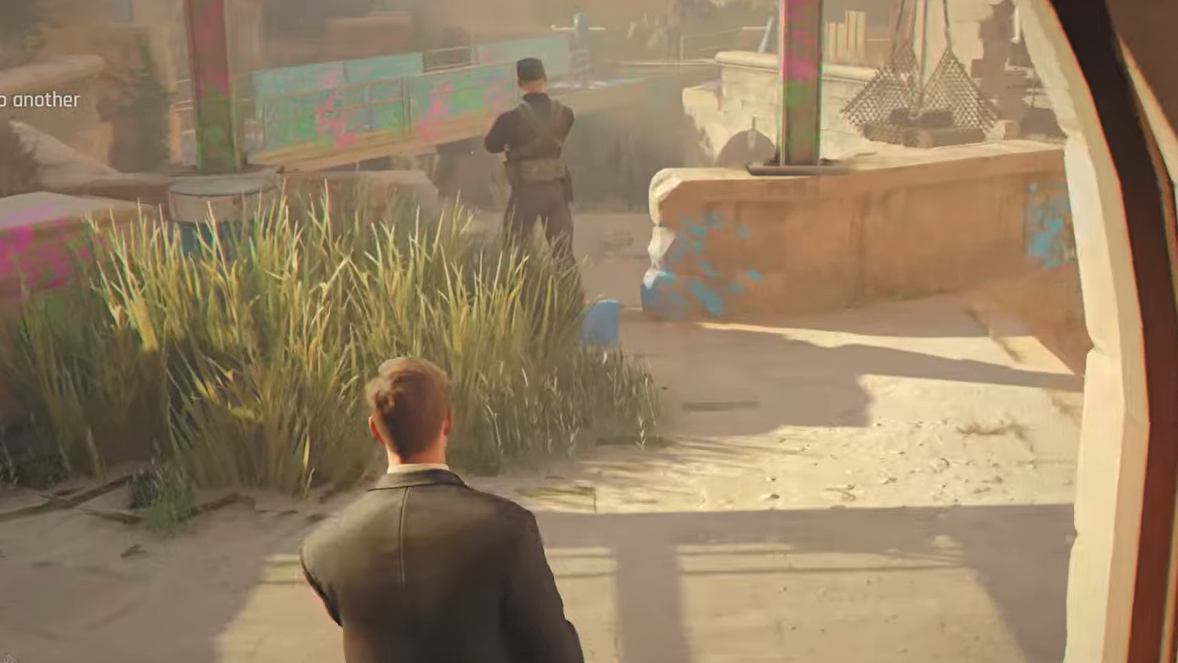
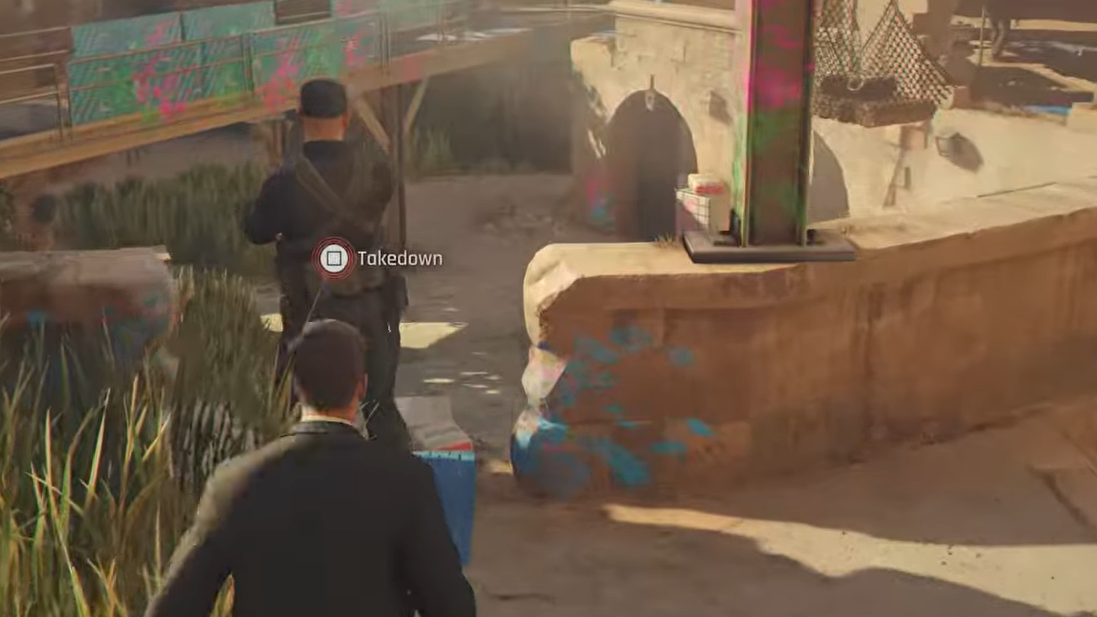
The TacSim distinguishes between three takedown categories near ledges: throws, pushes, and rushes. A throw is a grapple-based animation that ends with Bond launching the target. A rush is a short, forward melee impact that knocks the enemy backward off a surface. If you initiate the action while grappling or while too close behind the target, the game files it as a throw, and the objective doesn’t tick.
Sprinting all the way to the edge also fails for a different reason. Bond’s auto-stop at ledges interrupts the rush animation before contact lands, so the input either cancels or converts into a generic shove that the objective doesn’t recognize.
The exact setup that works
Common reasons it fails to register
| What went wrong | Why the objective didn’t trigger |
|---|---|
| Sprinted into the edge | Bond’s auto-stop cancels the rush impact frame |
| Grabbed the enemy first | Counts as a throw, not a rush |
| Enemy was facing Bond at point-blank | Often registers as a push or shove |
| Edge was a low gap, not a true drop | The geometry doesn’t qualify as “over an edge” |
| Bond fell off with the enemy | Failure state, restarts the attempt |
How to confirm it worked
You’ll know the rush counted when the on-screen objective tracker advances by one, and the TacSim doesn’t reset the attempt. If the counter stays the same after the enemy falls, the game logged the takedown under a different category, and you’ll need to repeat the input with the positioning above. Completing the required number of rushes ends the escalation segment and lets the story progress past the TacSim.
The objective is deterministic once the input style matches what the game expects. Treat it as a short-range melee impact from a stationary stance rather than a running tackle, and the TacSim will accept the takedown on the first clean attempt.