How to Reset Safari to Default Settings on Mac and iPhone
Scratching your head to reset Safari to default settings? Don't know where to begin? Well don't worry, we have got your back!
Scratching your head to reset Safari to default settings? Don’t know where to begin? Well don’t worry, we have got your back!
by Parth Sawhney
Over time, Safari can collect cache, history, and website data that may slow down your browsing experience or even affect your device’s performance.
Reset Safari to default settings on Mac
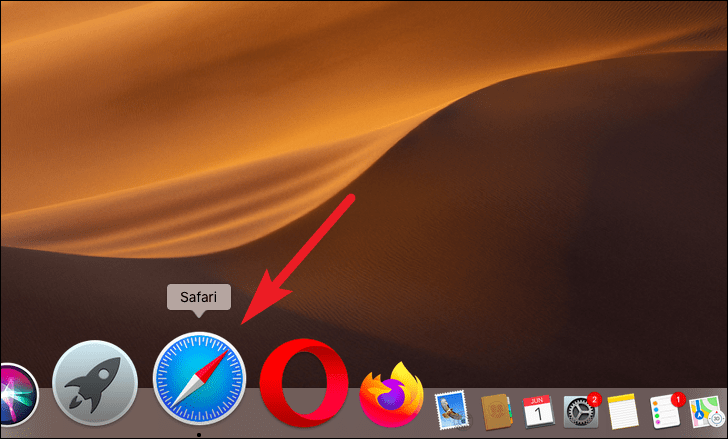
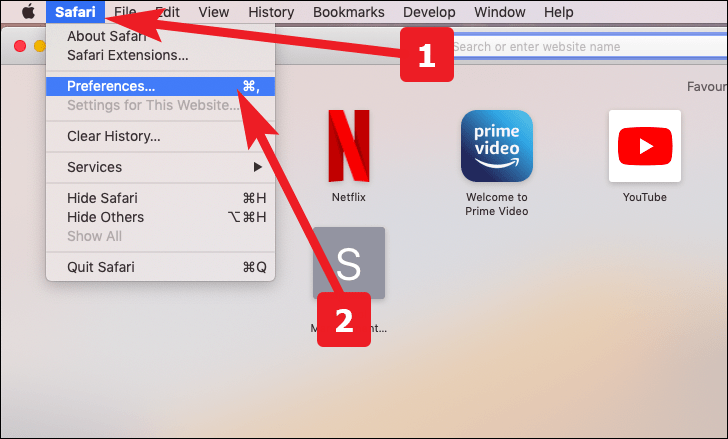
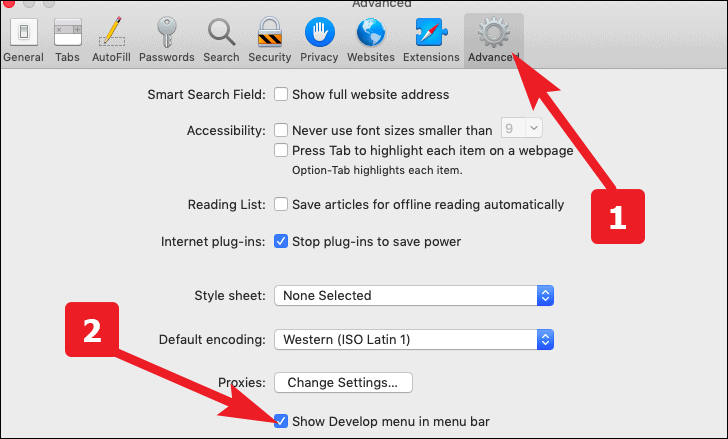
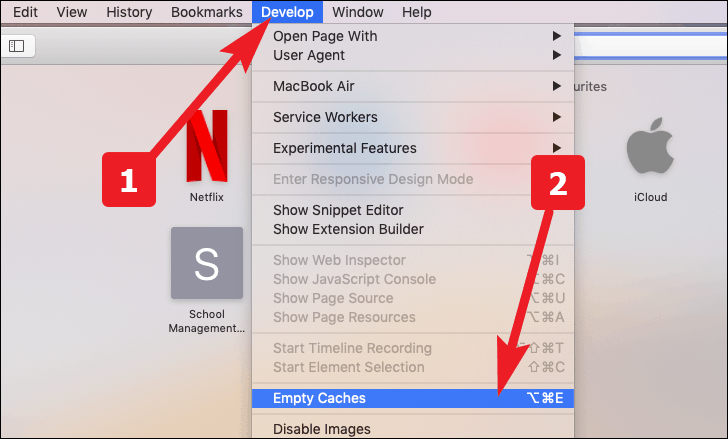
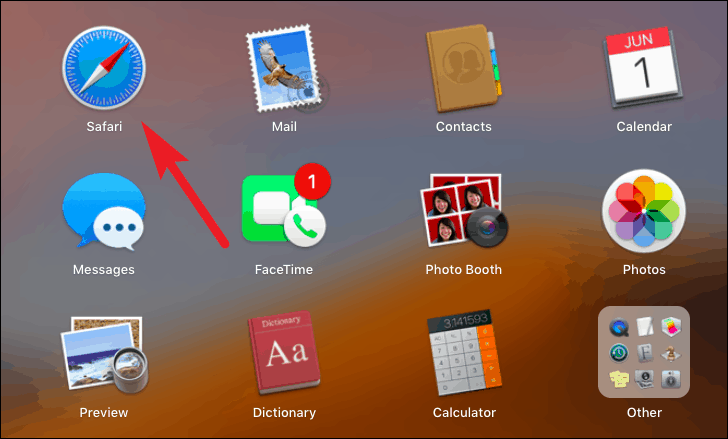
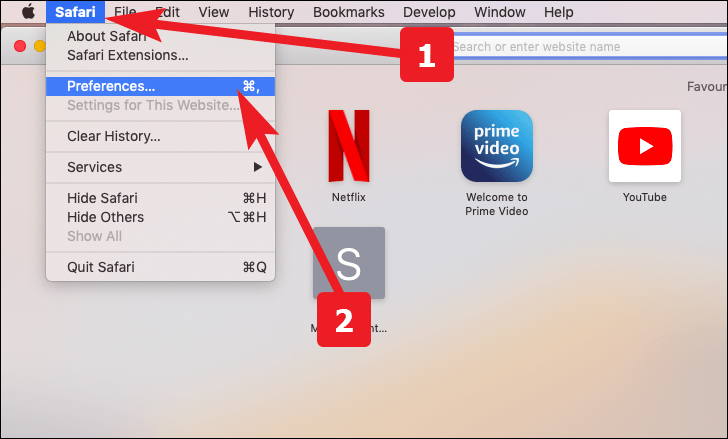
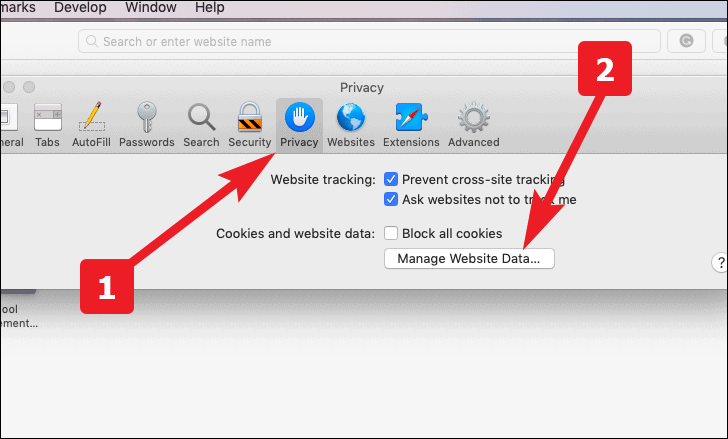
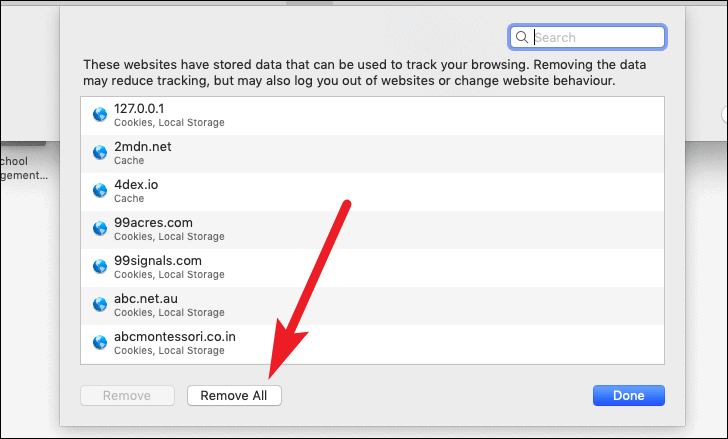
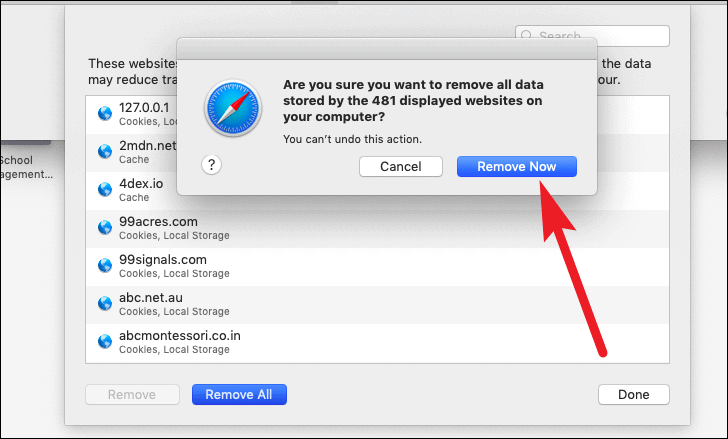
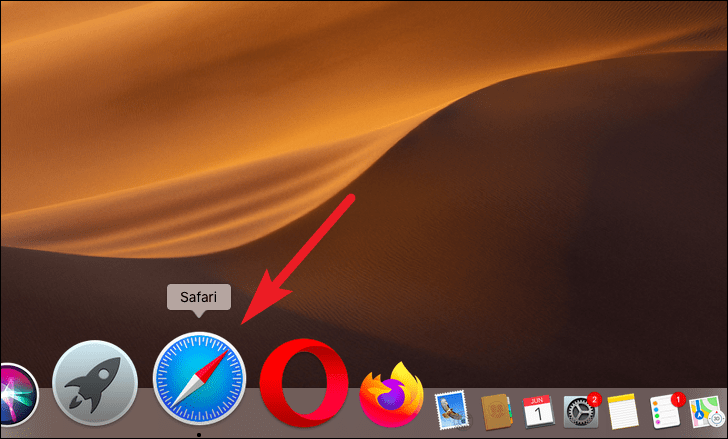
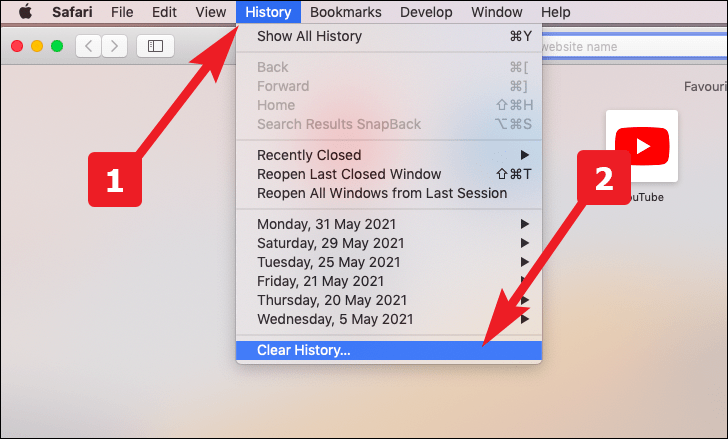
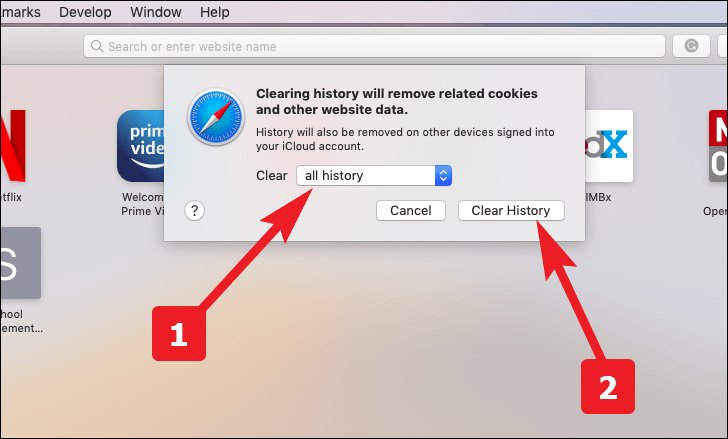
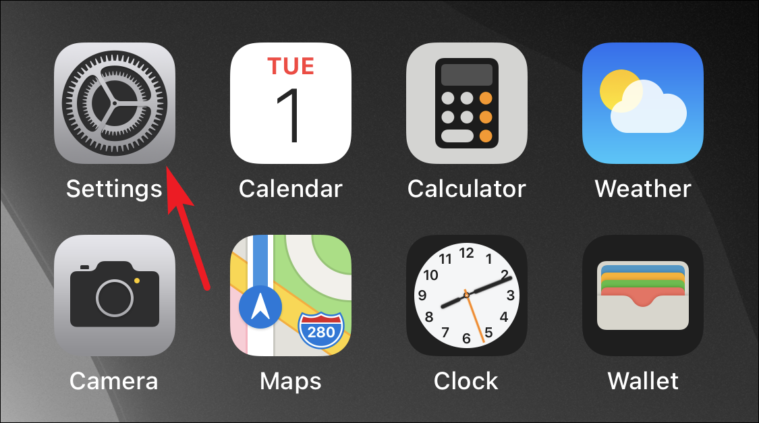
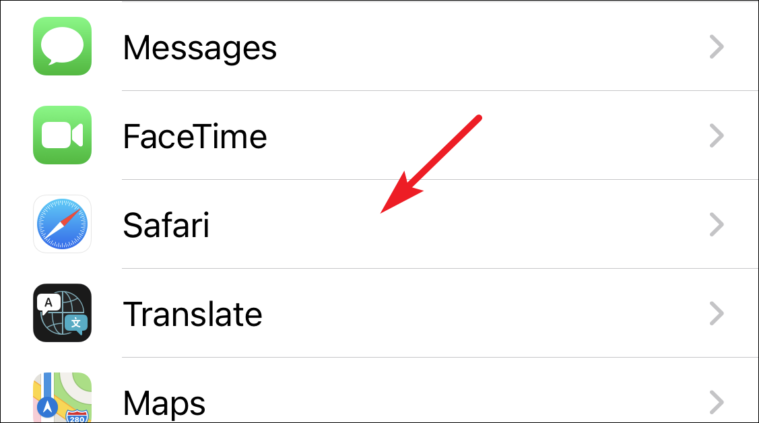
Although Safari doesn’t offer a direct ‘Reset’ button, you can manually reset it by clearing three components: cache, website data, and history. Here’s how to do it.
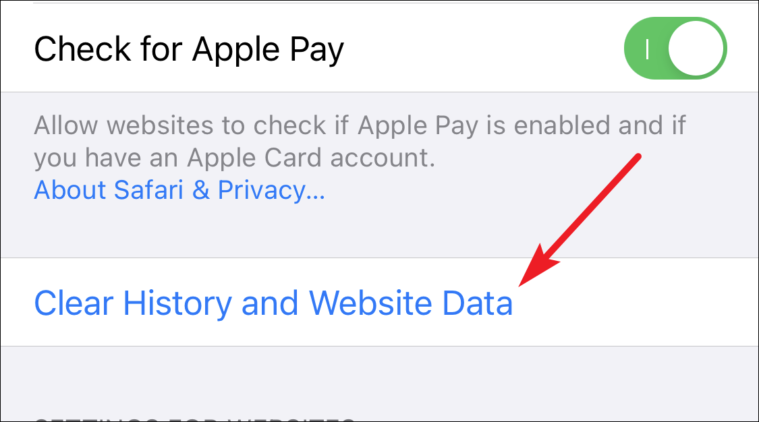
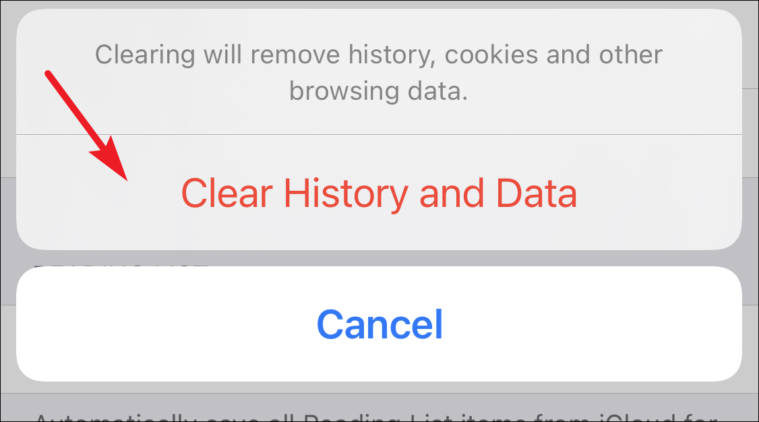
Confirm by tapping ‘Clear History and Data’ in the popup that appears.
By following these steps, you can reset Safari to its default settings on both your Mac and iPhone, which can help improve performance and resolve browsing issues.