
Although Google Docs lacks a built-in feature to sort text alphabetically, you can effortlessly organize your content using add-ons available in the Google Workspace Marketplace.
Arranging lists or paragraphs in alphabetical order enhances the readability and professionalism of your documents. This is particularly useful when collaborating on projects or sharing information with colleagues.
Among the numerous add-ons designed for this purpose, ‘Sorted Paragraphs’ stands out for its simplicity and effectiveness. Follow the steps below to install and use this add-on to alphabetize your content in Google Docs.
How to alphabetize in Google Docs
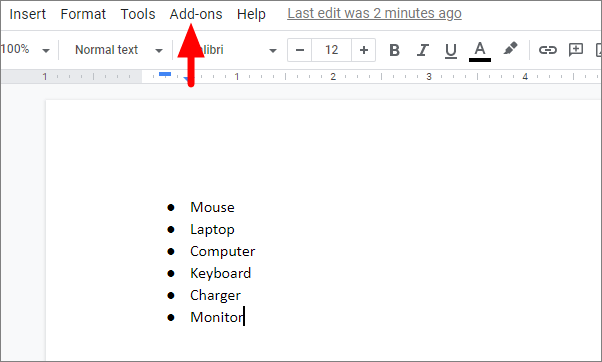
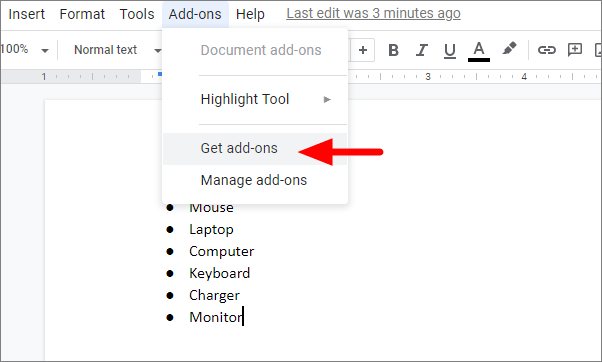
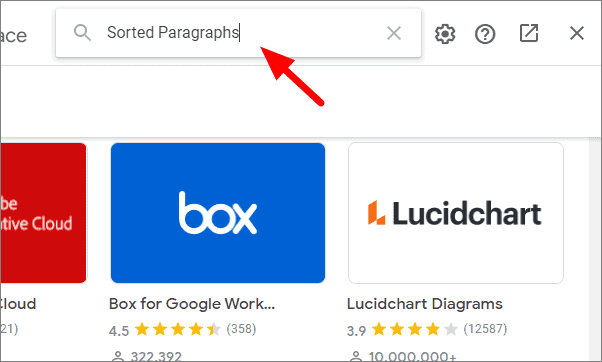
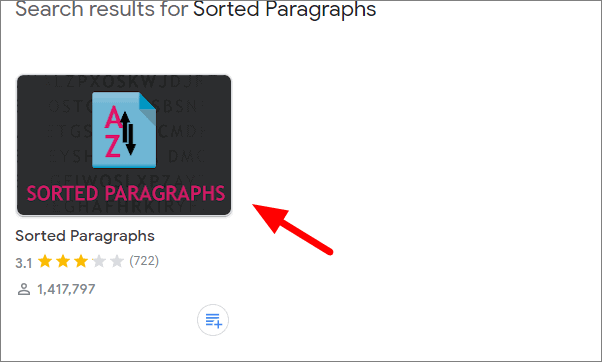
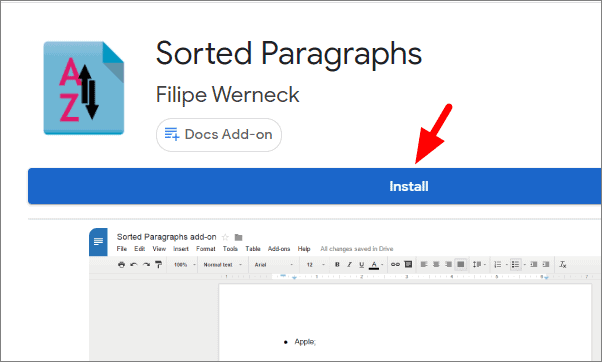
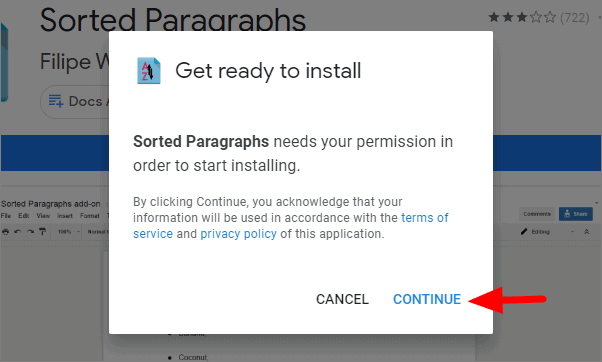
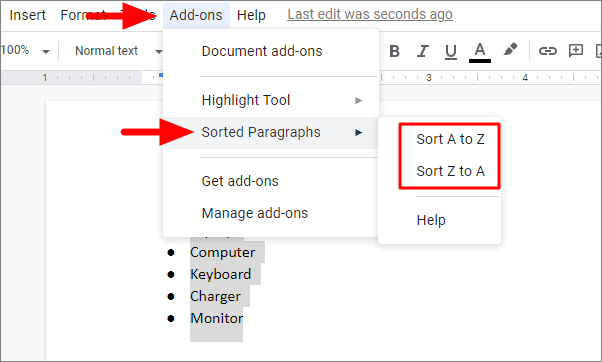
The selected text will now be arranged based on your chosen sorting option. Below is an example of content sorted in alphabetical order:
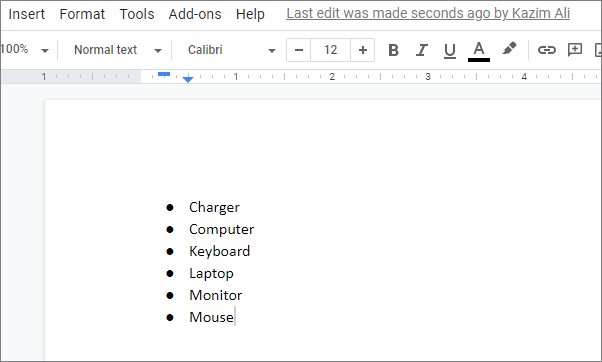
After sorting, review your document to ensure that the spacing and formatting of paragraphs remain consistent, as the process may alter the original layout slightly.
By utilizing the ‘Sorted Paragraphs’ add-on, you can efficiently organize your Google Docs content, making it more accessible and easier for readers to follow.
Alphabetizing text in Google Docs is straightforward with the help of the ‘Sorted Paragraphs’ add-on, allowing you to enhance the organization and clarity of your documents effortlessly.