iMessage, Apple’s exclusive messaging platform, is celebrated by users for a multitude of reasons. Beyond its primary function of sending messages, iMessage offers some delightful features that might surprise newcomers to Apple devices. One such feature is the ability to play multiplayer games through your text conversations, connecting you with friends and family no matter where they are.
Indeed, iMessage is more than just a medium for messages or sharing photos and videos. Hidden within the app is the ‘app drawer,’ a gateway to a variety of features, including the ability to play games with your contacts.
These games are available as iMessage extensions—apps that you can download and use right within iMessage. While it might sound complex, initiating a game with a friend through iMessage is straightforward.
Sending a game invite in iMessage
To play a game with someone via iMessage, you need to download the game specifically for iMessage. You can’t directly play the games installed on your iPhone within iMessage, and not every game available in the general App Store has an iMessage extension.

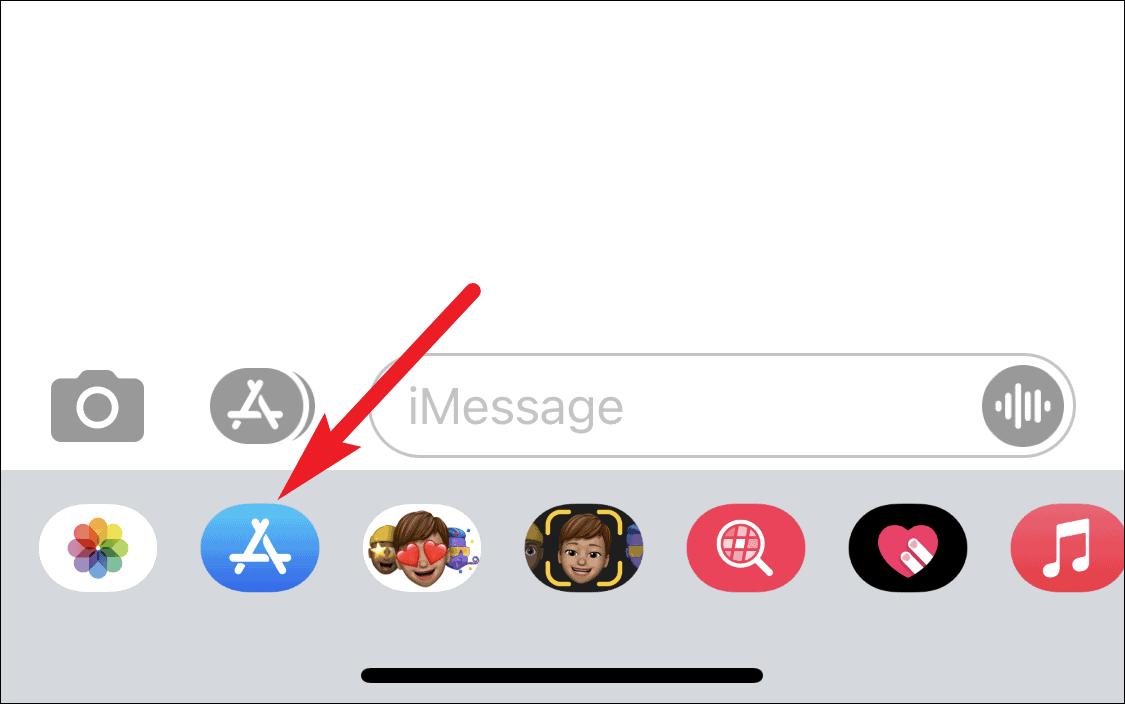
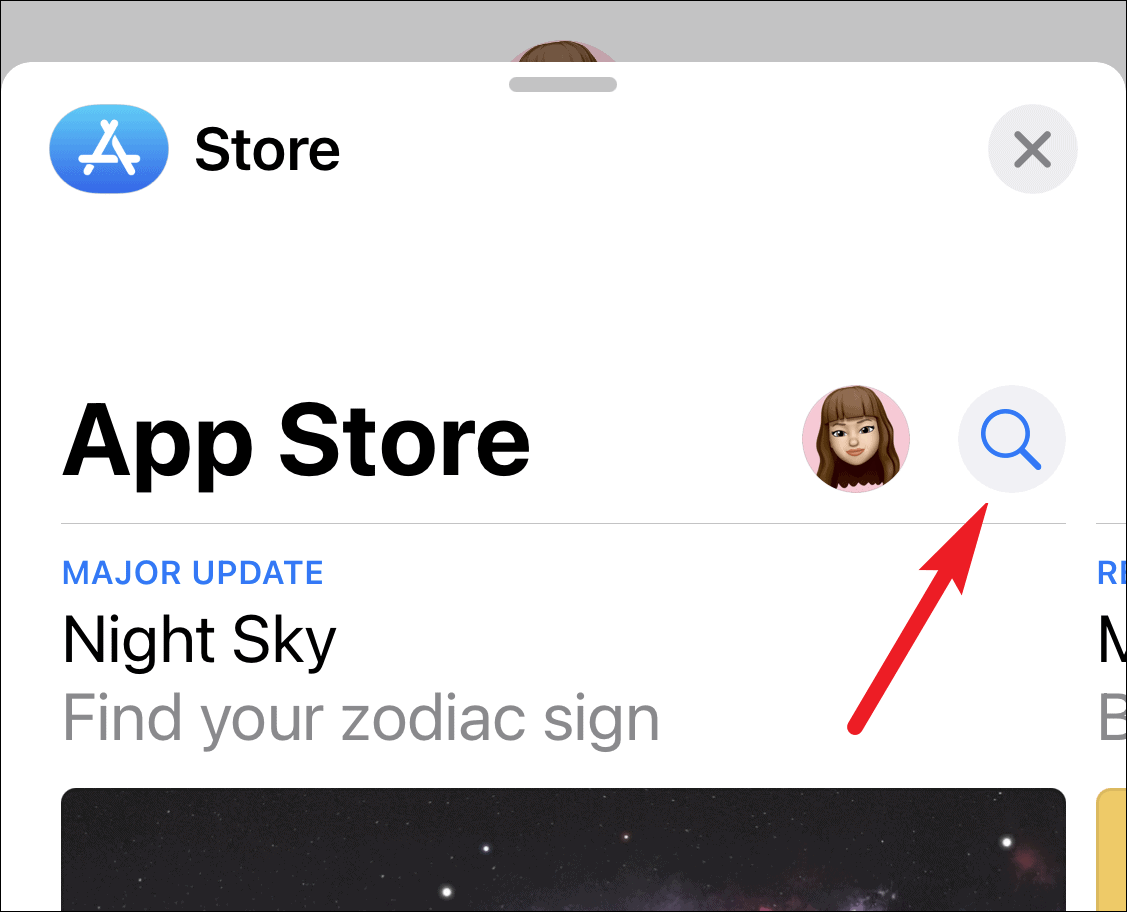
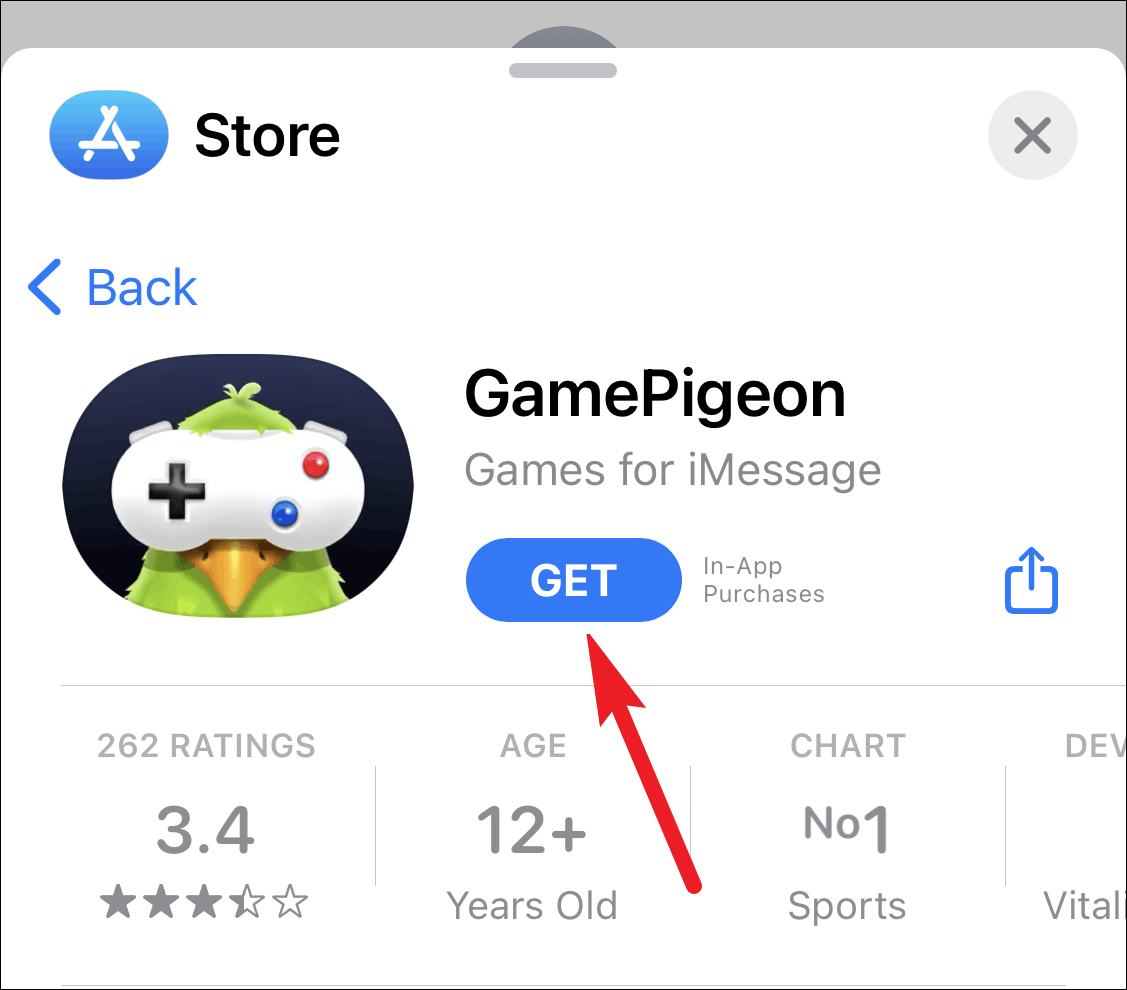
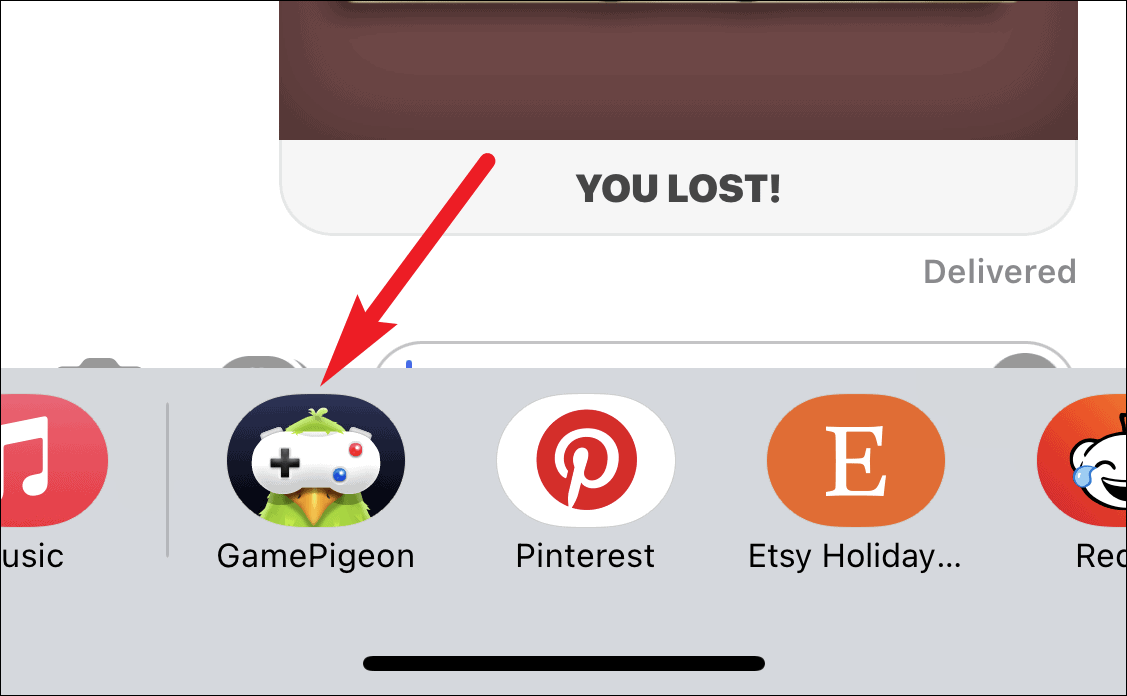
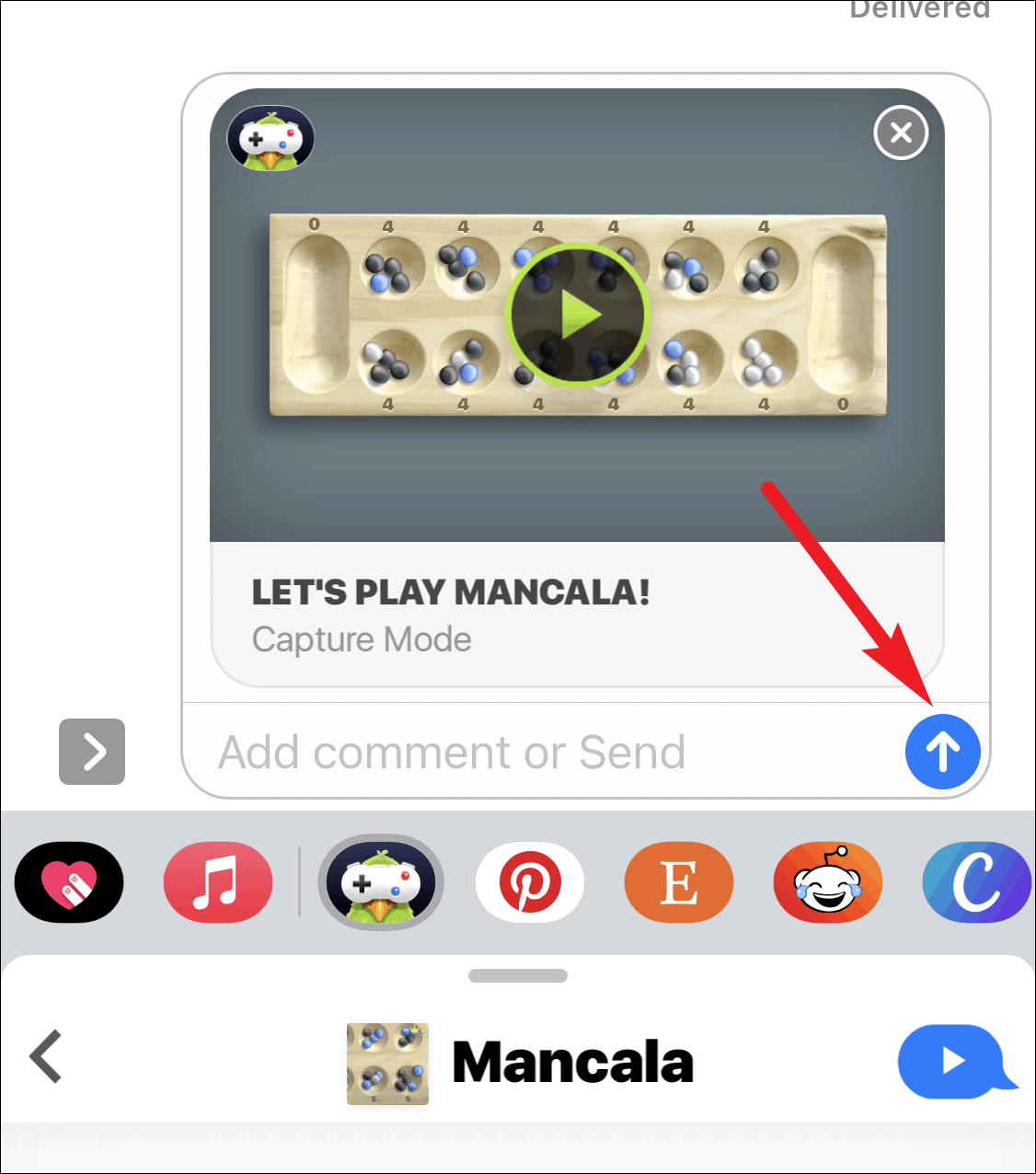
The recipient will need to download the game on their device to participate. You can engage in the game in real-time or take turns at your own pace since each move is sent as a message, allowing for flexibility.
Playing games through iMessage is a fantastic way to stay connected with friends and family, no matter the distance. The convenience of taking turns when you have time means you don’t need to coordinate schedules. Plus, you can engage in multiple games simultaneously with one or more contacts!
And that’s all it takes to start enjoying games with your friends through iMessage. It’s a simple and enjoyable way to add some fun to your conversations.