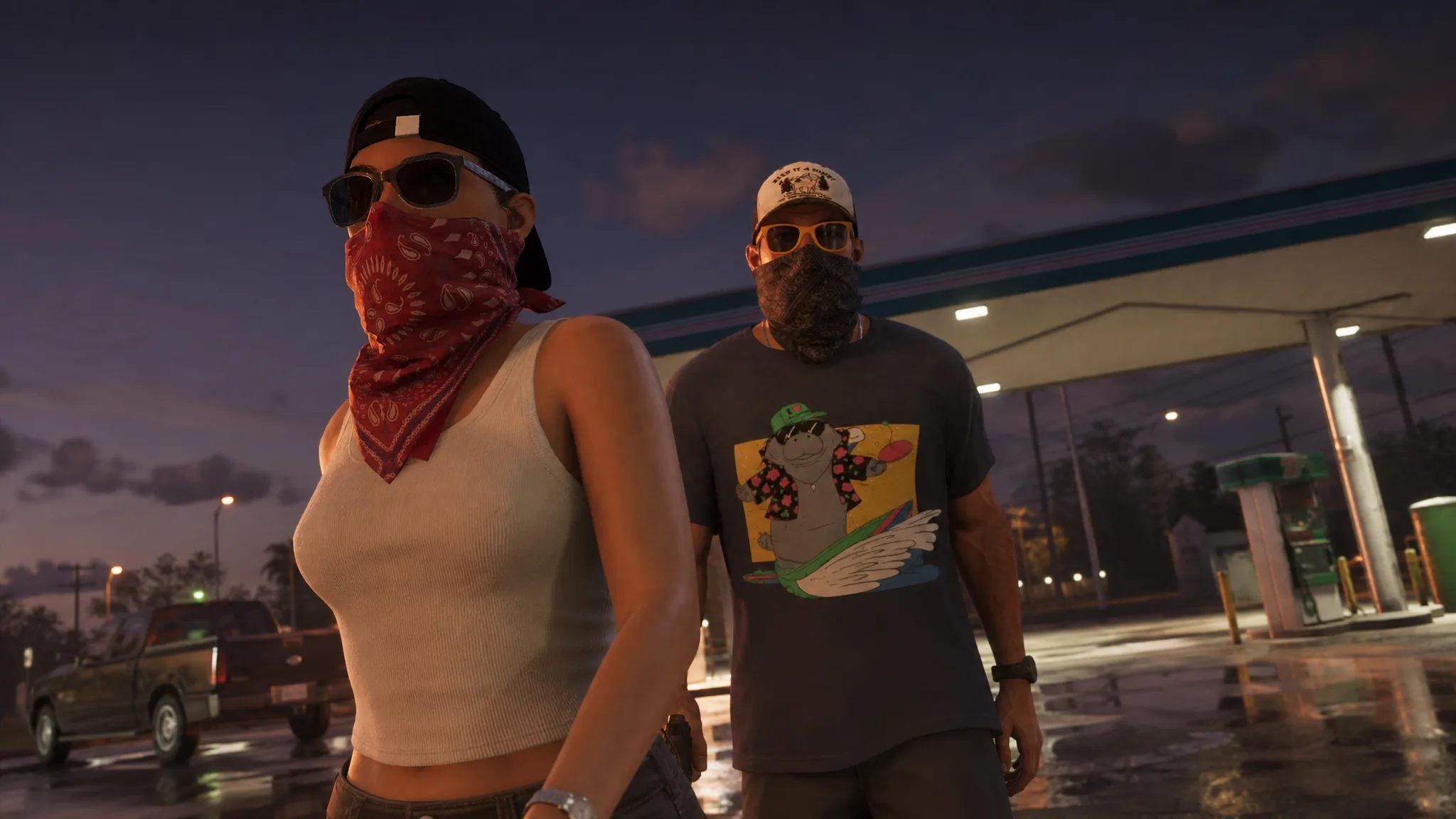
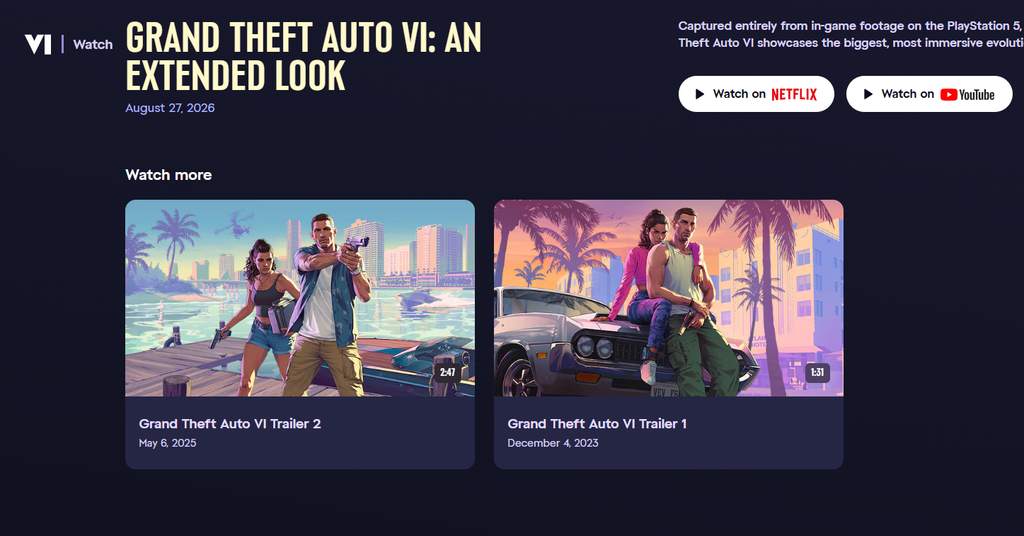
The 26-minute Grand Theft Auto VI: An Extended Look is available as a direct download straight from Rockstar Games, and it is a much cleaner copy than anything you will get from a streaming feed. The file weighs in at roughly 14.2GB, captured on a PlayStation 5 at 30 fps, and it keeps the texture detail and crowd density that video compression usually flattens out.
Quick answer: Open the official Grand Theft Auto VI videos page, scroll down to the Extended Look in the Media section, play it, then use the download button and pick where to save the ~14.2GB MP4. Make sure you have the free storage first.
Download the 14.2GB Extended Look from Rockstar’s site
The high-quality copy lives on the official Grand Theft Auto VI pages, not on YouTube. The whole process takes a few clicks, though the transfer time depends on your connection since the file is large.
GTAVI_An_Extended_Look.mp4. Once it finishes, you can play it from a hard drive on any player that handles high-resolution MP4 video.There are two different downloads floating around. A smaller version sits around 2.3GB, while the pristine copy in the Media section is the 14.2GB one. If you want the sharpest picture, confirm the size before you commit.
Fix a stuck or buffering download button
Heavy traffic can leave the download button spinning with an endless loading animation, and the button may never resolve on phones. If the standard click does not start the transfer, these workarounds pull the same file directly.
Comfortable with a terminal? The same file can be fetched with a direct request using the Rockstar referer and origin headers:
curl 'https://media-rockstargames-com.akamaized.net/VI/downloads/videos/GTAVI_An_Extended_Look/GTAVI_An_Extended_Look.mp4'
  -H 'Referer: https://www.rockstargames.com/'
  -H 'Origin: https://www.rockstargames.com'
  --output GTAVI_An_Extended_Look.mp4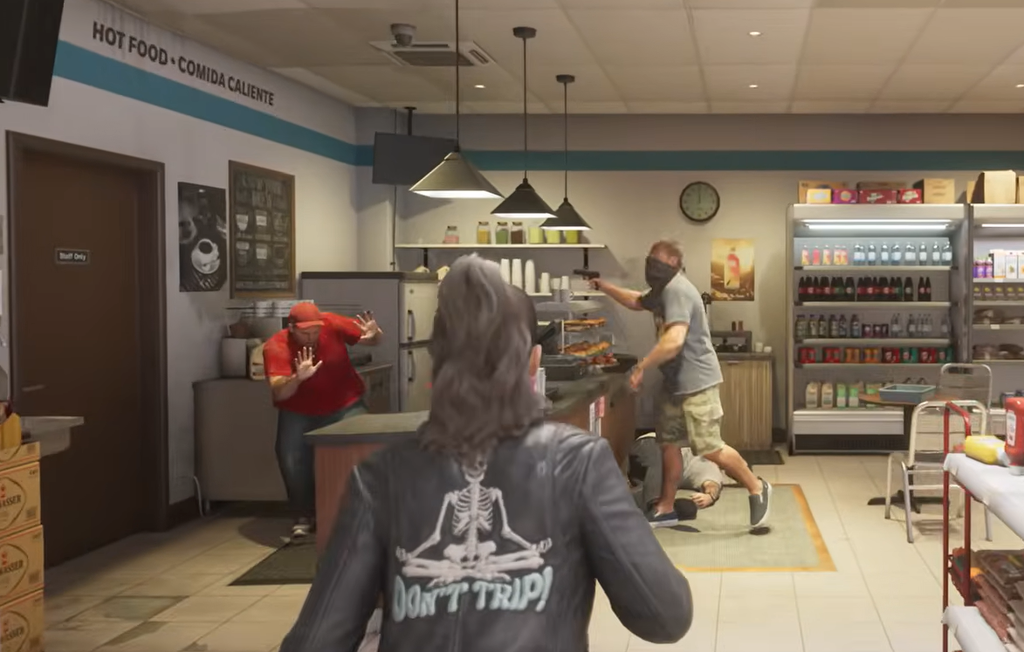
File size and quality differences
The direct download is noticeably sharper than the streaming versions because it skips the compression those services add. It is still not a fully uncompressed master, and it does not include HDR, but it holds up far better than the Netflix or YouTube feeds when you pause to study a single frame.
| Version | Approx. size | Notes |
|---|---|---|
| Rockstar Media download | ~14.2GB | Highest quality, 4K, no HDR |
| Rockstar player download | ~2.3GB | Smaller 4K copy |
| YouTube stream | N/A | Free, softer detail and sharpness |
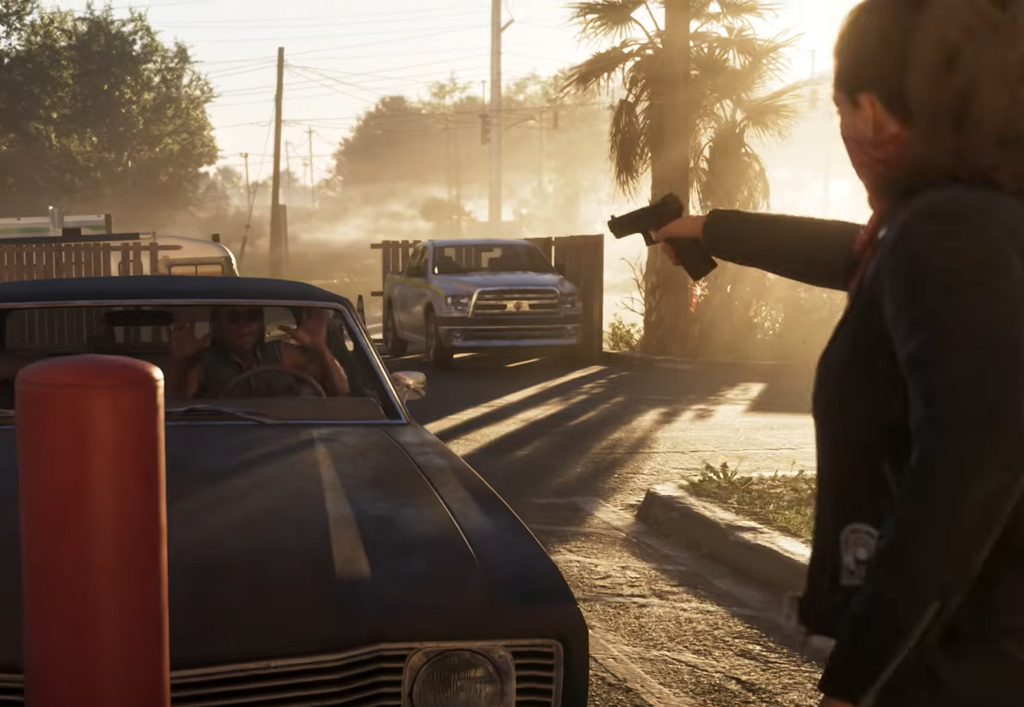
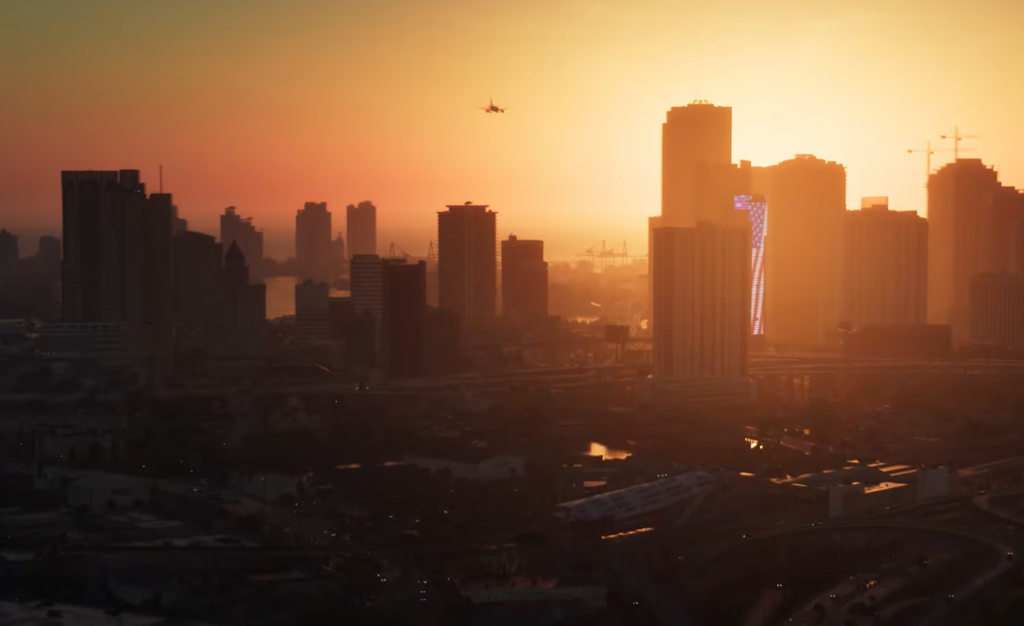
Because it was captured entirely on a PS5 running at a steady 30 fps, the footage is a fair representation of how the game looks on standard current consoles. It runs 26 minutes and covers Jason Duval and Lucia Caminos, seamless character switching, robberies, shootouts, scuba diving, police pursuits, and the state of Leonida.
Watch it free on YouTube instead
If you do not need the offline copy, the full presentation is free on Rockstar’s official YouTube channel, so no Netflix subscription is required. It is age restricted, so you may need to click through to the site to play it.
Whichever route you choose, the 14.2GB download remains the way to see the cleanest picture, while the stream is the fastest way to just watch. Line up the free storage, keep a desktop browser handy for the workaround, and you will have the Extended Look ready to replay on your own hardware.