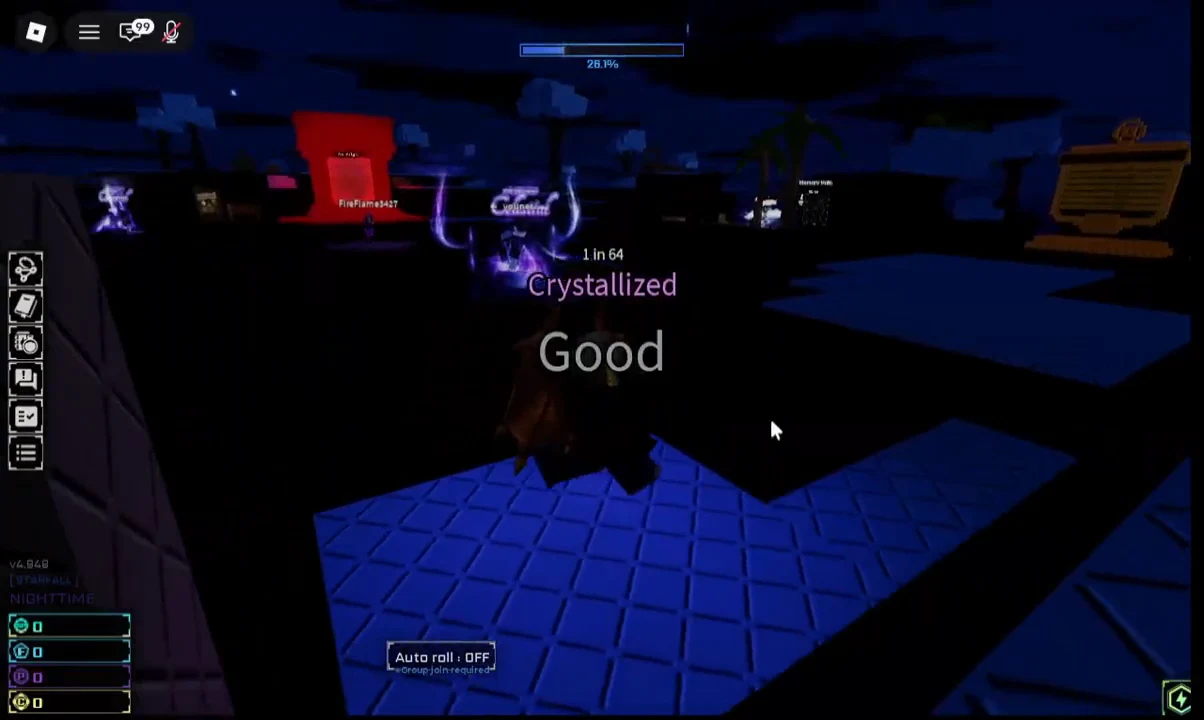
Rolling by hand in Sol’s RNG gets old fast. Rare auras can take tens of thousands of rolls, and the game knows it, which is why there’s a toggle sitting right under the Roll button labeled Auto roll - OFF. Tap it before you meet the requirement and nothing happens. The button is gated behind membership in the developer’s Roblox group.
Quick answer: Join the Sol’s Studio Roblox group, relaunch Sol’s RNG, then press Auto roll - OFF at the bottom of the screen to flip it on. Quick Roll is not part of that unlock — it’s a 100 Robux gamepass.
Auto Roll and Quick Roll are two different unlocks
These two features get bundled together in conversation, but they cost different things and do different things. Auto Roll presses the button for you forever. Quick Roll strips out the opening animation so each roll resolves almost instantly. You can run both at once, and that combination is what most long grinding sessions look like.
| Feature | Cost | What it does |
|---|---|---|
| Auto Roll | Free — requires Sol’s Studio group membership | Rolls continuously until you switch it off, and auto-rejoins the server every 20 minutes so Roblox’s anti-AFK timer doesn’t kick you |
| Quick Roll | 100 Robux gamepass | Skips the roll animation entirely and shortens the cooldown between rolls |
Note: joining the group will not hand you Quick Roll. It is the only paid rolling mechanic in the game, and it stays a gamepass purchase.
Join Sol’s Studio to unlock Auto Roll
Roblox now calls groups “communities,” so the button you’re hunting for may say Join Community rather than Join Group. Either label works. The destination is the same: Sol’s Studio, the developer behind the game.
Are you sure you want to leave the game? prompt. Group membership is read when you join a server, so staying in the current one won’t help.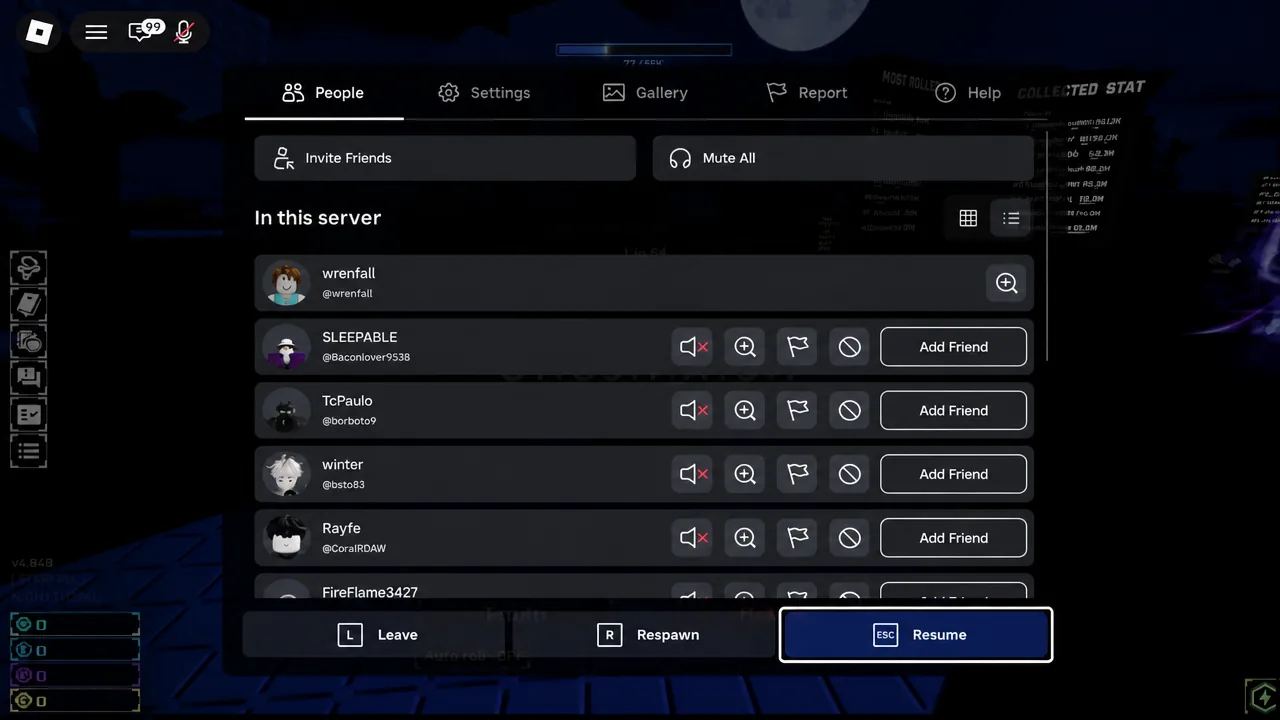
![The Sol's RNG [Summer Event] experience page on Roblox, with the seasonal event card above the description.](https://static.allthings.how/wp-content/uploads/2026/08/how-to-like-game-and-join-group-to-get-auto-roll-and-quick-r-7185418697.webp)
Developer: Sol's Studio, the creation date of 12/3/2023, and the visit count.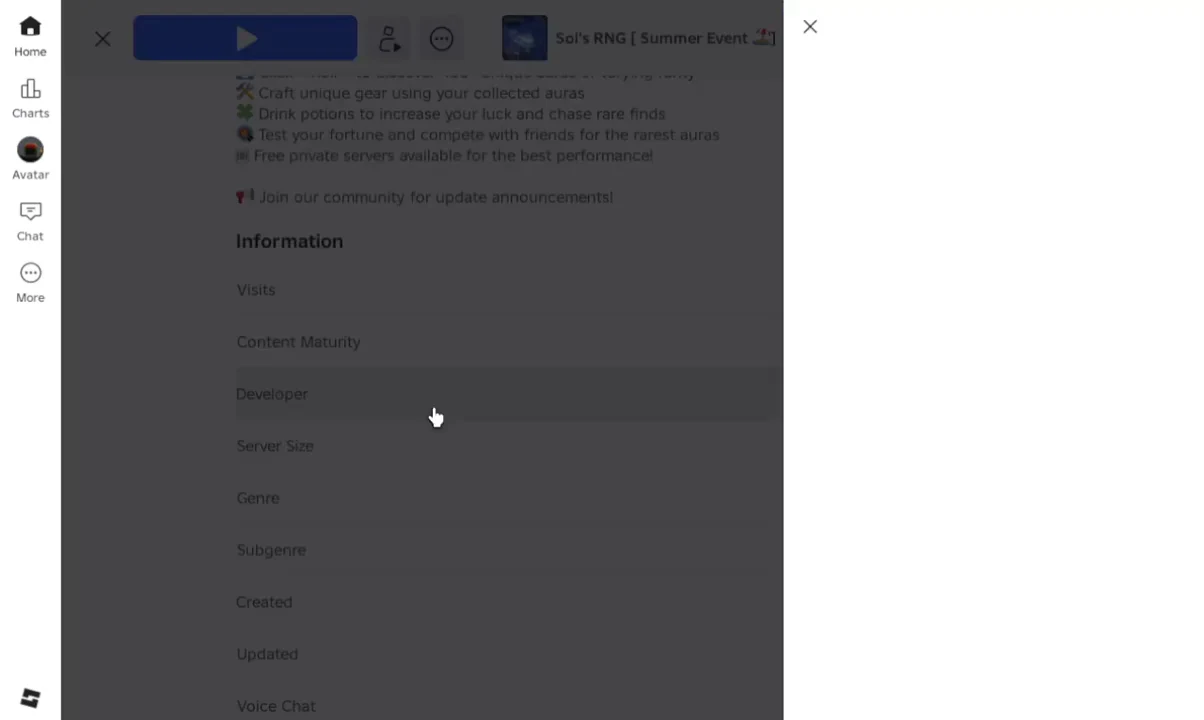
How to confirm Auto Roll is on
Press the toggle and watch the label. It flips from Auto roll - OFF to on, and the Roll button starts firing on its own without any input. The roll counter beneath the button keeps ticking up — Roll - 7/10 and so on — through the bonus-roll cycle, and the game keeps going until you toggle it back off.
If you also own Quick Roll and switch it on, the label changes the same way from Quick roll - OFF, and rolls resolve without the opening cutscene playing.
Why the Auto Roll button still does nothing
There are only a couple of realistic culprits, and both are easy to check.
- You never left the old server. Joining the community mid-session doesn’t retroactively unlock the toggle. Leave and rejoin.
- Roblox blocked the join with “You have joined the maximum number of communities.” Accounts have a cap on how many communities they can belong to. Leave one you no longer use, then join Sol’s Studio and try again.
- You joined the wrong group. Fan-made and modded copies of the game exist with their own studios attached. Only membership in Sol’s Studio, the developer credited on the official experience page, unlocks the feature.
Rolling settings to set before you go AFK
Auto Roll running unattended means your storage fills with junk unless you tell the game what to ignore. The Settings tab holds the controls that matter, all of them threshold-based: you type in a rarity value and the game acts on anything above or below it.
| Setting | What it controls |
|---|---|
| Aura Filter | Picks specific auras to auto-equip or auto-skip. Only works on auras already in your Collection, and it overrides every other skip and equip setting. |
| Auto Equip | Equips any rolled aura rarer than the value you enter. |
| Swap Warning | Warns you before replacing an equipped aura rarer than the value you enter. |
| Storage Full Warning | Alerts you when you try to equip an aura with no storage space left. |
| Roll Cutscene | Skips the opening animation for anything below the rarity value you enter. |
A common setup is to push Swap Warning, Auto Equip and the skip threshold up to 99998, which filters out everything below Exotic and leaves only the big hits worth your attention. Lower those numbers if you’re farming a specific mid-tier aura instead.
Once the group membership is in place, the unlock is permanent for that account, and the built-in auto-rejoin means you can leave the game running while you do something else. That’s the whole point — Sol’s RNG rewards volume of rolls more than anything you can do actively, and Auto Roll costs nothing but a membership click.