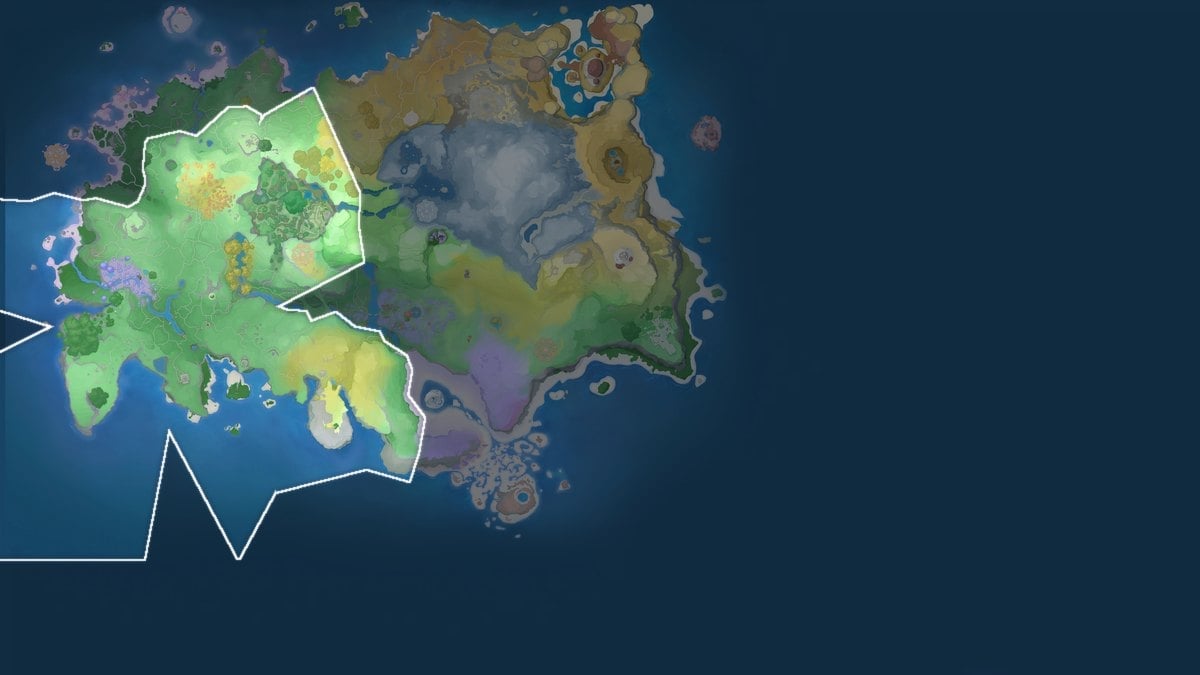
Mark of the Strong: Breezy Plains is a Legendary Mutation Mark in Aniimo. Its only purpose is to seal a Held Item Contract, which permanently ties a Legendary Held Item to one Aniimo species and unlocks that species’ enhanced core skill.
Quick answer: Turn in Alpha Aniimo reports and complete Holo-Battle Sim encounters to collect Marks of the Strong: Breezy Plains, then use 10 to create one Held Item Contract.
What Mark of the Strong: Breezy Plains is
This is a consumable material, not gear you equip. It establishes a contract between an Aniimo and its Carried Items so the item can strengthen and modify that creature’s signature skill. The item’s own base stats never change; the contract only decides whether the species gets the skill bonus.
| Property | Detail |
|---|---|
 Mark of the Strong: Breezy Plains Mark of the Strong: Breezy Plains | Legendary Mutation Mark |
| Type | Mutation Mark |
| Rarity | Legendary |
| Stack size | 9,999,999 |
| Use | Forms Held Item Contracts to enhance an Aniimo’s core skill |
Where to get Marks of the Strong: Breezy Plains
Several systems hand out the mark, but the two repeatable channels are reporting Alpha Aniimo and clearing Holo-Battle Sim combat. The rest are one-time or purchase-based.
| Source | Amount | How to obtain |
|---|---|---|
| Report Alpha Aniimo | Repeatable | Submit reports at the Research Console in the Outpost |
| Holo-Battle Sim | Repeatable | Complete enough combat encounters |
| Companion Handbook | Up to 10 | Reach level 40 (5 free, plus 5 with Advanced Edition) |
| Pathfinder level rewards | 5 each | Levels 60, 65, 70 and 71 |
| Weston shop | 2 total | 210,000 Credits |
| Premium Custom Pack | Bundle | 588 Lumin Crystals |
Reporting Alpha Aniimo
Alpha Aniimo are overworld minibosses, noticeably larger than their normal counterparts and armed with unique combat mechanics. Capture one, then submit the report at the Research Console in your Outpost to earn marks. This is the most reliable long-term supply, so hunting Alphas across Breezy Plains and the wider map is the fastest way to stockpile.


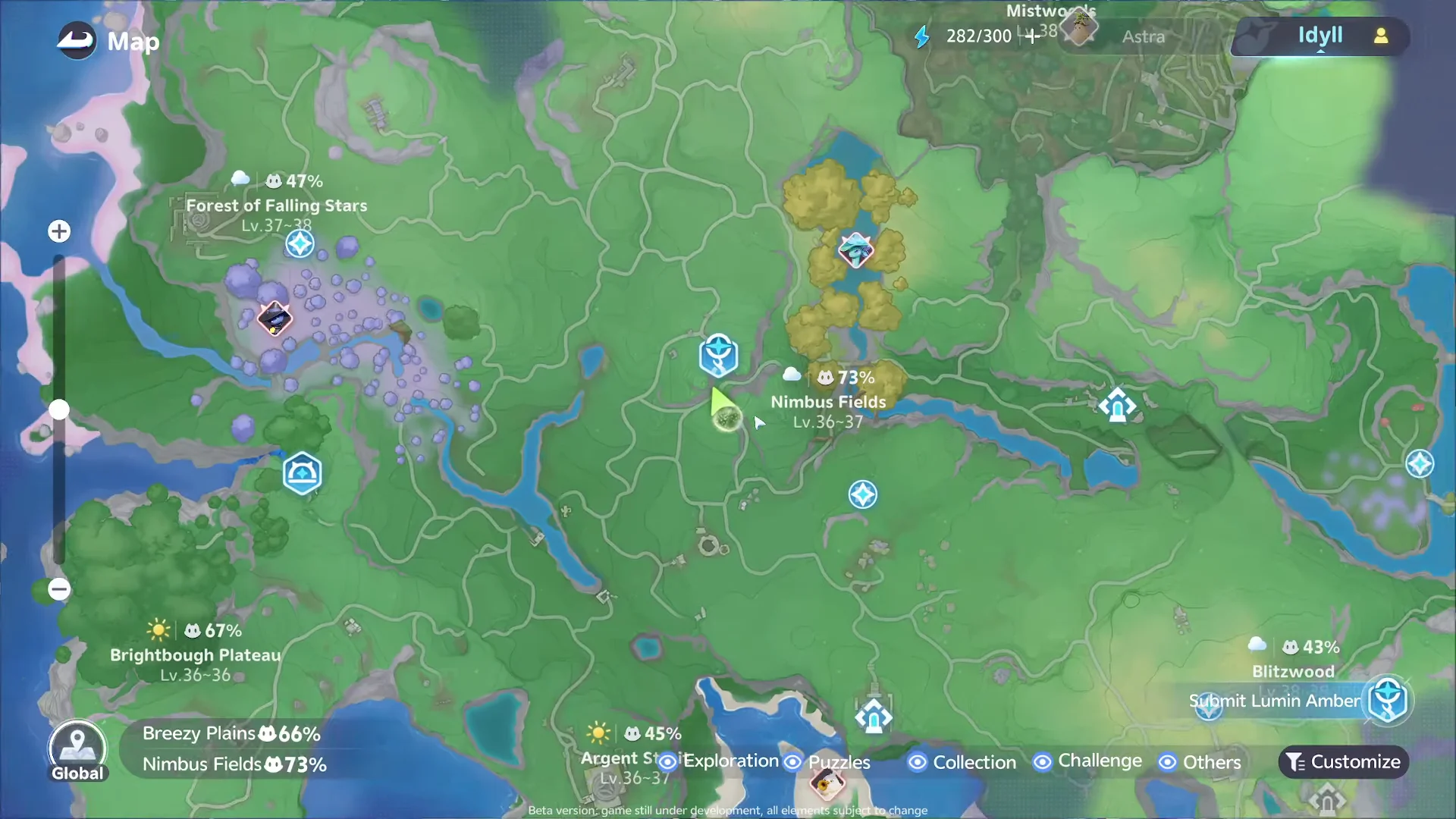
Breezy Plains sits directly below Nimbus Fields on the world map, so plan a route that sweeps Alpha spawns as you move between the two regions.
Holo-Battle Sim and level rewards
Clearing enough Holo-Battle Sim combat encounters also awards the mark, giving you a second grind that does not depend on Alpha spawns. On top of that, the Companion Handbook drops up to 10 marks at level 40, and Pathfinder progression pays out 5 marks each at levels 60, 65, 70 and 71.
How to use Marks of the Strong to form a contract
Use the marks through the Form Contract flow. After completion, the contract’s buff affects every Aniimo belonging to the contracted creature’s species, so the enhancement applies by species instead of to just one creature.
Each contract can be used only once and cannot be reversed. Binding an item to the wrong species permanently consumes the 10 marks, so choose carefully before confirming.

How to confirm the contract worked
After you pay the marks, the Held Item displays an active Contract and its core-skill enhancement becomes available. Equip the item on any Aniimo of the matching species and the boosted signature skill activates. Put the same item on a different species and it still grants its base stats, but the skill bonus stays inactive, which is the clearest sign the contract is bound correctly.