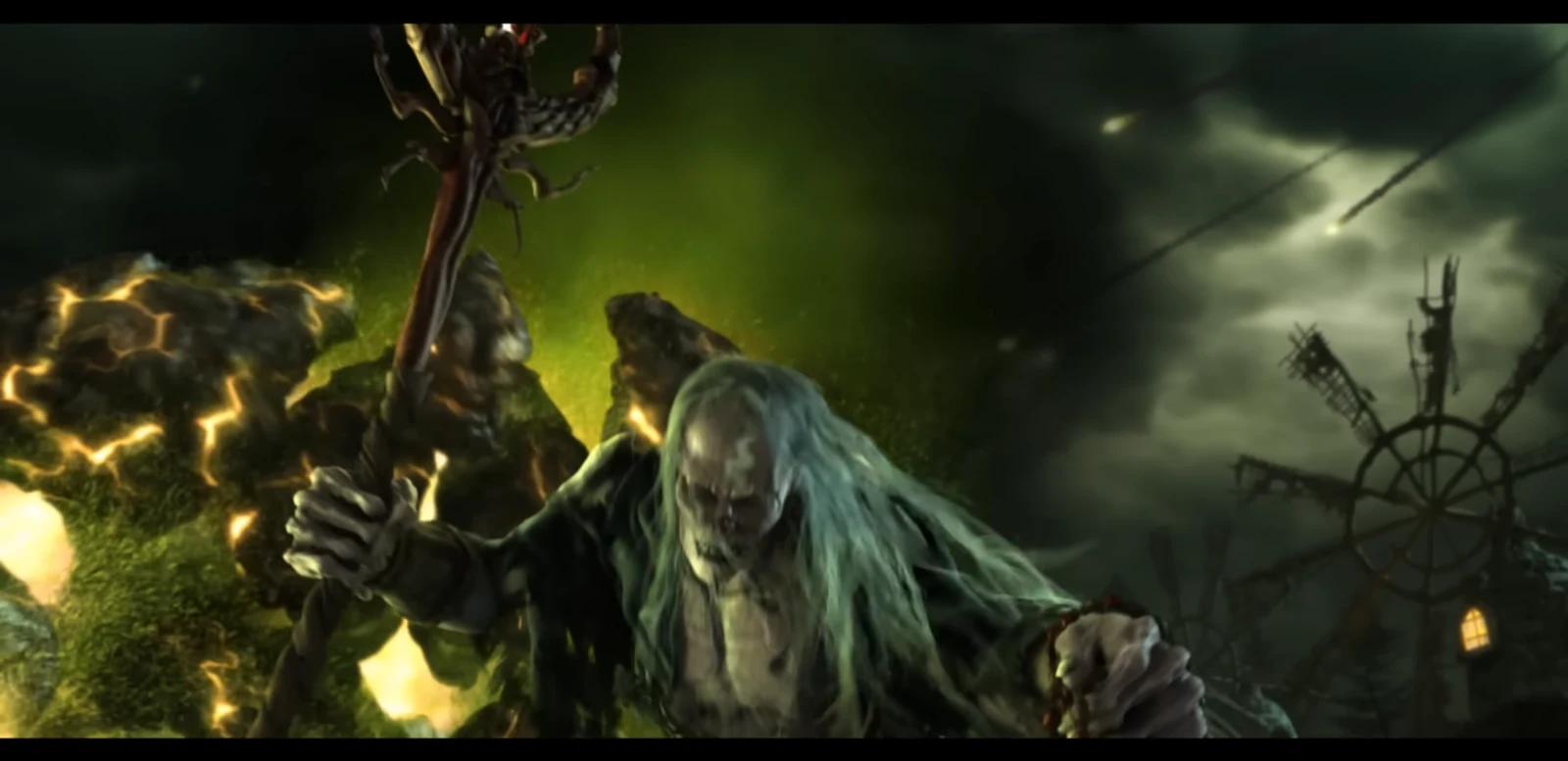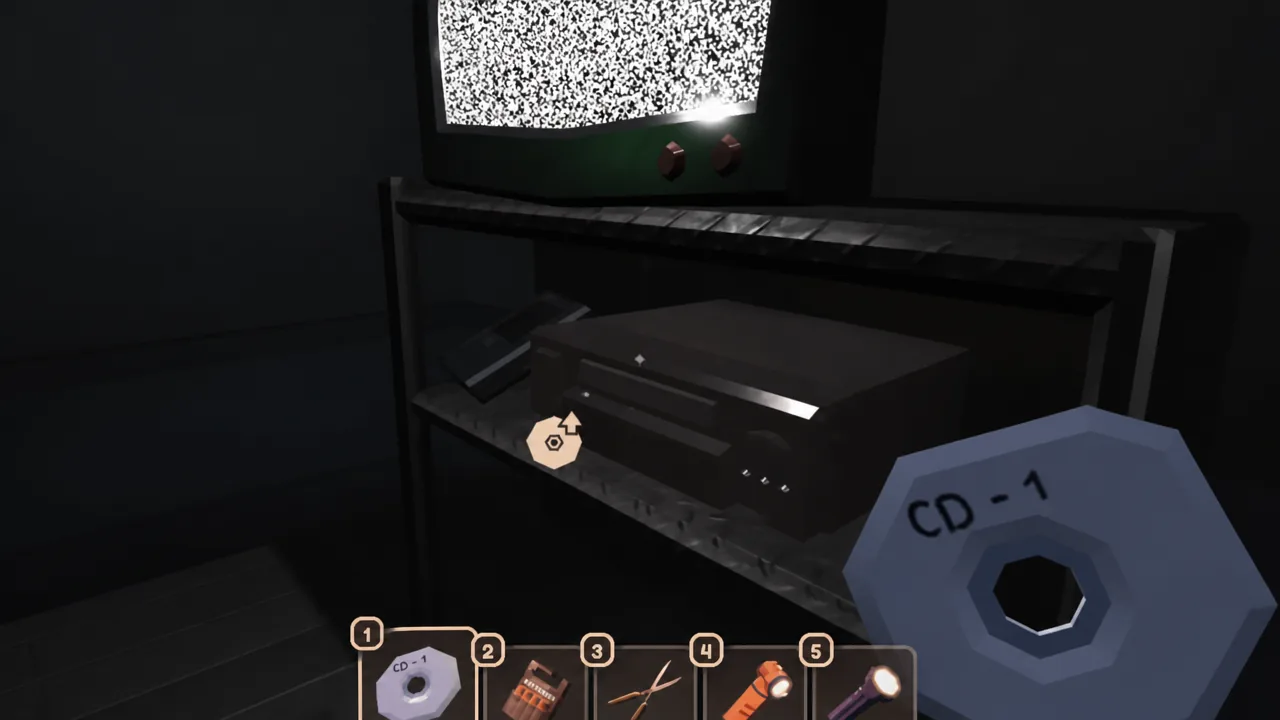
REDACTED is one of the secret unlocks added to Doors with the Archives update, and it is the only badge tied to Hijack, a red glitch entity that does not appear anywhere else in a normal run. Its in-game description, “Watch, and create a new entity,” is the whole instruction. You find a disc, you play it, and something new shows up to attack you.
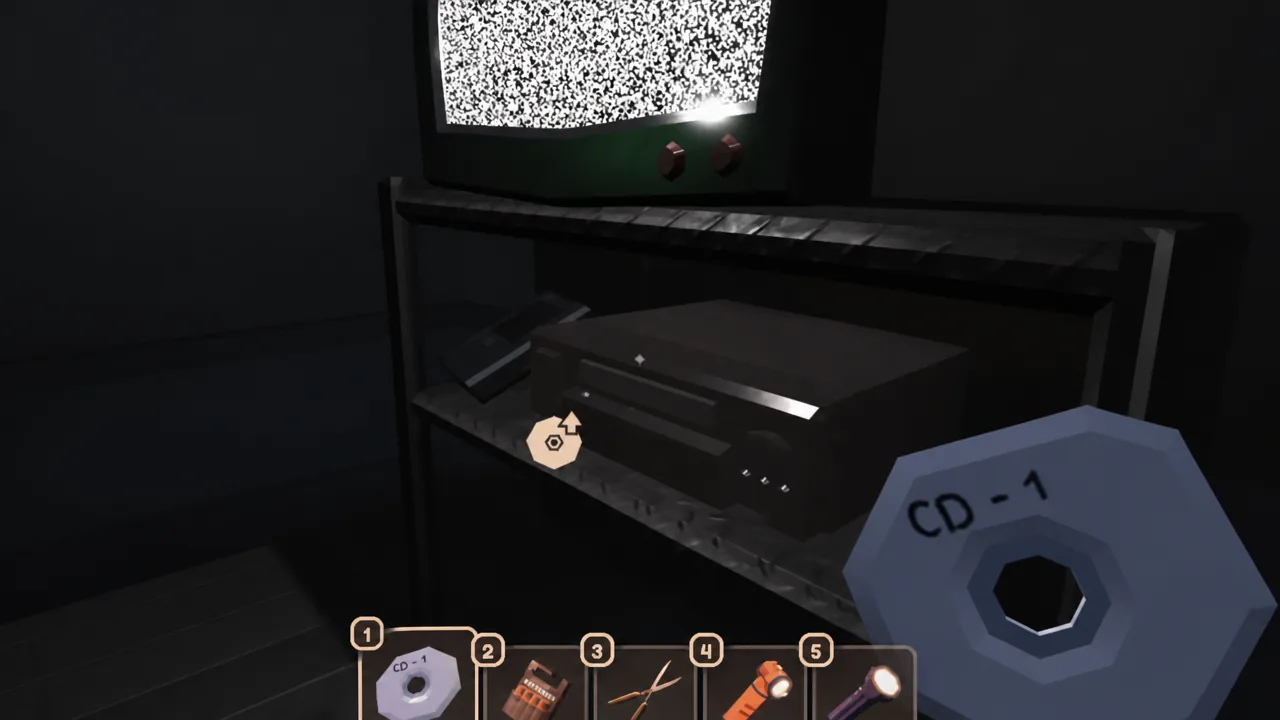
Quick answer: Reach S-50 in the Archives, take CD – 1 from the ransomware laptop, carry it to the Stairwell, slot it into the media player under a TV, and let Hijack hit you when it spawns.
REDACTED badge requirements in Doors
There is no item you need to buy beforehand and no modifier setup. Everything happens inside a single run, but you have to actually play Sector S rather than skipping ahead, since the disc only exists in the sub-room past Door 50.
| Detail | What applies |
|---|---|
| Badge name | REDACTED |
| In-game description | Watch, and create a new entity. |
| Where it starts | Sector S, at S-50 in the Archives |
| Item needed | CD – 1, taken from the laptop |
| Where it ends | The Stairwell side of the S-50 sub-room |
| Entity involved | Hijack, a red glitch entity |
| Unlock trigger | Hijack attacking you after the TV glitches |
Note: the sub-room past S-50 splits into two signposted paths, Archival Storage and Stairwell. The Archival Storage side is where the Who Am I? cutscene lives. For REDACTED, you want the Stairwell side, so keep that in mind if you are trying to grab both in one run.
How to get CD – 1 from the laptop at S-50
How to play the disc and spawn Hijack
How to confirm the REDACTED badge unlocked
The Roblox badge notification pops the moment Hijack connects with you, and REDACTED then shows up in your achievements list alongside the rest of the Archives badges. If the notification never appears, one of a few things went wrong.
- You skipped Sector S. Paying to advance past sections means you never pass the laptop room, and there is no other source for CD – 1.
- You took the Archival Storage path. That branch triggers a different badge. The TV and media player are on the Stairwell side.
- You dodged the entity. Spawning Hijack is not enough on its own; the hit is what registers the achievement.
- You lost the disc. Dropping CD – 1 or leaving it behind in an earlier room means restarting the run from Sector S.
The Archives update is still getting patched, so specific interactions around the newer entities can shift between versions. If the sequence behaves differently on your run, the disc pickup at S-50 and the Stairwell media player are the two points worth re-checking first.