Surviving a night in Haddonfield goes a lot smoother with a coordinated group, and Halloween: The Game gives you two clear paths to get everyone into the same match. You can drop into a shared queue together or build a private lobby and pull friends in by hand, including players on other platforms.
Quick answer: Open the Friends menu with the three-person icon in the top-left corner. Invite same-platform friends from the first list, or move to the second tab to grab your unique friend code and swap it with players on other systems, then start a private match once your party is full.

Two ways to play multiplayer with friends
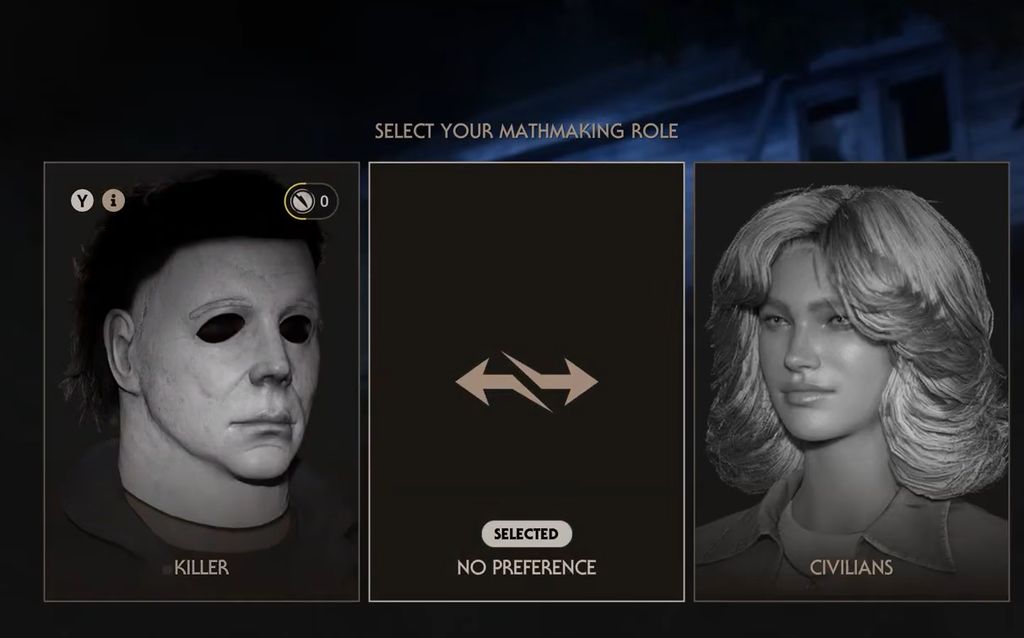
There are two routes to a shared session. Both put you and your group into the same 1v4 asymmetrical match, where one player becomes Michael Myers and the rest play Civilians trying to escape.
| Method | How it works | Best for |
|---|---|---|
| Matchmaking | Enter a queue and get placed into a game with other players, including anyone already in your party. | Filling a match quickly with a group already together. |
| Private match | Create your own session and invite friends directly to join you. | Playing only with people you choose. |
Invite friends on your platform
When you open the Friends menu, the game automatically shows friends from the platform you are playing on. A Steam player, for example, sees their Steam friends first. You can open this menu before matchmaking or from inside a lobby you have already found.
Add friends on other platforms with a friend code
Halloween: The Game supports crossplay, so players on PlayStation, Xbox, and PC can play together in the same matches. Because the default Friends list only shows people on your own platform, you connect across systems through the friend code system instead.
Once they have been added, both of you can manage the party and send or receive invites from the same menu. Your current party and any incoming invites also appear in this section, so it is the one place to organize everyone before a match.
Adding someone by friend code works in both directions. If your code isn’t connecting, have the other player share theirs and enter it on your end instead.

Crossplay works, but progression does not carry over
Crossplay lets players on different platforms group up and play the same multiplayer matches together. What it does not do is share your account progress. Halloween: The Game does not support cross-progression, so character progression and other unlocks stay tied to the platform where you earned them.
| Feature | Supported | What it means for you |
|---|---|---|
| Crossplay | Yes | Play together across platforms in the same match using friend codes. |
| Cross-progression | No | Switching platforms leaves your progress behind on the old one. |
If you plan to move between systems, treat each platform as a fresh account for unlocks and character progress. For playing with friends night to night, the friend code system is all you need to keep the whole group in Haddonfield together.