Duels in bug fixes are decided by inputs, not stats. The katana has three directional cuts, a set of stances, and a guard-breaking movement option, and each one is mapped to a single key. Learn the eight keys below and you can stop guessing your way through exchanges.
Quick answer: X draws and sheathes the katana (and bows when it is sheathed), E cuts right to left, Q cuts left to right, F swings overhead, R cycles stances, G performs displacement, B prays, and = removes your straw hat.
Bug fixes keybinds: full control list
Every documented input sits on the keyboard, and most keys do exactly one thing. X is the exception, since its behavior changes depending on whether your blade is drawn and whether you are mid-fight.
| Key | Action |
|---|---|
| X | Sheathes or unsheathes the katana; bows when sheathed; performs a fast leg sweep during combat |
| E | Directional cut, right to left |
| Q | Directional cut, left to right |
| F | Overhead swing |
| R | Cycles through combat stances |
| G | Displacement, a guard break with no end lag |
| B | Praying animation |
| = | Removes the straw hat |
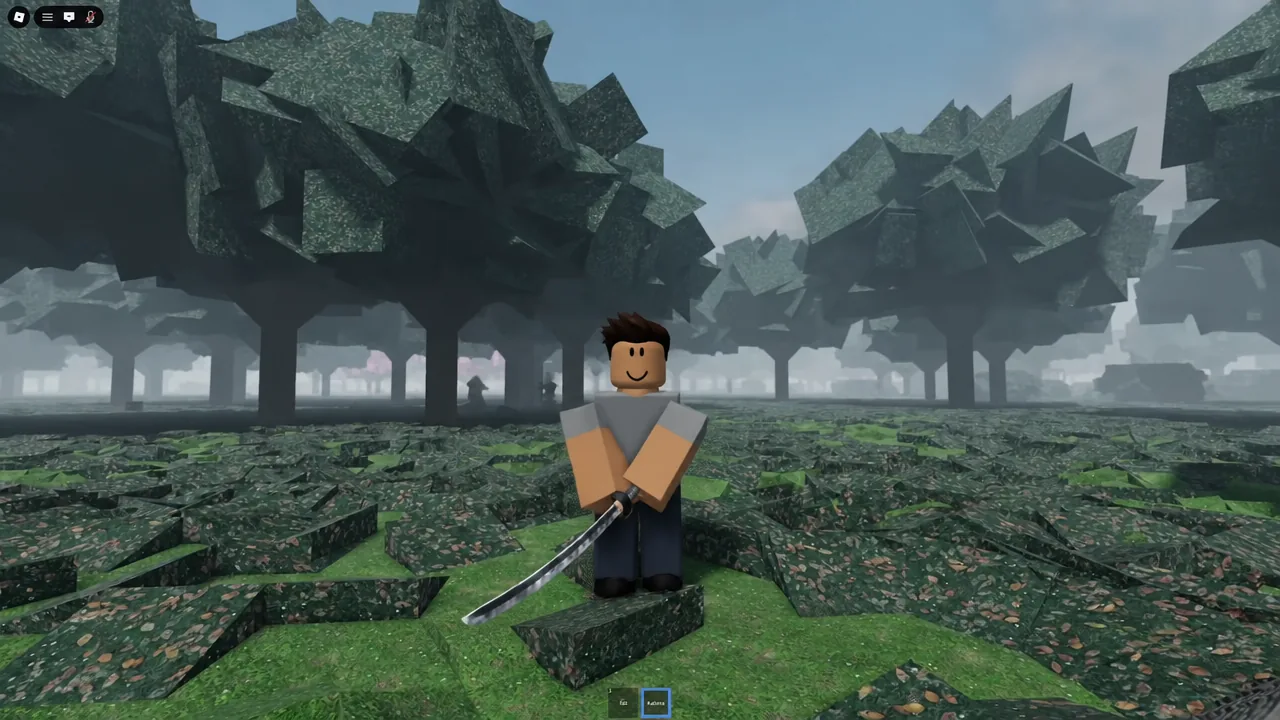
Before any of the attack keys respond, the sword needs to be the active item in your bottom hotbar. Select the Sword slot, then draw it.
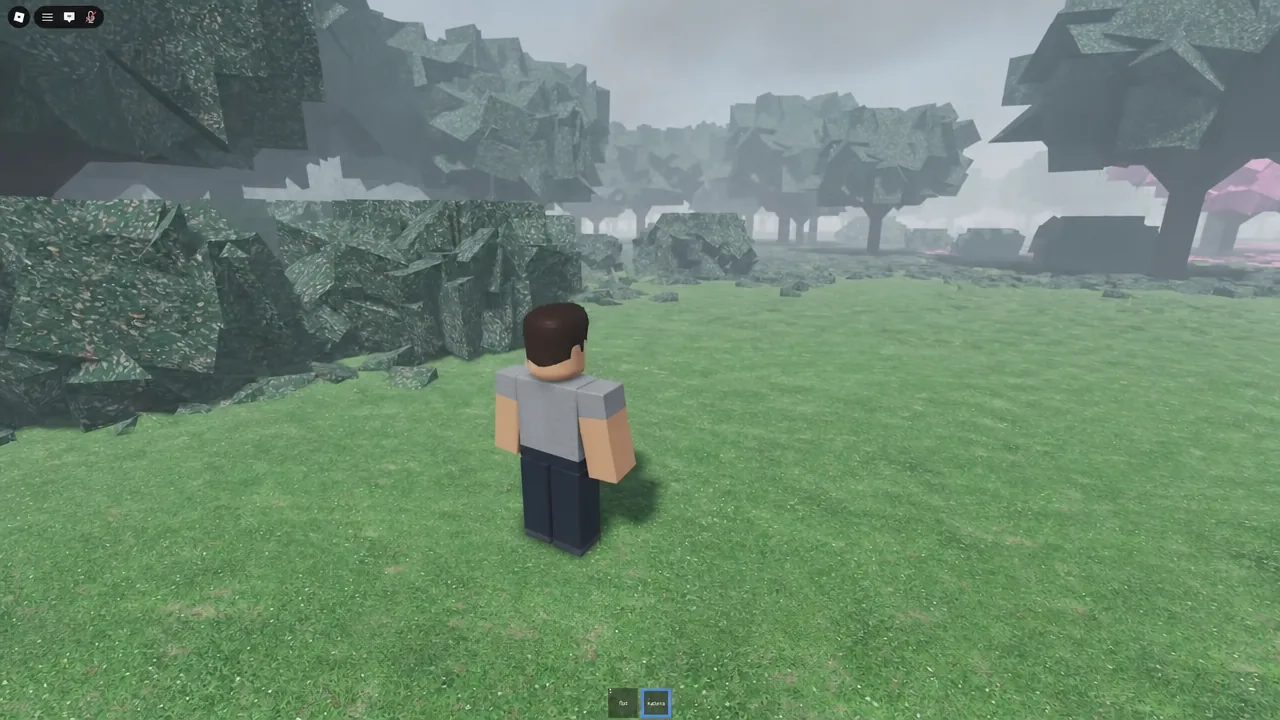
Draw and sheathe the katana with X, and bow before a duel
X is your draw key. Press it once with the sword equipped and the character pulls the katana; press it again and the blade goes back into the saya. That single toggle is also your etiquette button, because pressing X while the weapon is already sheathed makes the character bow instead of drawing.
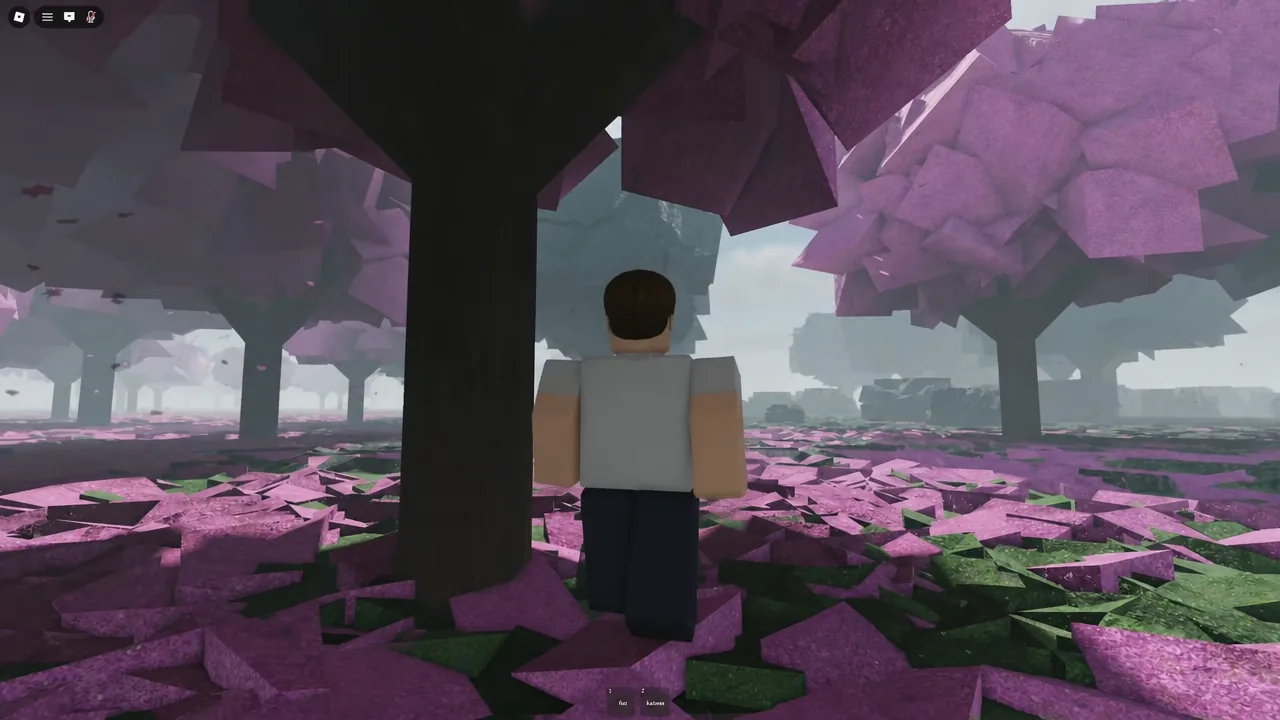
B triggers a separate praying animation. It has no combat function, but it is the standard way to signal intent outside a fight, and it pairs naturally with the bow when two players meet before drawing steel.
Directional cuts on E, Q, and F
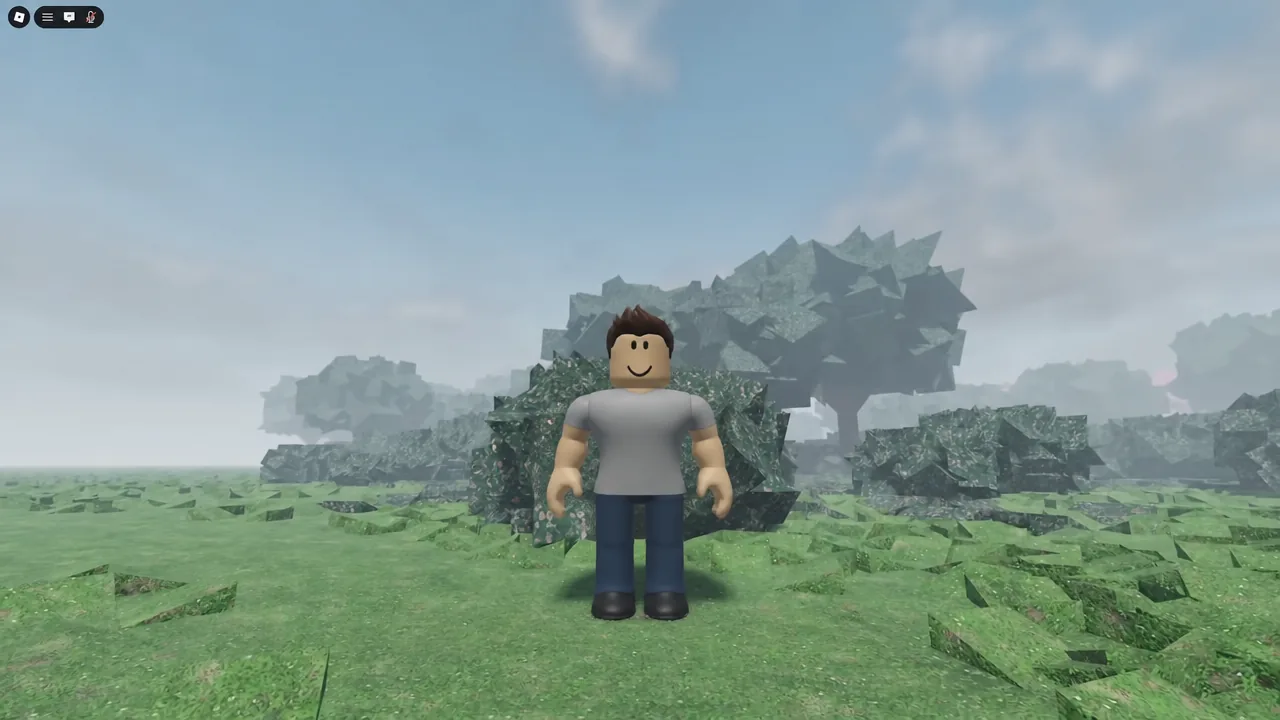
Three keys cover the whole attack set. E sends the blade from right to left, Q reverses it from left to right, and F brings the sword down in an overhead swing. Each of these standard cuts takes roughly a second to resolve, so committing to one is a real decision rather than a spam input.
Because the swing arcs are fixed, your opponent can read them. Mixing the two horizontal cuts with the overhead is what keeps a defender guessing, and it sets up the faster options further down.
Aim your cuts with the camera for leg hits and decapitations
The camera is an aiming tool, not just a viewpoint. Tilting it down before you swing drops the attack trajectory toward the opponent’s legs, which slows them down and takes away their ability to reposition.
Tilting the camera up does the opposite. Raise it and throw the overhead swing with F, and the cut travels high enough to decapitate. Same key, completely different result, decided entirely by where you were looking when you pressed it.
Tip: set the camera angle first, then press the attack key. Adjusting mid-swing does not retroactively change where an already committed cut lands.
Switch stances with R
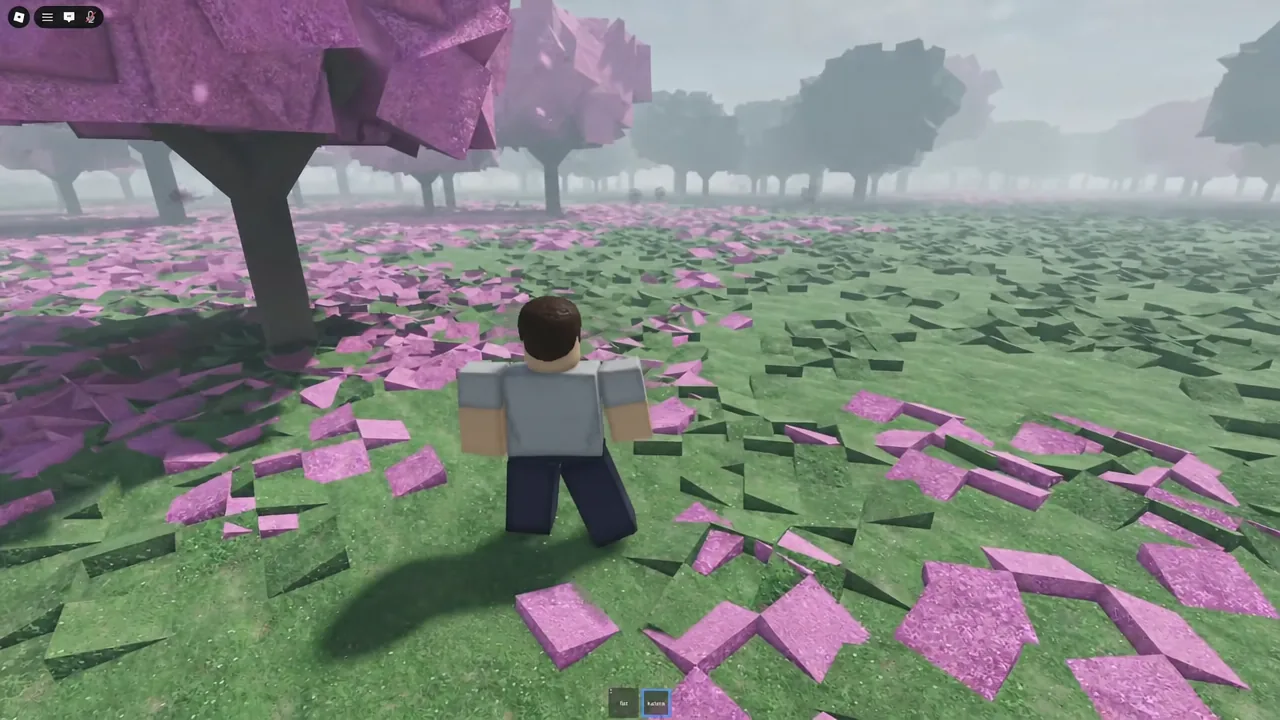
R cycles through the game’s combat stances. Tap it repeatedly to move through the list until you land on the one you want, then keep fighting. Stance switching is most useful between exchanges rather than in the middle of one, since it changes how you present the blade going into the next trade.
Displacement on G: a guard break with no end lag
G is the strongest mix-up tool in the kit. Displacement functions as a guard break, so it punishes an opponent who is sitting on their block waiting for a directional cut. The important detail is that it has zero end lag, meaning you are free to act the instant it finishes.
That property is why it works so well as a timing disruptor. Throw displacement in place of a cut the opponent is expecting, and their defensive timing collapses while you still have the ability to immediately follow up with E, Q, or F.
Quick leg sweep and swap tech animation canceling
Pressing X during combat does not sheathe the sword. Instead it performs a rapid leg sweep that is noticeably faster than the roughly one-second directional cuts, which makes it a reliable way to open up an opponent who is comfortable reacting to your normal swings.
Swap tech goes a step further. It lets you feint an attack and cancel the animation partway through, removing the recovery window that would normally leave you exposed. Combined with the sweep and displacement, it turns a predictable three-cut moveset into something an opponent cannot simply block on rhythm.
Remove the straw hat with = to clear your view
The straw hat sits high enough on the model that it can block part of the screen during close-range fights. Pressing = takes it off, which gives you a clean view of your opponent’s stance and swing direction. If you rely on camera aiming for leg cuts and overhead decapitations, taking the hat off first is worth the single keypress.
How to confirm each input registered
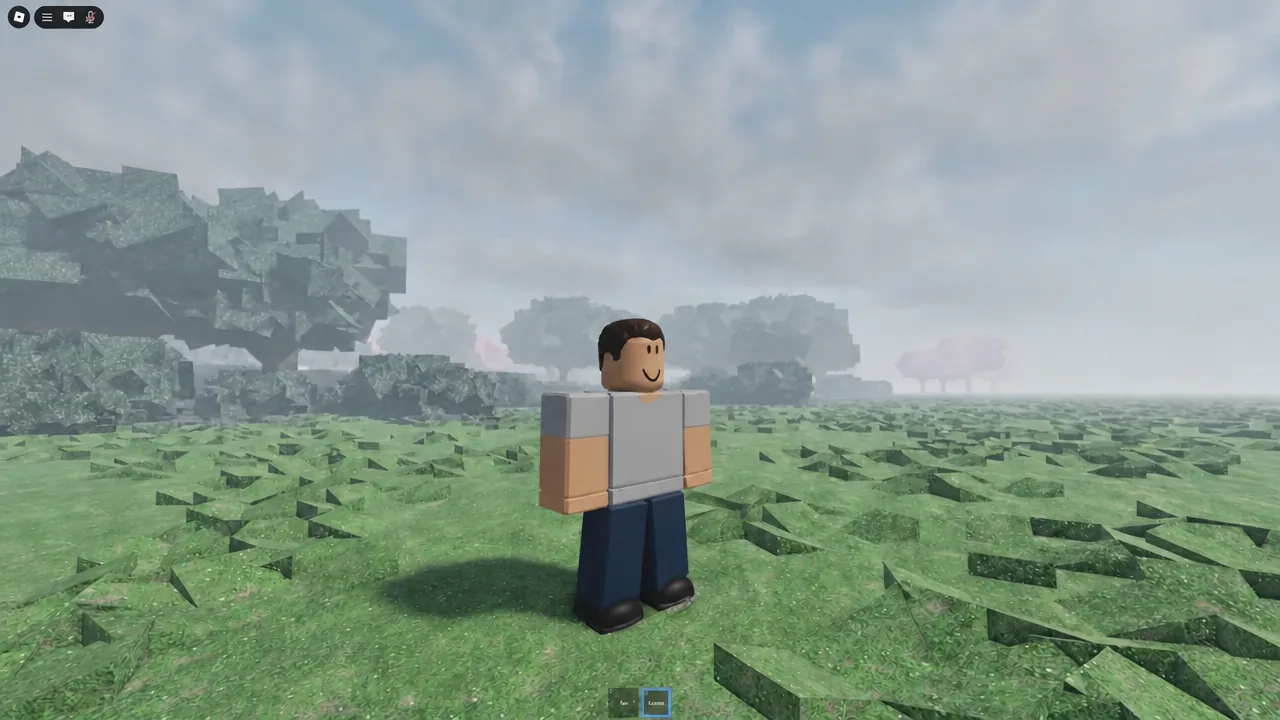
Every one of these keys plays a visible animation, so confirmation is immediate. X should either draw the blade, sheathe it, or produce a bow, and if you get a leg sweep instead, you are being treated as in combat. R visibly changes your guard position each time it is pressed, and = removes the hat from your character model on screen.
If a directional cut does nothing, the usual cause is that the katana is still sheathed or the sword is not the selected hotbar item. Draw it with X and try the input again.
Once the eight keys are muscle memory, the fight becomes about sequencing rather than execution. Bow with X, pick your stance with R, and keep a defender honest by rotating between the three cuts, a camera-aimed leg hit, a G displacement, and the occasional sweep or cancel.