
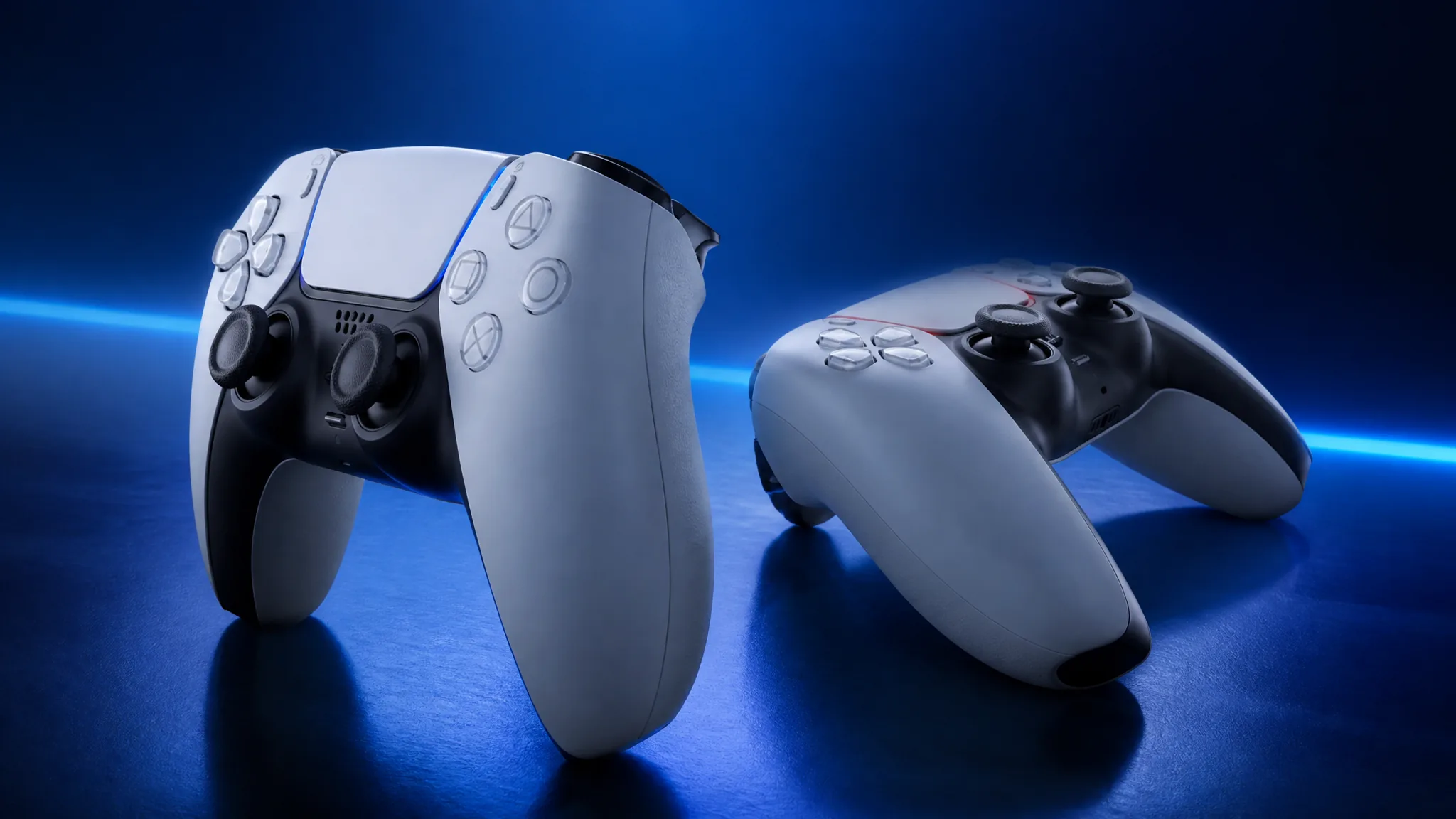
Microsoft has shipped GameInput 3.5, and the headline addition is a companion helper for Sony’s PlayStation 5 DualSense and DualSense Edge controllers. It gives Windows game developers a direct route to the parts of the DualSense that Windows has historically ignored, including the adaptive triggers and the lightbar. It is a developer feature, not a switch you flip in Windows settings.
Quick answer: GameInput 3.5 lets a Windows game control the DualSense adaptive triggers, rumble, RGB lightbar, player LEDs, and microphone mute LED through a header-only helper that sends USB-format output reports. The effects only appear in games that add the code, and the published helper does not cover Bluetooth.
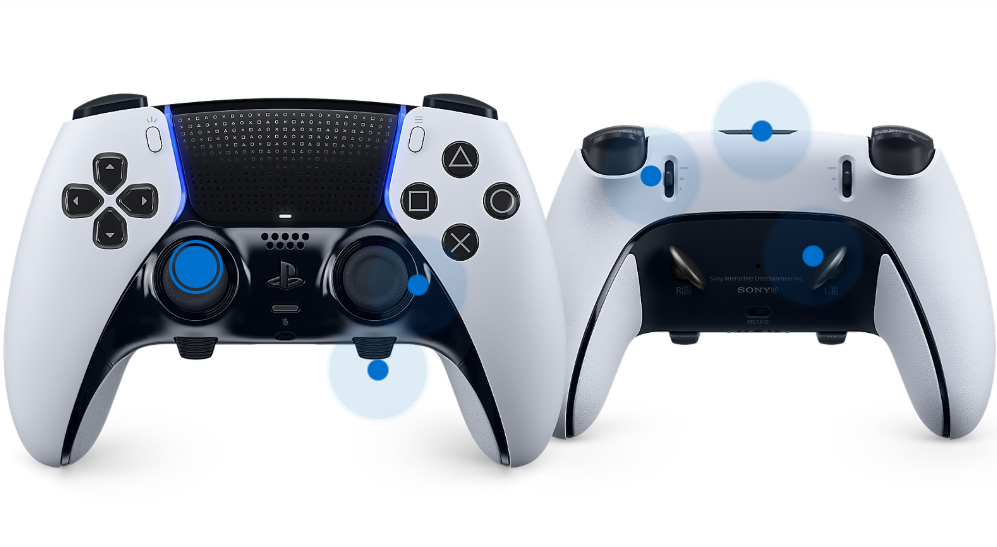
DualSense features GameInput 3.5 exposes to developers
The helper covers output features, meaning the things a game sends to the controller rather than the button and stick data it reads back. Adaptive triggers are the most substantial entry, since they come with three configurable effect types.
| Feature | What a game can do with it |
|---|---|
| Adaptive triggers | Set feedback, weapon, and vibration effects, including trigger resistance |
| Rumble | Drive standard vibration output |
| RGB lightbar | Change the lightbar colour |
| Player LEDs | Set the player indicator lights |
| Microphone mute LED | Turn the mic mute indicator on or off |
| Gyroscope | Read motion data; added earlier in GameInput 3.3 |
Together with the gyro support from 3.3 and earlier work on advanced haptics, that covers most of what makes the DualSense distinctive on a PlayStation 5.
How the DualSense helper works
The functionality arrives as DualSenseHelper.h, a header-only companion sample in Microsoft’s GameInput repository. It identifies the DualSense and DualSense Edge by Sony’s vendor and product IDs, builds a 64-byte output report, and pushes that raw report through the GameInput API. It requires GameInput API version 3 or later.
That design matters for what developers have to do. Nothing here abstracts the controller away, so a game still handles which devices it supports and how it behaves when one connects or disconnects. What the helper removes is the need to write the low-level output report plumbing from scratch, which previously meant every studio reinvented the same code.
USB only: Bluetooth is not covered
The report format the helper builds is the USB one. Microsoft does not implement Bluetooth framing in the published sample and makes no claim that these output features work wirelessly, and the repository notes that transport behaviour can vary by device and firmware.
In practice, that means a wired connection if you want a game’s trigger effects and lighting to behave the way they do on a PS5. It is also the detail PC players seized on first, because wireless DualSense features have long depended on third-party bridges and translation layers.
What Windows users will and will not notice
Windows has not gained system-wide native DualSense support. Plugging a controller in does not suddenly light up adaptive triggers across your library. The features surface only in games whose developers implement GameInput and add the DualSense output calls.
You can tell a game has done the work the same way you would on a PlayStation 5. The lightbar changes colour to match what is happening on screen, the triggers stiffen or click under load, and the player LEDs or mic mute indicator respond to in-game state. If none of that happens, either the game has not implemented the support or the controller is connected over Bluetooth.
Note: Some existing PC games already drive DualSense features through other input paths, so support in a specific title does not necessarily mean it is using GameInput.
Everything else in the GameInput 3.5 release
The DualSense helper is the most visible change, but the release also carries fixes that affect Xbox and existing Windows games.
| Change | What it affects |
|---|---|
| DualSense Edge input duplication fix | Some games using Windows.Gaming.Input received doubled inputs from the Edge |
| XInput and background GIP raw device reports | New raw report support for developers |
| Agility SDK style side-by-side deployment | Lets games ship and target specific runtime versions alongside the system one |
| Suspend and resume fix | Input could be lost after suspend/resume on Xbox |
| Device display names fix | Input device names were missing on Xbox |
| MIT licence | Applies to the public header and static library |
| Stability and performance work | General improvements across the runtime |
The licence change is easy to overlook and useful in practice. Moving the public header and static library to MIT lowers the friction for smaller studios and engine maintainers who need to bundle or modify that code.
Installing the GameInput redistributable
Modern Windows builds include GameInput, but the newest capabilities need the redistributable. The Microsoft.GameInput NuGet package supplies the current headers and static library, and drops GameInputRedist.msi into the package’s redist folder. The NuGet package does not install the redistributable for you, so PC games are expected to bundle it with their own installers.
For a development machine, Windows Package Manager offers the same redistributable. Run this in an elevated command prompt:
winget install Microsoft.GameInputThe installer refuses to downgrade an existing GameInput version, and the APIs stay backward compatible, so a newer runtime on a player’s machine should not break a game built against an older one. On console, the redistributable is not needed because GameInput ships as part of the Microsoft Game Development Kit, though the package is still the way to get current headers and the static library.
The gap this closes is a real one. DualSense owners on PC have spent years relying on community tools and hardware dongles to get trigger effects and lighting working, and GameInput 3.5 at least gives studios a supported path that does not involve writing controller-specific code for every feature. The wired-only limitation keeps it short of a complete answer, and the payoff still depends entirely on whether developers pick it up.