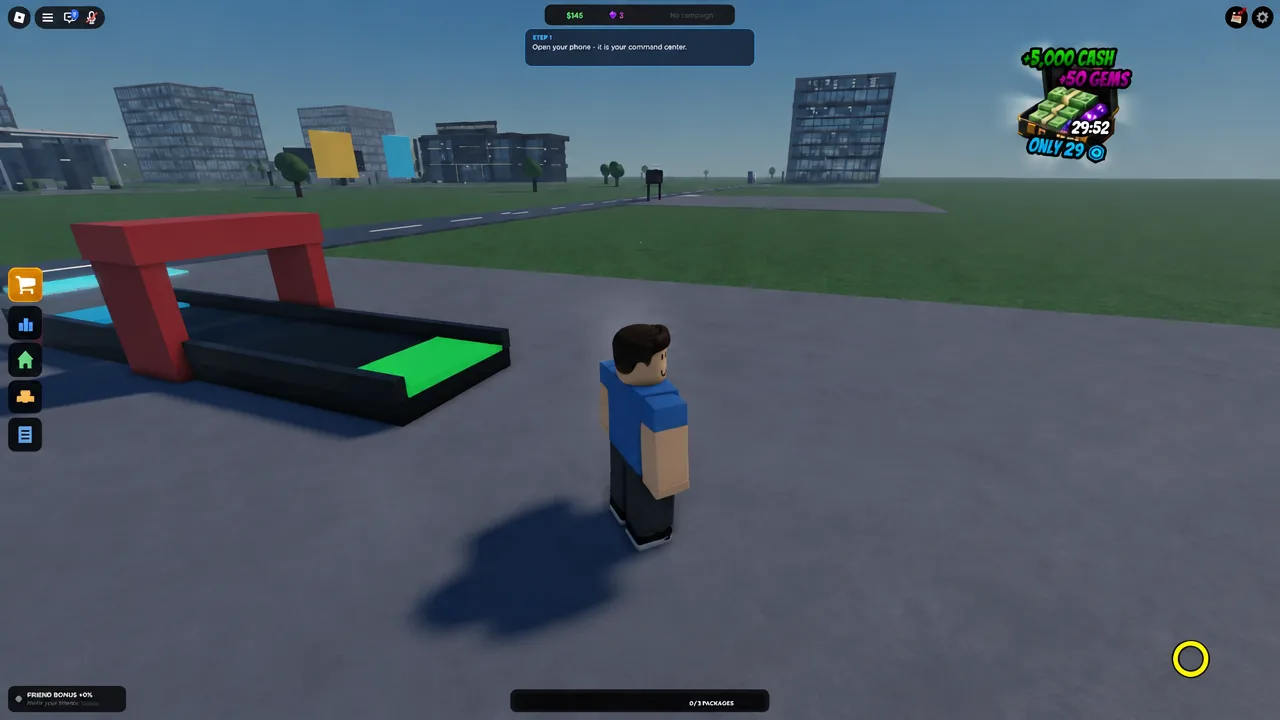
Dropshipping Tycoon hands you a bare plot, one cheap product, and a conveyor belt, then expects you to turn that into a warehouse, a headquarters, and eventually a factory. Money in it is not a drop table. It is a loop that pays you only when every part of it is moving at once: stock on the shelf, an ad running, orders in the queue, and packages leaving on the courier pad. Break one link and the Cash counter just stops.
Quick answer: Keep one product stocked, publish an ad every time the order queue empties, process every package by hand, and never let your Cash fall below $50 — that is the floor you need to publish the next ad, and dropping under it is what strands new players.
How the money loop works in Dropshipping Tycoon
Every dollar in the game comes from the same five-beat cycle. You order stock from a supplier, run an ad so customers actually place orders, accept those orders, move the package from the warehouse pile to the conveyor and label it, then set it on the blue courier pad. A SWIFTBOX truck rolls up, takes the box, and pays you the sell price.
Your profit per package is the gap between supplier cost and sell price, minus whatever you spent on advertising. A Mini Blender bought at $10 and sold at $20 nets $10. That sounds tiny, and it is — until you are clearing a dozen orders per ad campaign instead of one.
Three numbers tell you whether the loop is healthy: stock on hand, ads currently running, and orders waiting. If any one of those sits at zero while the other two are busy, you do not have a money problem yet. You have a blockage, and pouring more Cash into the wrong end will not fix it.
Fulfill your first order and first payout
The tutorial walks you through one complete cycle. Do not skip ahead into upgrade menus while a prompt is still blinking — unfinished tutorial steps are the usual reason a new company looks frozen.
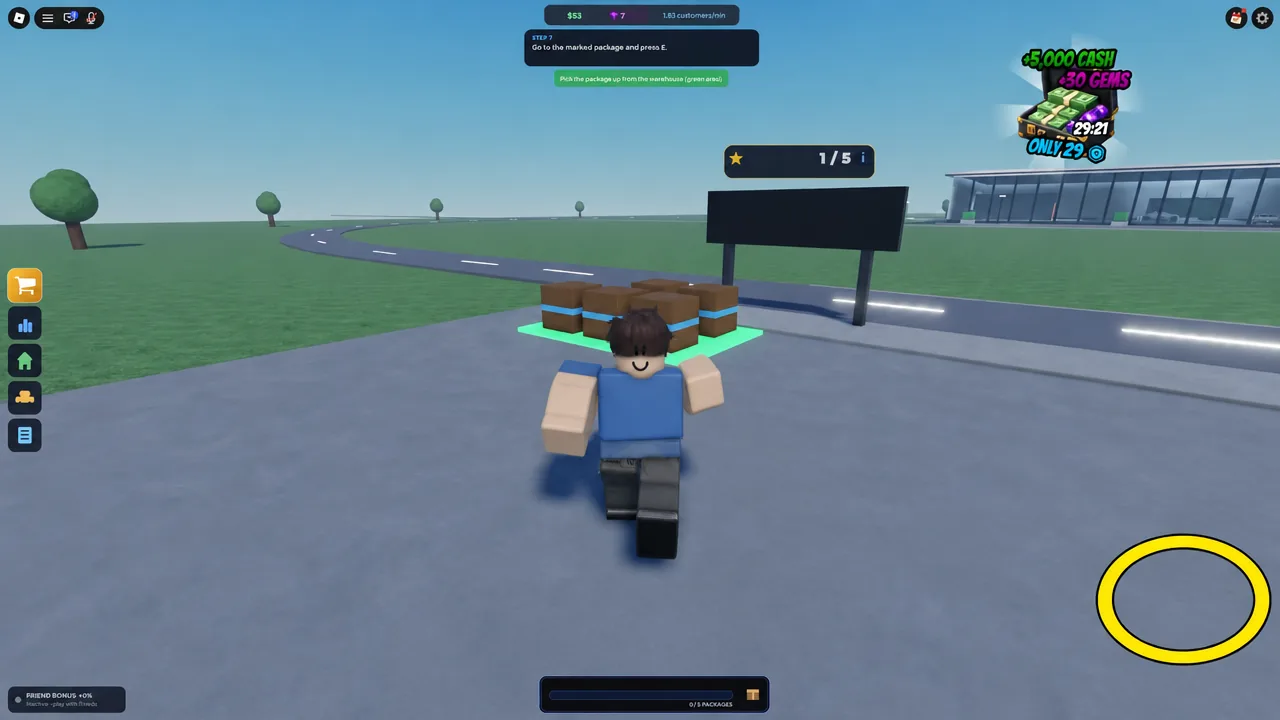
You know the cycle worked when a SWIFTBOX truck pulls up to the pad, takes the box, and your Cash total jumps by the sell price. If the truck never arrives, the package is either unlabeled or sitting somewhere other than the pickup pad.
Early build order: What to buy first with your first few hundred dollars
The plot is ringed with purchase pads, and the game does not stop you from buying the wrong one. Here is the order that keeps the loop accelerating instead of stalling.
| Purchase | Cost | When to buy |
|---|---|---|
| Conveyor | $0 | Immediately, before anything else |
| Desk with computer | $100 | After your first handful of deliveries |
| AdManager unlock | $100 | As soon as the desk is placed |
| Multi Campaign | $100 | Once one product is converting |
| Warehouse expansion | $250 | When incoming stock has nowhere to sit |
| Walls | $150 | Much later — purely cosmetic |
| Second Campaign | $1,000 | Only after two products restock cleanly |
The desk is the real unlock. Opening the computer gives you four apps: Alicom for buying stock, JobCenter for hiring, Employees for managing staff, and AdManager for automated campaigns. Until that desk exists, every ad has to be recorded by hand on your phone.
Ad campaigns: Free phone ads vs. AdManager
Ads are the throttle on the whole company. Free ads recorded on your phone cost nothing but your time, and you should be firing them off constantly during the first ten minutes. Once AdManager is unlocked for $100, a Multi Campaign on your main product costs another $100 and keeps orders flowing without you standing at the phone.
The rule that saves you is simple: only advertise a product you can currently ship. Running a campaign on an empty shelf manufactures demand you cannot fulfill, and the Cash you spent on it never comes back. Advertise while the shelf is healthy, not after it has run dry.
Publishing an ad has a Cash cost, and $50 is the amount that most often catches people out. Spend every last dollar on stock and you will be standing in a stocked warehouse with no way to summon customers.
Warehouse expansion: When the $250 pad pays for itself
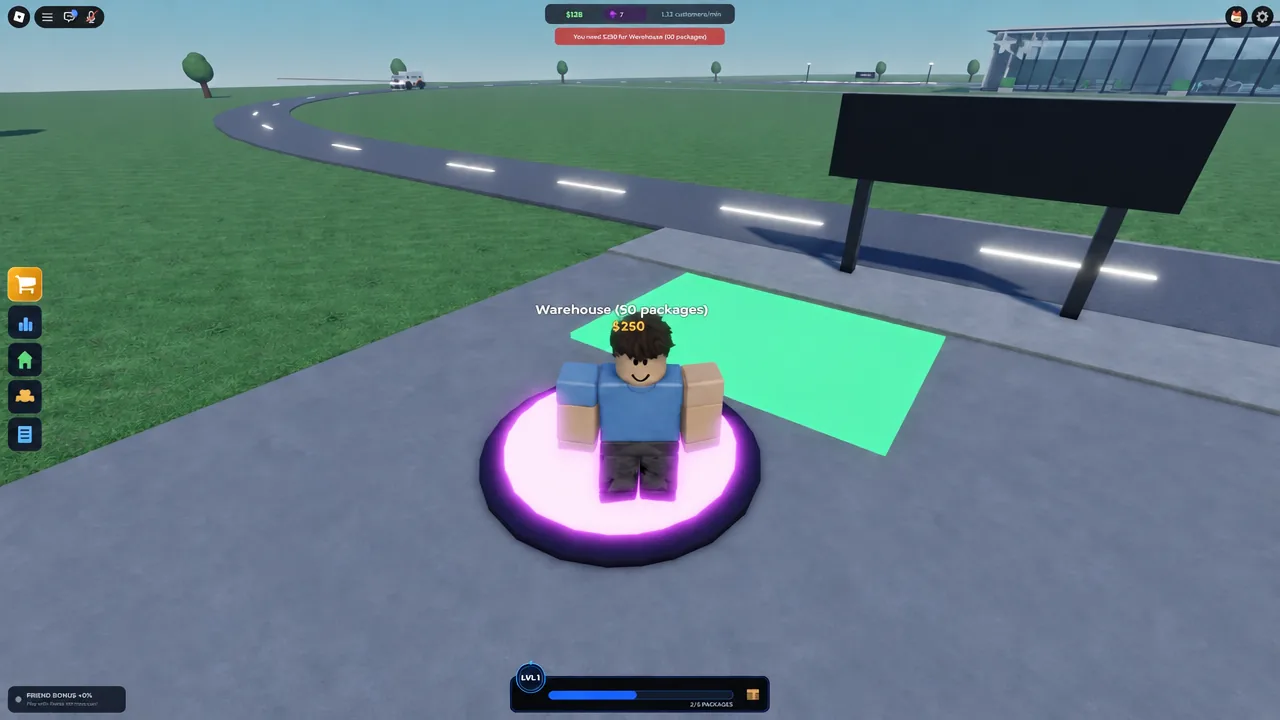
Storage is the first hard ceiling. The purple expansion pad costs $250 and takes the warehouse to 50 packages, with a second tier at 110 packages. Buy it the moment deliveries start looking tight — not after shipments have already been rejected.
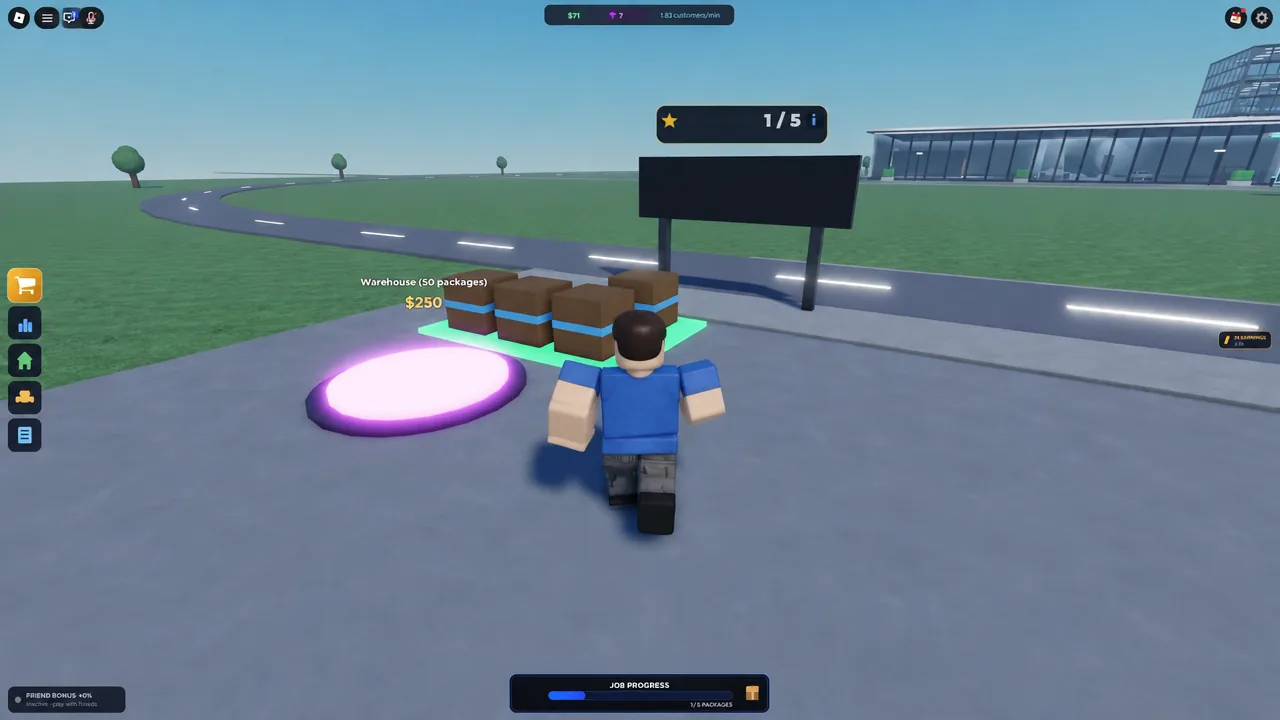
A jammed warehouse quietly kills ad returns twice over. You paid for demand you cannot store, and the stock you already own blocks the boxes you need for the orders in your queue. Expanding storage is what lets trucks dock while campaigns are still running.
Product catalog and margins in Alicom
Alicom is where you restock and where you shop for better margins. Resist the urge to collect the whole catalog. A second product you cannot keep in stock is just a second way to stall.
| Product | Supplier | Sell | Profit |
|---|---|---|---|
| Mini Blender | $10 | $20 | $10 |
| LED Strip Lights | $10 | $20 | $10 |
| Silicone Ice Tray | $10 | $20 | $10 |
| Car Vent Clip | $10 | $20 | $10 |
| Posture Corrector | $15 | $30 | $15 |
| Cable Organizer Box | $15 | $35 | $20 |
| Mini Camera Drone | $100 | $200 | $100 |
| Geek Planet Smartwatch | $150 | $300 | $150 |
The Cable Organizer Box is the standout cheap upgrade. At $15 in and $35 out it clears $20 per package, double the Mini Blender, for the same amount of walking. The Mini Camera Drone and Geek Planet Smartwatch carry far bigger margins but need $100 to $150 of Cash per unit up front, so they belong to a company that already has an ad budget it can spare.
Hiring from the JobCenter, and why cheap workers disappoint
The JobCenter lists warehouse workers and marketing specialists at two price points. Hiring is instant, and the fee comes straight out of your Cash.
| Candidate | Role | Hire cost |
|---|---|---|
| Wally | Warehouse Worker | $50 |
| Gus | Warehouse Worker | $50 |
| Doris | Marketing Specialist | $50 |
| Marvin | Warehouse Worker | $150 |
| Gracie | Warehouse Worker | $150 |
| Lucy | Marketing Specialist | $150 |
Set your expectations low for entry-level staff. A Noob-tier warehouse worker moves packages at a crawl, and in the early game you will almost certainly out-pace them doing it yourself. That $150 is often better spent on stock and a campaign.
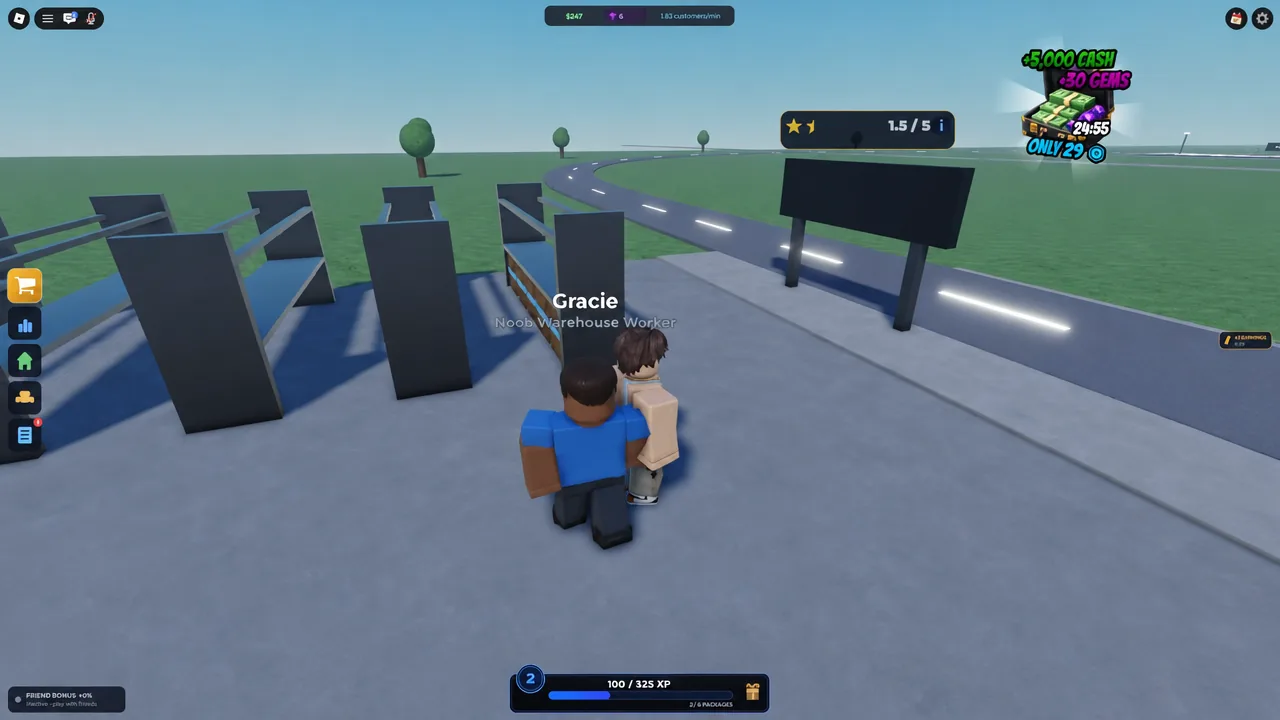
One thing to know before you click hire: dismissing an employee from the Employees tab does not refund the hiring fee. A bad hire is a sunk cost, so pick deliberately rather than testing candidates.
Free Cash sources: Daily Rewards, level wheel, and Hourly Quests
Three systems hand out Cash without an ad spend, and together they can fund your entire early build order.
| Source | Reward |
|---|---|
| Daily Rewards, Day 1 | $100 Cash |
| Level reward wheel | $100 to $500 Cash, 3/5/10 Gems, or +2/+3 Customers |
| Hourly quest: Earn $200 Profit From Deliveries | $100 Cash |
| Hourly quest: Pack 5 Packages | $100 Cash |
| Hourly quest: Publish a Ad Campaign | $100 Cash |
The Hourly Quests are worth checking because you complete most of them by playing normally. Packing five packages and publishing one campaign are things you were going to do anyway, and each pays $100 — roughly the cost of a Multi Campaign.
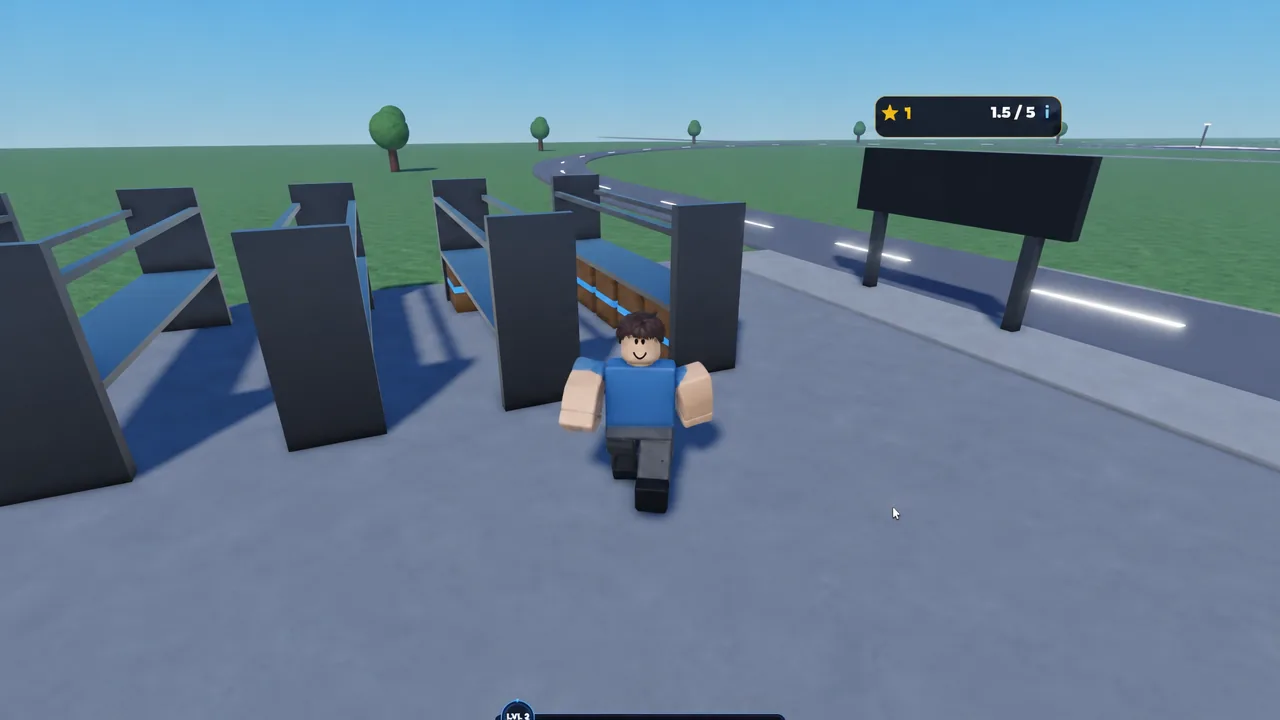
Levels tick up from fulfilled orders, tracked by the star counter in the corner of the screen. Each level grants a spin on the reward wheel, and the +2 Customers and +3 Customers results are quietly among the better outcomes since they raise order volume permanently rather than handing you a one-off payout.
Cash flow mistakes that stall a new company
Almost every “I’m stuck” moment in this tycoon traces back to one of a short list of errors.
- Buying Walls for $150 early. It changes nothing about throughput and delays your first real upgrade.
- Spending your last dollars on stock, leaving nothing to publish an ad with.
- Over-ordering into a warehouse that cannot receive the shipment.
- Letting accepted orders pile up unprocessed while you wander the server.
- Sitting on a Cash pile instead of reinvesting it into whatever is currently the bottleneck.
- Logging off for Offline Earnings with a full warehouse and no bin space for incoming deliveries.
If orders dry up, walk the loop in order before spending anything: is the product still listed, is stock on hand, is an ad running, are orders processed, is the warehouse overflowing? That check resolves far more early-game deaths than any upgrade.
Cash, Gems, and the five-minute Cash Boost
Cash is the everyday currency — stock, ads, storage, floors, hires. Gems are the scarce one, tied to factory B2B contracts and premium rewards. Do not freeze the storefront waiting on Gems; run Cash until the factory is online, then let Gems fund the expensive leaps.
The five-minute Cash Boost is a scheduled shift, not an emergency button. Only fire it when stock is on the shelf, an ad is ready to run, the warehouse has room for deliveries, and you are actually present to process the spike. Trigger it on a jammed or empty company and you have burned the window for nothing.
As for codes, there are no confirmed public promo codes for the game right now, so do not delay your first hour hunting for them.
Servers hold eight players and each of you runs a separate company on a shared map, so nobody else can touch your plot and nobody can help you run it either. If every plot is claimed when you land, hop to another server rather than waiting around. The whole thing is free to play from the Dropshipping Tycoon Roblox page, and your first real milestone is the moment a delivery arrives, lands in bin space you paid for, and leaves as a fulfilled order while you are already writing the next ad.