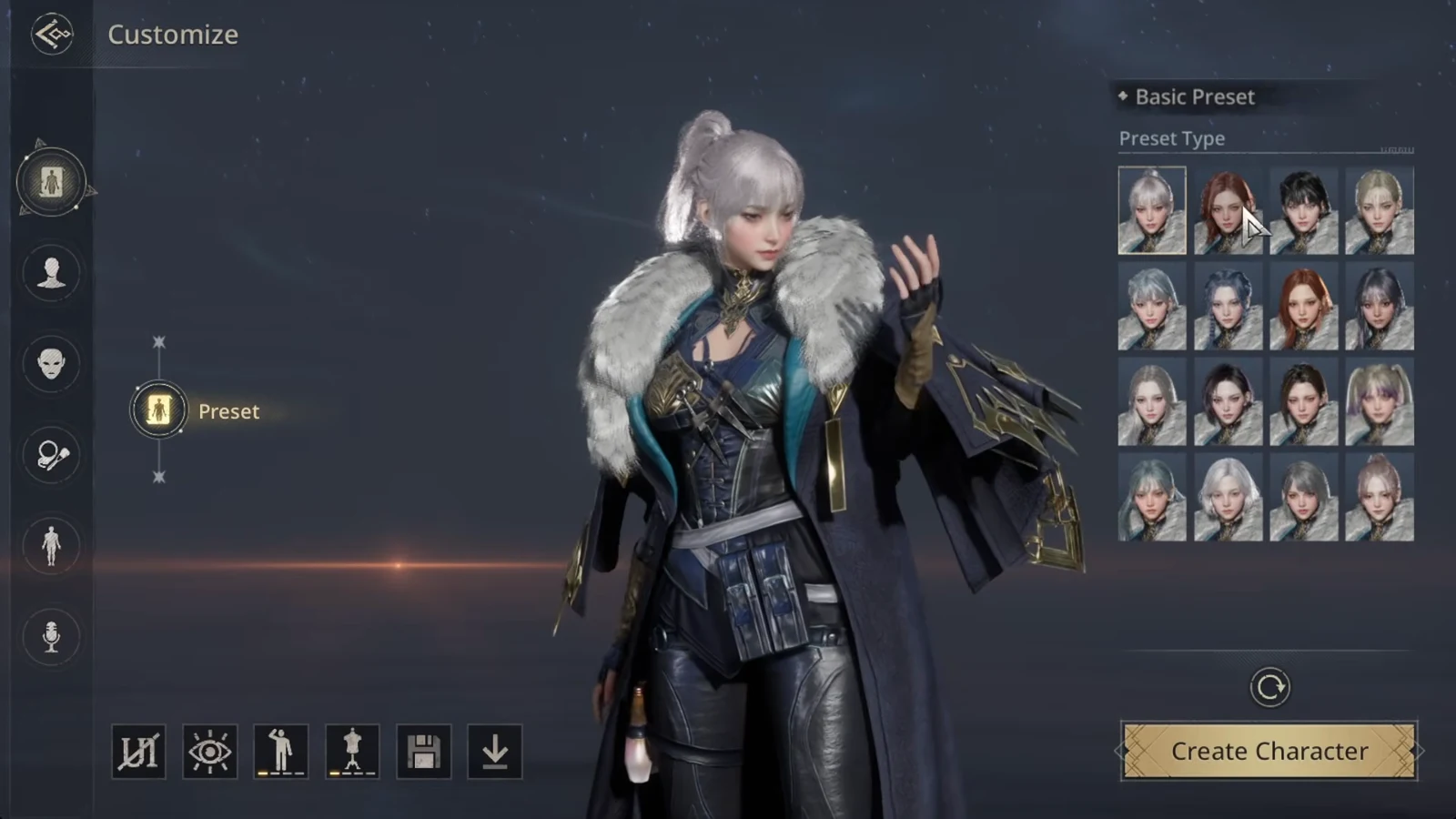
The global version of Architect: Land of Exiles opens its doors in stages, and the first one is already unlocked. Before servers go live, players can download the full client and build the character they will actually play, complete with a reserved name and a locked-in server. The window is short, and it closes a full day before launch.
Quick answer: Character pre-creation is open now and ends at 11:00 on September 15 (UTC+8). Install the client, pick a server, choose a class, customize, and confirm a name before that time.
Pre-download and pre-creation schedule
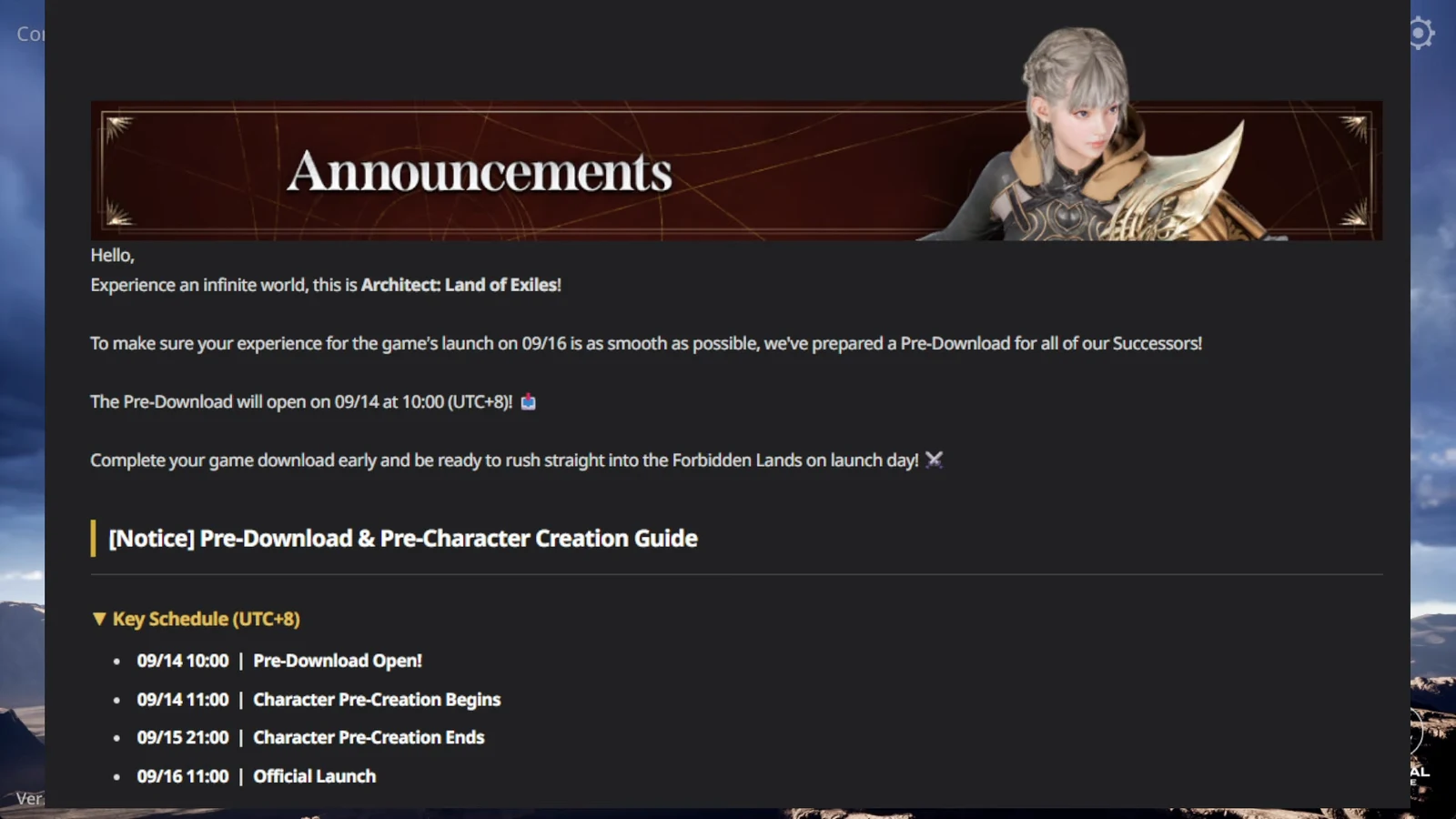
The in-game notice lists every milestone in UTC+8. Southeast Asian players on UTC+7 will see each time an hour earlier on their own clock.
| Milestone | UTC+8 | UTC |
|---|---|---|
| Pre-download opens | Sep 14, 10:00 | Sep 14, 02:00 |
| Character pre-creation begins | Sep 14, 11:00 | Sep 14, 03:00 |
| Character pre-creation ends | Sep 15, 11:00 | Sep 15, 03:00 |
| Official launch | Sep 16, 11:00 | Sep 16, 03:00 |
The same schedule appears in the game’s Announcements tab under the pre-download and pre-character creation notice, so you can double-check it from the client itself.
Where to download the client on PC and mobile
PC players install a launcher from the official Architect website. On phones and tablets, the client comes from Google Play and the Apple App Store. Both platforms share the same build and the same servers, so it does not matter which one you use to pre-create.
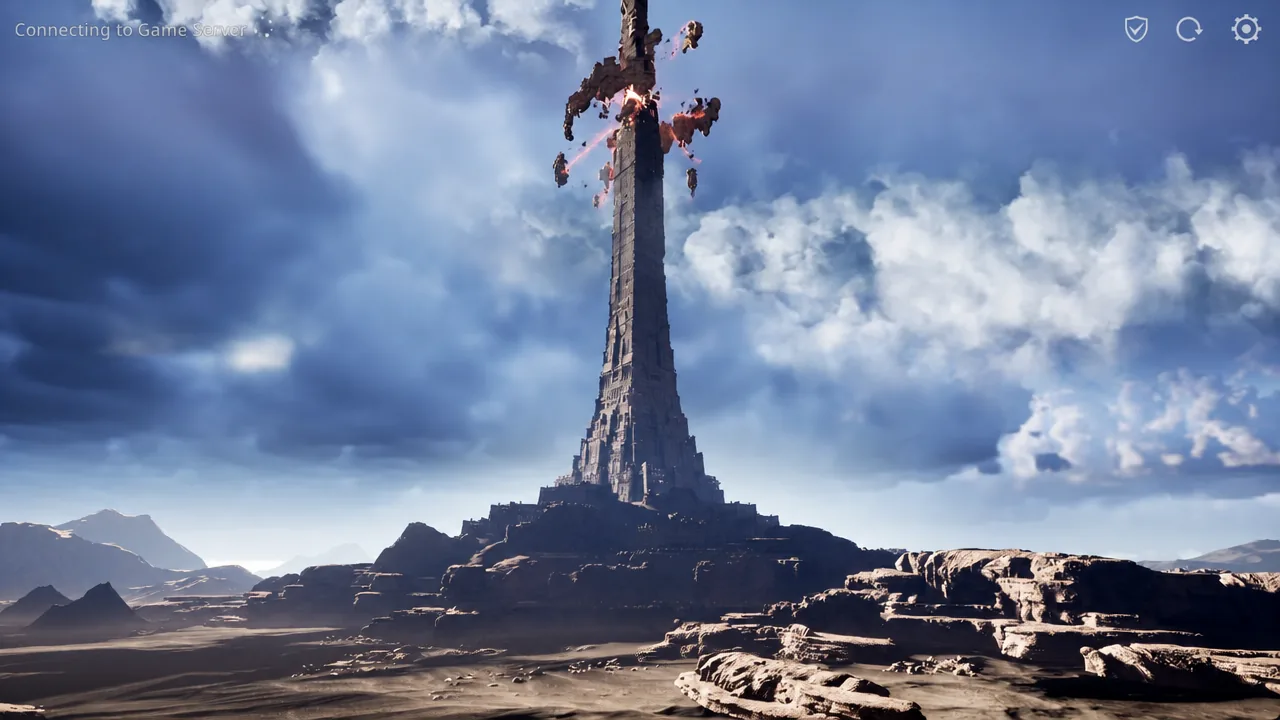
Once the download finishes, opening the game drops you on the title screen with a prompt to tap or press to enter. The build shown during this period is labelled Ver. 1.12.20_prod-090914.
Server selection and the “Cannot access this region” error
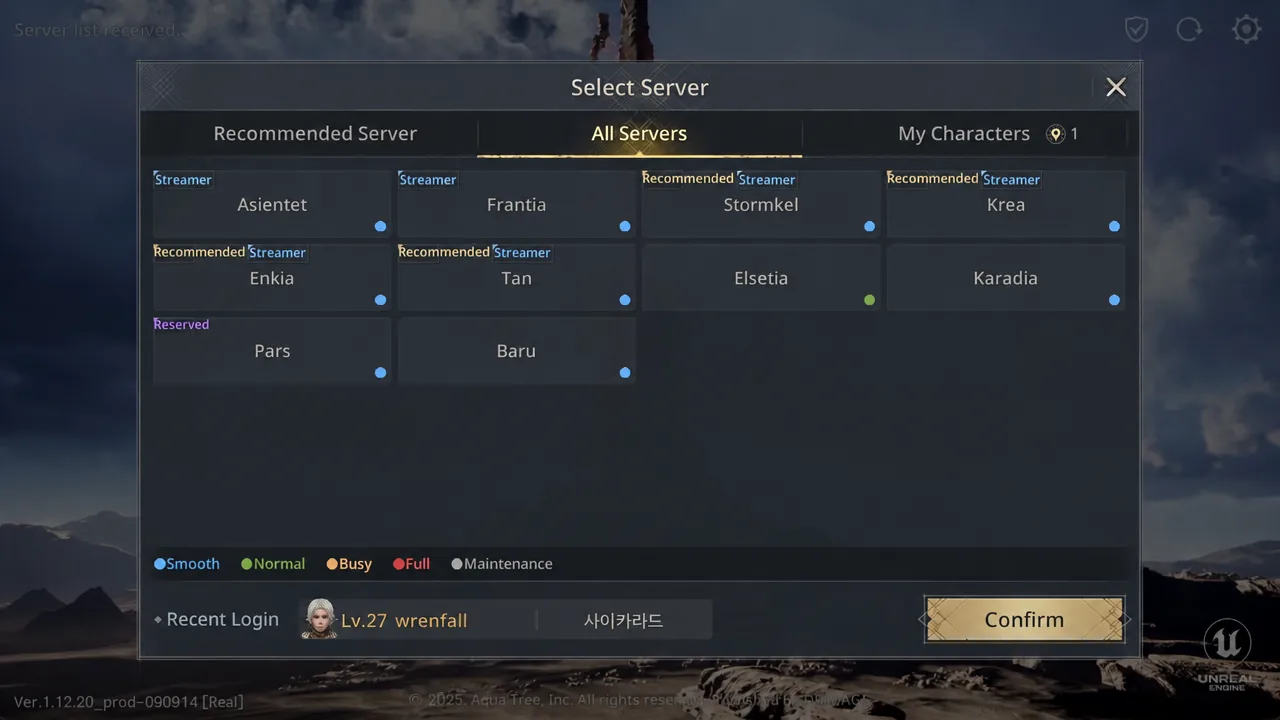
The Select Server screen sorts worlds under an All Servers tab, with some entries flagged as streamer or recommended servers. The server you commit to here is the one your character stays on after launch, so treat it as permanent rather than a test choice.
Global Region servers pool players from nine regions, including Korea, Taiwan, Thailand, and Indonesia, into a single space. The wider launch covers nine markets across Asia, among them Taiwan, Hong Kong, Macau, Singapore, the Philippines, and Malaysia.
Selecting a region you are not eligible for returns a “Cannot access this region.” message. Attempting the Korean region from a global account is the common case, and the fix is simply to pick a server you can enter.
Classes available during pre-creation
All five launch classes are selectable now, and none of them are gender-locked. Every class fights as a damage dealer by default and shifts into other roles through the stance system, so the table below describes starting focus rather than a fixed job.
| Class | Weapon | Focus |
|---|---|---|
| Warrior | Two-handed sword | Melee tank, survivability |
| Mage | Staff | Area damage, crowd control |
| Battle Priest | Divine magic | Healing, party support |
| Assassin | Twin blades | Melee burst, stealth |
| Hunter | Bow | Ranged damage, control |
How to pre-create your character
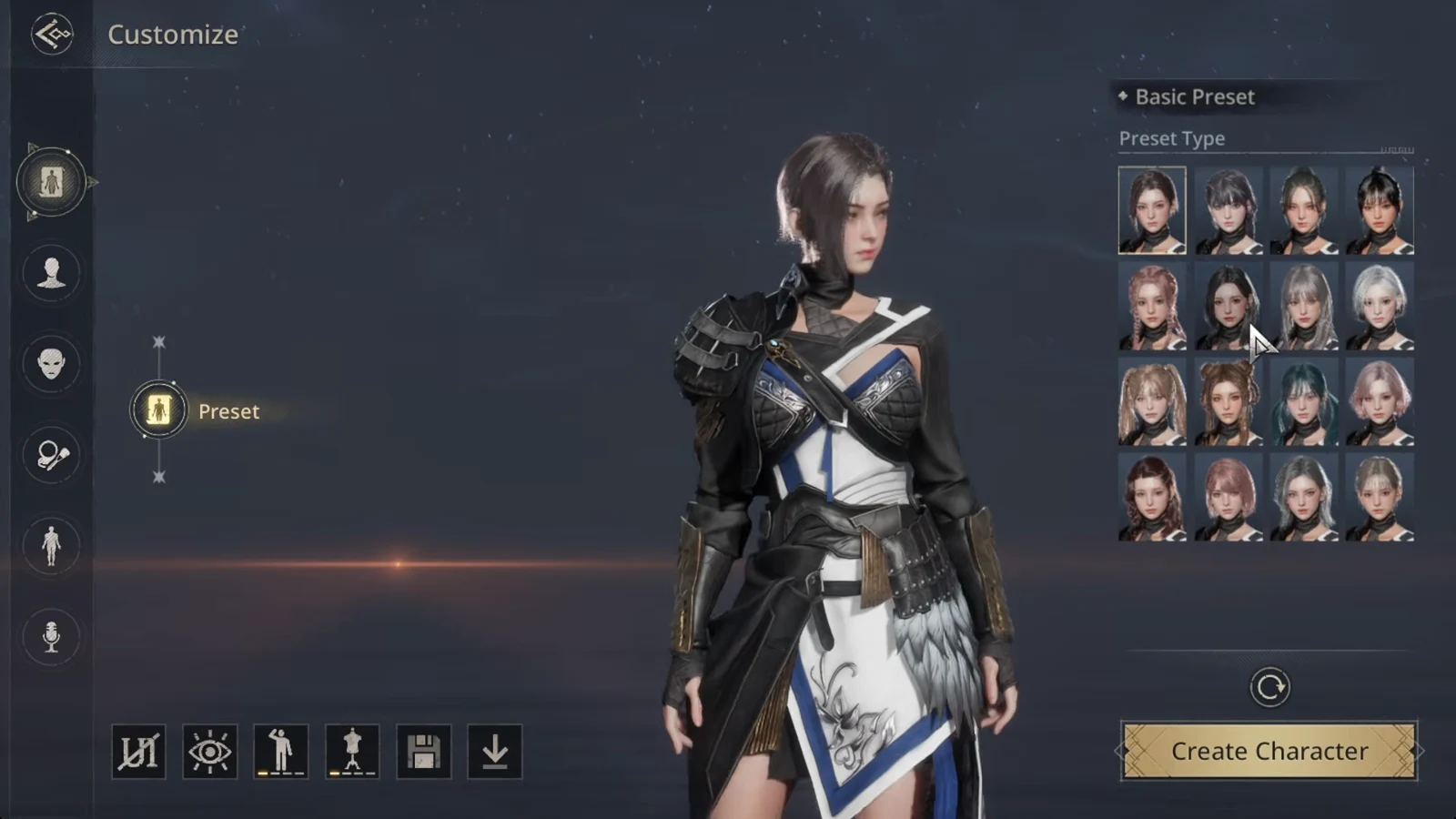
Confirming the character saved
A confirmation message appears reading “Character Pre-Registration is complete. See you at the official launch on 9/16.” Back out to the server list and your new character should be listed under the server you picked, with its class and name attached. If it is not there, the creation did not go through and you will need to repeat the process before the window closes.
Reserved server and character name data is not kept indefinitely. If you never log in with it before the maintenance on November 4, 2026, the reservation is deleted automatically.
Pre-registration rewards
Pre-registration runs separately from character pre-creation and stays open through release. Signing up adds a launch package to your account:
- 4-Star Mount Crescent Night Wanderer
- 3-Star Costume Intermediate Enforcer
- Heir Privilege (3 Days)
- 10,000,000 gold
Registering through the Google Play or App Store listings adds store-specific bonuses on top, and some regions carry extra items of their own.
What happens when servers open
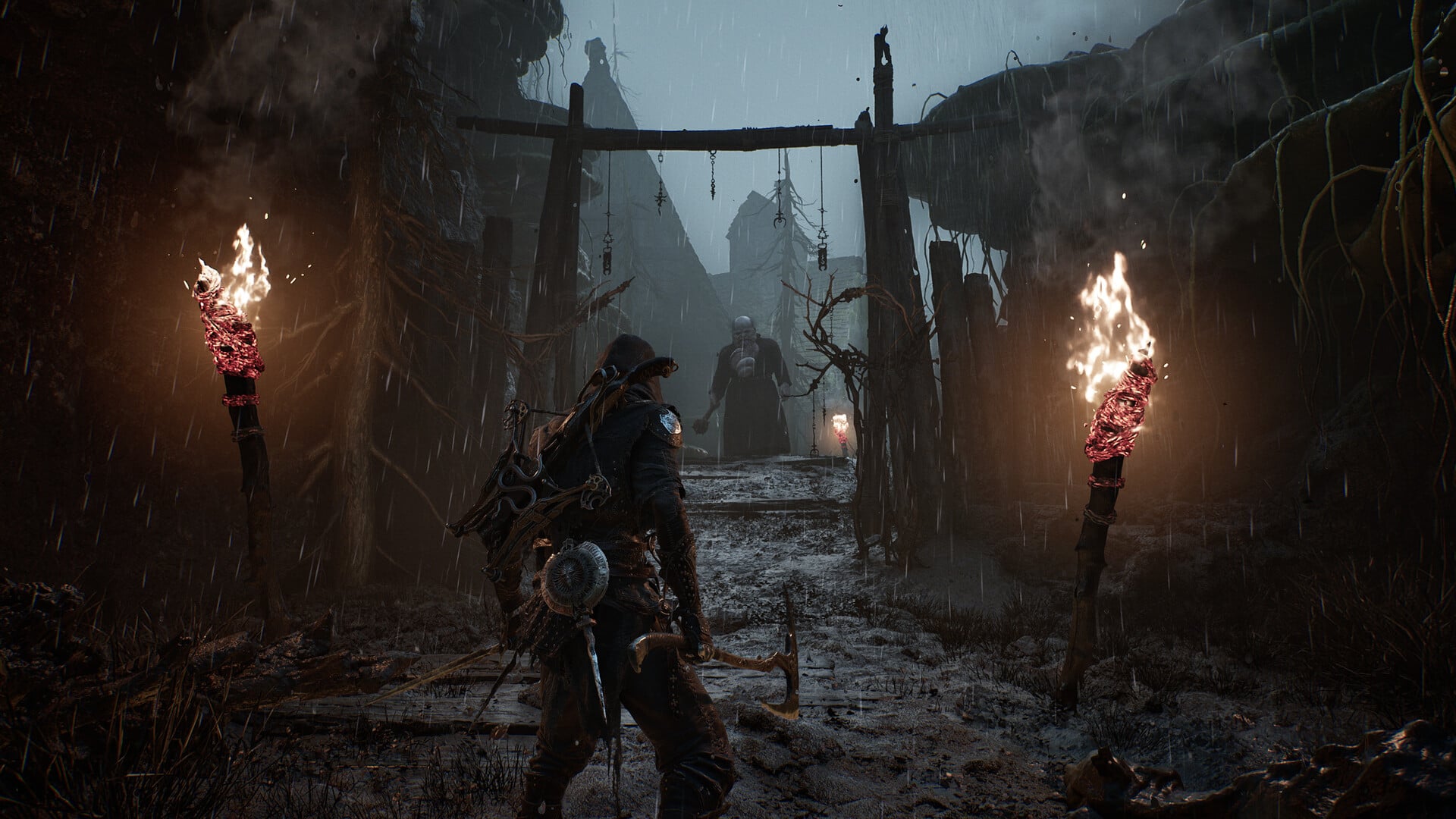
At 11:00 on September 16 (UTC+8), your saved character becomes playable immediately on the server you reserved, dropping straight into the prologue in the desert canyons of the Forsaken Land. There is no second round of name grabbing to survive and no queue for customization, which is the entire point of doing this a day or two early.
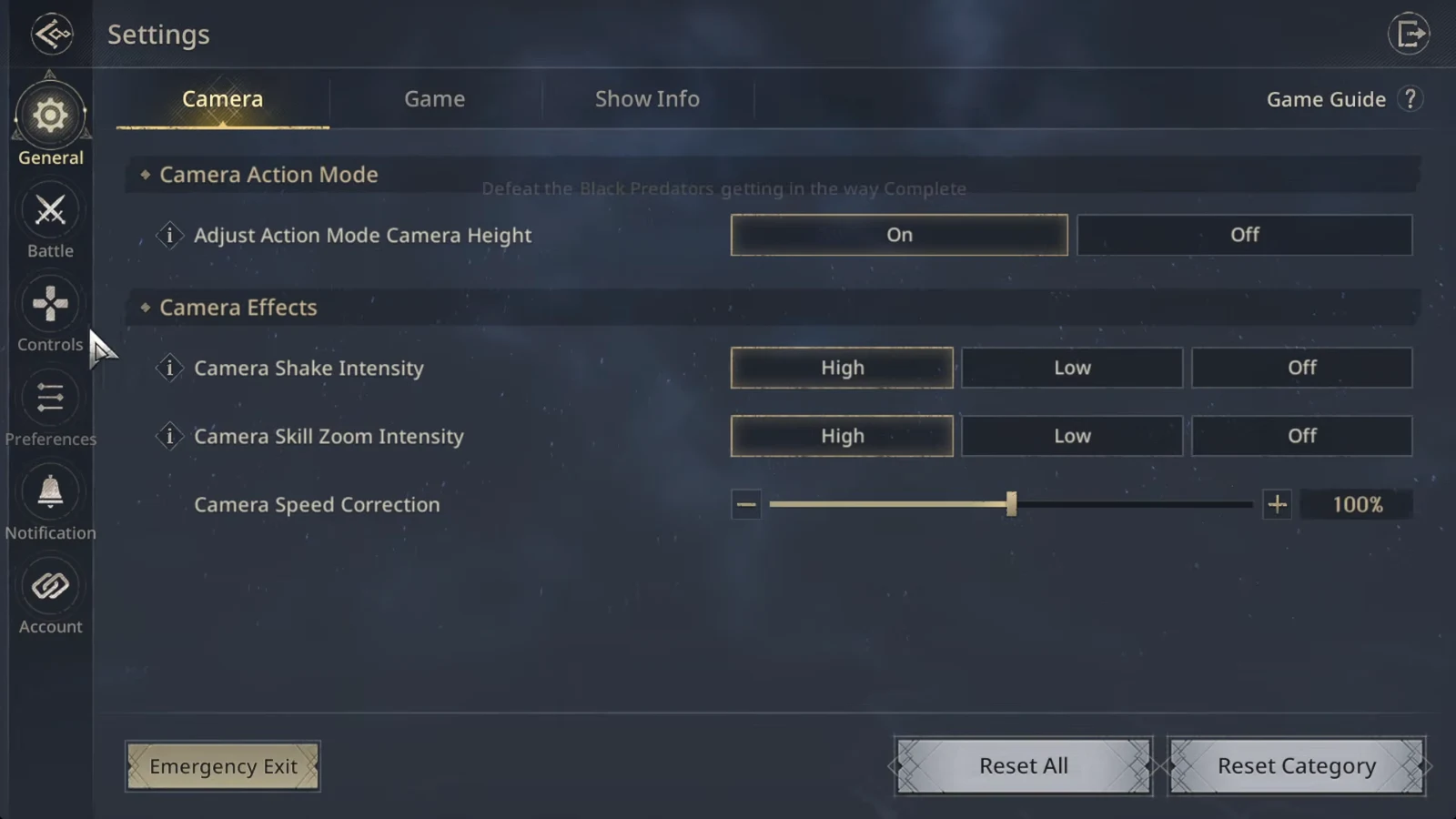
Once you are in, camera behavior is worth a look before combat picks up. The options live under Settings, in the General and Camera menus, where camera speed correction, action mode height adjustment, and shake and zoom effects can each be dialled back.