
The FC 27 Web App is the fastest way to start your Ultimate Team club before the full game unlocks, but launch week throws up a wall of errors. Most of them are not broken accounts. They are maintenance pages, eligibility rules or trading gates behaving exactly as EA designed them, and each one has a different fix.
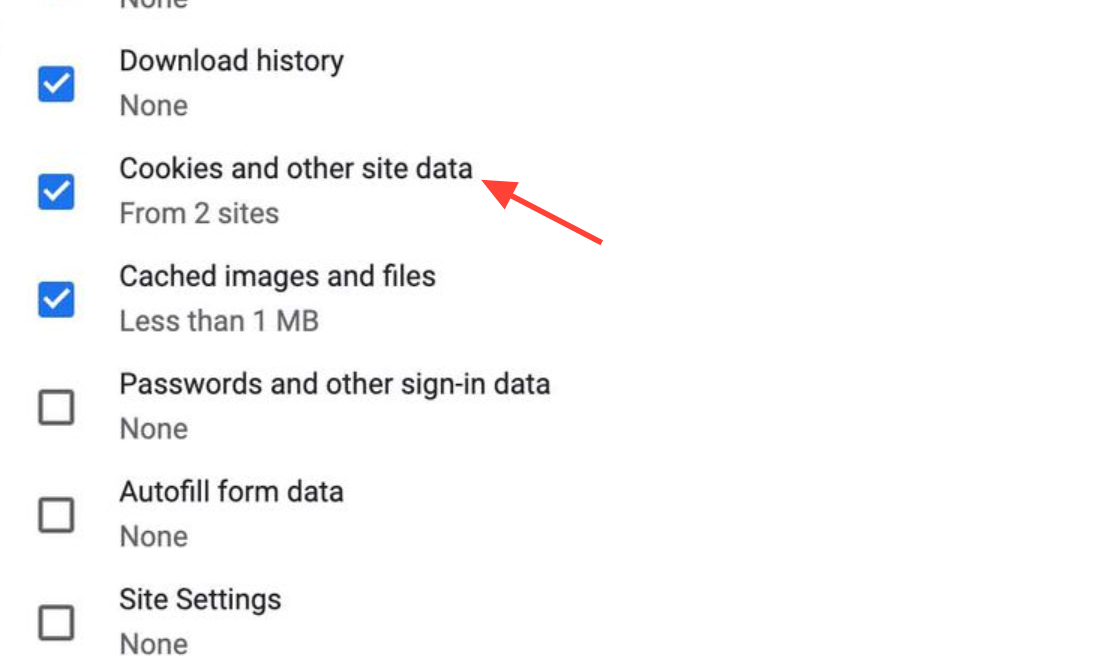
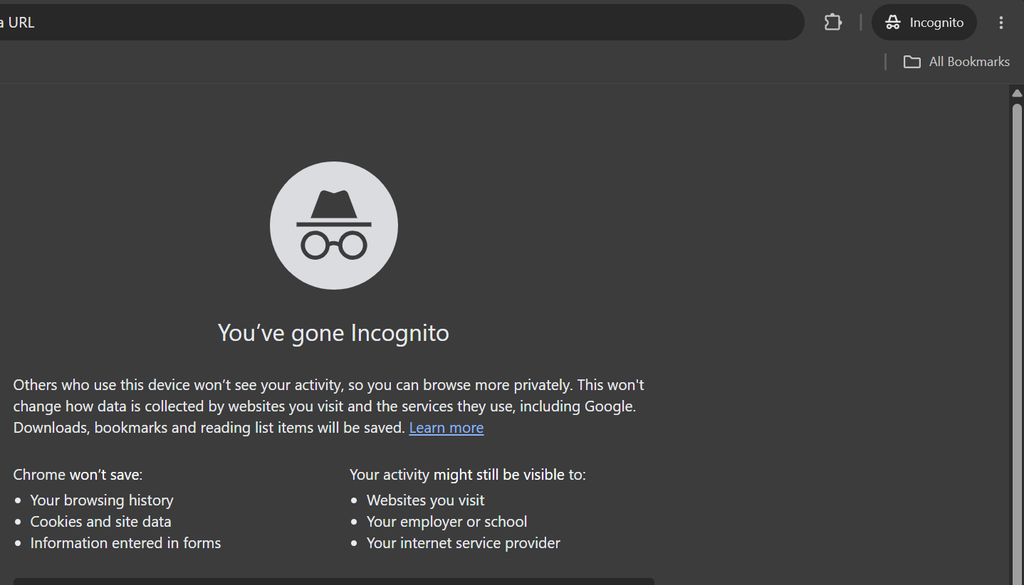
Quick answer: If the page says “coming soon,” the service is not open for you yet. If it loads but rejects you, clear cookies for ea.com, use a private window with extensions off, and confirm you are on the EA account you played FC 26 on.
“Coming soon” or a blank maintenance page
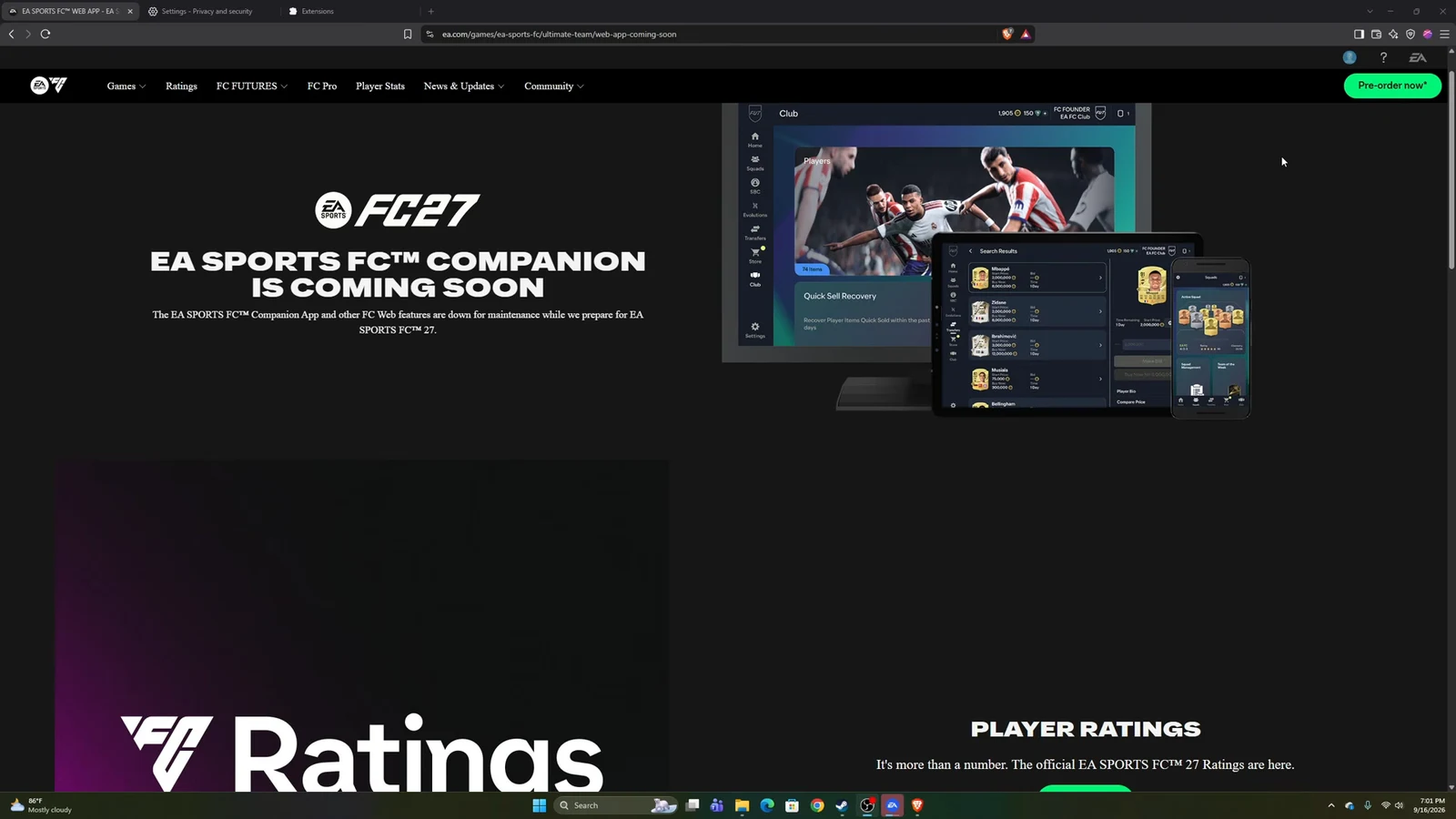
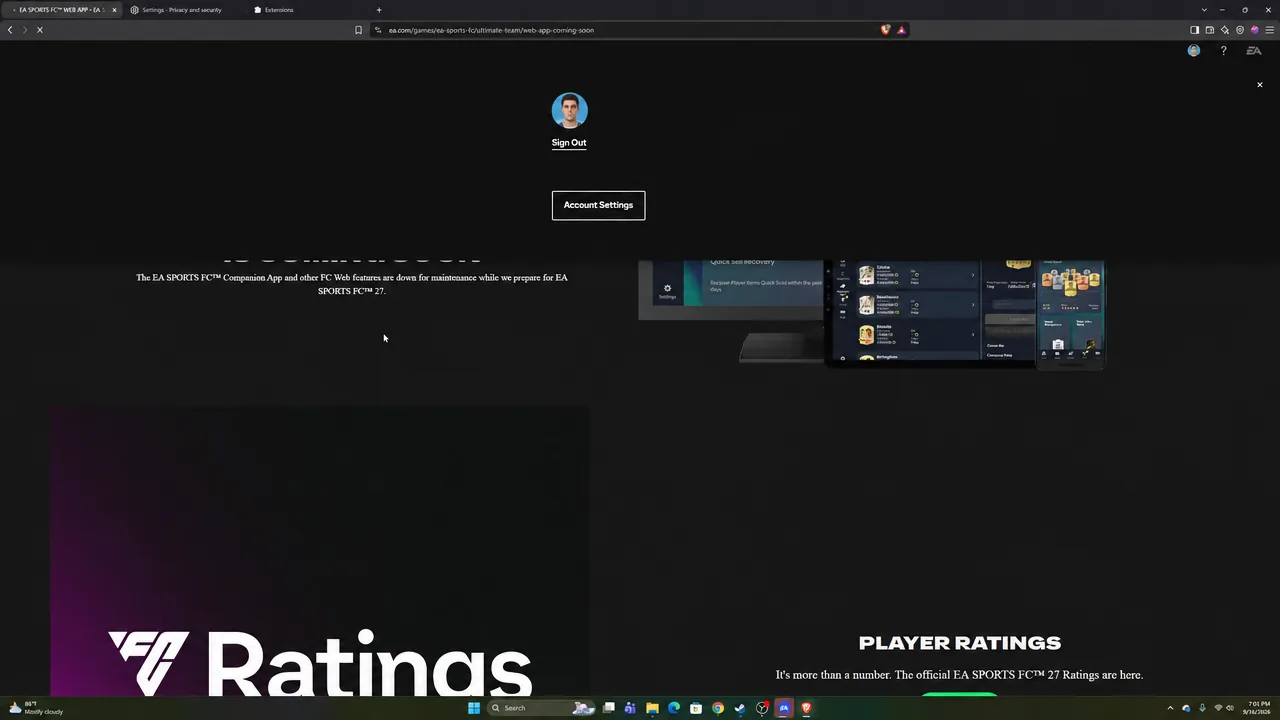
The FC 27 Web App went live on 16 September at 17:00 UTC. Before that time, every visitor saw a black holding page reading “EA SPORTS FC™ COMPANION IS COMING SOON.” That wording confuses people because it mentions the Companion App, not the Web App, but it is the same maintenance screen for both. It is not an account fault, and refreshing does nothing to speed it up.
If you still see the maintenance page well after 17:00 UTC, your browser is likely serving a cached copy. Force a hard refresh with Ctrl and F5 (Cmd, Shift and R on Mac) to drop it. If it persists, clear cookies for ea.com. Launch rollouts are staggered rather than instant, so a few minutes of waiting beats a full reinstall.
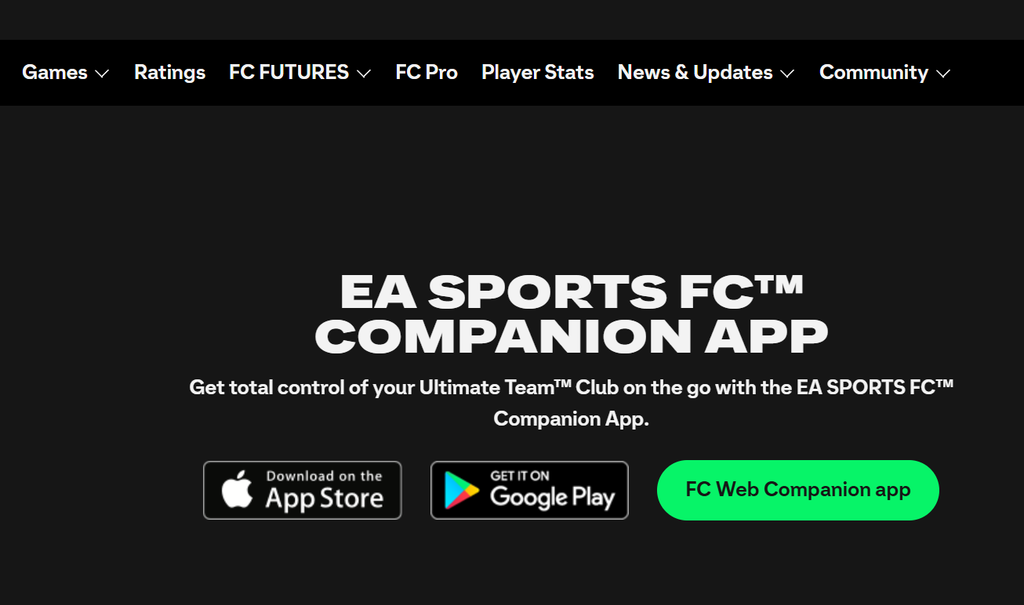
The official Ultimate Team Web App page is the correct address to bookmark. You know it worked when the maintenance screen is replaced by the EA sign-in prompt.
You are refused access while others are already in
Early Web App access is a returning-player perk, not a universal one. To qualify for FC 27, your account must clear three conditions:
- You earned Transfer Market access in FC 26 before 1 August 2026 (or in FC 25 before 1 August 2025, or FC 24 before 1 August 2024).
- Your EA account still exists and the club was not deleted.
- Your EA account is in good standing with no active sanctions.
The most common false alarm is signing in with the wrong identity. If you have collected several EA emails or console profiles over the years, the Web App can open on an account with no club and appear to have wiped your progress. Confirm the email and linked platform persona before you touch anything.
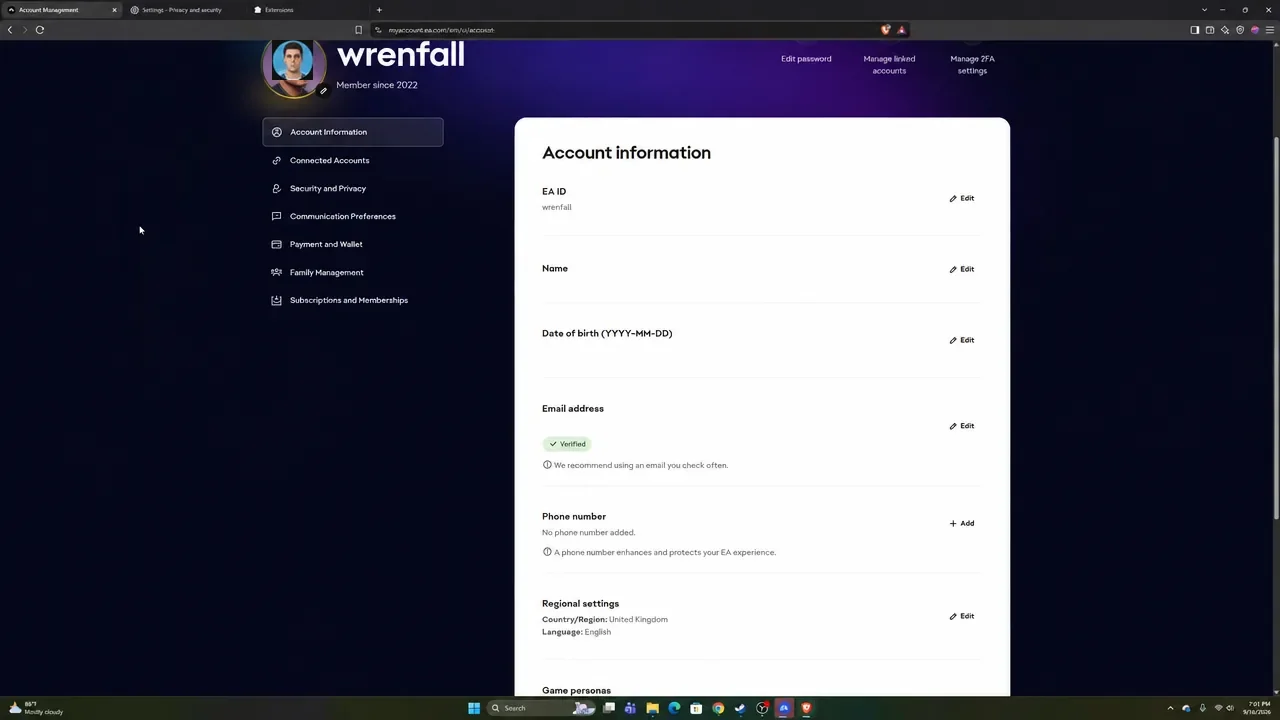
Players who switched platforms, deleted their FC 26 club, or picked up disciplinary action will be refused, and no support ticket restores a deleted club. If you never played FC 26 at all, you are not eligible for the early start and will join when the full game unlocks.
Eligibility is rolled out gradually. Even a qualifying account can see a restricted-access message for the first few hours before full availability lands.
“Trouble with login services” and stuck loading
The message “We’re currently having trouble with login services” is a server-side authentication hiccup, not a corrupted account. It spikes in the first hour when millions of players hit the door at once. Work through these fixes in order, since the first two clear it most often.
Verification codes not arriving
Two-factor codes sent by email are the slowest part of any FC launch, because one mail queue serves everyone signing in at 17:00 UTC. Delays of several minutes are normal and do not mean your account is compromised. Check your spam and promotions folders, and request a single code rather than triggering several, since each new request cancels the previous one.
The permanent fix is to move your account to an authenticator app before launch day. App-generated codes are instant and never queue behind a mail server. Turn it on from your EA account security settings, open Two-Factor Authentication, select Turn On, choose Authenticator App, and scan the QR code with Google Authenticator.
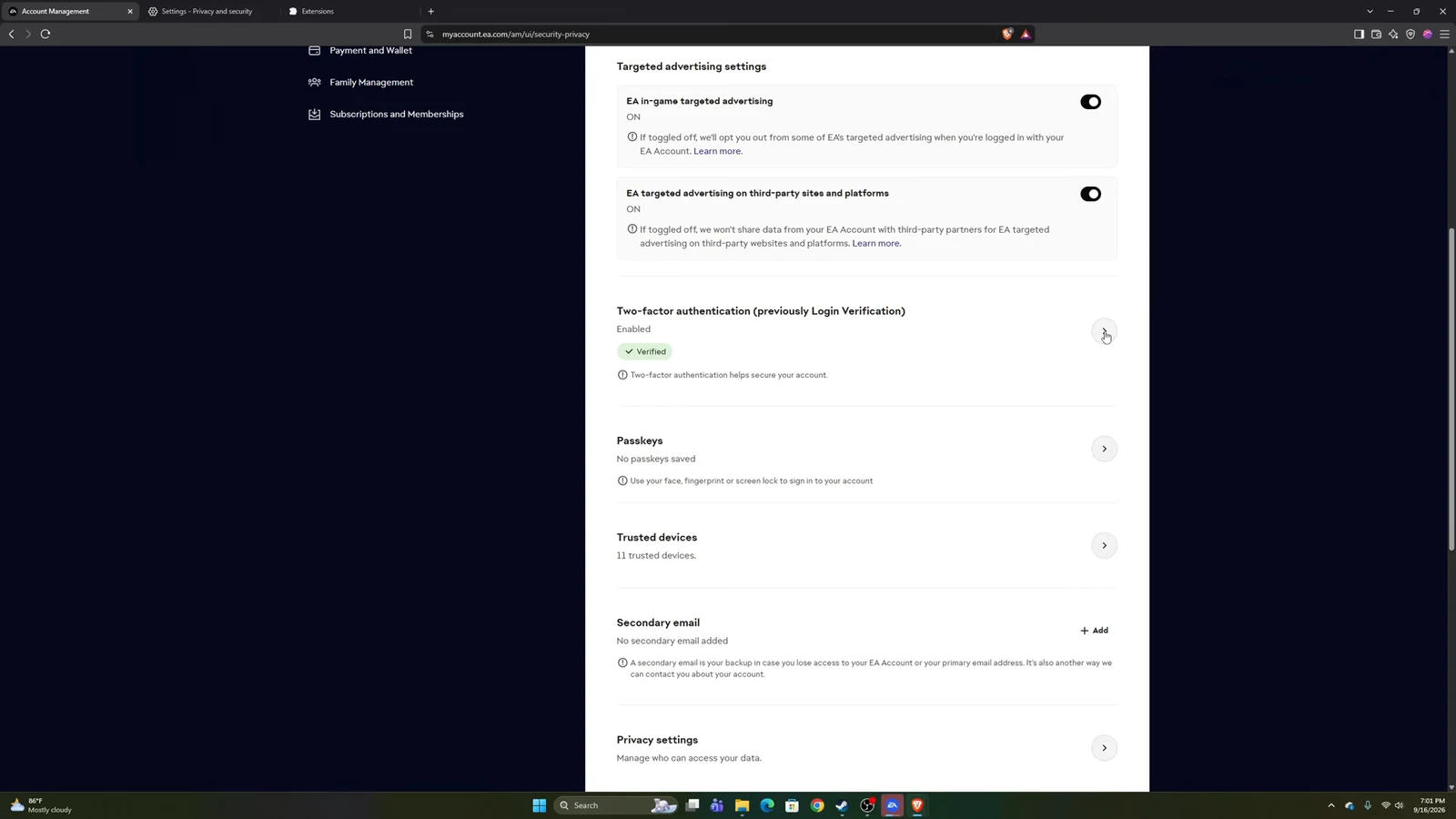
Backup codes work as a fallback. You can view them under Two-factor authentication in your account security settings and enter one when a code fails to arrive.
Transfer Market locked on the Web App
This is the error that causes the most frustration, because the market can be open in your console game and still locked in your browser. They are two separate gates.
The first gate is Graduated Access in-game. New Ultimate Team accounts start with a restricted market and clear it by completing the on-screen starter objectives. EA then grants full access within 48 hours on PC and within 24 hours on other platforms. During that wait you can list your own players but cannot search, bid or buy.
The second gate is the apps themselves. Completing Graduated Access does not automatically unlock the Web and Companion apps. That access is earned in active days. An active day means you have played three complete Ultimate Team matches and logged in to the Web or Companion App within the same calendar day, following UTC time.
| Condition | Rule |
|---|---|
| Matches per day | Three full matches; extra games do not speed it up |
| Sole account on the device | Access normally after two active days |
| Shared device | At least four active days, longer with more accounts |
| Day boundary | UTC, not your local midnight |
Because the active-day counter only starts once the full game is in your hands, most players cannot finish it during the Web App window. It is an early-access-week task, not a day-one one. The exact rules are set out in EA’s Transfer Market access help article. You know it worked when an in-game message confirms the unlock, and the market opens in the Web App.
“Blocked from the Transfer Market” messages
There are two block messages, and they mean very different things.
- App-only block: blocked from the market “on the Web and Companion apps” but you can still trade on your platform. Your console market keeps working.
- Total block: blocked from the market “due to breaking our rules” across every surface. This is an account sanction, not a bug to troubleshoot.
Advisors cannot hand out market access on request. If you believe the restriction was applied in error, the message points you to the email tied to your EA account for details, and you can contact EA at [email protected].
Layout cut off or a resize warning
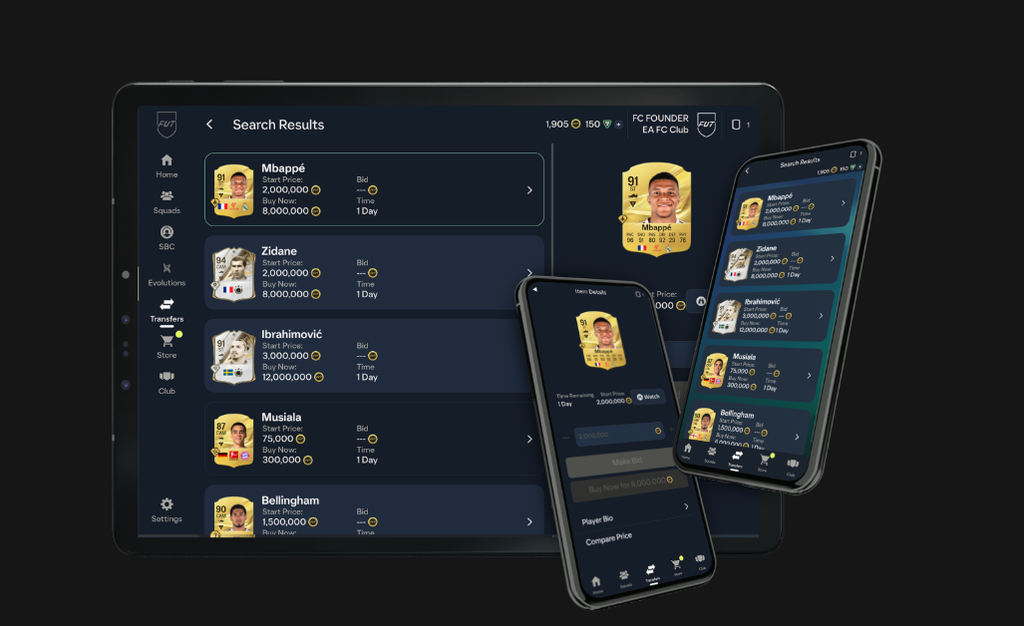
The Web App has a minimum viewport. A browser window below that size clips the interface instead of scrolling, so you lose the side menu, buttons drop off the edge, or a squad screen refuses to reach the bottom. Press Ctrl and minus (Cmd and minus on Mac) to zoom out to 80 or 67 percent, or maximise the window until the full interface appears.
Mobile browsers are not a supported Web App surface. You can force it by requesting the desktop site from your phone browser’s menu, but the Companion App is the tool built for phones and tablets.
Companion App says your access expired
The FC 26 Companion App closes before the FC 27 version opens, and the gap between them is the entire cause of the expiry notice on your phone. The Companion App refresh goes live on 17 September at 17:00 UTC, one day after the Web App. There is nothing to reinstall or reset before then.
Once the refresh lands, sign in again. If the app still refuses you, check your store for a pending update, since the refresh ships as an app update on iOS and Android rather than a pure server switch.
Keeping app access later in the year
Early access is a temporary window. If you have not bought FC 27, you must log in to Ultimate Team in the game at least once before 7 November 2026 to keep using the Web and Companion apps. Miss that deadline and app access drops until you play the full game.
Most launch-day panic clears itself once you separate the maintenance windows from the real faults. Confirm the service is open for your account, sign in with the correct EA identity, and treat the Transfer Market gates as a task for early-access week rather than the first hour. Once your club loads with its familiar squad and badge, you are through, and everything else is a matter of the clock.