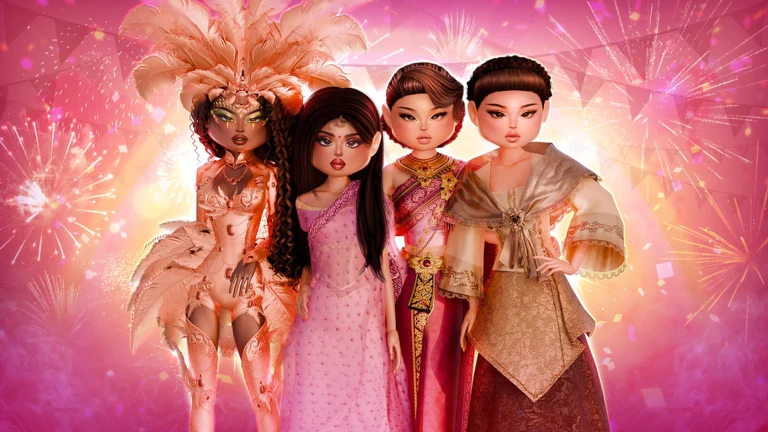
The Hunt: Roblox 20 is the platform’s anniversary event, and Dress to Impress fills the 2024 slot on its twenty-year timeline. Its challenge is one of the most forgiving in the lineup: instead of a scored fashion win, you just have to play through two rounds of a special throwback version of the game.
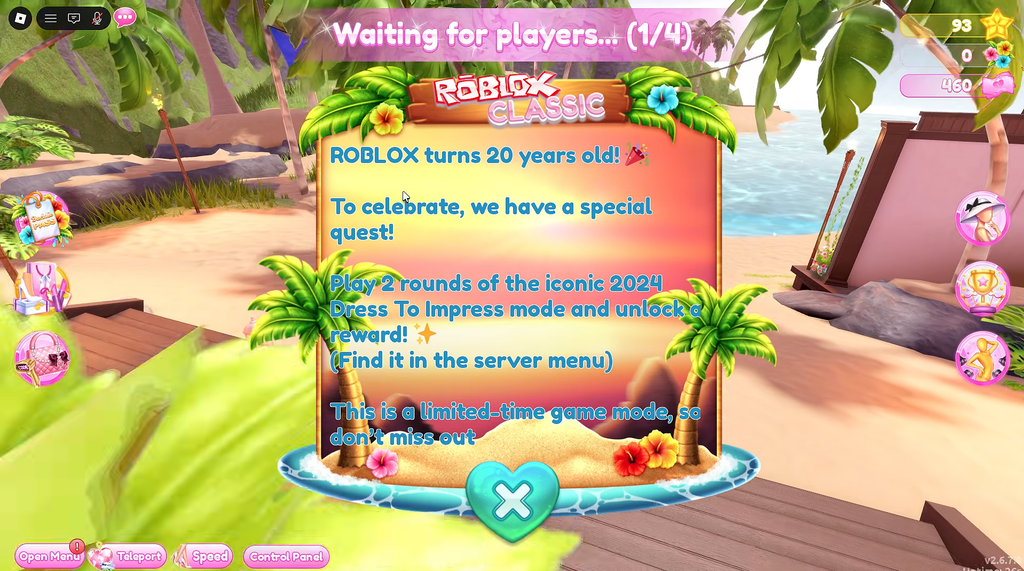
Quick answer: In Dress to Impress, open Teleport, choose the 2024 Rewind mode, and finish two complete rounds. You do not have to win either one. Afterward, go back to the Hunt hub and collect the reward.
What the Dress to Impress quest requires
The Hunt: Roblox 20 runs through September 28, 2026, and moves players through twenty games in chronological order, one per year of the platform’s history. Dress to Impress represents 2024, so its quest deliberately rewinds the game to an older build rather than adding a new mini-game.
The only completion condition is playing two full rounds inside the 2024 Rewind mode. There is no bunny hunt, no hidden NPC to find first, and no placement target. Your progress is tracked by rounds played, not by votes earned, so a low-scoring outfit still counts.
- Play two complete rounds in the 2024 Rewind mode.
- You do not need to win, place in the top three, or hit any star total.
- You have 325 seconds during each round to assemble your outfit, after which voting begins.
- Free clothing and accessories are enough; no Robux purchases are needed.
The theme shown in each round can rotate as players fill different servers, so yours may differ from another player’s. That does not change the requirement. Finishing two rounds in the correct mode is all that matters.
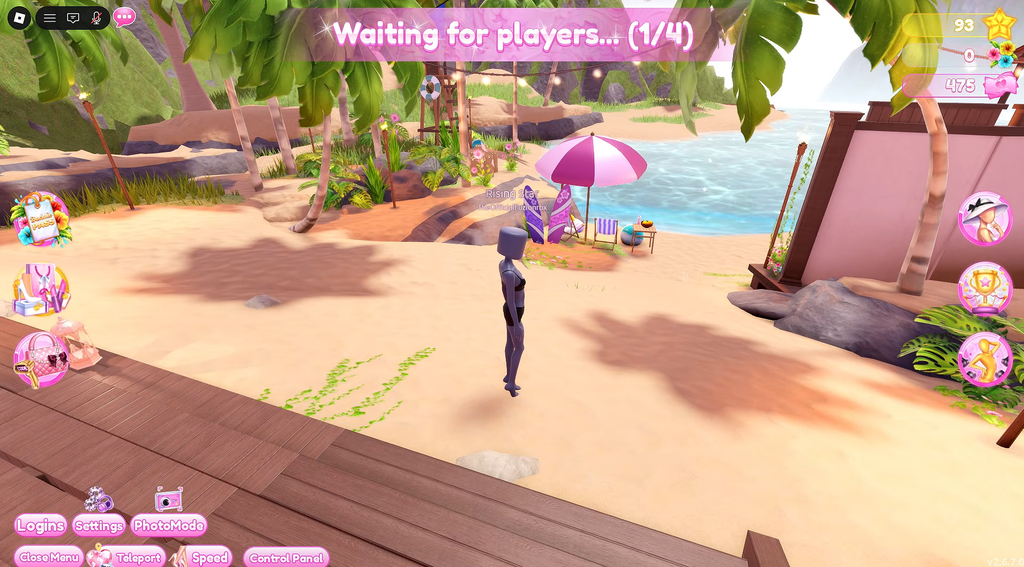
How to reach the 2024 Rewind mode and finish two rounds
Do not leave while dressing or during the runway. Exiting early risks the game not counting that round, which can make it look like the second round never completed.
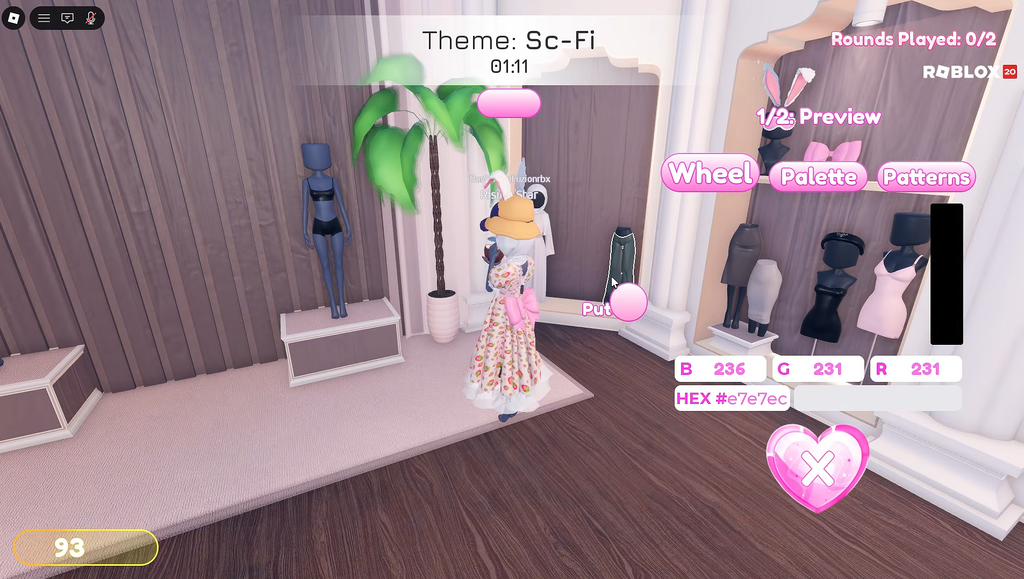
How to confirm it worked and claim the reward
The event tracker counts rounds as you go. Watch it move through these states to know your progress is registering correctly.
| Tracker | Meaning |
|---|---|
| 0/2 | Before you start any round |
| 1/2 | First round fully completed |
| 2/2 | Second round completed, quest done |
After the tracker displays 2/2, the challenge is finished and you receive the Hunt badge. If the count stays unchanged, check that you used 2024 Rewind instead of a normal server and that voting carried both rounds to completion. You can also finish another complete round in that server if necessary.
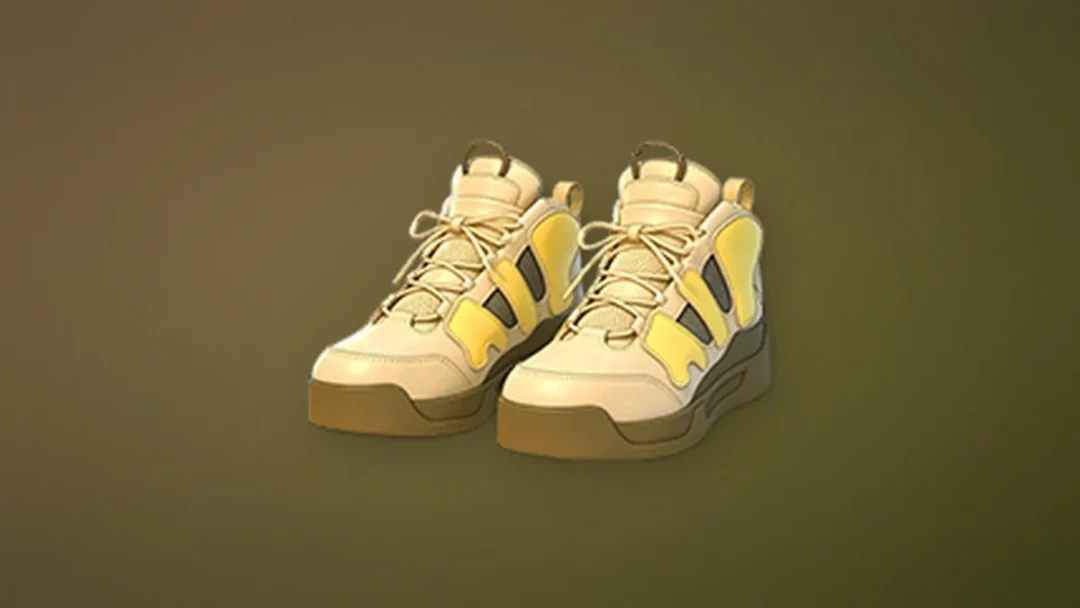
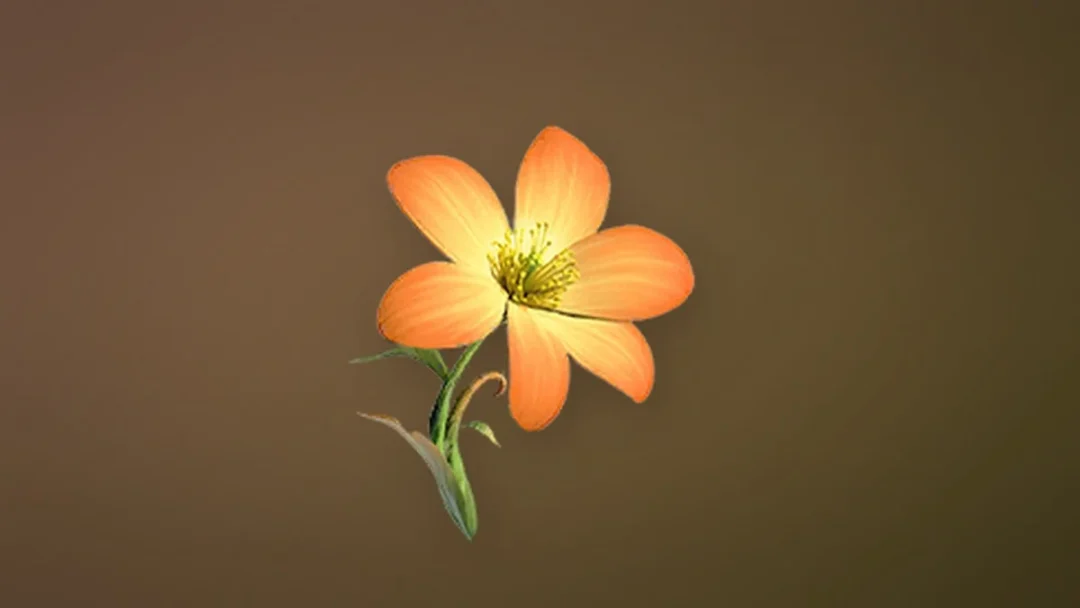
After the badge appears, head back to The Hunt: Roblox 20 hub on the same account and interact with the Dress to Impress reward to claim the limited-time UGC item. If it does not show up immediately, let the 2024 completion state refresh before checking again. The reward is tied to the event, so finish both rounds well before the September 28 close to avoid crowded end-of-event servers.