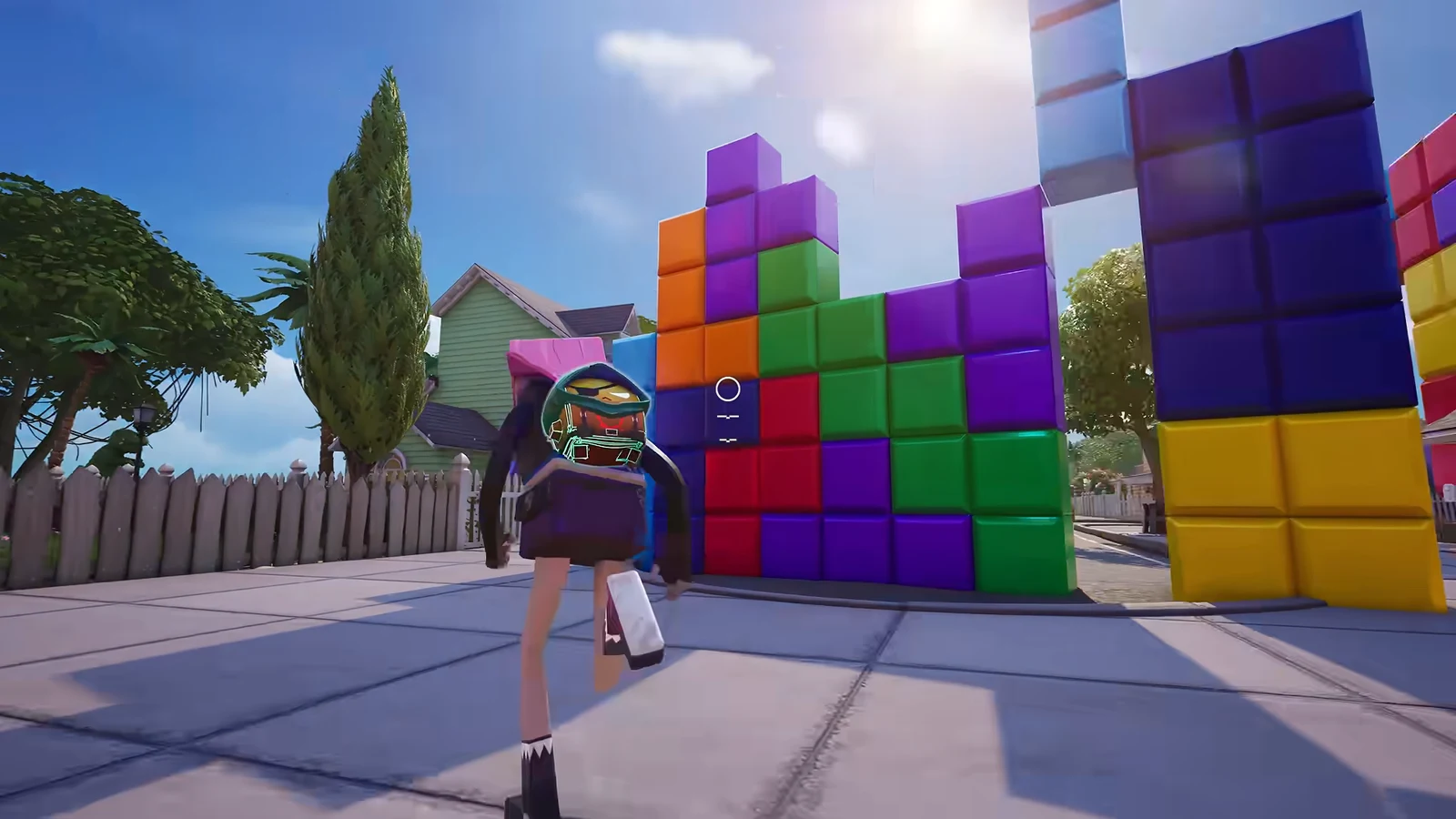
Ironmouse’s second Fortnite outfit takes a gentler approach than her stagewear. Decora Ironmouse gives the VTuber character a pajama look, with a Demon Decora alternate style and a tail toggle. Its brief in-game description reads: “The demon queen has clocked out. Once the broadcast is over, it’s time for sleepwear.”
Quick answer: Decora Ironmouse is an Epic outfit from the Ironmouse set with two styles, Decora Ironmouse and Demon Decora, a tail on/off toggle, and a 3,400 V-Bucks Item Shop listing.
Decora Ironmouse styles and tail toggle
Both styles live under a single outfit entry, so you are not buying them separately. Open the Locker, pick the outfit under CHARACTER, then hit Edit Style to see two rows: Outfit Style and Tail.
| Option | Choices | Where |
|---|---|---|
| Outfit Style | Decora Ironmouse, Demon Decora | Edit Style menu |
| Tail | ON, OFF | Edit Style menu |
The default Decora Ironmouse style is the pastel pajama look, and it reads clearly at range even on busy maps. Dropping in with the tail switched off gives a tighter silhouette, which is what shows up on the character card in a Solo Reload drop.
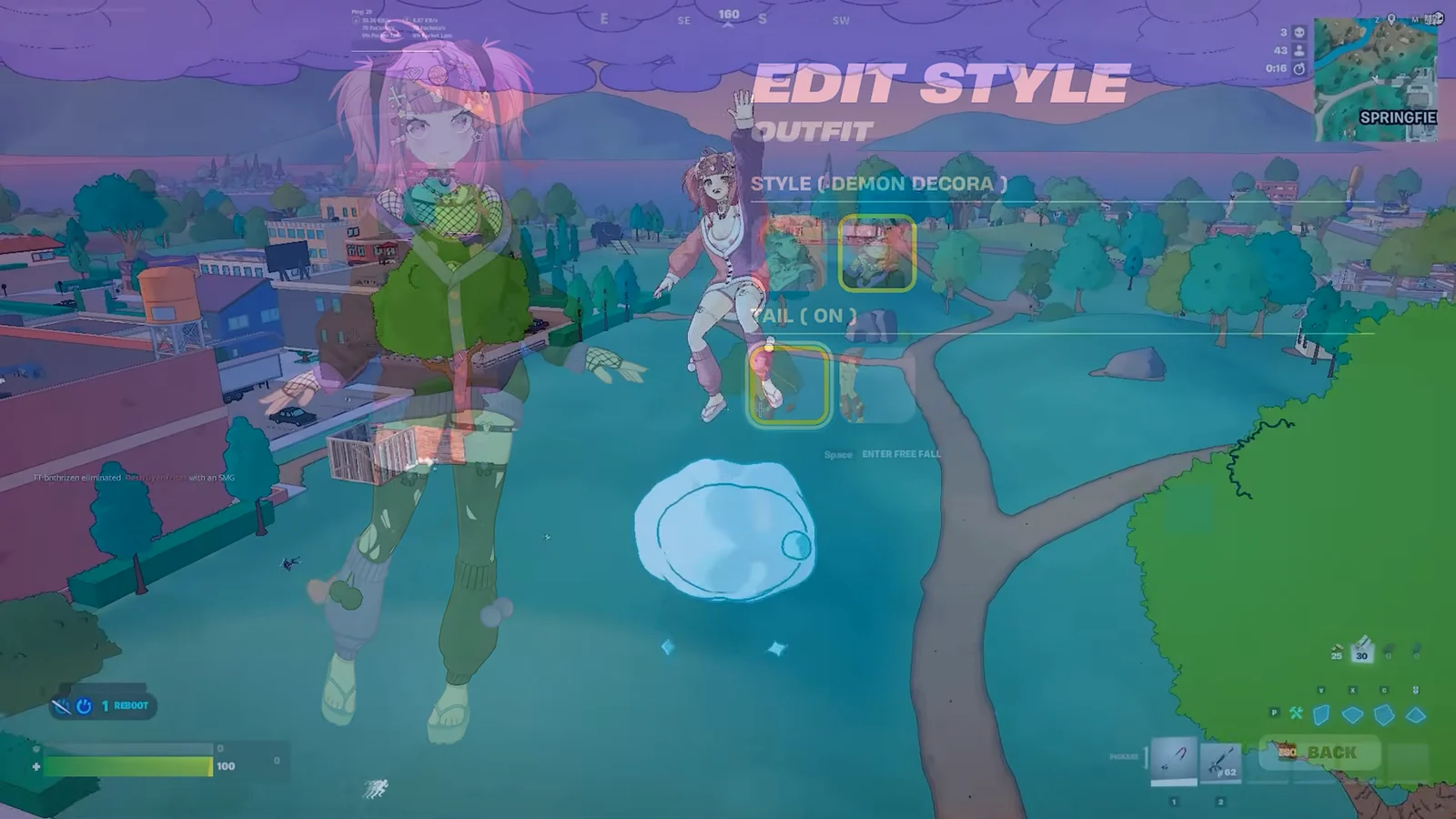
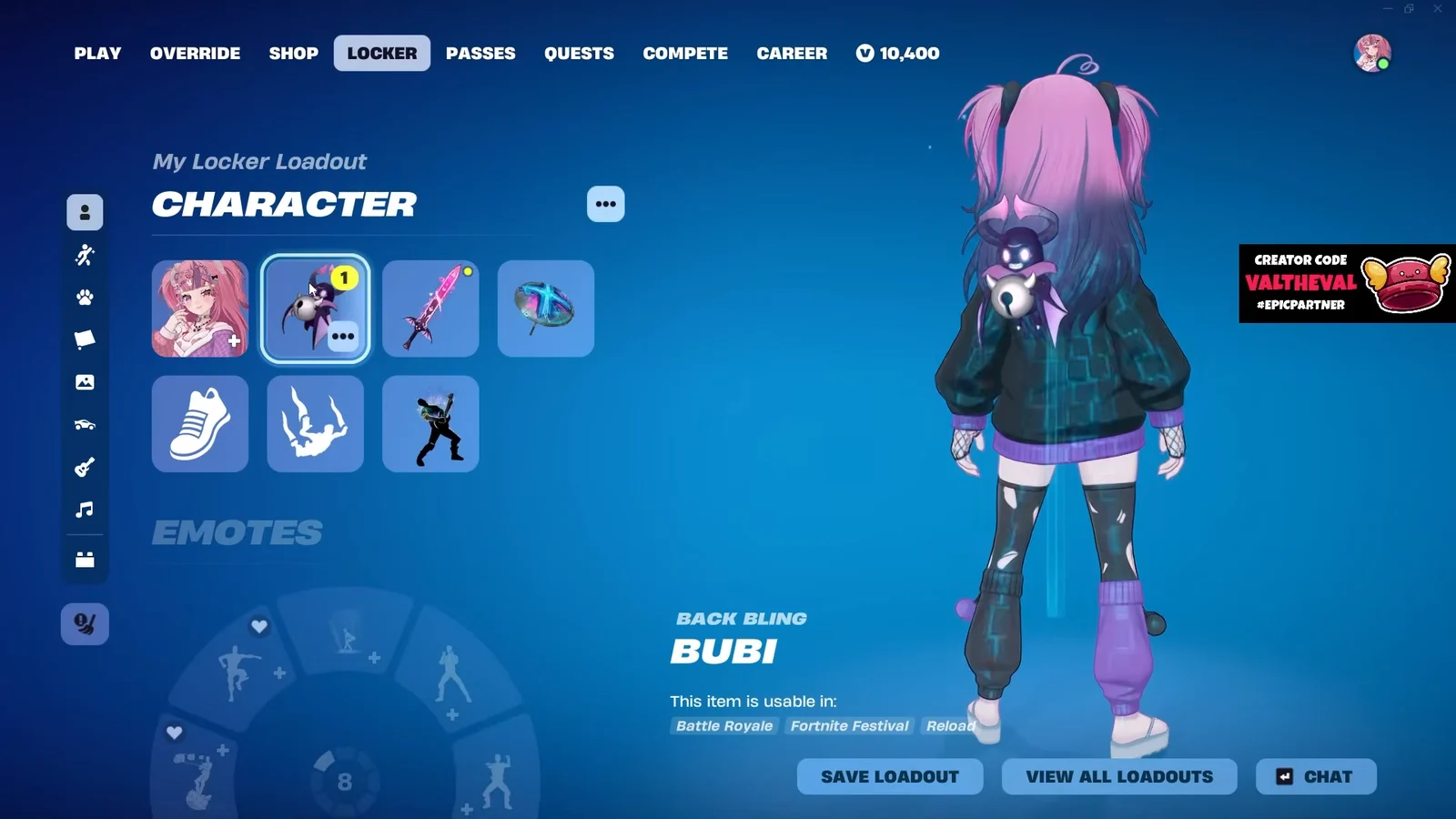
Demon Decora is the darker variant of the same outfit, and it pairs naturally with the Ironmouse Worm back bling rather than the pink Bubi.
Item Shop listing details
The outfit arrived with Chapter 7 Season 4 and sits in the Ironmouse set alongside the standard Ironmouse outfit. Here is how the cosmetic is catalogued in-game.
| Field | Value |
|---|---|
| Rarity | Epic |
| Type | Outfit |
| Set | Ironmouse |
| Price | 3,400 V-Bucks |
| Introduced in | Chapter 7, Season 4 |
| Cosmetic ID | Character_FeelUnionMoo |
The Ironmouse cosmetics went live in the Item Shop on September 18, 2026, and the shop history for Decora Ironmouse currently logs a single appearance, dated September 19, 2026. Individual pieces can be bought on their own rather than only as part of the bundle.
Epic ran an Ironmouse Cup ahead of the shop release, giving top finishers a route to the cosmetics without spending V-Bucks. No further cup date has been confirmed.
What the Ironmouse bundle includes
Decora Ironmouse is one of the bundle’s two outfits. The collection also includes back blings, pickaxes, emotes, a wrap, an instrument, jam tracks, and a loading screen.
| Category | Items |
|---|---|
| Outfits | Ironmouse, Decora Ironmouse |
| Back Blings | Bubi, Ironmouse Worm |
| Pickaxes | Ironmouse’s Blade of Love, Ironmouse’s Bubi Mic |
| Emotes | Hell Again, Cry For Me |
| Wrap | Mouse Mode |
| Extras | Instrument, jam tracks, loading screen |
Both emotes are dances with their own particle effects, and the Headstones item appears alongside the Ironmouse loading screen in the Locker preview.
How the skin holds up in matches
The pastel palette is bright, which matters more than usual here. In Solo Reload builds on the cartoon-styled Springfield map, the outfit stands out against wooden walls and open fields, so there is little camouflage value to it. That cuts both ways in build fights, where you are already announcing your position with ramps and cones anyway.
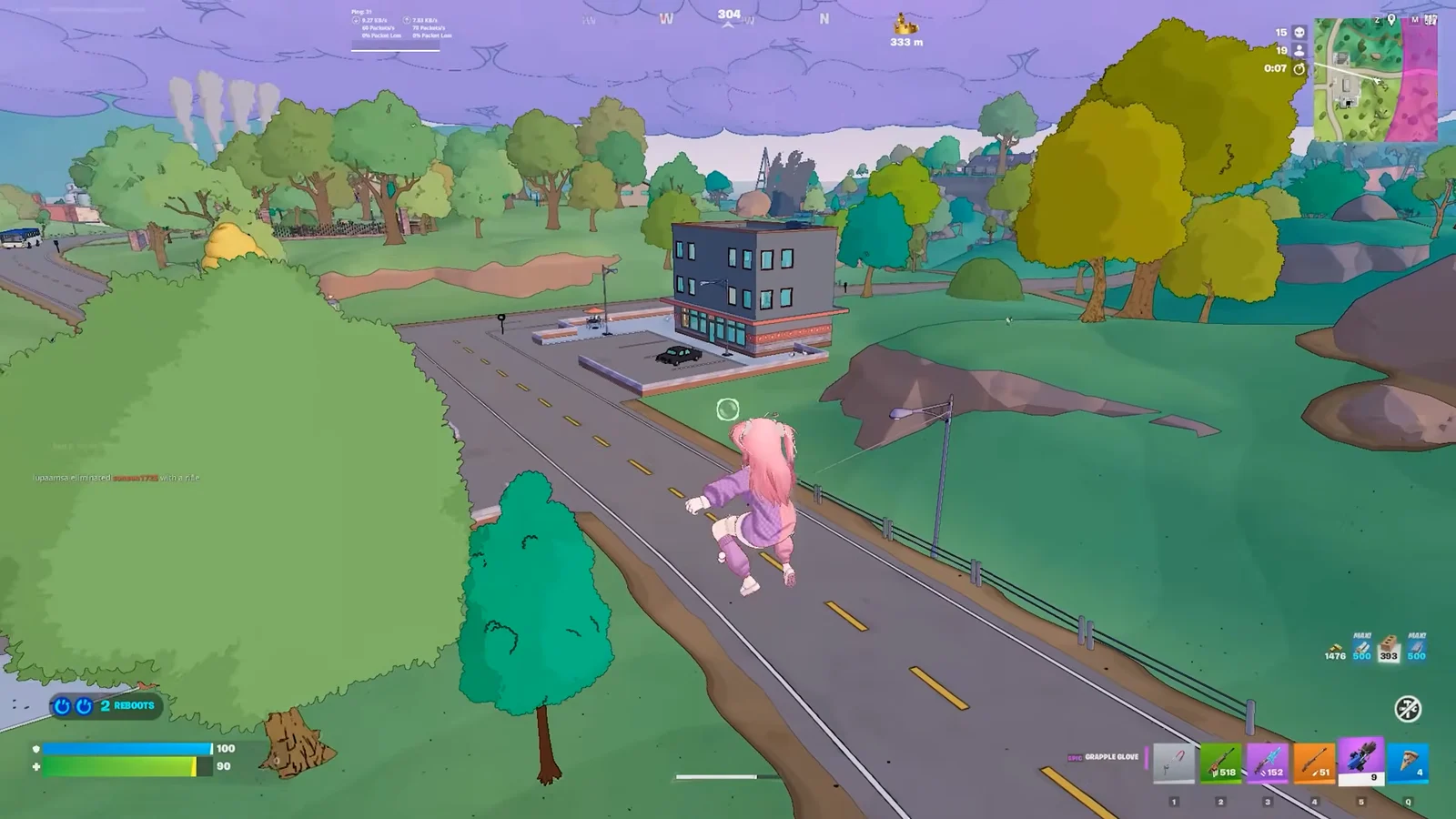
Launch pad rotations show off the model’s full silhouette, tail included, as the character arcs across the map toward a commercial zone.
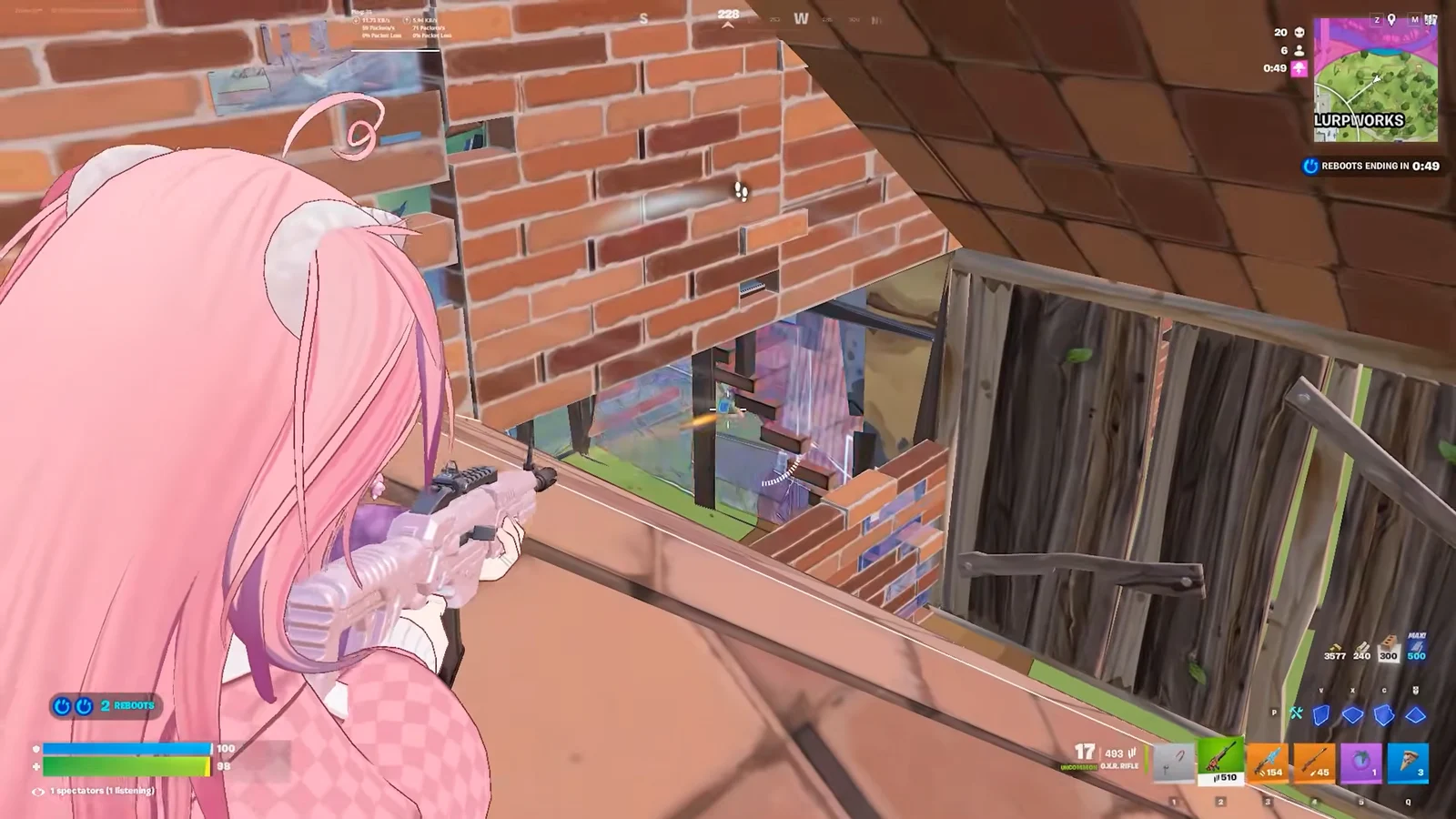
Late-game tower fights are where the bright colors are most noticeable. Moving through multi-level brick and wood structures, the outfit reads clearly through editing windows and gaps, which is worth knowing if you like holding high ground into the final circles.
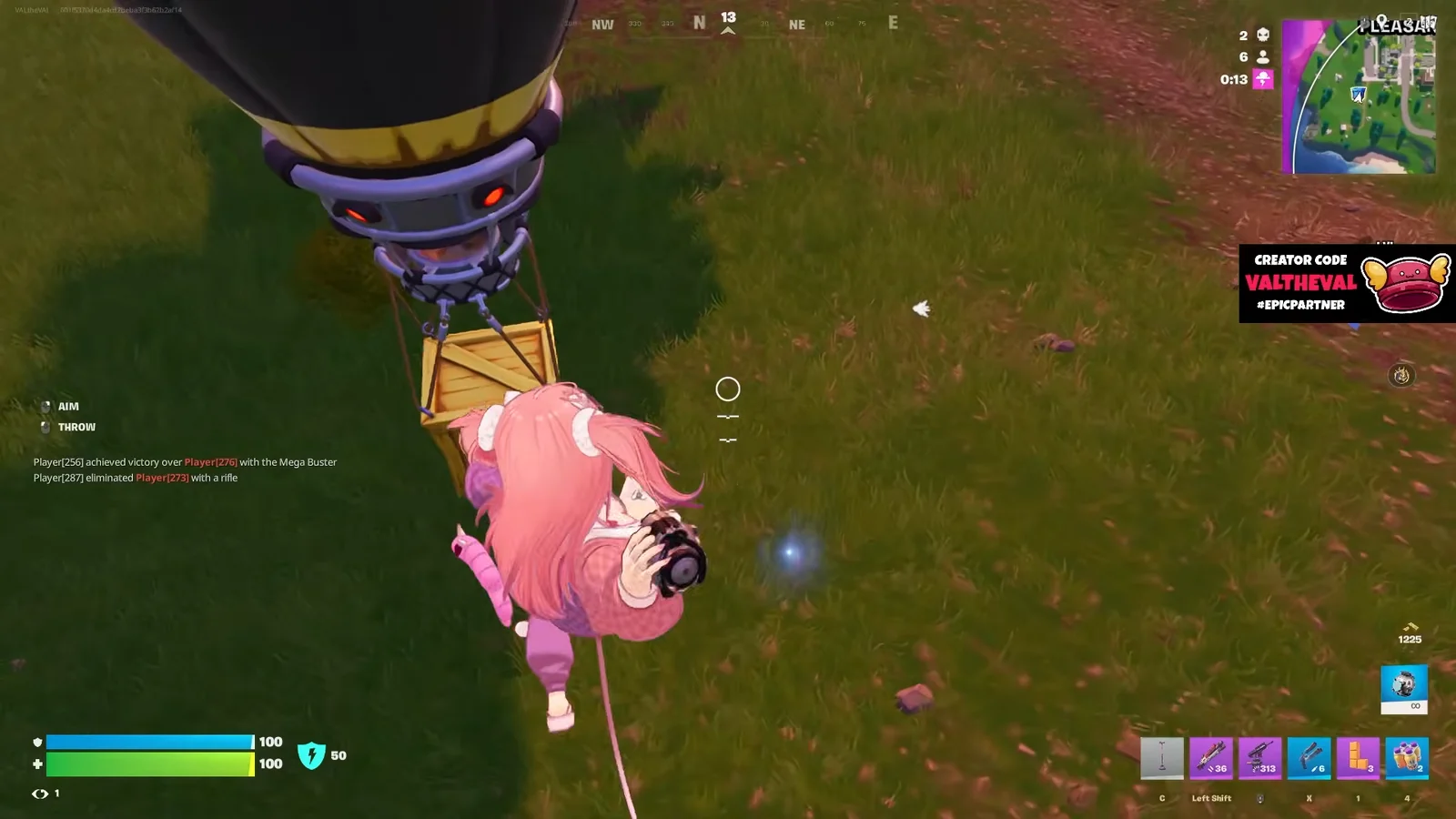
In Blitz Royale, the outfit turns up in tighter neighborhood fights around Retail Row, including supply drop grabs and close-quarters trades with the Mega Buster. Zero Build-style scrambles suit the design better, since there is no wall spam to hide the model behind.
Confirming the outfit is in your Locker
One last practical point: the style and tail settings save per Locker preset, so you can keep the pastel version on one loadout and Demon Decora with the Ironmouse Worm back bling on another without re-editing before every match.