Fishing in Slayers 2 is a repetitive minigame, which makes it the one activity people most want to hand off to software. The community fishing macro handles that loop for you: it casts, reads the minigame bar, buys bait, and collects fish while you are away from the keyboard. Getting it working is less about the download and more about where you stand and what your screen looks like when you press start.
Quick answer: Get the fishing rod from the map quest, stand beside Fisherman Jess in fullscreen with the rod equipped, align the scan bar over clean water, then press F1.
Requirements before running the fishing macro
The macro reads your screen. It does not talk to the game, so anything that changes what the pixels look like will break detection. Sort these out first.
- A fishing rod, obtained from the quest marked on the in-game map
- The rod equipped in your hand before you start the macro
- Roblox running in fullscreen mode, not windowed
- A spot of clean water with no foam and no lily pads in the scan area
- Your character parked next to the NPC Fisherman Jess if you want automatic bait purchases
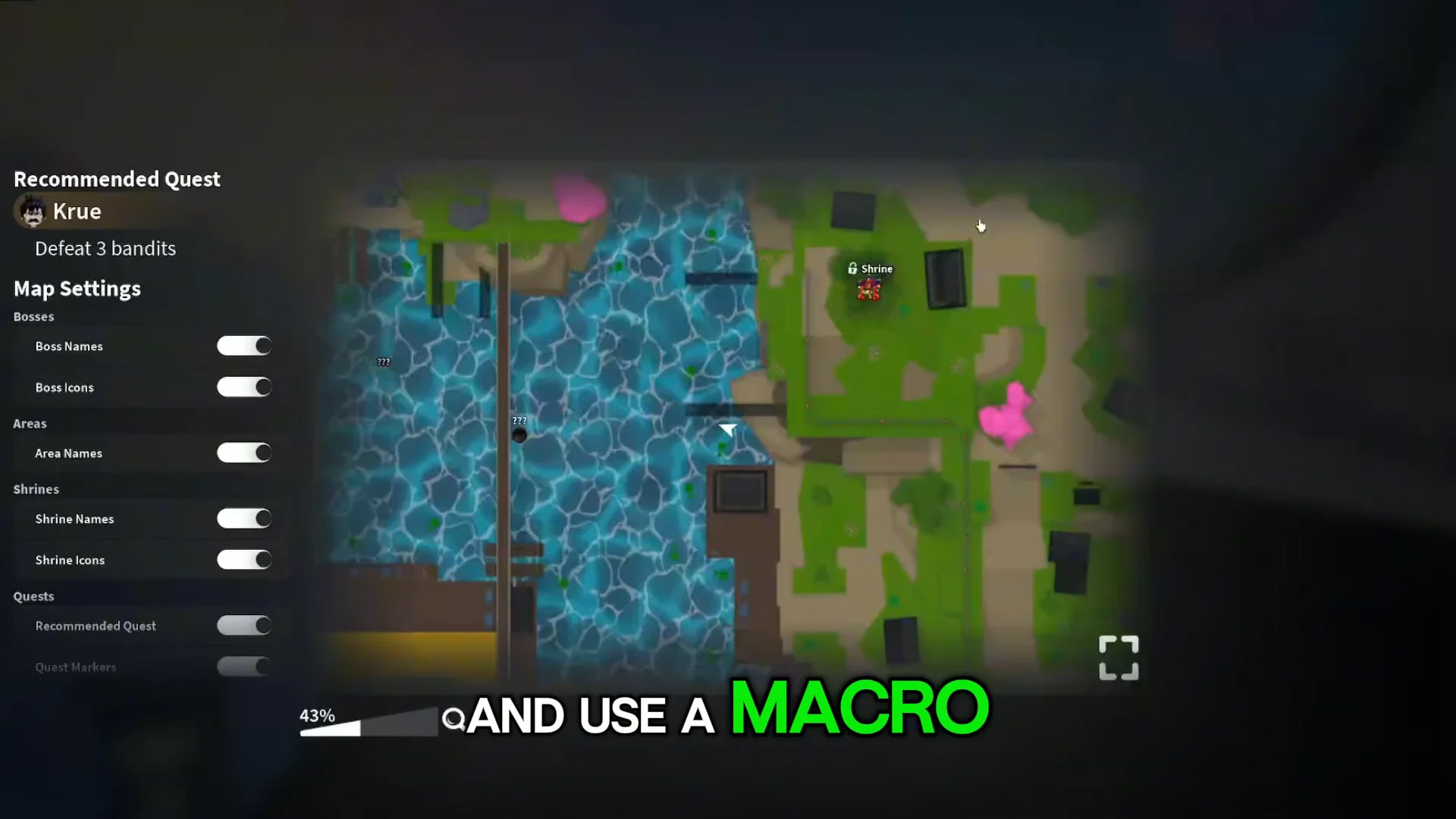
Open the map first and take the fishing quest. Without a rod in hand, the macro has nothing to detect and will sit idle.
Download and install the Slayers 2 fishing macro
The macro is credited to Asphalt Cake and is shared in the free-macros channel of the Disabled People’s Hangout Discord server, under a post titled [Slayers 2] Asphalt’s Fishing Macro. The post links to a Google Drive file named Slayers 2 Fishing.exe.
There is no installer to click through and no in-game injection. You download the executable, open it, and the macro window appears with its settings ready to adjust.
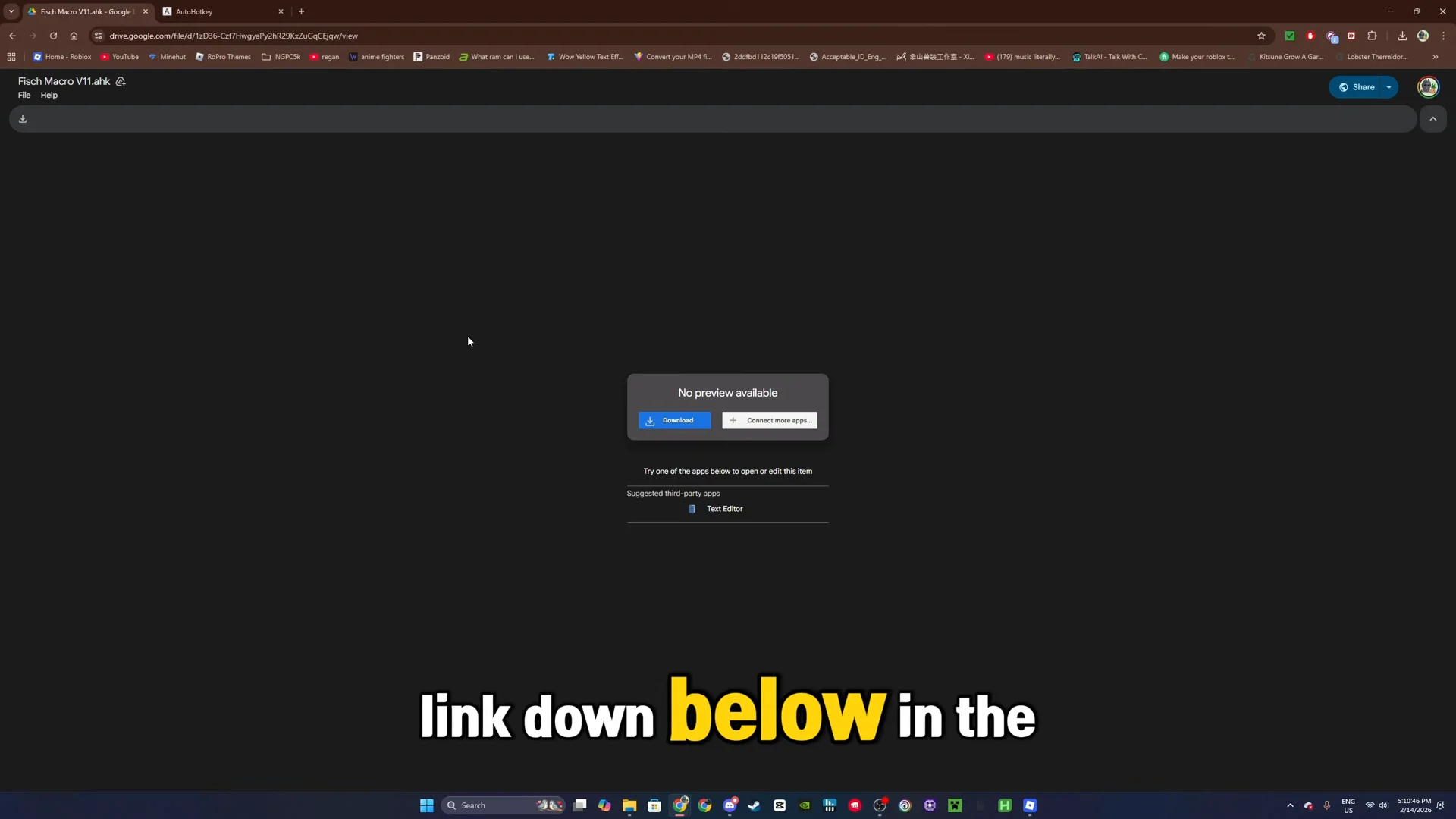
Grab the file from the Drive link in the Discord post, then run it. The browser will hand you the file the same way any other download page does.
This is a community-made executable distributed through a Discord server and a Drive link, not an official Roblox or developer release. Treat it the way you would treat any third-party program you run on your PC.
Macro hotkeys and settings explained
The interface is small and everything that matters sits on the first screen. Three hotkeys drive the whole thing, and a handful of toggles decide how self-sufficient the session is.
| Control | What it does |
|---|---|
| F1 | Starts and stops the macro |
| F2 | Adjusts the scan area for the minigame bar |
| F3 | Exits the macro |
| Buy bait | Automatically purchases bait from the nearby NPC |
| Collect fish | Handles pickup of what you catch |
| Minigame calibration | Tunes how the bar is read during the catch |
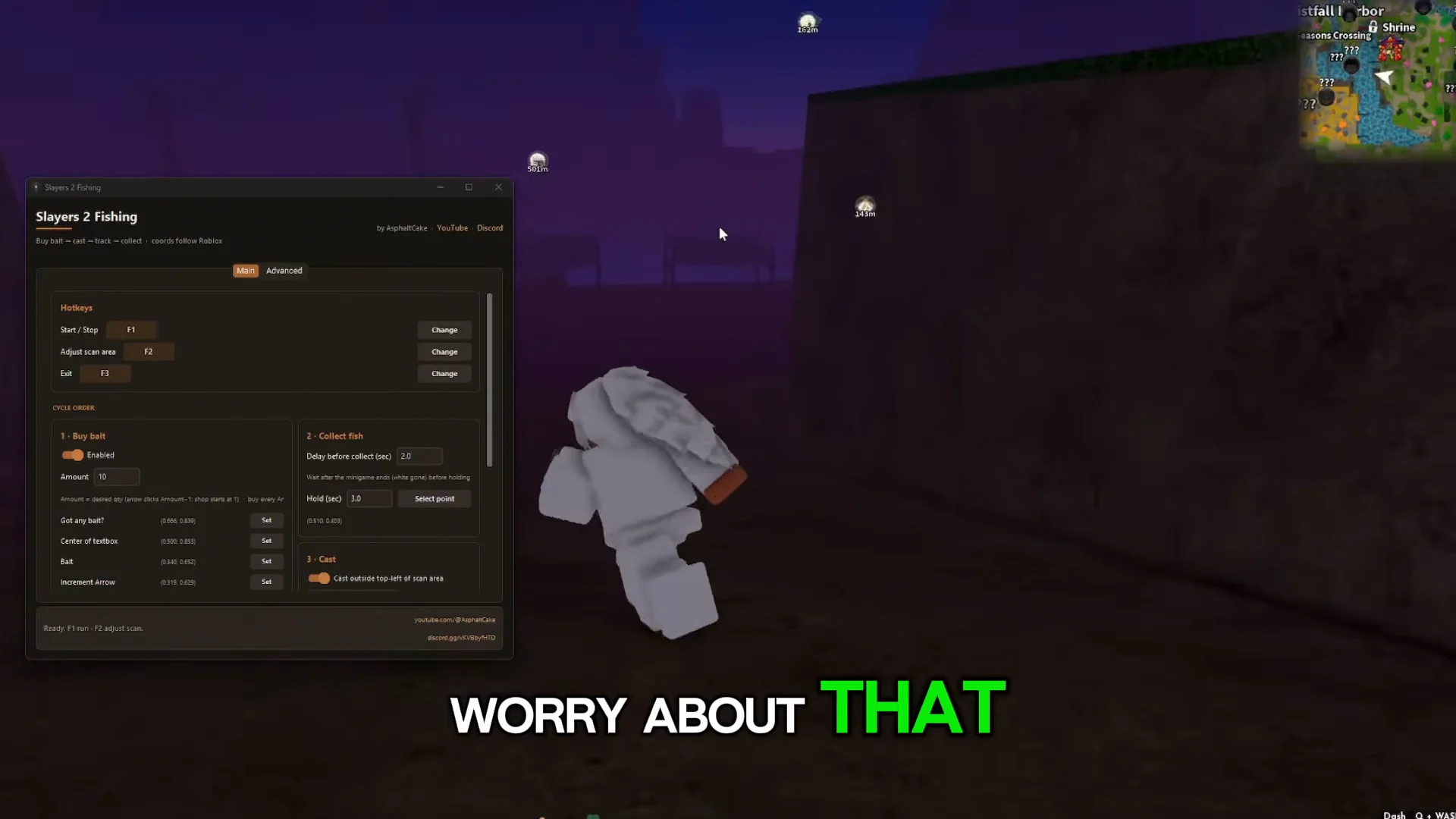
Leave the advanced settings tab alone. The default values are what the macro is built around, and changing them is the quickest way to end up with a configuration that no longer catches anything.
Position your character and calibrate the scan bar
How to confirm the macro is running correctly
A working setup looks the same every loop. Your character casts on its own, the minigame bar is tracked without you touching a key, the catch registers, and the rod goes back out immediately. If Buy bait is on and you are still standing next to Fisherman Jess, your bait count should refill instead of dropping to zero.
If the loop stalls, the questions channel in the same Discord server is where the macro’s users sort out problems with it.
AFK playtime rewards that build while you idle
Idle time is not wasted on its own, either. In Project Slayers, the character menu carries an Hourly Playtime / Afk Rewards bar that you can hover to see what it grants, including daily, clan, and demon art spins.
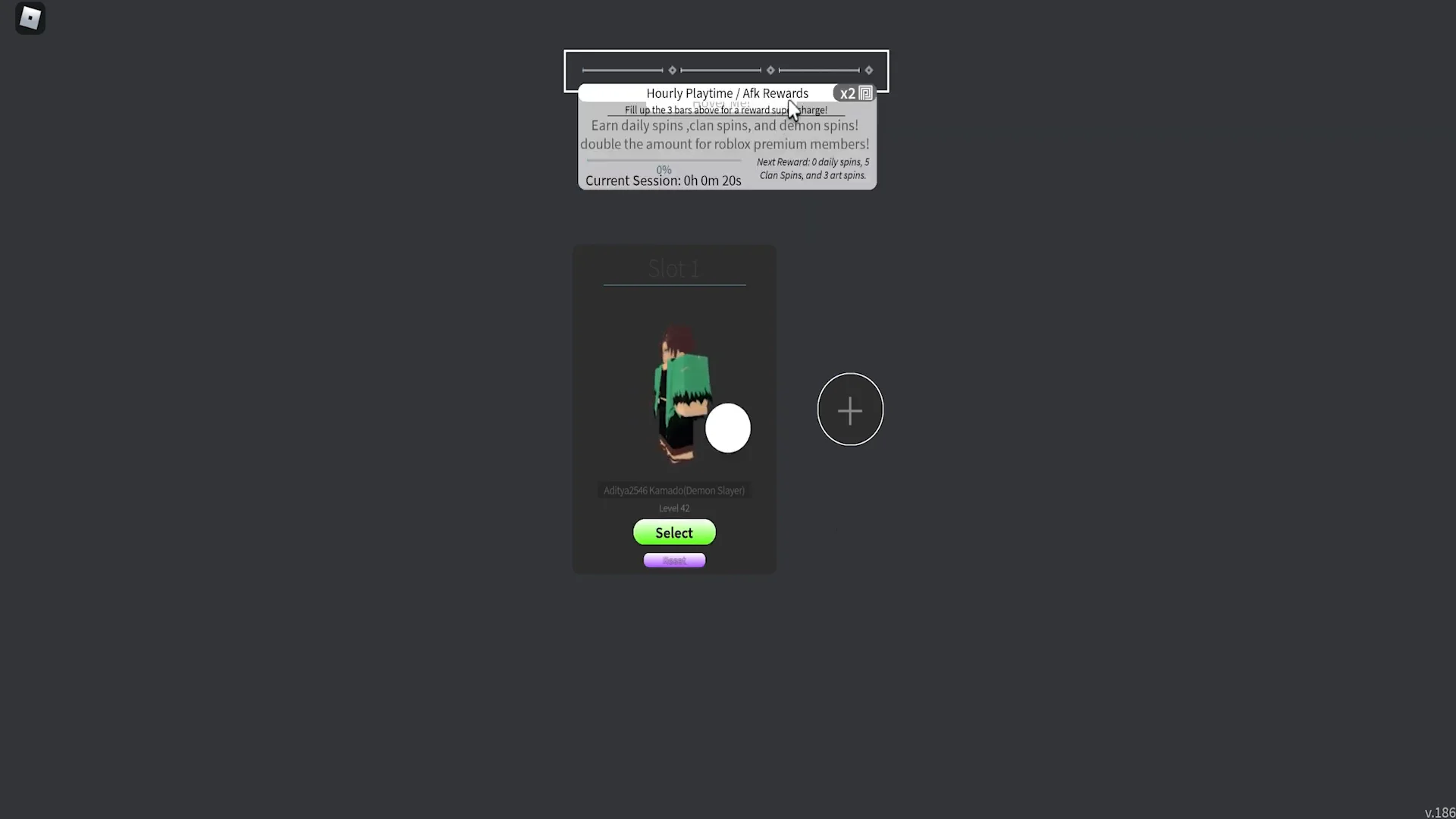
Each bar fills with one hour of playtime and pays out free spins. Filling all three takes roughly three hours, which lines up neatly with the kind of session a macro is meant to cover.
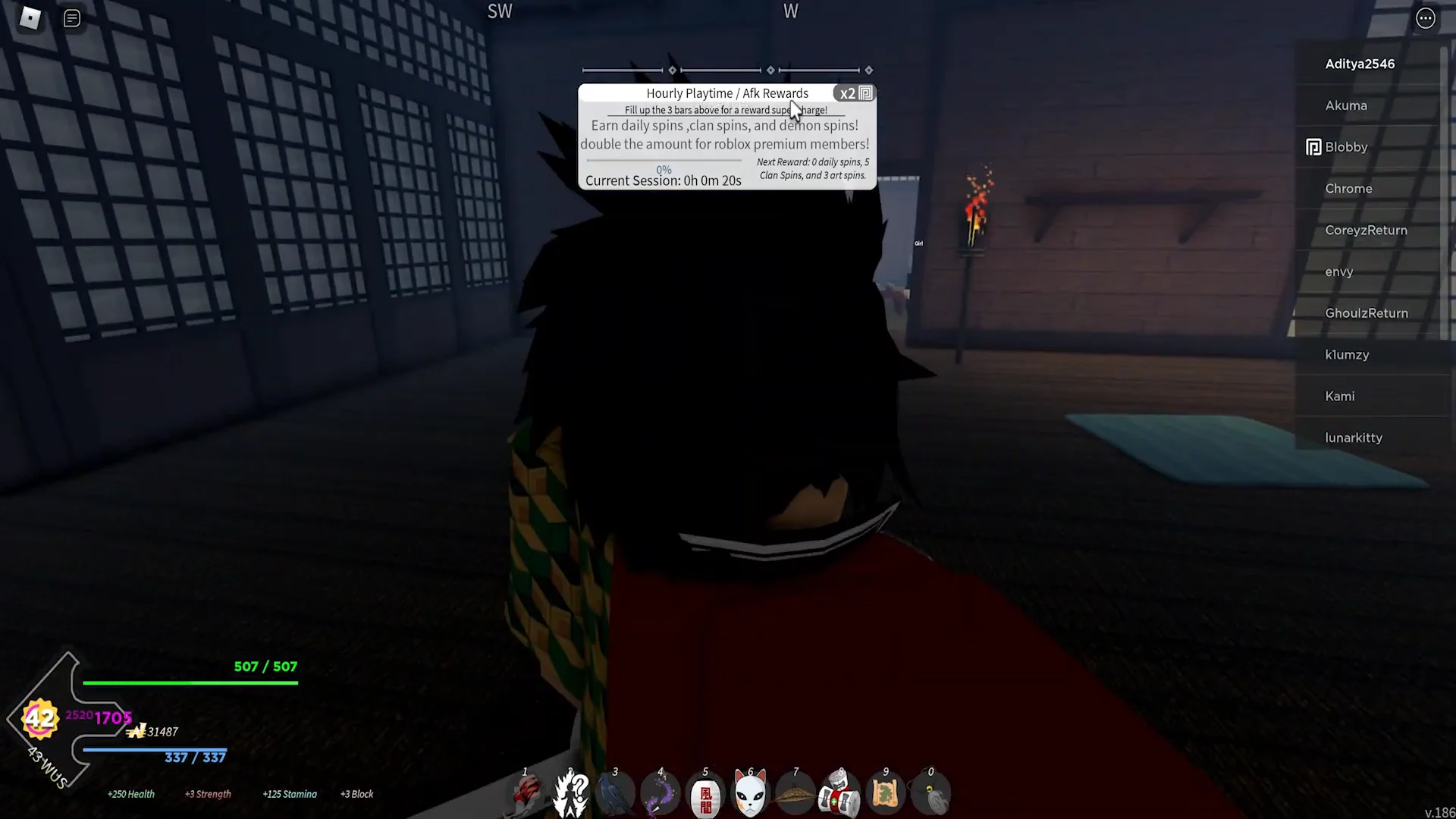
One thing worth keeping in mind across any AFK method: other players can still reach your character. Check in on the session every so often rather than leaving it completely unattended for hours.