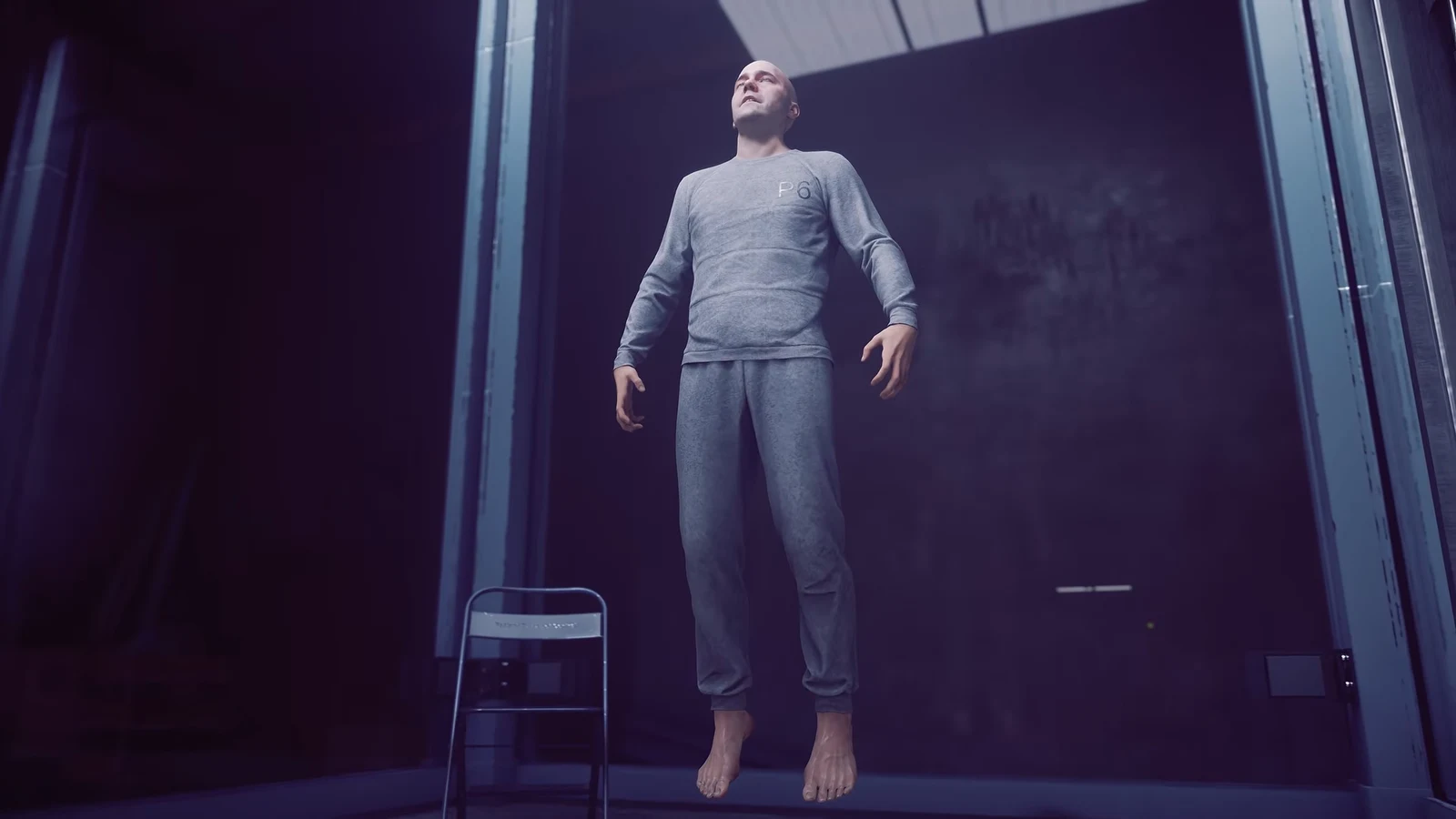
Dylan Faden is a preset character, so there is no creator screen at the start of CONTROL Resonant. Appearance changes happen later, at a single wardrobe tucked inside the Oldest House, where a Skins menu handles outfits, hair, and facial hair.
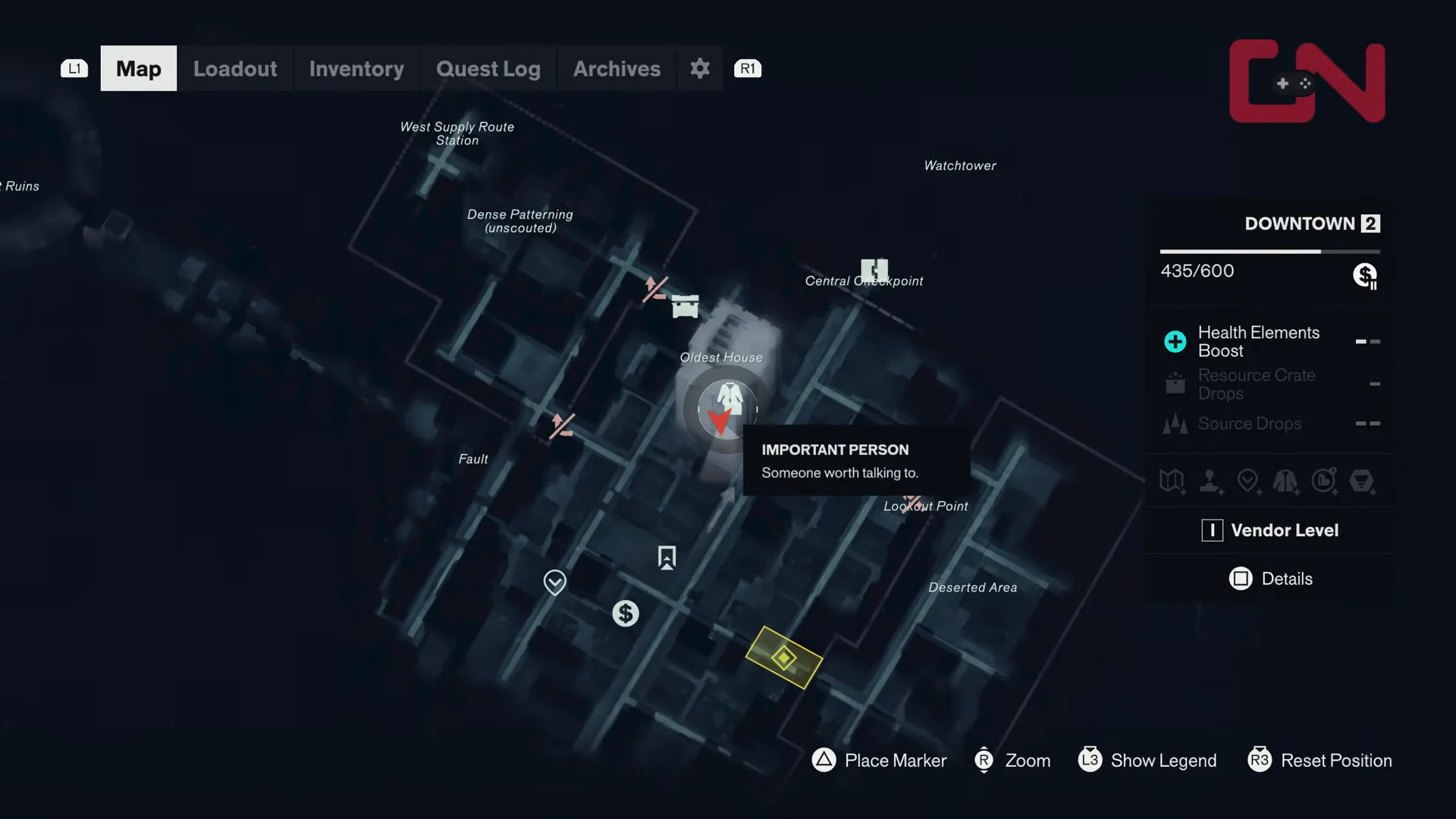
Quick answer: Go to the Federal Bureau of Control Central Checkpoint in Downtown, walk past the room of agents at whiteboards into the side office, and interact with the open blue FBC locker to open the Skins menu.
Where to find the wardrobe in the Oldest House
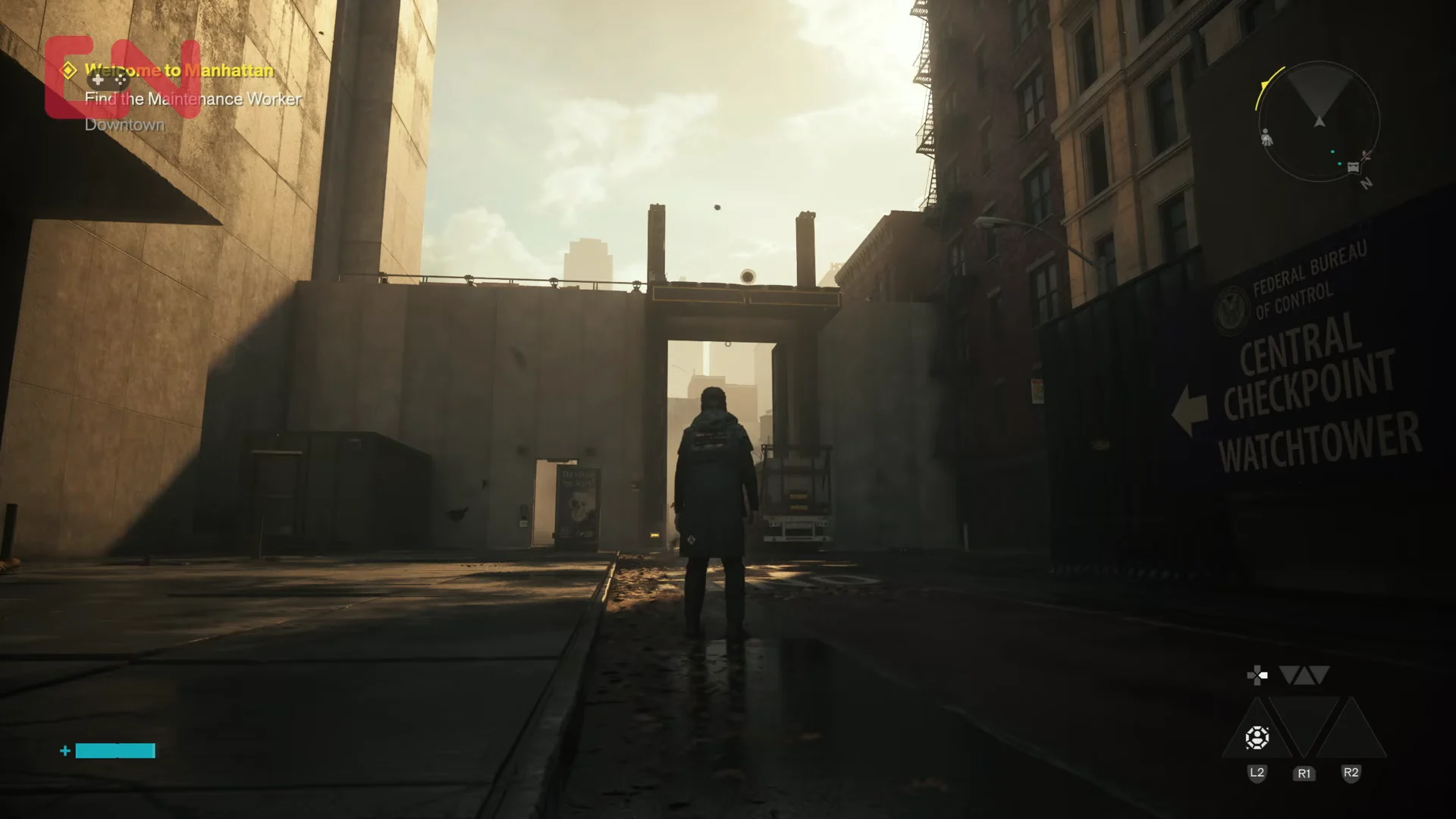
The wardrobe becomes reachable while you are working the objective Find the Maintenance Worker Downtown, which sends you back into the Bureau’s building rather than out into the warped Manhattan streets.
Every Skins category and the options inside it
The Skins menu splits Dylan’s look into five categories. Clothing is handled in two separate layers, which means the jacket or vest you wear is chosen independently from the suit underneath it.
| Category | Options |
|---|---|
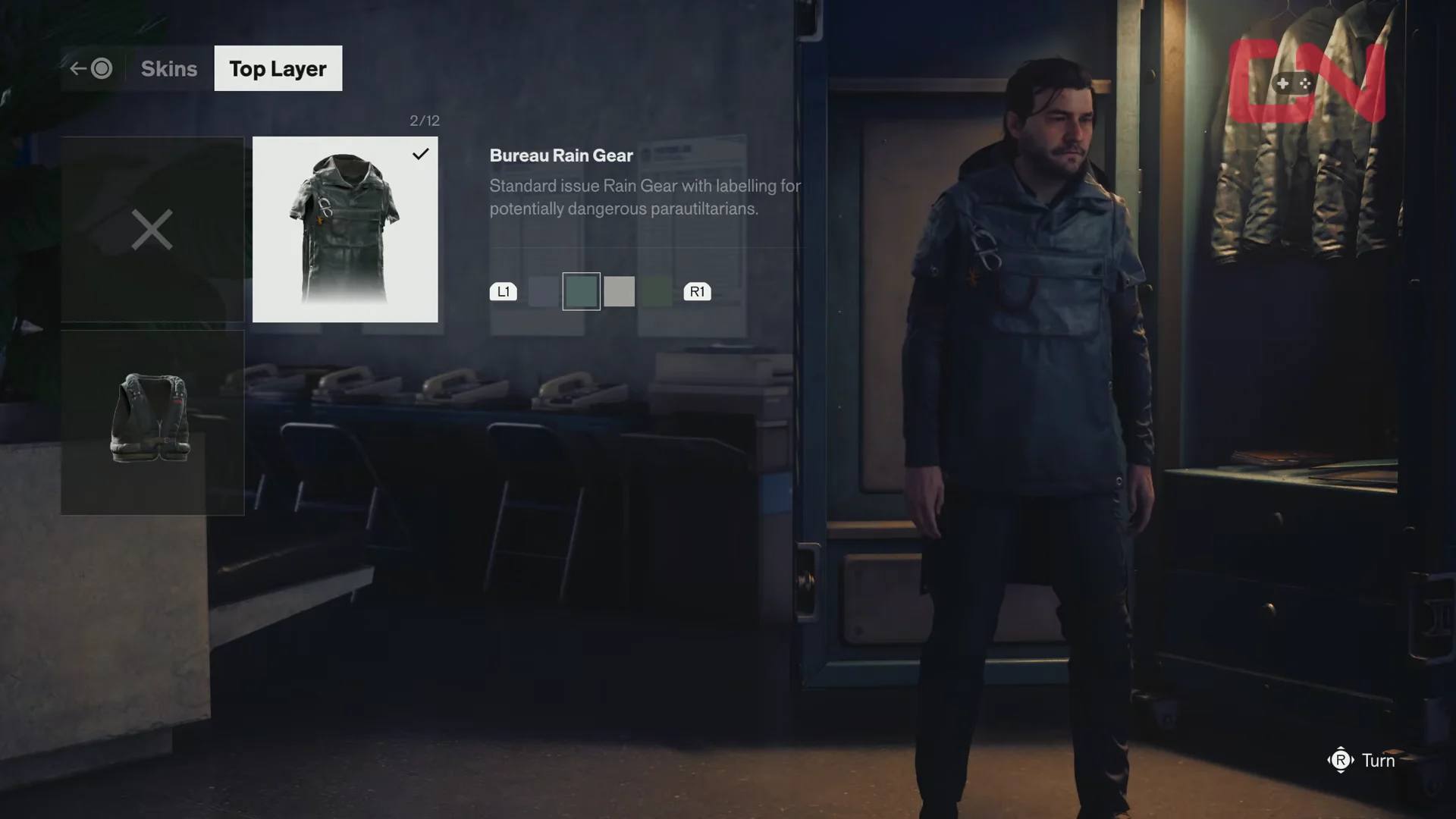
| Top Layer | Bureau Rain Gear, Circulation Vest |
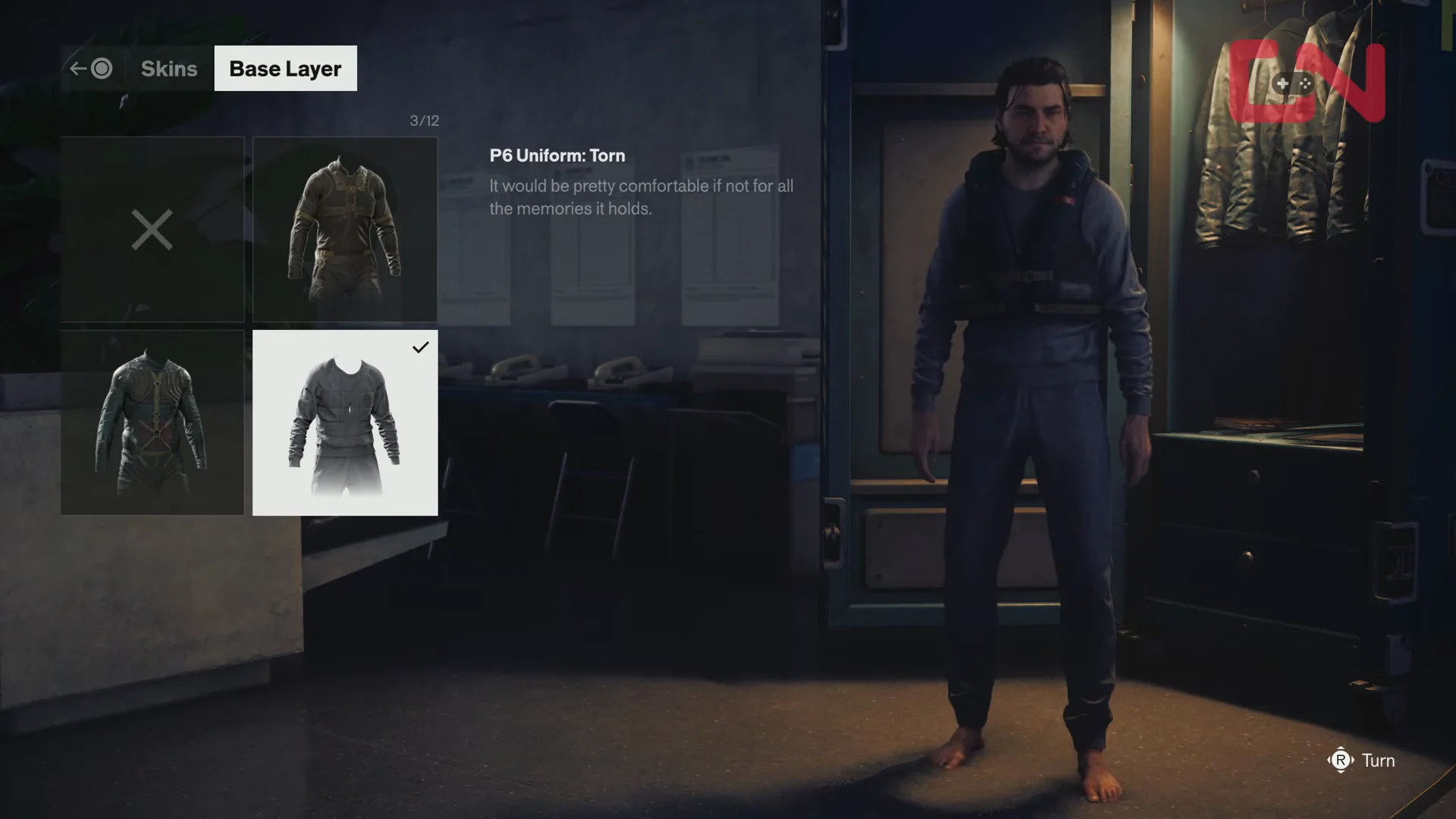
| Base Layer | Surplus Sensor Platform Suit, P6 Uniform: Torn, Diagnostic Suit |
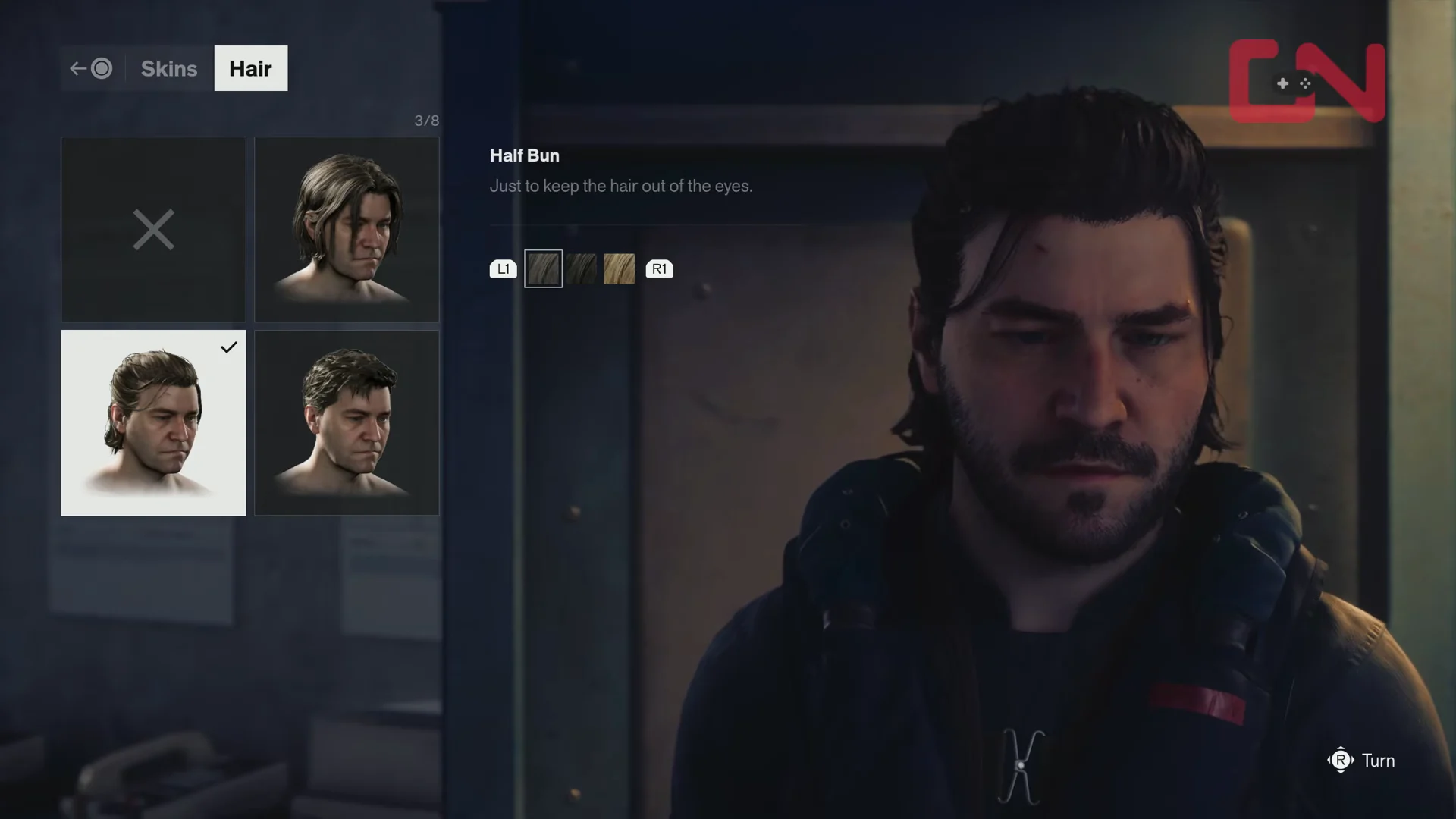
| Hair | None, Scruffy, Crew Cut, Half Bun (plus hair colors) |
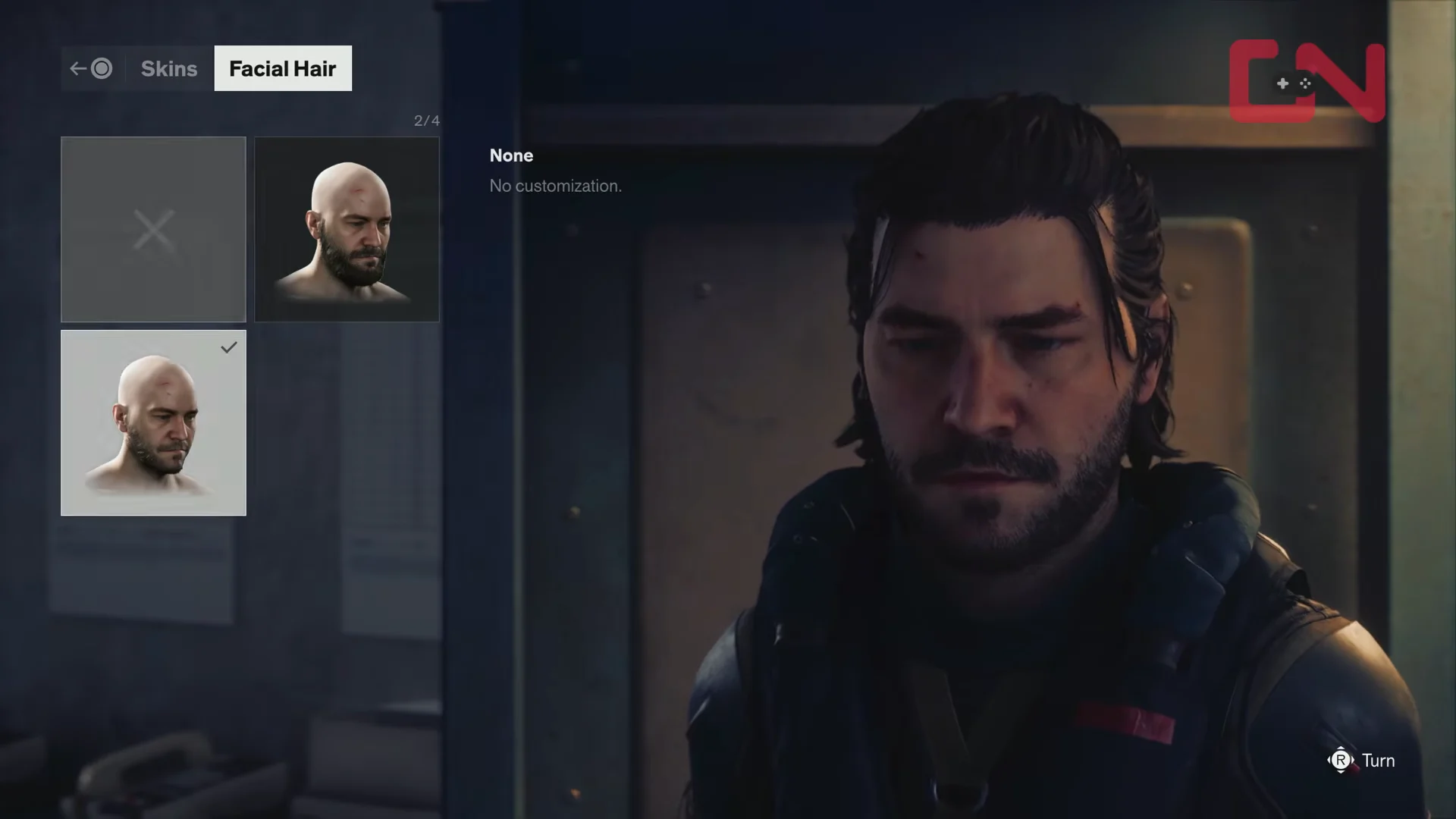
| Facial Hair | None, Full beard, Medium stubble shadow |
| Body and Face | Regular |
Top Layer and Base Layer outfits
Top Layer covers the outerwear worn over everything else, including Bureau Rain Gear and the Circulation Vest. Cycling through the entries swaps the piece on the preview model right away, so the fastest approach is to scroll the full list once before deciding.
Base Layer controls the suit worn underneath, with choices such as the Surplus Sensor Platform Suit, P6 Uniform: Torn, and the Diagnostic Suit. Because the two layers are separate, the same jacket can read very differently depending on which suit sits beneath it.
Hair and facial hair
Hair runs from None through Scruffy, Crew Cut, and Half Bun, and each style can be paired with a separate hair color. Color is its own selection, so picking a cut does not lock you into a shade.
Facial Hair is a short list — None, a full beard, and a medium stubble shadow. It sits in its own category, so a clean-shaven look works with any hairstyle you have already set.
What the wardrobe cannot change
The Body and Face category exists in the menu, but it holds a single Regular preset. There are no sliders for face shape or build, and there is no option to play as a different character — you are playing Dylan Faden as written.
Outfits also arrive as items rather than unlockable presets built into the menu. The Hiss Corruption Outfit and the PS5-exclusive Occult Outfit come attached to pre-orders, and they show up as wearable skins rather than changes to Dylan’s face or body.
Confirming your new look is applied
Each selection updates the preview model on the spot, so the last highlighted entry in every category is what Dylan is wearing. Back out of the Skins menu and Dylan steps away from the locker in the new outfit — if the hallway model matches what you saw in the preview, the change has taken.
If something still looks off, reopen the locker and check the layers separately. A Top Layer piece can hide most of the Base Layer suit underneath it, which is usually the reason a suit you just picked seems to have not applied at all.