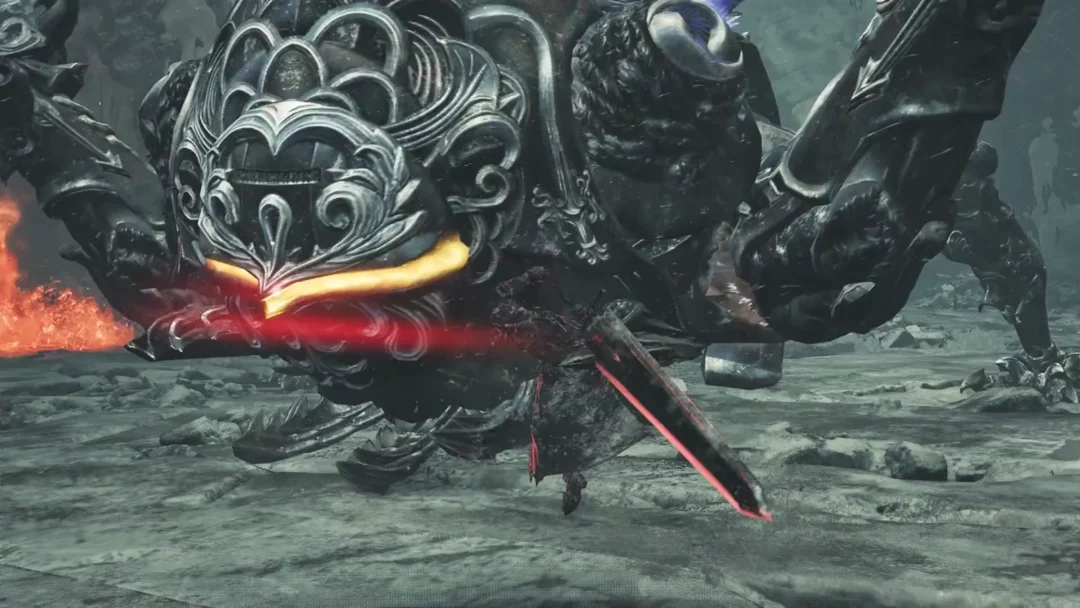
Killing a Resonant leaves Dylan standing in a hazy grey void with no obvious door out. The monolith next to you glows, the pedestal in the next room lights up, and none of it puts you back in Manhattan. The exit is not an interaction at all — it is a button on the D-pad that most players forget exists until they need it.
Quick answer: Press Down on the D-pad to switch dimensions and return to the physical world. The monolith’s L1 prompt only moves you between the two halves of the gap.
The gap has two sides, and the monolith only links them
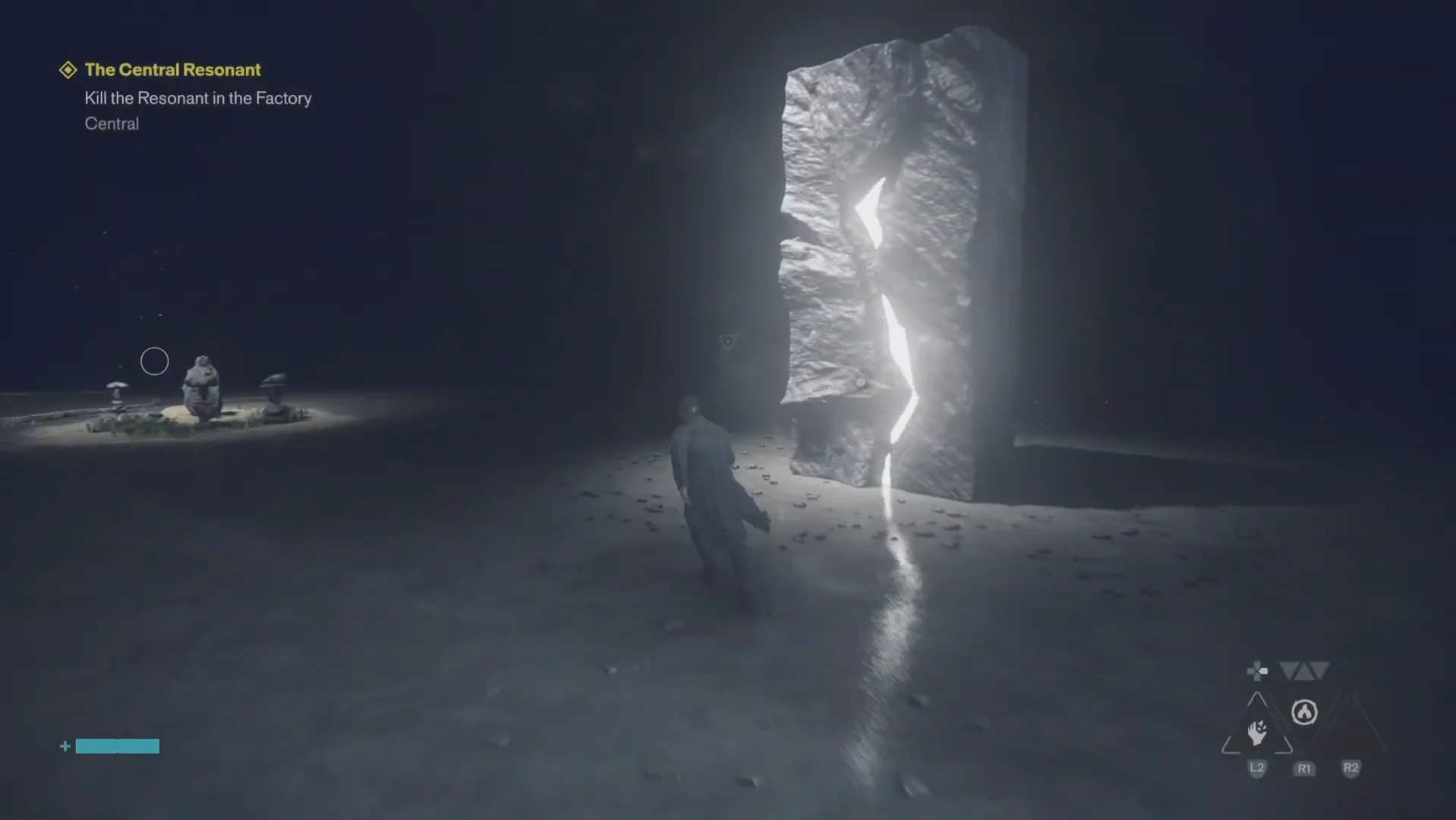
Inside the gap you are dealing with two connected spaces rather than one room. The outer side is a foggy grey void holding a tall stone monolith split by a crack of white light. Walking up to that crack gives you an L1 prompt.
Pressing L1 there drops you into the dark interior side, which contains a second monolith, a stone altar or pedestal, and a large glowing rock formation. This is where your progression screens live, so it is a reasonable place to go hunting for an exit — and a dead end if that is what you are looking for.
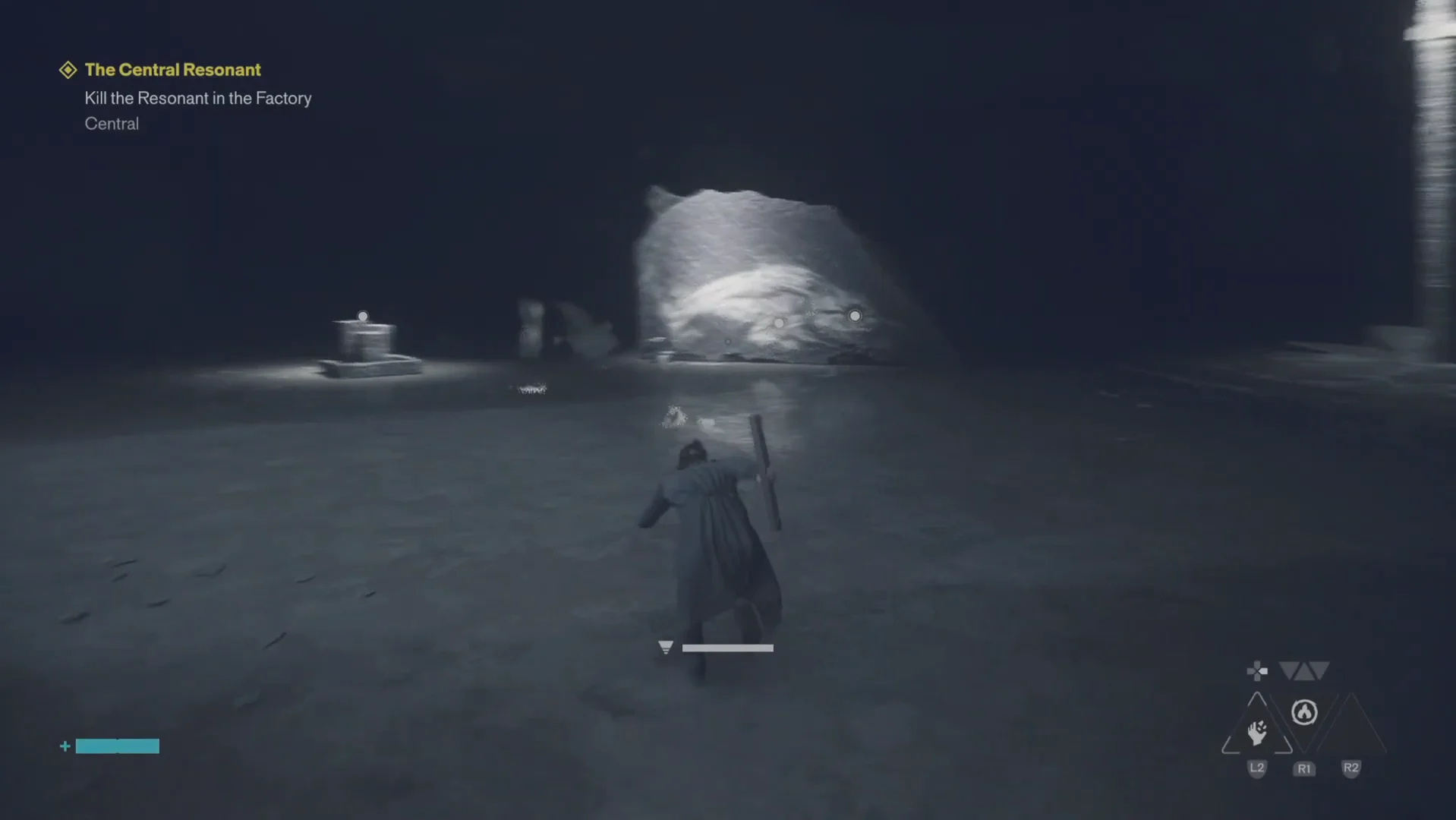
The link works in both directions and never locks. You can press L1 at either monolith as many times as you like, bouncing between the grey void and the dark chamber, which is useful if you want to check your Aberrant forms or ability trees before you leave. It is also why the space feels like a puzzle when it is not one.
How to switch dimensions back to the physical world
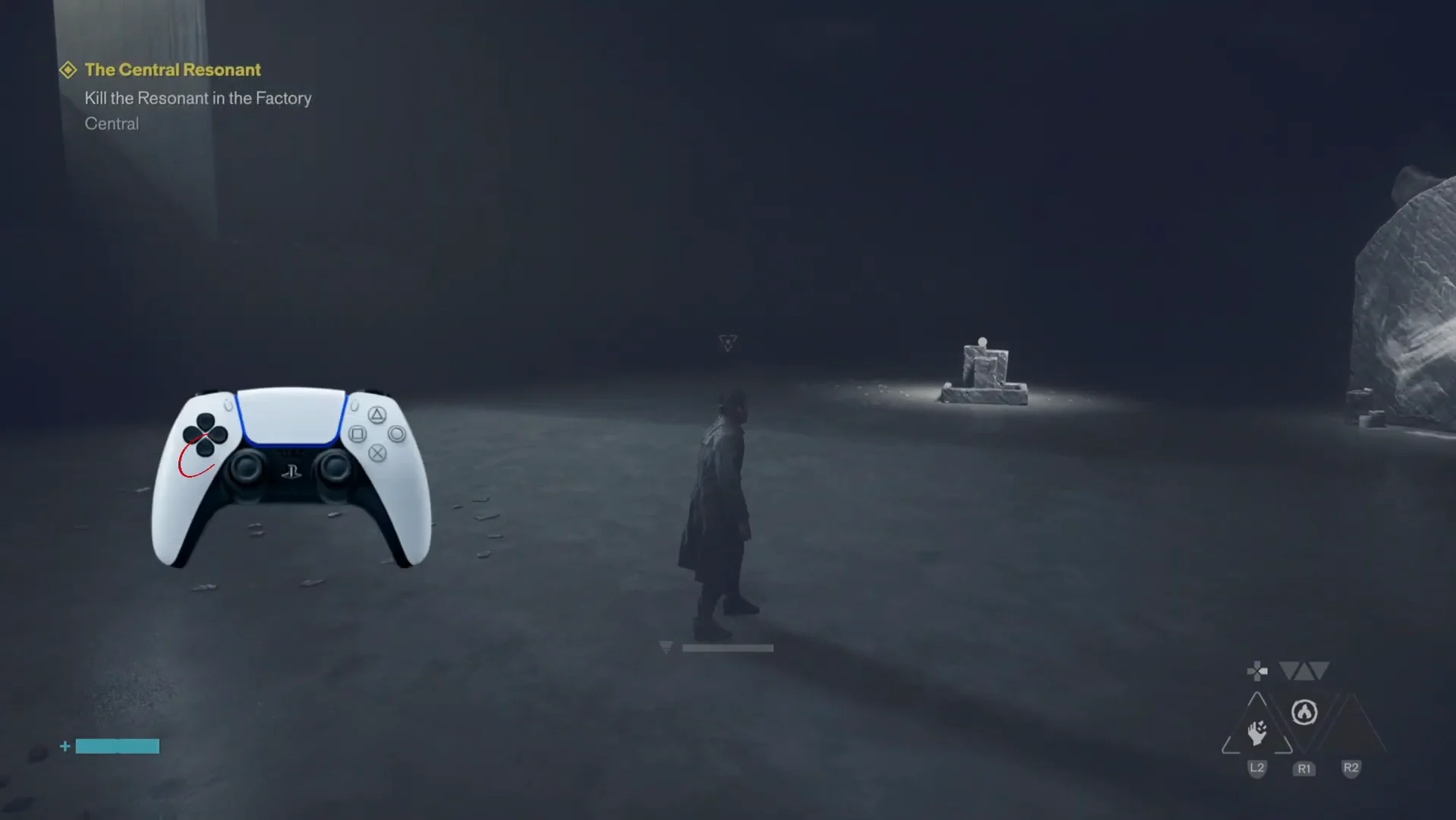
Dimension controls in Control Resonant
| Input | Where it works | Result |
|---|---|---|
| L1 | At a cracked monolith | Moves between the grey void and the dark chamber |
| D-pad Down | Anywhere in the gap, or outside combat in the physical world | Opens the gap from the physical world, and switches you back to the physical world from inside it (press, or hold if a tap does nothing) |
The same D-pad direction does both jobs: Down opens the gap from the physical world, and Down takes you back out of it once you are inside. The monolith’s L1 prompt never leaves the gap; it only moves you between its two halves.
Official descriptions of the D-pad Down input differ on whether you press or hold it. If a quick tap does nothing, hold the direction instead.
Inputs that will not get you out of the gap
If you have been circling the same two rooms, these are the things that look like exits and are not:
- Passing through either monolith with L1 — it only swaps you between the void and the dark chamber.
- Activating the square stone altar with L1 in the dark chamber.
- Approaching the large glowing rock formation, which acts as a barrier.
- The Primary Forms, Secondary Forms and Combo Finishers menus, including Reset All.
- The Ability Strength radial menu.
Because the dimension switch never advertises itself with a prompt, the gap can feel like a soft lock long after you have beaten whatever put you there. It is worth committing the input to memory early, since every Resonant fight ends with the same sequence: kill the entity, shift with Down on the D-pad, and pick up the story wherever Dylan reappears.