The MIO Specialist’s Robe is a free cosmetic for Dylan Faden in Control Resonant, tied to a Chinese promotional redeem code that works everywhere. You do not need to complete quests, watch streams, or link any accounts to get it. A single code entered from the in-game menu adds the outfit to your wardrobe.
Quick answer: Open the game, go to Options, select the Gameplay tab, choose Enter Redeem Code, and submit EV172-LN211-PL279 to unlock the MIO Specialist’s Robe.
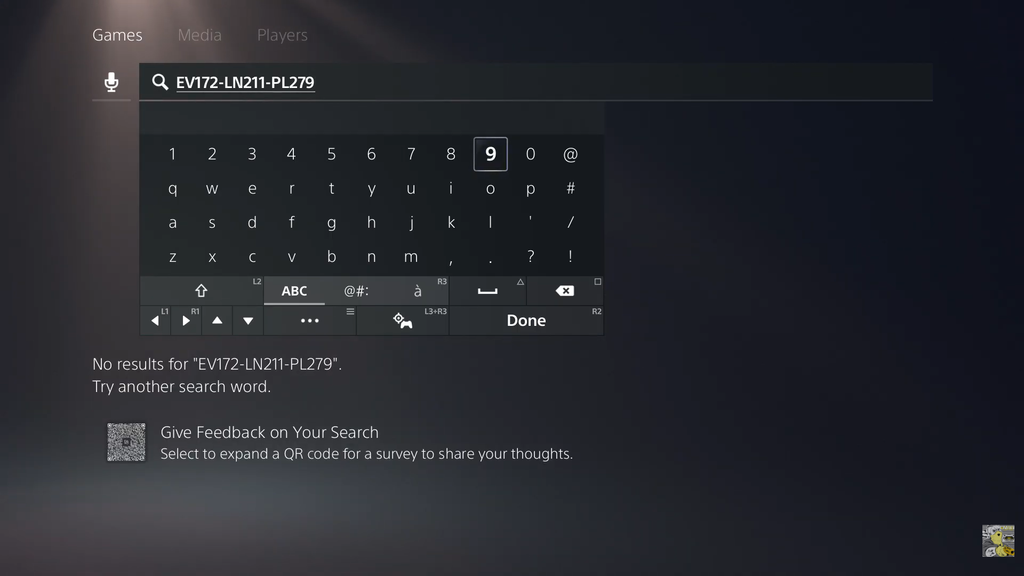
The MIO Specialist’s Robe code
The code you need is EV172-LN211-PL279. It was distributed as a China-exclusive promotion, but the reward is not locked by region or platform. Anyone playing on PC, PlayStation 5, or Xbox Series X|S can redeem it and keep the skin.
After redemption, the wardrobe lists the outfit under Top Layer. Its description calls it a robe abandoned by a Specialist belonging to Ministry of Immaterial Objectives. This Chinese Government Entity safeguards public order by finding and containing Paranatural Phenomena.
How to redeem the code in Control Resonant
Leave the game open while entering a code. You can enter one at the main menu or during any stage of Dylan’s journey.
EV172-LN211-PL279Confirm the skin unlocked
After you submit, the game confirms the redemption and grants the reward immediately. Head to the wardrobe and check the Top Layer slot, where the MIO Specialist’s Robe now appears and can be equipped like any other outfit piece.
If nothing shows up under Top Layer, back out to the wardrobe and reopen it so the new item registers, then equip it from there.