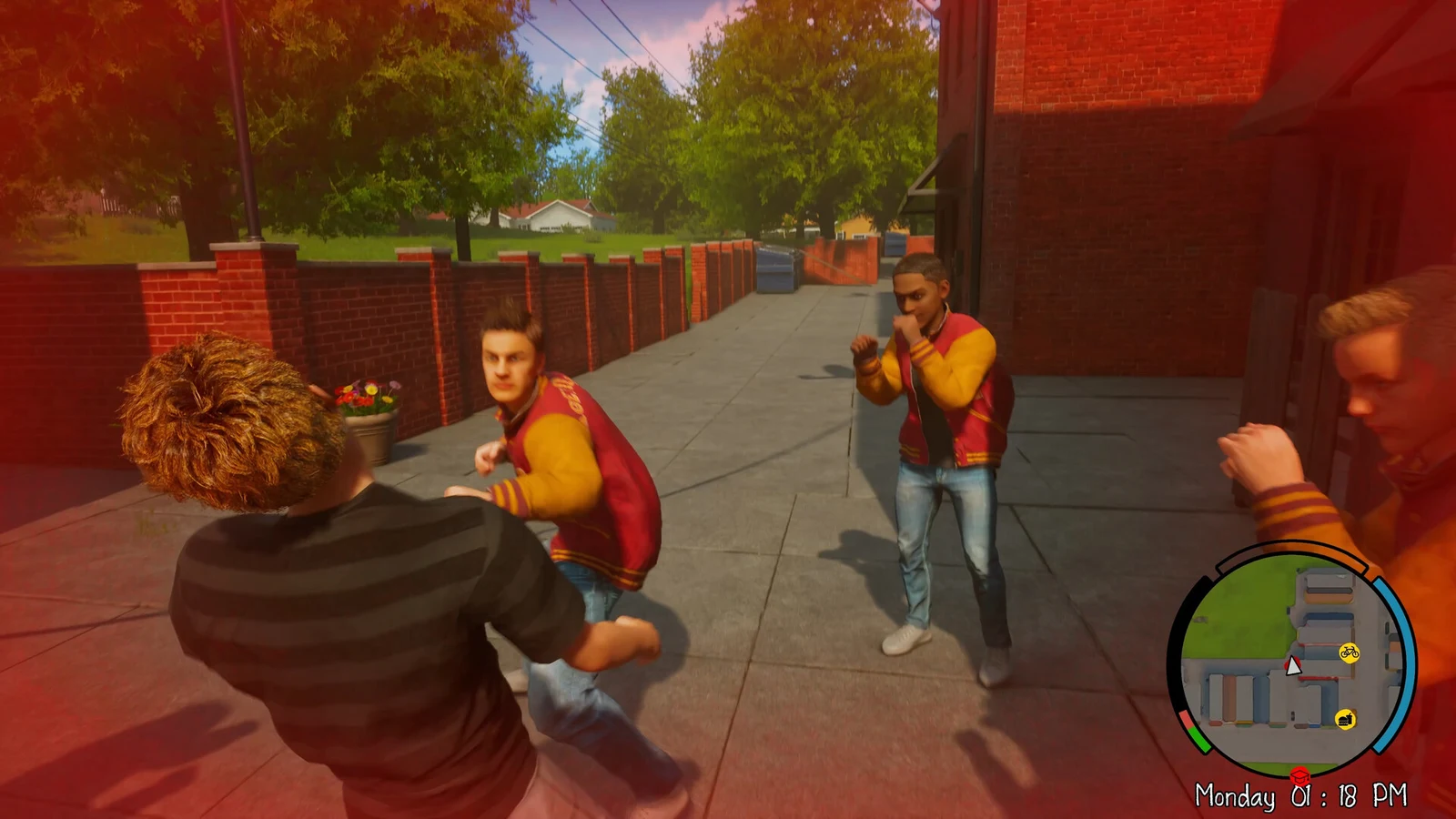
Fighting in Agefield High: Rock the School is deliberately old-school. There is no combo tree, no skill wheel, and no equippable weapons. When a jock squares up, the lower-left HUD shows four commands, and the whole system runs on knowing which one breaks a guard.
Quick answer: The four combat commands are Punch, Kick, Push, and Block. Lock onto a jock, block their swing, use Push to break a raised guard, then land Punch or Kick while they are open.
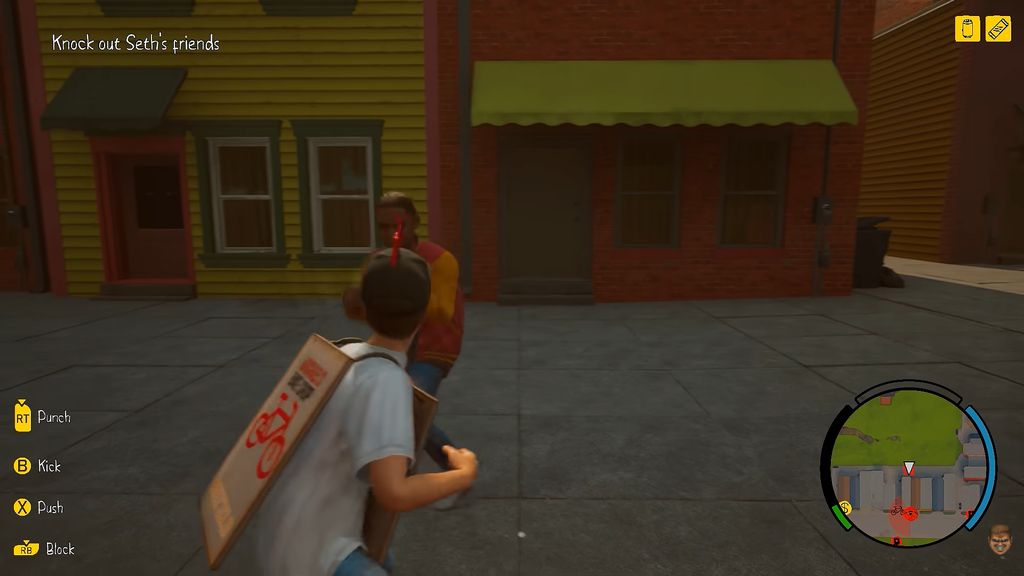
The four combat commands
During a fistfight, the HUD lists the melee options in the lower-left corner. These four inputs are the entire kit.
| Command | What it does |
|---|---|
| Punch | Default quick attack; lands damage when the target’s guard is down. |
| Kick | The second simple attack; chips at defenders and keeps pressure on. |
| Push | Shoves an opponent to break a raised guard so your hits connect. |
| Block | Stops an incoming swing and keeps you from trading damage. |
Before you throw a hit, you lock onto the jock in front of you so Sam stays facing the fight. Tracking is short, so a locked target who sidesteps or walks off camera can slip your punch. Stay in close range and re-lock if they drift away.
The moves feel similar from one opponent to the next by design. There is no hidden launcher or juggle to hunt for, so do not expect a special attack beyond these commands.
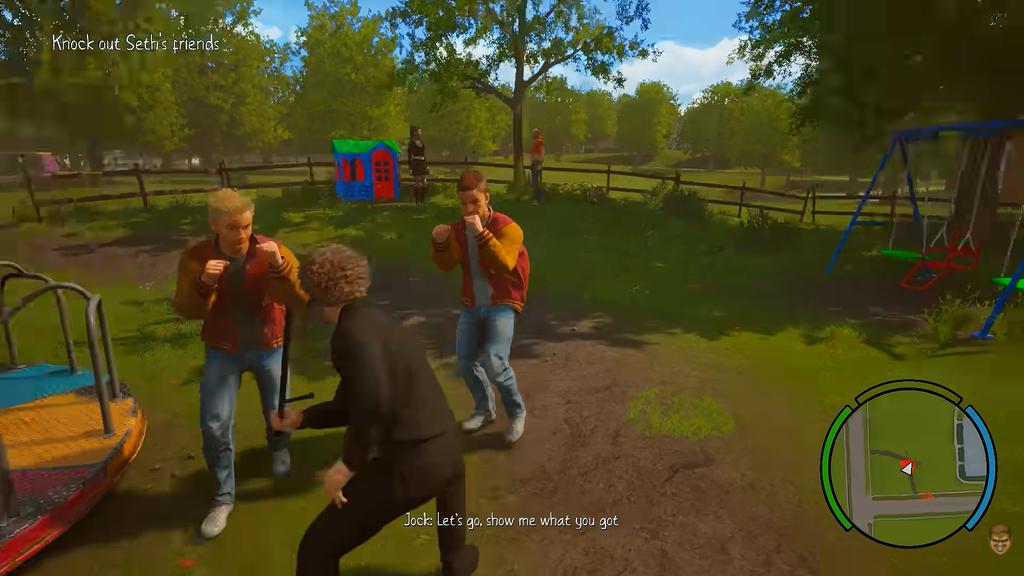
How to break a guarding jock
Most rivals cover up and block straight punches, so mashing the attack button does almost nothing. Push is the key that opens them. Once the guard drops, follow with Punch or Kick before they reset.
Learn the shove early. It matters most when more than one jock closes in at once, since Block plus Push lets you handle defenders without getting swarmed.
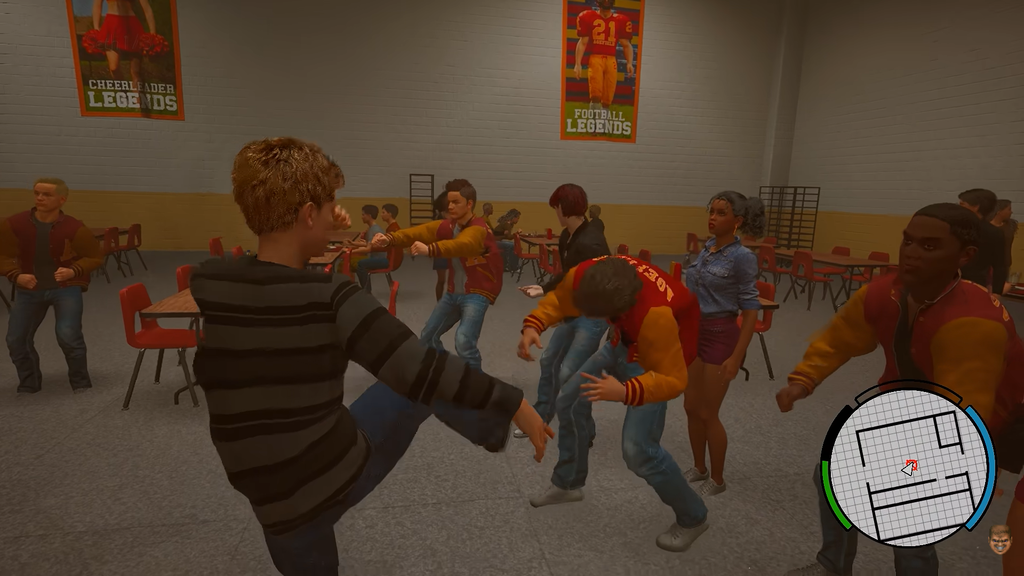
Where to practice and who you fight
The early campaign teaches the kit for you. A cafeteria brawl against a student named Seth acts as the basic combat tutorial, prompting the block and attack inputs as you go. A park playground later lets you test moves with the “Punch and kick your friends” practice, which puts the same four commands on screen with no risk.
Your opponents in these brawls are jocks, and the school gym isn’t the only place they appear. Fights can happen in campus halls, either of the two neighborhoods, the town center, or the countryside. Turn to combat as a fallback after a jock closes in on you; it won’t solve every mission marker.
Teachers and police are detection threats, not health bars to punch through. When faculty spot you, run or break their line of sight instead of fighting, because the melee kit is meant for rival students.
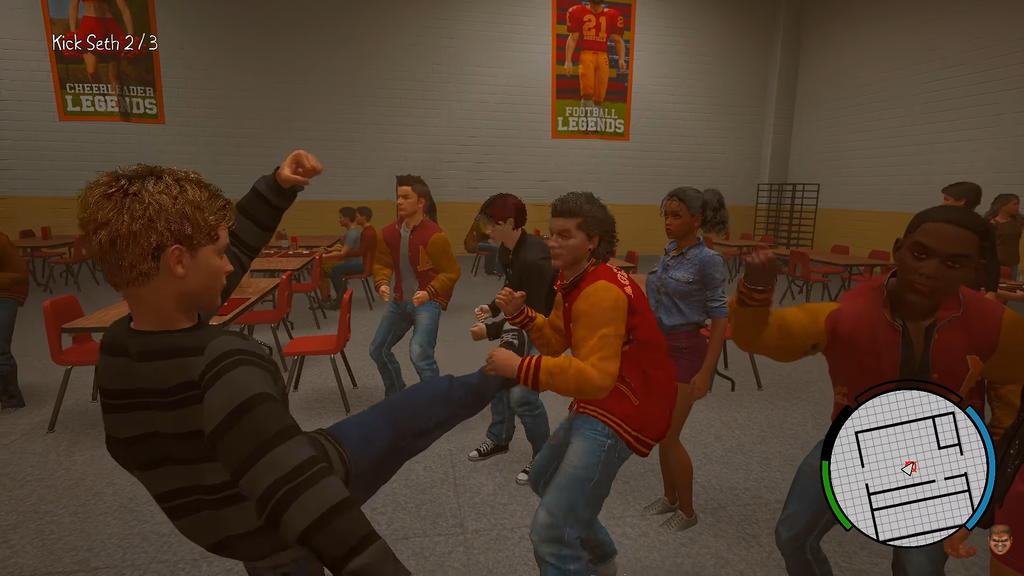
How to tell the fight is working
Combat encounters put a health bar at the top center of the screen, labeled with the target’s name and their remaining vitality. When your Push opens a guard and your Punch or Kick connects, that bar drops. If the bar is not moving, you are either hitting a raised guard or striking from outside lock-on range, so close in and shove before you swing again.