The Resonance system in Architect adds a branching upgrade board to your character, where you roll nodes that grant extra stats like damage against monsters, Max HP, and accuracy. It sits under the character enhancement menu, split into Abyssal and Anima tracks, and it rewards patient rolling because most of what you spend can be recovered. The first board, Abyssal Resonance I, is available well before the higher tiers, so you can start investing early without wasting materials.
Quick answer: Roll Abyssal Resonance I freely — a board that reaches 5/5 failures can be reset for a 95% material refund, and running two presets lets you keep good stats on one board while rerolling for higher grades on the other.
Resonance unlock levels in Architect
Each resonance board unlocks at a set character level. Abyssal Resonance I opens early and can be worked on while you level up, which is why spending on it first carries little risk. The remaining boards stay locked until you meet their level requirement.
| Resonance board | Level requirement |
|---|---|
| Abyssal Resonance I | Available early (active at Lv. 52) |
| Abyssal Resonance II | Level 57 |
| Anima Resonance I | Level 70 |
| Abyssal Resonance III | Level 71 |
Because the refund rate is so high, there is no penalty for pouring materials into Abyssal Resonance I before the later tiers open.
How resonance rolling and node grades work
Open the character menu, enter Resonance, and select a board along with a preset slot. Pressing Resonance rolls the next node along the branching grid. Each roll either activates a node or ranks up its grade, moving through the color scale from White up to Gold. Higher grades increase the remnant and fragment stats that node contributes.
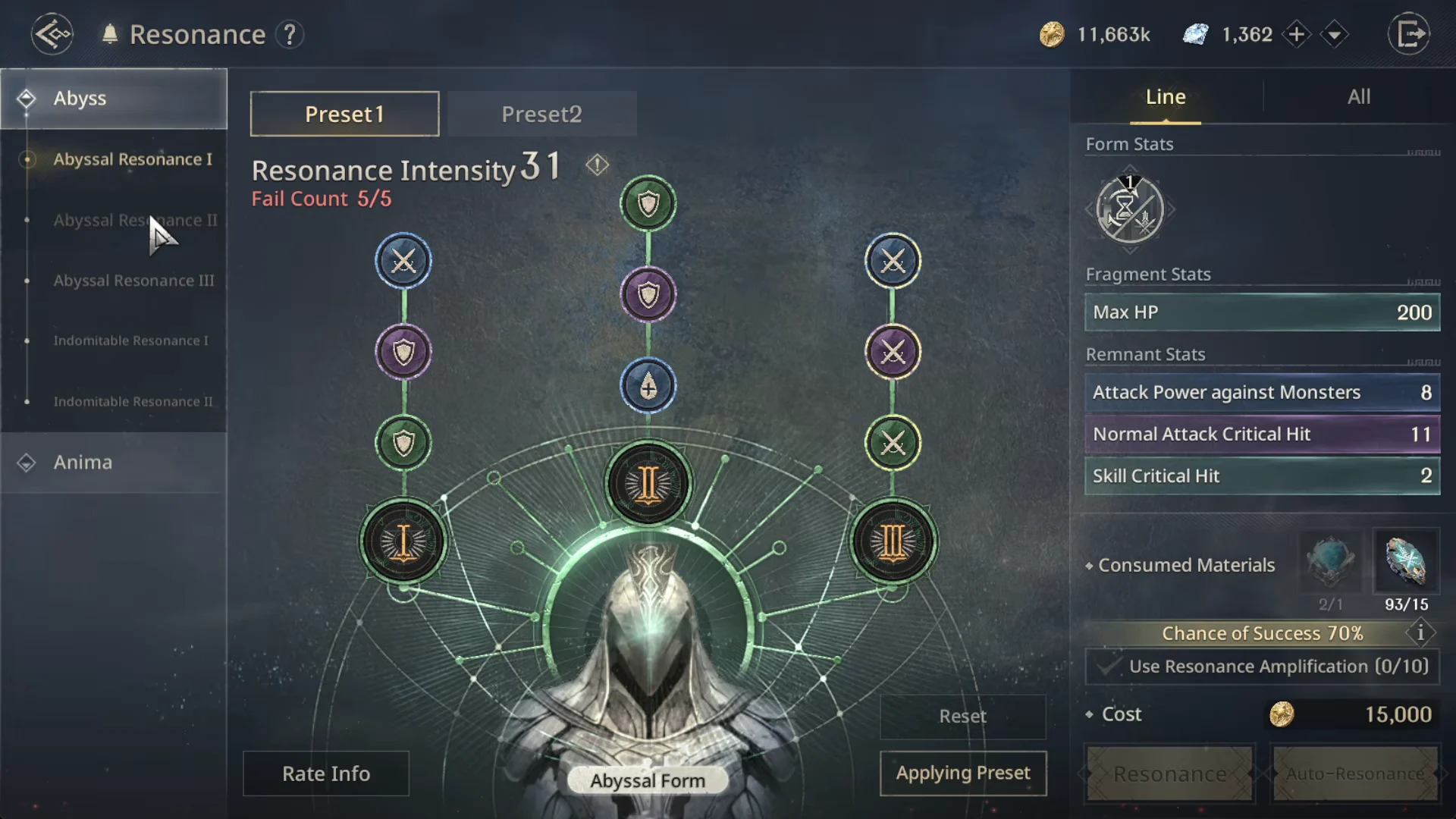
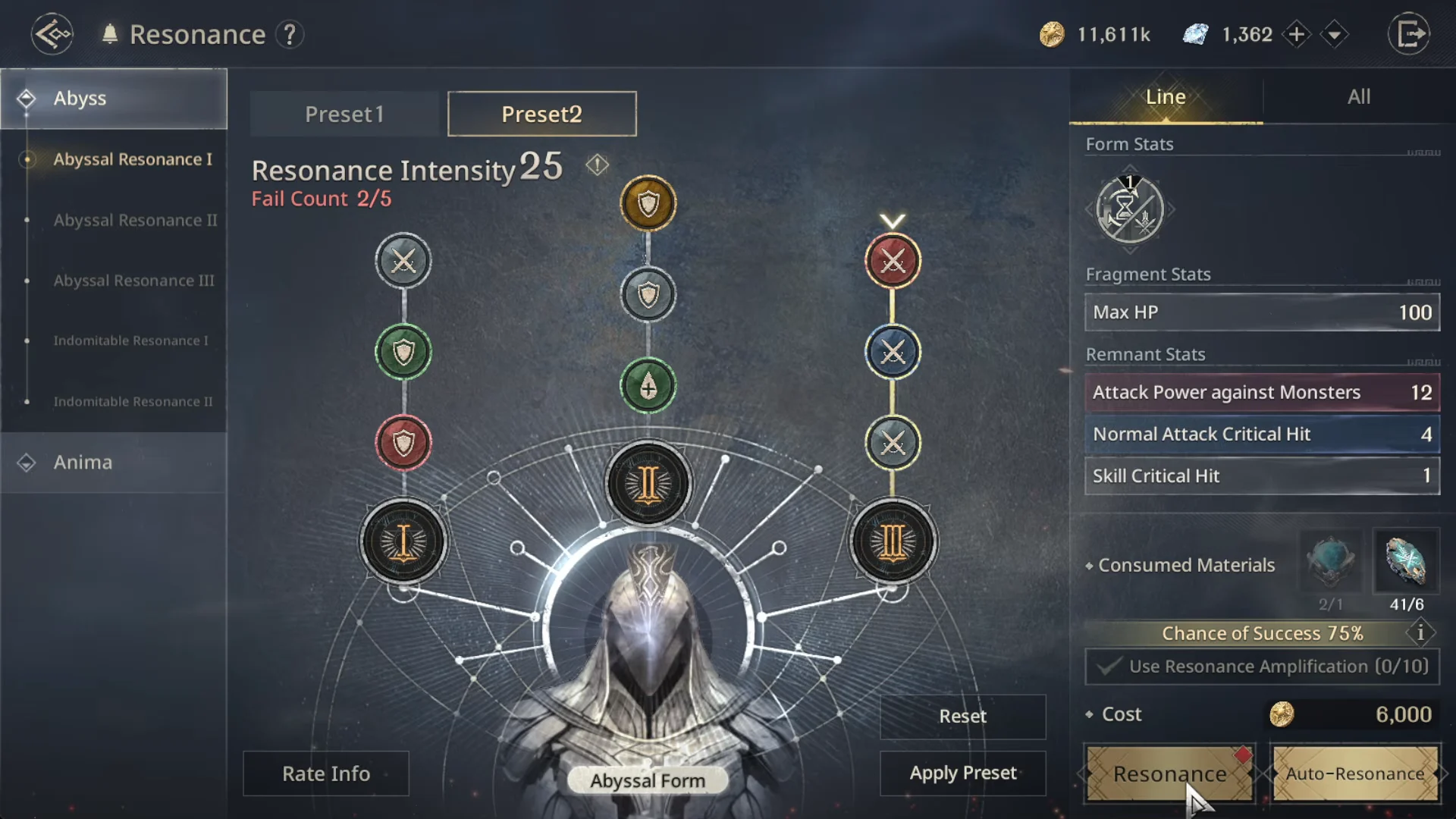
The success rate changes with the resonance intensity, dropping as you climb, and each failed attempt adds to the board’s fail count. When a board reaches 5/5 failures, resonance becomes unavailable on that board until you reset it.
Fragment stat grades
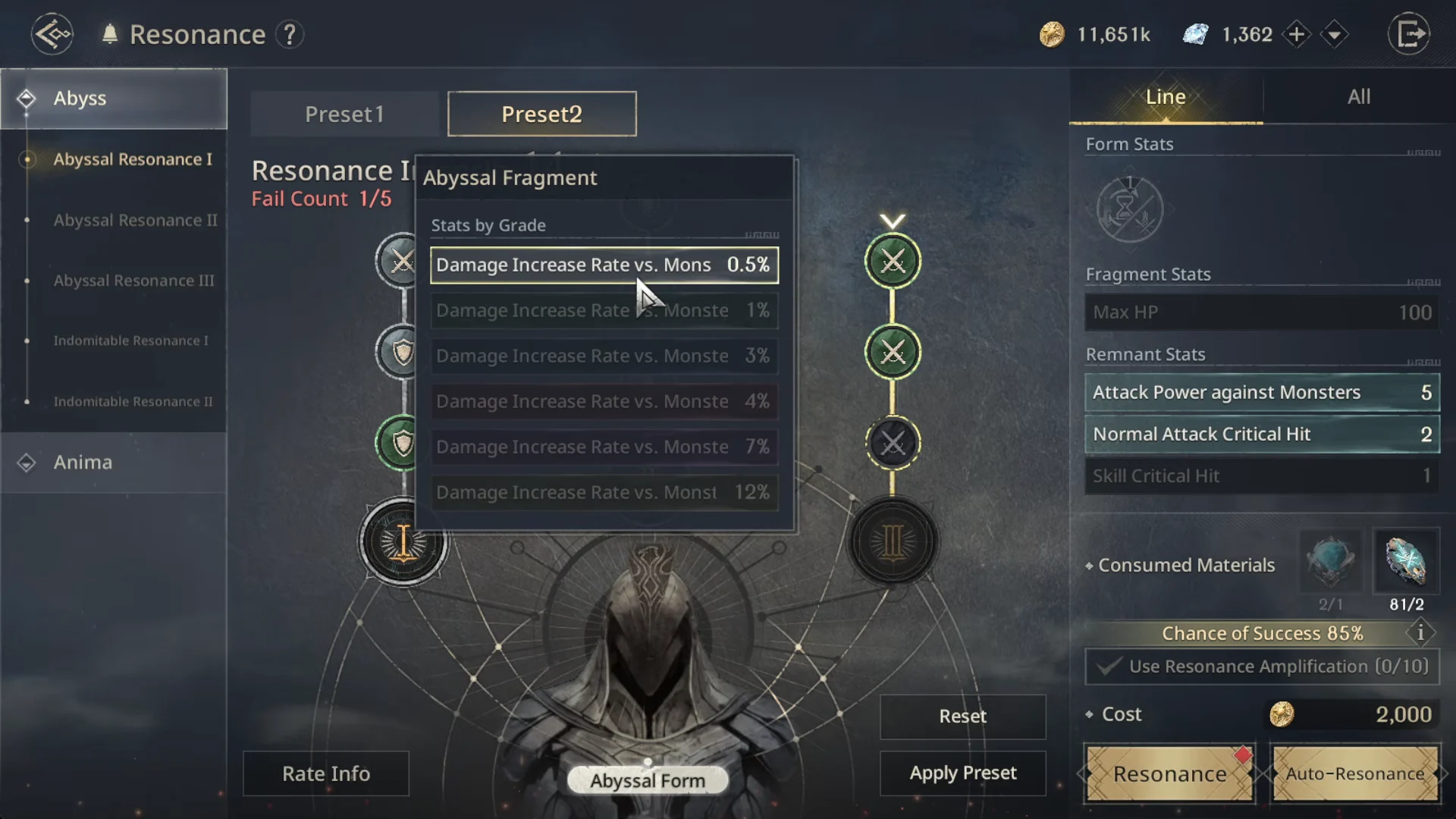
Each node grade has its own color and set stat value. Basic Attack Damage Increase Rate vs. Monsters and Skill Damage Increase Rate vs. Monsters use the same percentages, while Attack Power against Monsters is equal to Accuracy. The highest tier, Gold (Grade 6), provides a much larger increase than any other grade.
| Grade (color) | Damage increase rate | Max HP | Attack / Accuracy |
|---|---|---|---|
| 1 (Gray/White) | 0.5% | 100 | 2 |
| 2 (Green) | 1% | 200 | 5 |
| 3 (Blue) | 3% | 400 | 8 |
| 4 (Purple) | 4% | 700 | 12 |
| 5 (Red) | 7% | 1,300 | 18 |
| 6 (Gold) | 12% | 2,500 | 30 |
Line stats and set node bonuses
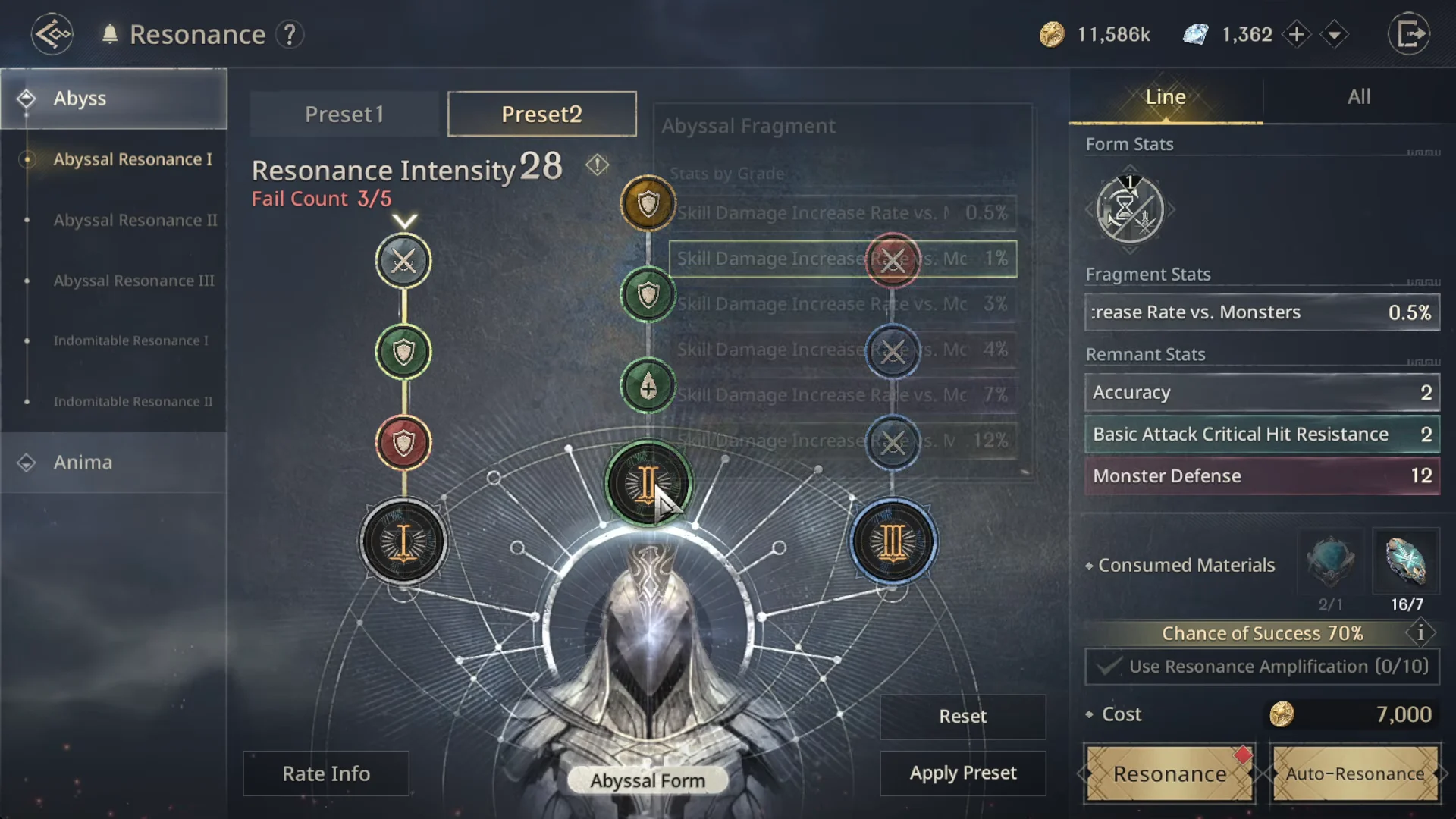
Nodes form lines and sets, and linked nodes add their stats together. These categories include Max HP, Basic Attack Damage Increase Rate, and Skill Damage Increase Rate vs. Monsters. Focusing rolls along a branch instead of spreading them out raises that line’s totals.
Abyssal Form I stance change cooldown
The Abyssal Form I passive reduces your Stance Change Cooldown, scaling with its star rating from 1-star to 6-star. If your build does not depend on frequent stance changes, this passive is a lower priority than the damage and survivability stats.
| Star rating | Stance Change Cooldown reduction |
|---|---|
| 1-star | 1% |
| 2-star | 3% |
| 3-star | 7% |
| 4-star | 13% |
| 5-star | 21% |
| 6-star | 30% |
Reset a resonance board for a 95% refund
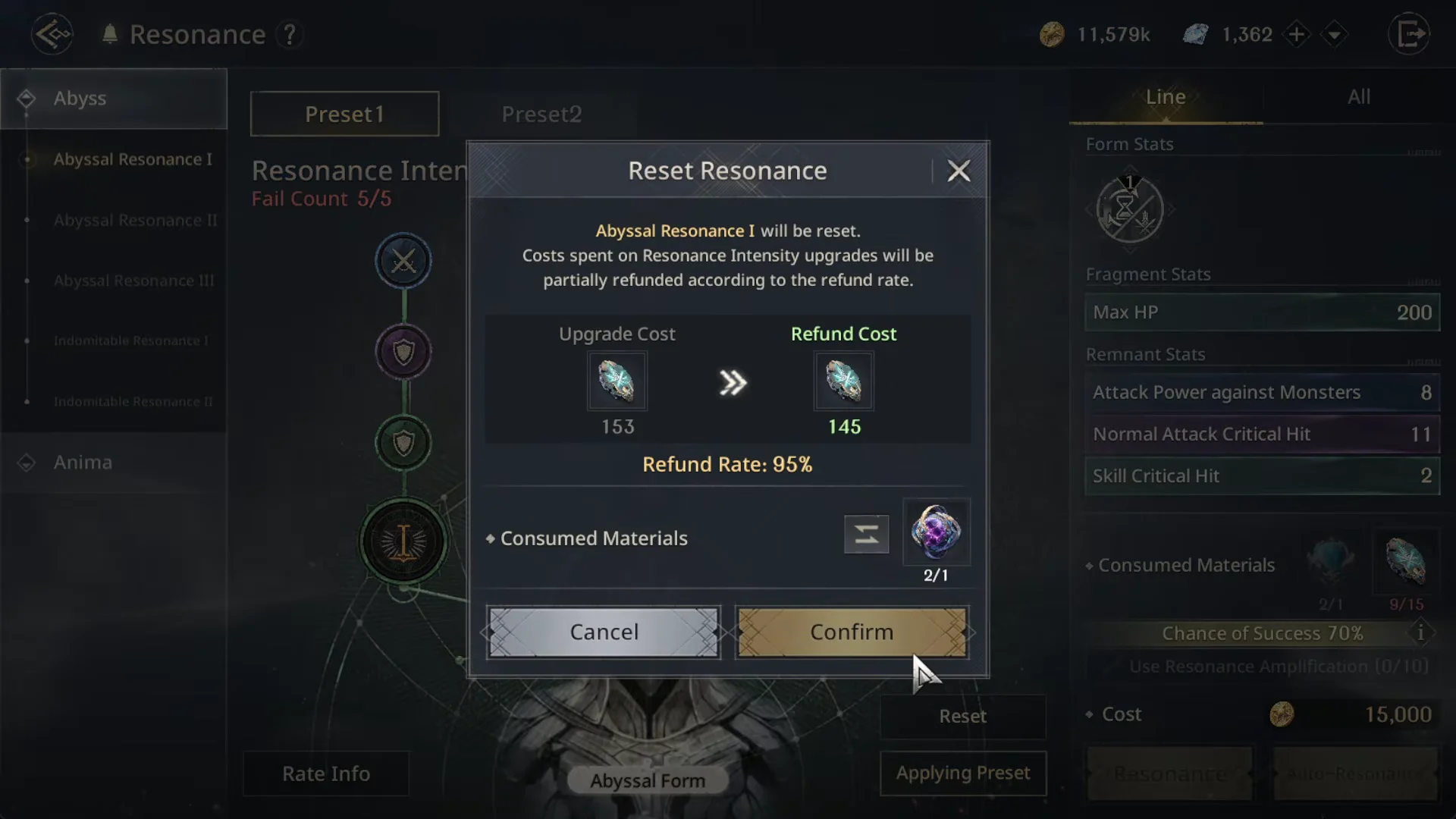
The Reset Resonance window returns 95% of the materials you spent on Resonance Intensity upgrades. A roll that cost 153 refunds 145, and one that cost 222 refunds 210. The reset itself consumes one Abyssal Resonator to perform, so you recover almost everything you invested.
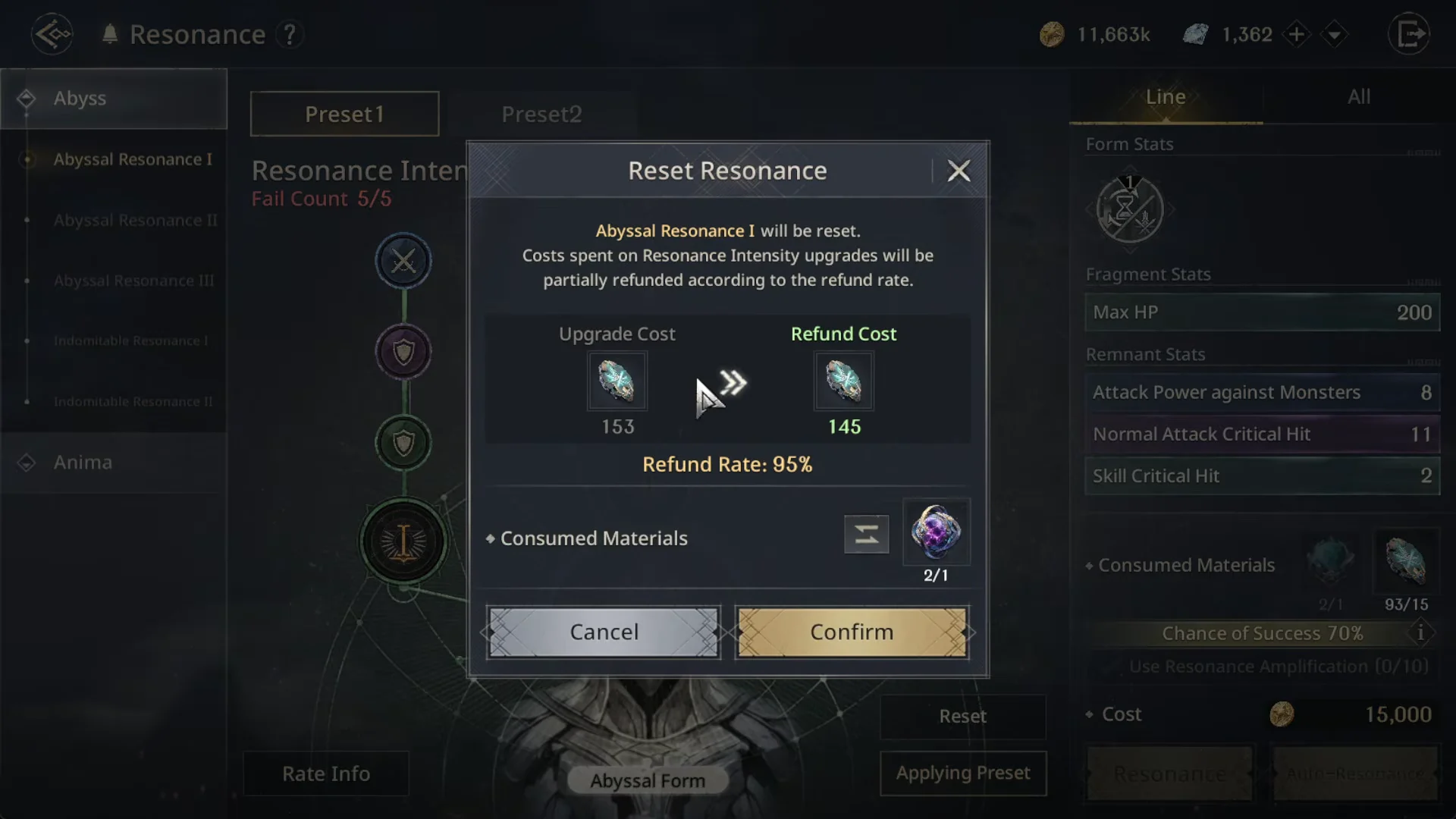
Reset a board when it hits the 5/5 failure limit with stats you do not want to keep. Since the refund is nearly complete, the practical cost of a bad board is small.
Dual-preset strategy for keeping good stats
You have two board slots, Preset 1 and Preset 2. The safe method is to keep one preset applied with stats you are happy with, then push the second preset for higher grades. If the second board breaks or lands on poor stats, you reset it without touching the preset you have applied.
Where to get Abyssal Resonators
Abyssal Resonator is the currency that powers every roll and reset. You can obtain it from several sources:
- Season Pass
- Sub quests
- Shop – Mileage (Upgrade Essentials)
- Events – Abyss Battlefield Co-op Mission and Event Mission
You will know a board is live once you press Apply Preset and the button shifts to Applying Preset, at which point that preset’s fragment and line stats are the ones your character carries into combat. As long as you keep one solid preset applied and reset the other whenever it stalls at 5/5, you can chase Gold-grade nodes with almost no lasting material loss.