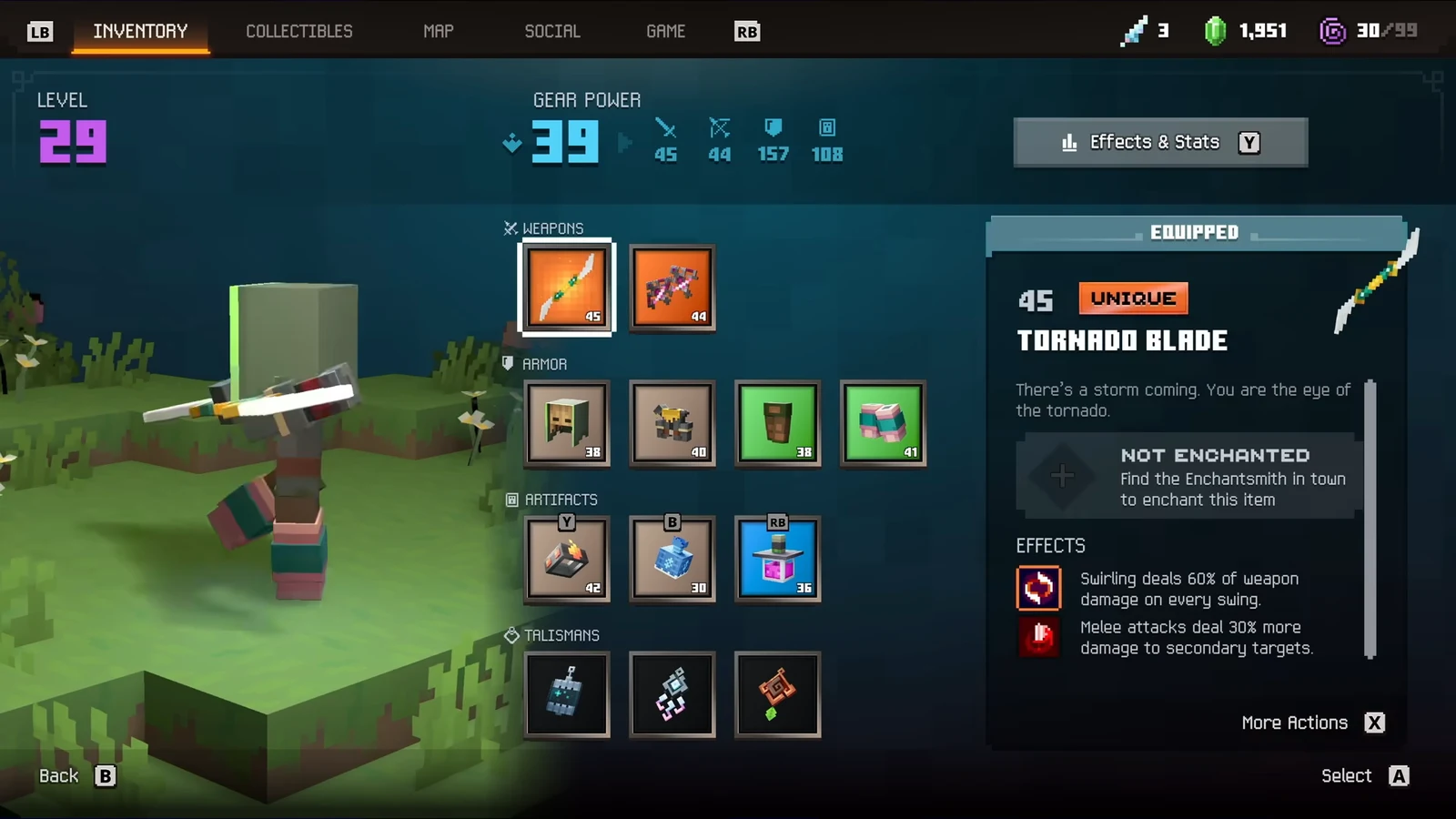
In Minecraft Dungeons II, capes affect appearance only: they neither alter stats nor use a build slot. You won’t find them alongside weapons, armor, artifacts, or talismans. They’re housed in their own menu section, so the main challenge is finding the right place to equip one.
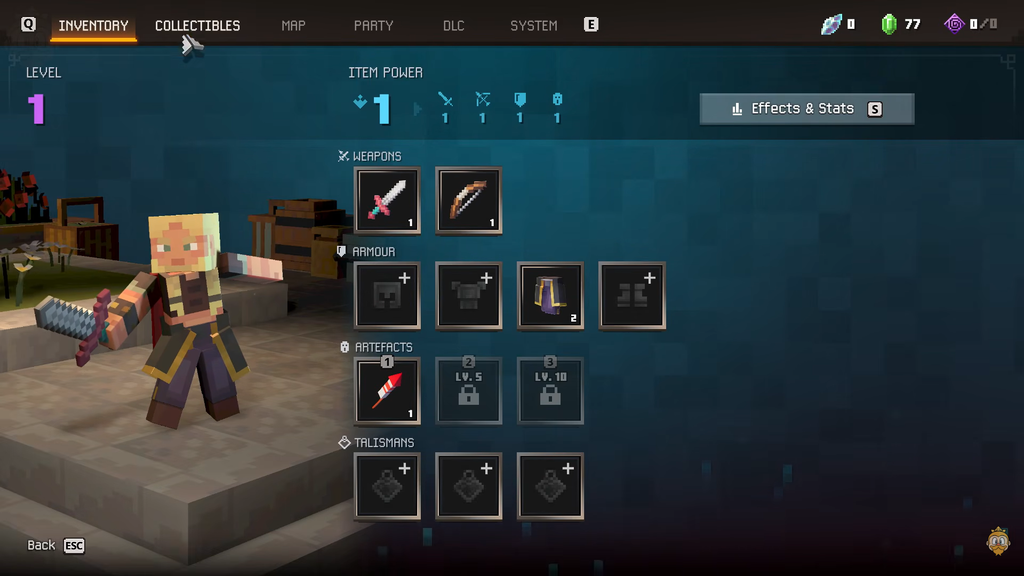
Quick answer: Pause the game, open the Collectibles tab next to your inventory, select the hanger icon for Capes, then highlight and select the cape you want to wear.
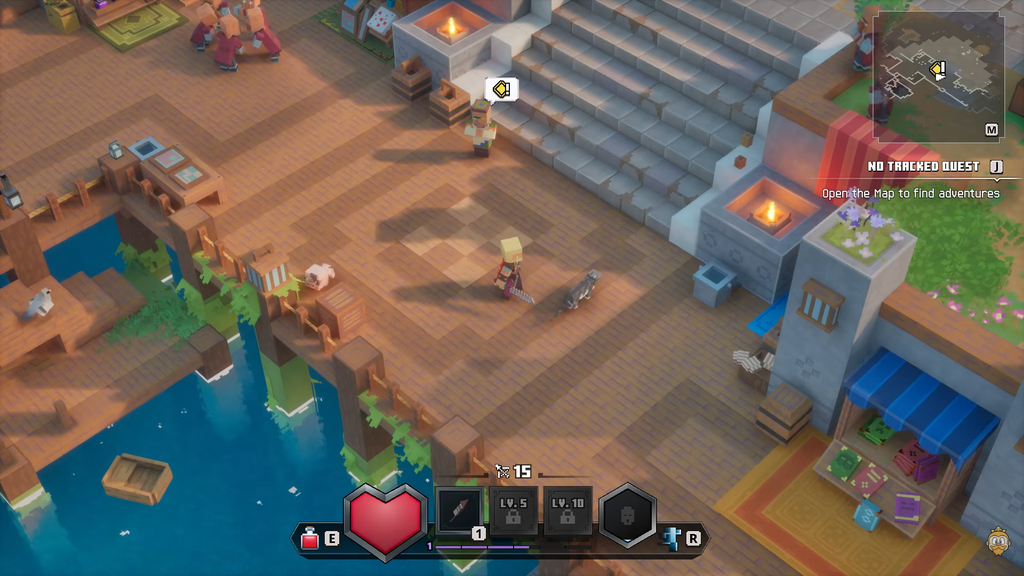
Equip a cape through the Collectibles tab
Capes sit under Collectibles, the same place that holds enchantment books and pets. The menu opens on enchantment books first, so you need to switch categories to reach the cape rack.
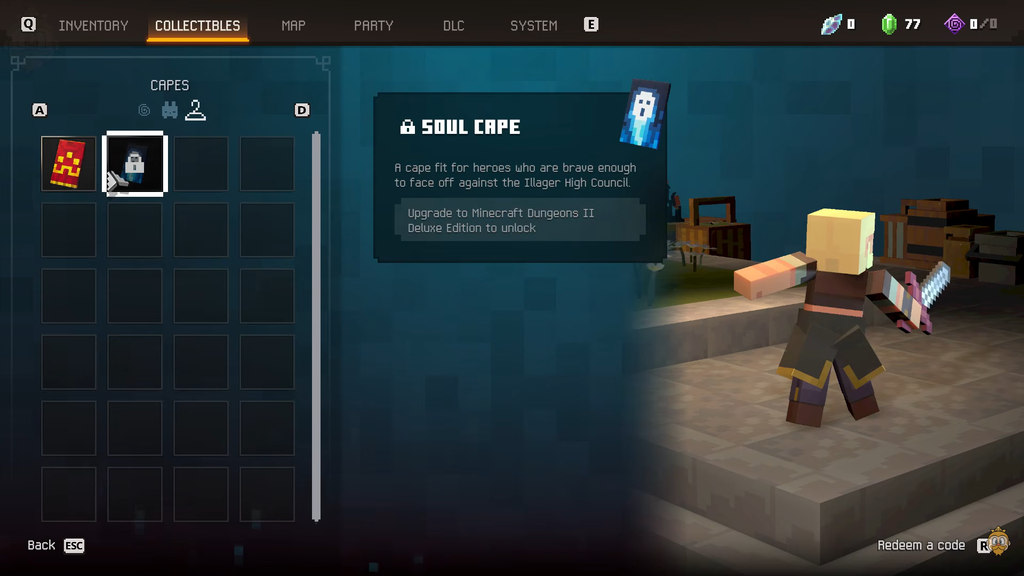
Pets use the exact same flow but a different icon. Pick the bunny icon instead of the hanger to swap companions.
Every cape and how to unlock it
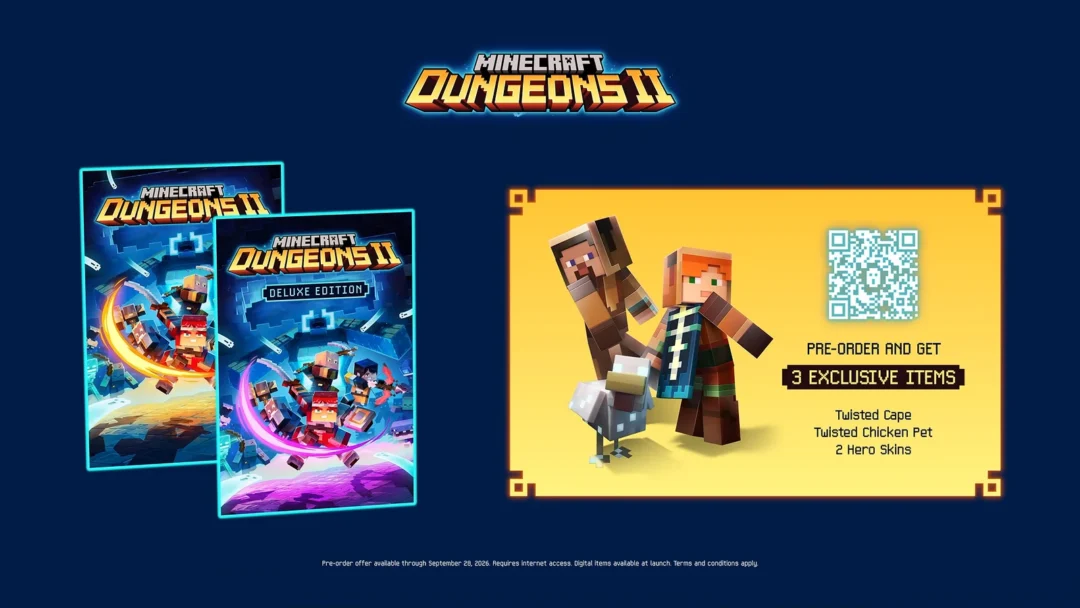
There are four capes most players can chase, plus a couple of rare ones reserved for developers and testers. One of the four, the Twisted Cape, can no longer be obtained unless you already pre-ordered the game.
| Cape | How to unlock |
|---|---|
| Hero Cape | Play the original Minecraft Dungeons, then log into Dungeons II on the same Microsoft account |
| Soul Cape | Buy the Minecraft Dungeons II Deluxe Edition |
| Twisted Cape | Pre-order reward (no longer available for new purchases) |
| Corrupted Creeper Cape | Promotional events, including a Twitch or TikTok watch-time quest, or codes from Gamescom and Tokyo Game Show |
A fifth Special Cape exists, but its unlock method has not been announced. It has been handed to select developers, testers, and influencers, so treat it as one of the rarest in the game. A separate Mojang Studios Cape is given only to employees.
Claim the Hero Cape before the deadline
The Hero Cape rewards anyone who played the first Minecraft Dungeons and then returns for the sequel. The account matters far more than your progress, since you do not have to finish anything to earn it.
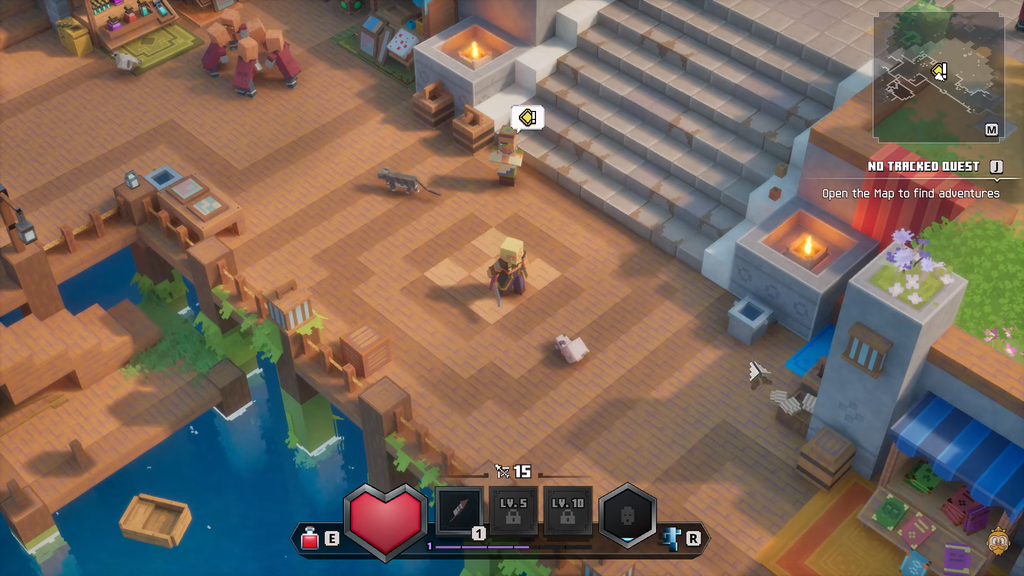
After Dungeons II detects the reward, the Hero Cape becomes available in Minecraft: Java Edition and Bedrock Edition as well. Use the same account when signing in to either edition to access it there. Players who met the pre-order requirements can also transfer the Twisted Cape to Java and Bedrock in the same manner.
Earn the Corrupted Creeper Cape through promotions
The Corrupted Creeper Cape comes from promotions, not from owning a particular game edition. It has been offered at live events such as Gamescom and the Tokyo Game Show, as well as in a Twitch and TikTok quest requiring watch time. If a stream grants the cape, its redemption code arrives in Twitch Inventory or TikTok Notifications.
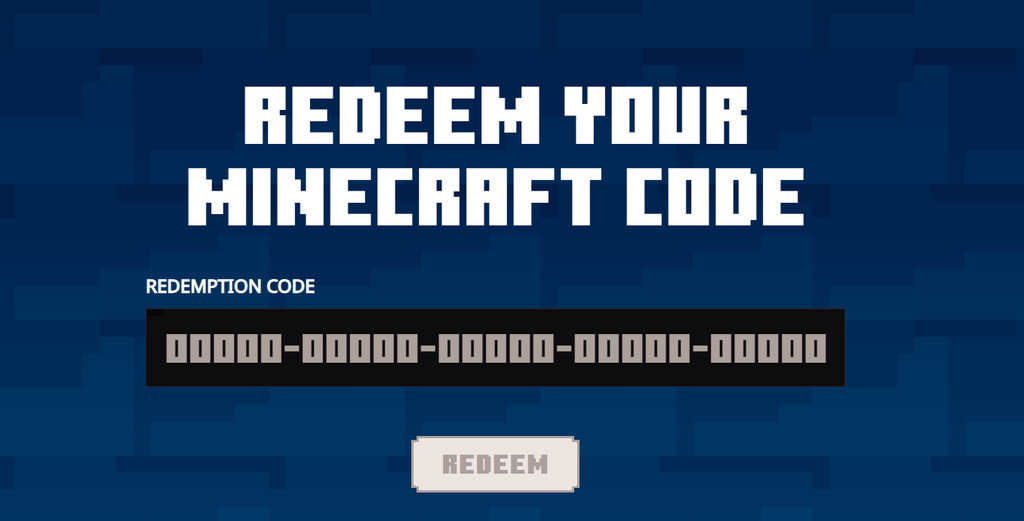
Redeem codes obtained this way on Minecraft’s official website. Further chances are expected to be announced; if you missed the previous events, keep an eye out for upcoming ones.
What to check if a cape is missing
You know a cape has landed when a notification pops up showing it in full and telling you it can be equipped from the Collectibles section. If an expected cape is not there, start with how that specific reward is unlocked.
- For the Hero Cape, confirm both Dungeons games use the same Microsoft account, then allow time for the reward to process.
- Check that your purchase met the promotion’s requirements to receive pre-order rewards.
- With a physical copy, redeem its code in the Xbox, Nintendo, or PlayStation store before using it in-game. The in-game Redeem a Code page is not the first place to enter it.
- Promotions that verify gameplay need an internet connection, and confirmation can sometimes be delayed.
Once the reward reaches your account, head back to Collectibles, pick the hanger icon, and your new cape will be waiting to equip.