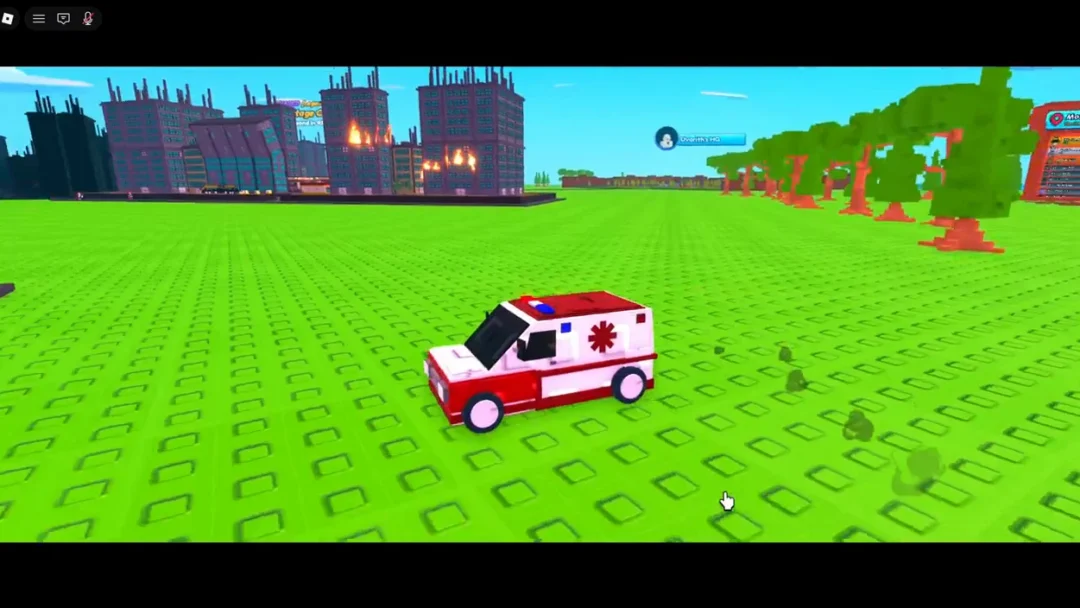
Tap Buttons! is a clicker experience from the Click It group where you tap colored buttons spread across floating islands to build a combo multiplier, spawn coins, and roll for collectible items. The faster and more consistently you tap, the higher your multiplier climbs, and the more coins you have to pour back into automation and upgrades. You can find the experience on its official Roblox page.
Quick answer: Tap the Red, Blue, Yellow, Green and other level-bound buttons to raise their multipliers and spawn coins, then spend those coins in the Upgrades tree on Auto Clickers and Carts so collection and tapping continue on their own.
The core loop: tap, multiply, collect
Everything in Tap Buttons! revolves around hitting a colored button over and over. Each tap raises a combo multiplier that sits below the button, and that multiplier can climb into the thousands if you keep the chain going. The higher the multiplier, the larger the coin and item rewards each press produces.
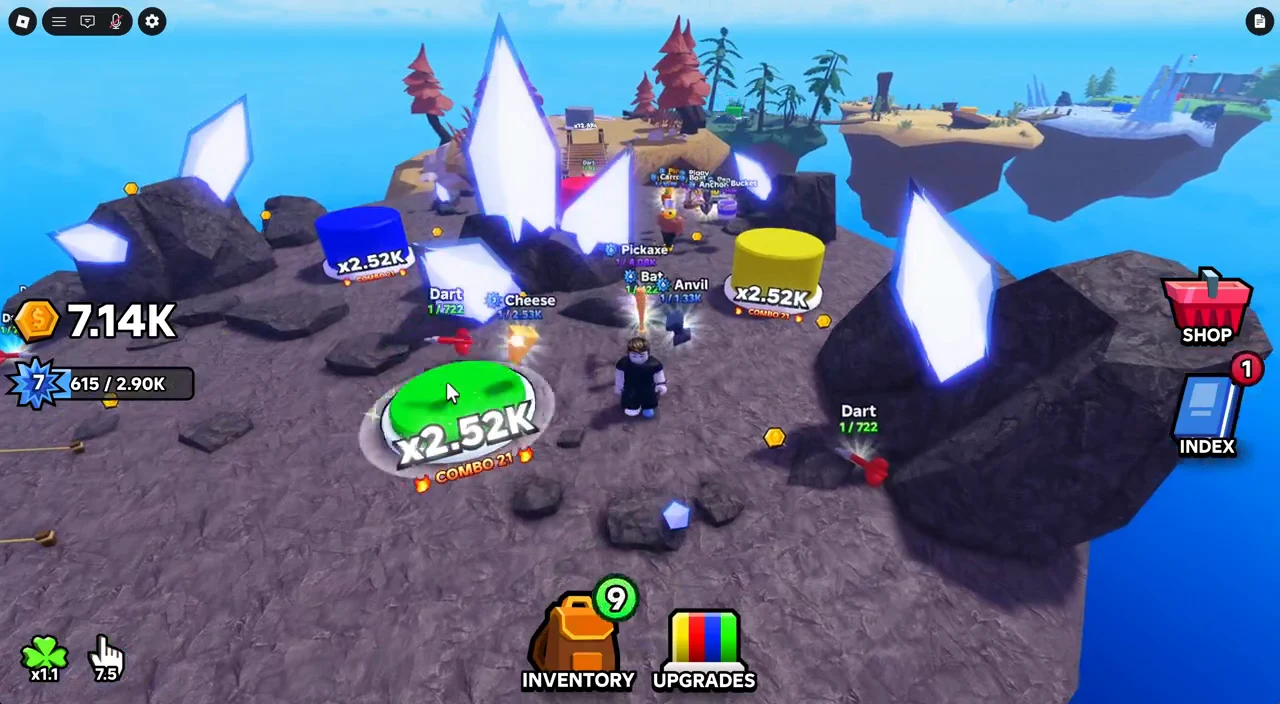
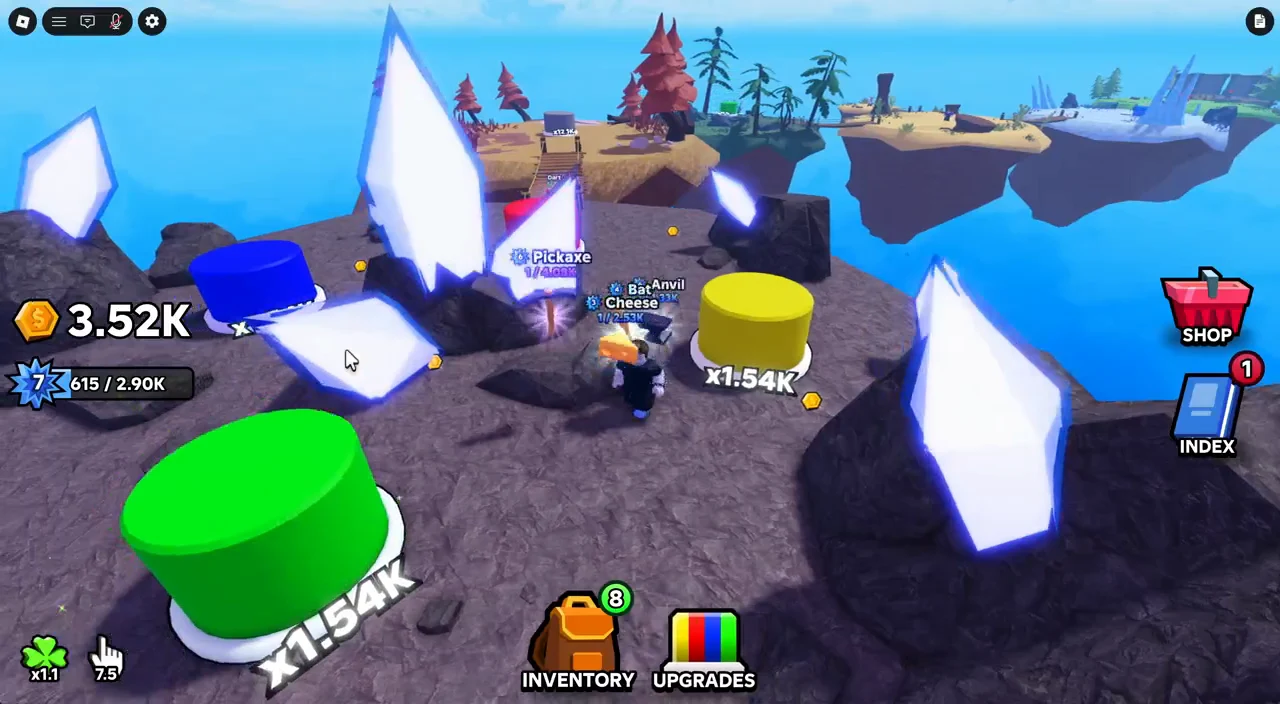
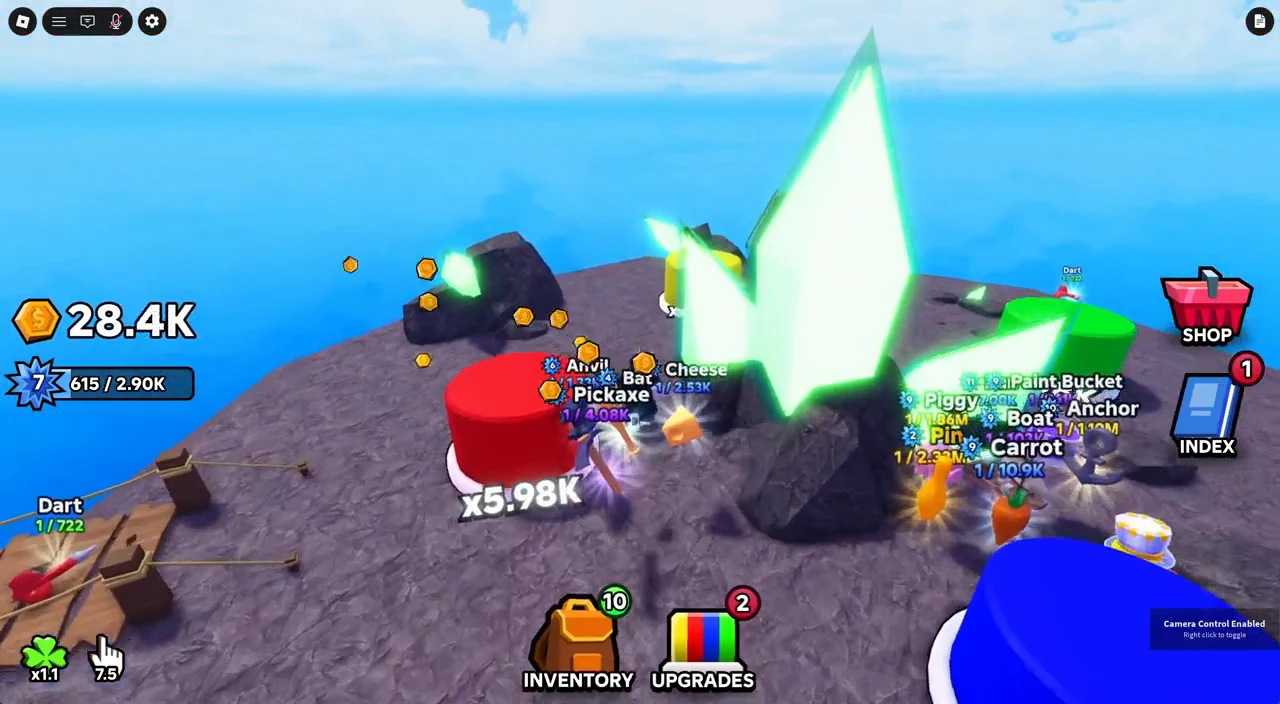
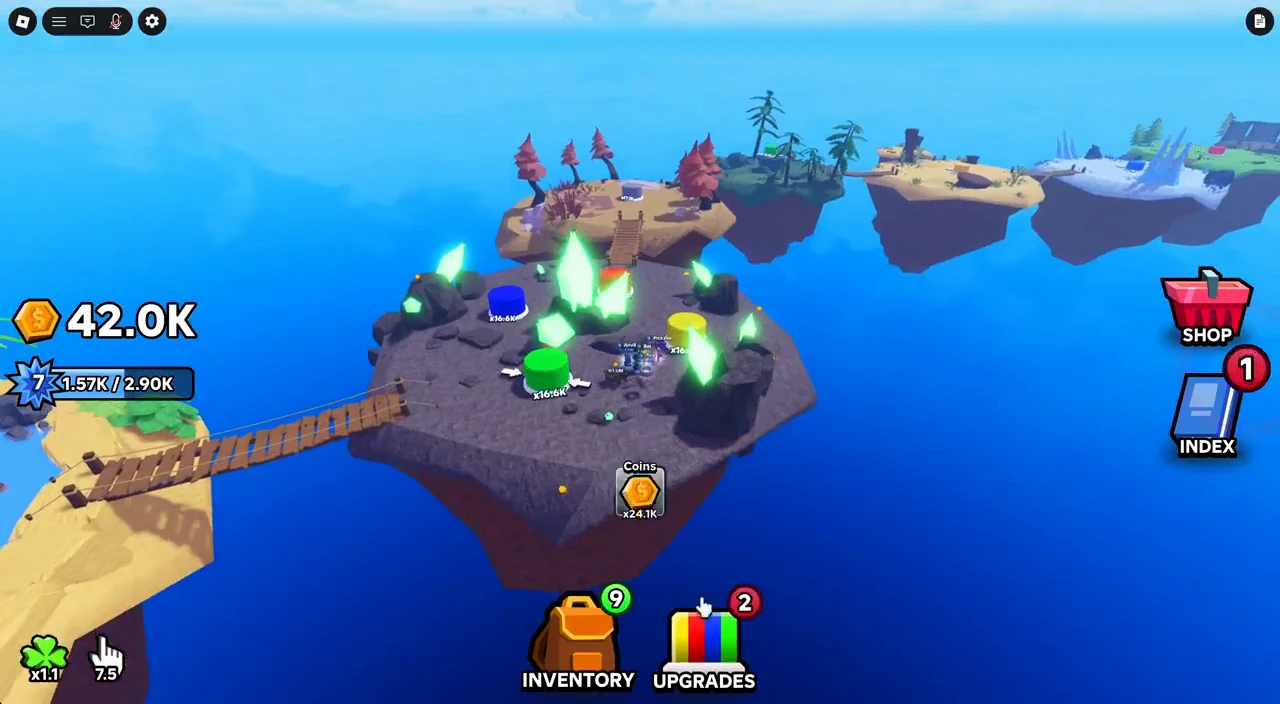
Pulling the camera back into a top-down overhead view makes it much easier to see and cycle between the buttons quickly, which is how the multiplier reaches its highest values.
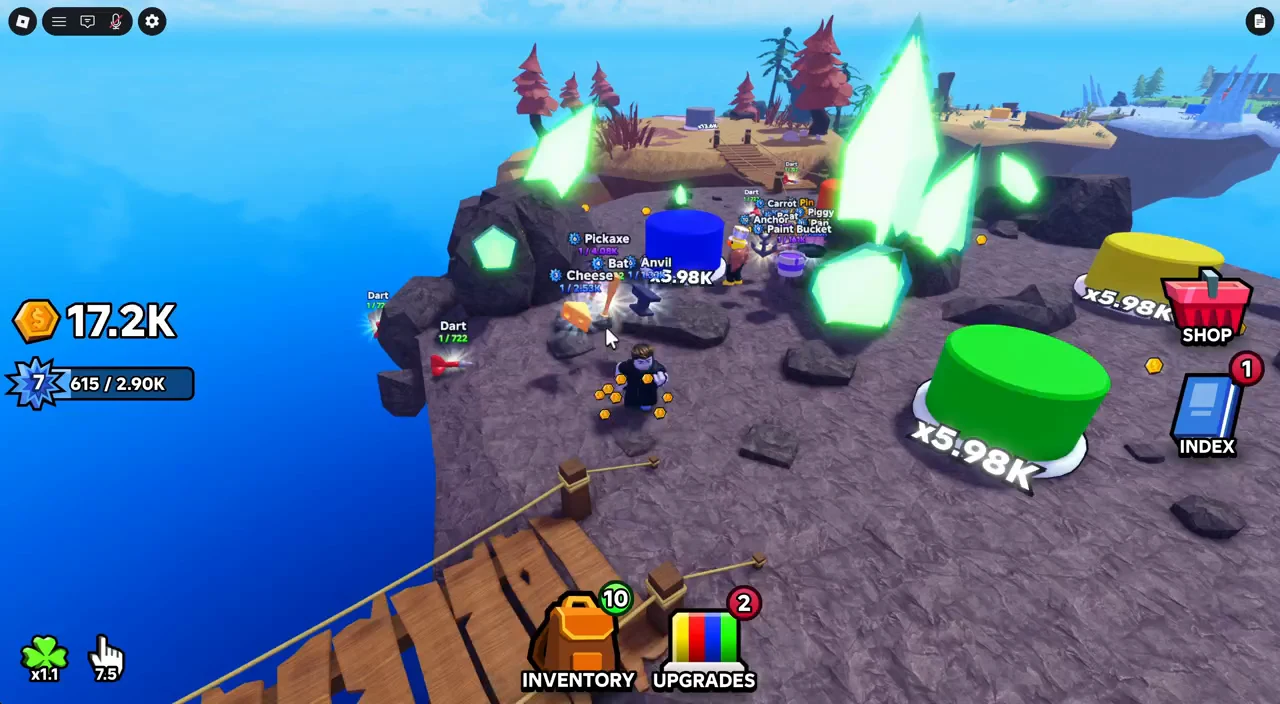
The colored buttons and the Prism island
There are six button colors in the game: Red, Blue, Yellow, Green, Orange, and Prism. Each color lives on its own themed island and drops a different pool of items when tapped. You start on the opening island and unlock new buttons as you progress, traveling between them across bridges or through the Teleporter menu.
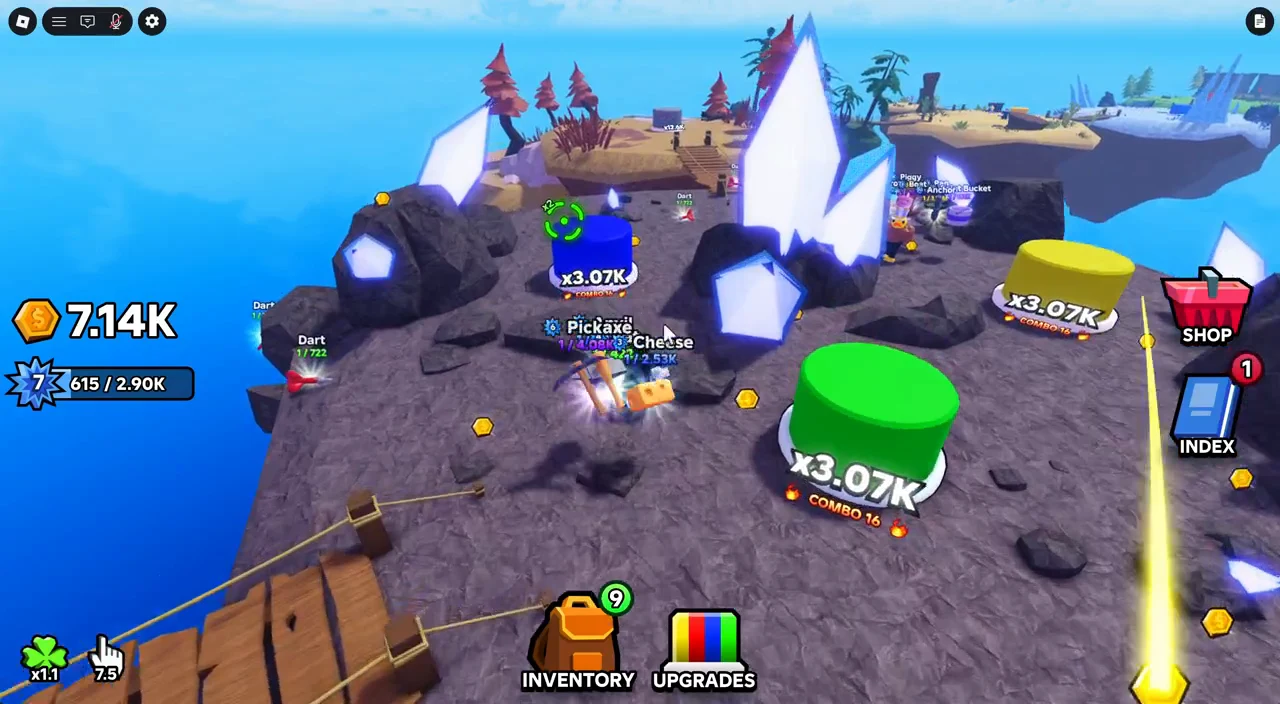
Some buttons behave differently. The Yellow and Purple buttons teleport to new spots across the terrain, so you have to chase them or use the overhead view to spot where they moved. On water-themed islands, standing in the water disables clicking, so you need to position on solid ground first.
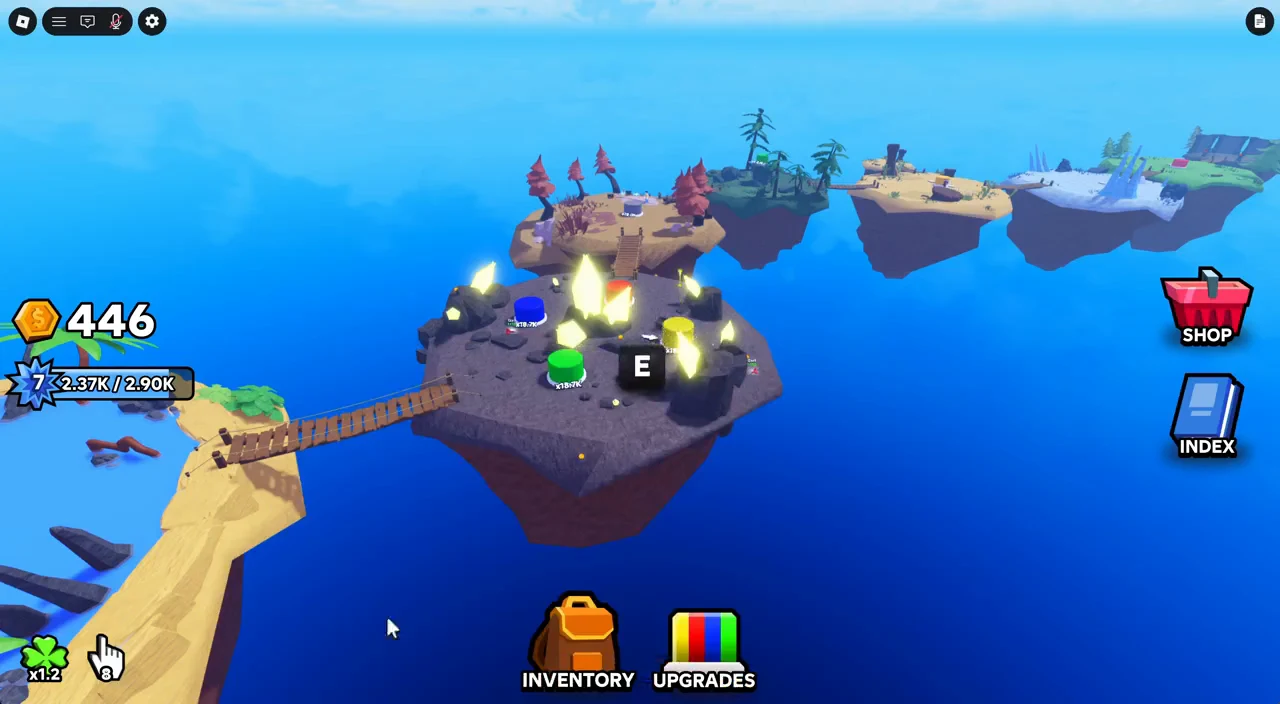
Prism, the most advanced island, has a central crystal that shifts between colors. Its current hue indicates which colored button to press. Pressing the matching button builds the multiplier, while Color Hold upgrades delay the next color change.
Items, rarity, and rolling drops
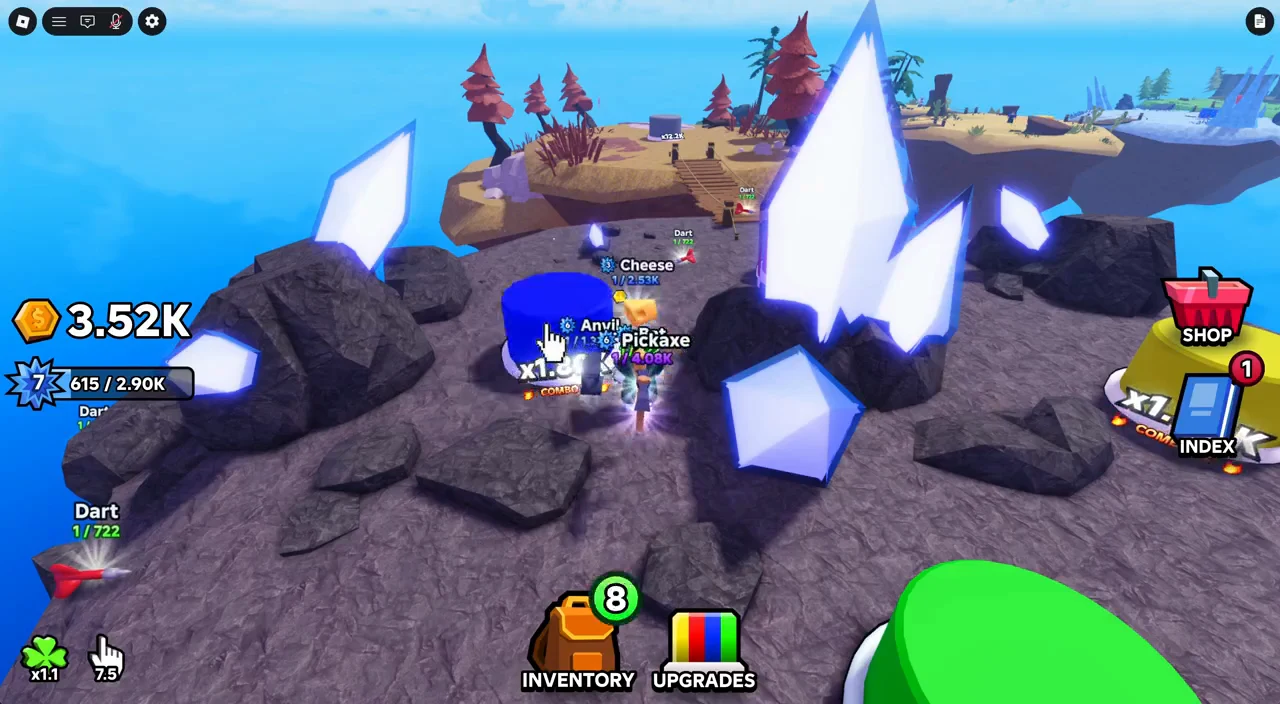
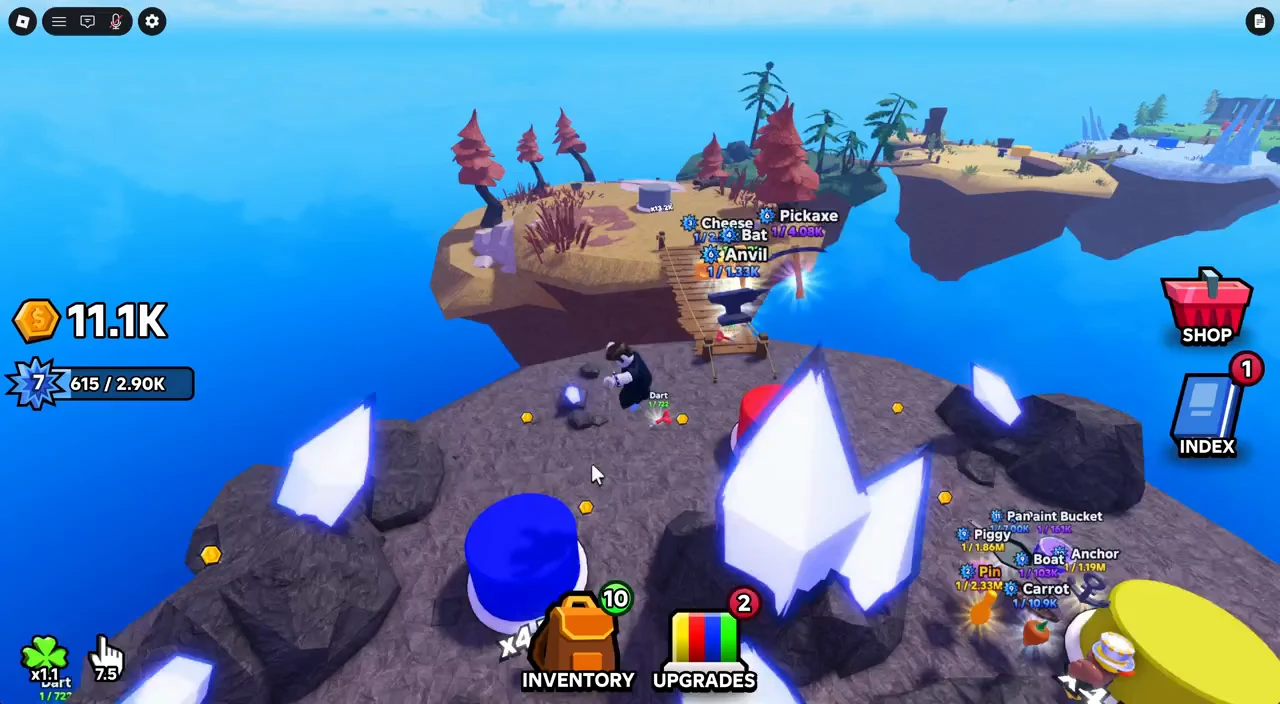
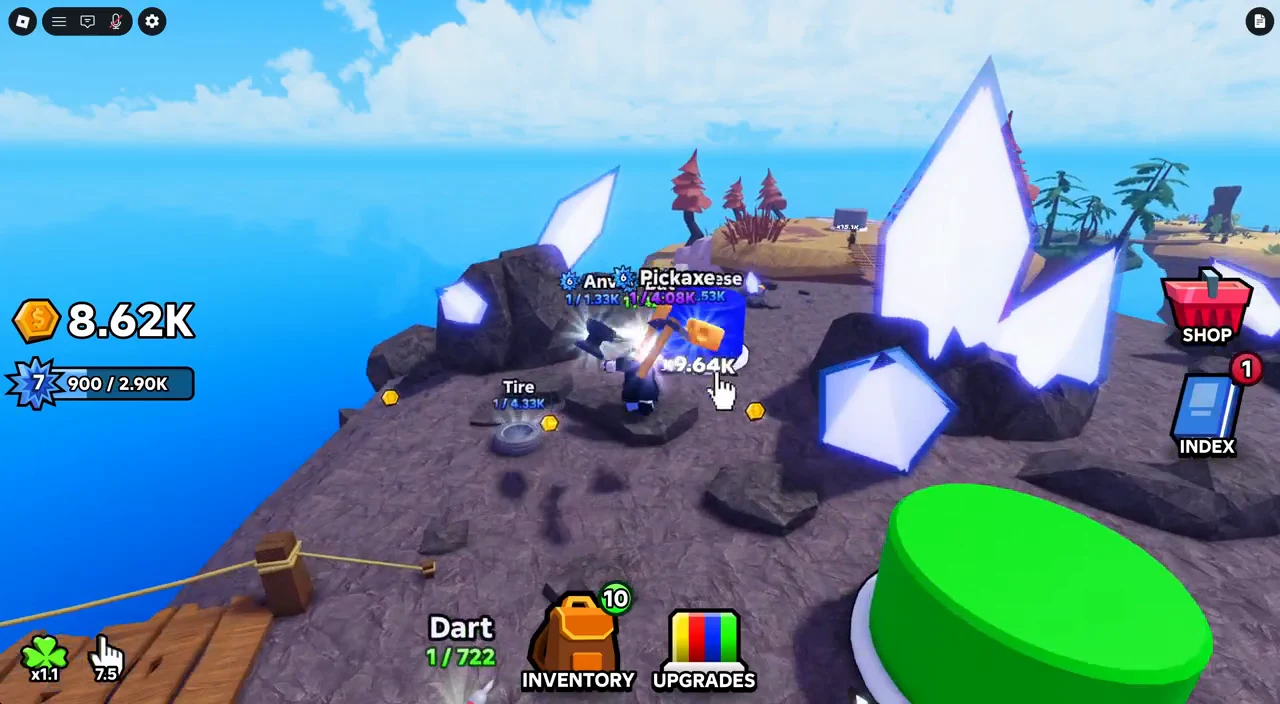
Every so often a tap triggers a roll animation that sweeps through the sky probabilities and lands on a dropped item. Items come in Common, Rare, Epic, and Legendary rarities, and the lower the odds, the stronger the item. Each one belongs to a specific button color, so you only find the full set by tapping on every island.

Each item carries its own stats: how many clicks it adds, its cooldown, an optional luck multiplier, and sometimes a passive auto-click interval. The Shovel is the rarest drop shown, landing at 1/63.8K from the Prism button.
| Item | Rarity (odds) | Button | Key stats |
|---|---|---|---|
| Fish | Common 1/27 | Red | 6 clicks, 2s |
| Skateboard | Rare 1/158 | Red | 21 clicks, 5s |
| Donut | Epic 1/2.31K | Red | 5 clicks, 1.1x luck, 1s |
| Boot | Common 1/47 | Blue | 18 clicks, 4s |
| Pawn | Rare 1/278 | Blue | 4.8 clicks, 2x luck, 1.7s |
| Pickaxe | Epic 1/4.08K | Blue | 48 clicks, 8s, auto 15s |
| Baguette | Common 1/91 | Yellow | 18 clicks, 3s |
| Fire Hydrant | Rare 1/546 | Yellow | 38.4 clicks, 5s |
| Ducky | Common 1/223 | Green | 14 clicks, 1.75s |
| Anvil | Rare 1/1.33K | Green | 80 clicks, 8s |
| Bat | Common 1/422 | Orange | 25.6 clicks, 3s |
| Cheese | Rare 1/2.53K | Orange | 8.6 clicks, 3x luck, 1.1s |
| Dart | Common 1/722 | Prism | 6.4 clicks, 0.6s |
| Tire | Rare 1/4.33K | Prism | 37.2 clicks, 3s |
| Shovel | Epic 1/63.8K | Prism | 51 clicks, 2x luck, 6s |
Upgrade items in your inventory
Open the Items tab from the Inventory button on the HUD to manage your gear. Items level up by spending coins along with duplicate copies, and higher levels add more clicks per strike. Two buttons make this fast and are worth using every time you return to the menu.
- Equip Best fills the active equip slots with your strongest owned items.
- Upgrade All levels up every affordable item at once, starting with the cheapest.
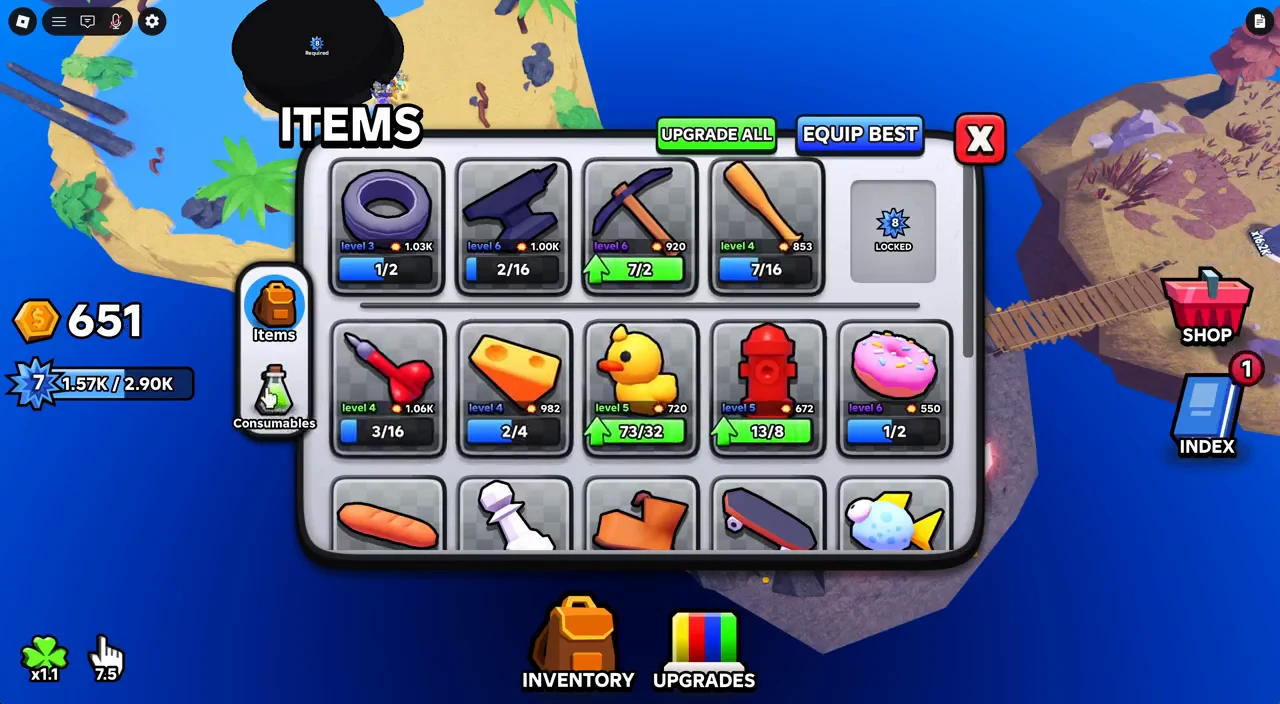
Your equip slots start limited but grow as you progress. Game updates raised the maximum item slots to 10, including the slot granted by a pass, so you can keep more high-value items active at once.
Automate farming with the Upgrades tree
The Upgrades button opens a skill tree built around a central Prism root node. This is where coins become automation. The three upgrades you want first are Auto Clicker, Coin Cart I, and Color Hold I, which together keep buttons being pressed and coins being gathered without any input.
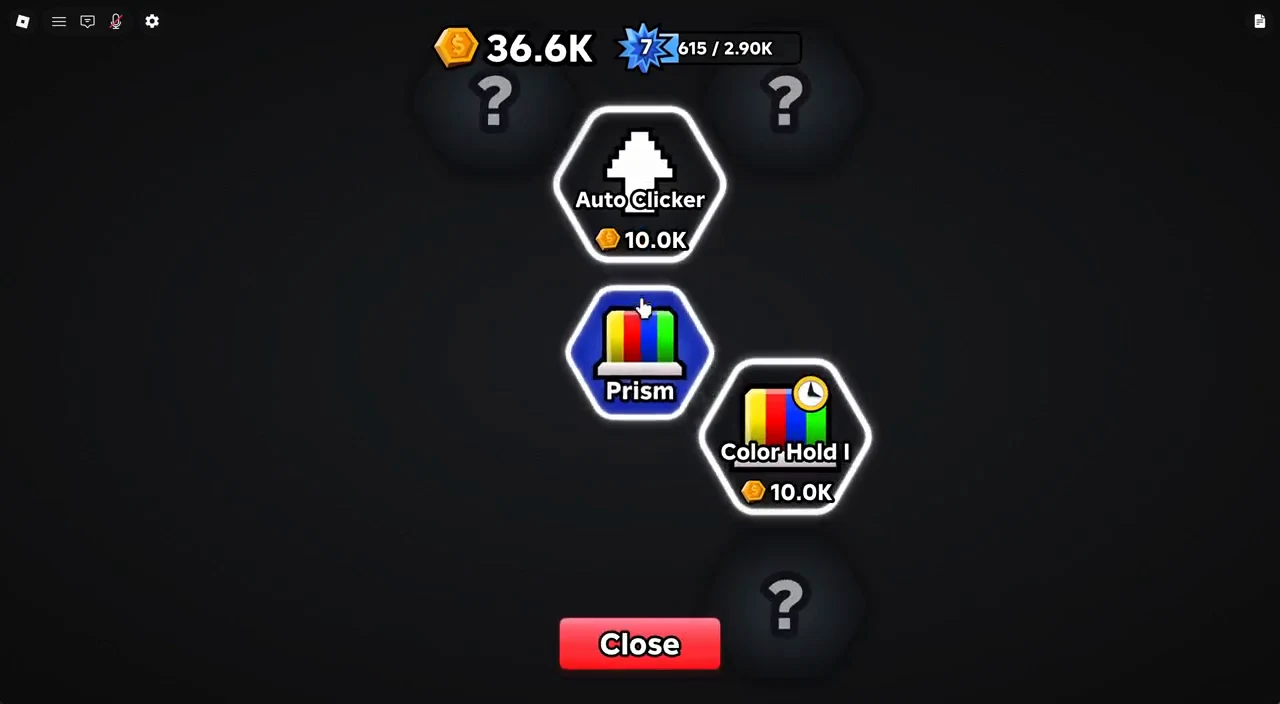
An Auto Clicker places a white cursor that taps the button on its own, and each cart roams the island to pull in coins or item drops. Many nodes also award experience, which feeds into your player level and unlocks additional clicks per press and extra item slots.
| Upgrade | Effect | Cost |
|---|---|---|
| Auto Clicker | Adds an Auto Clicker | 10.0K |
| Auto Clicker II | Adds another Auto Clicker | 25.0K |
| Auto Clicker III | Adds another Auto Clicker | 100K |
| Auto Speed I | Auto Clickers 10% faster | 50.0K |
| Color Hold I | Prism holds colors 15% longer | 10.0K |
| Color Hold II | Prism holds colors 15% longer | 50.0K |
| Coin Cart I | Auto collect coins | 10.0K |
| Coin Capacity I | Hold twice as many coins | 40.0K |
| Item Cart I | Auto collect items | 20.0K |
| Item Capacity I | Hold twice as many items | 80.0K |
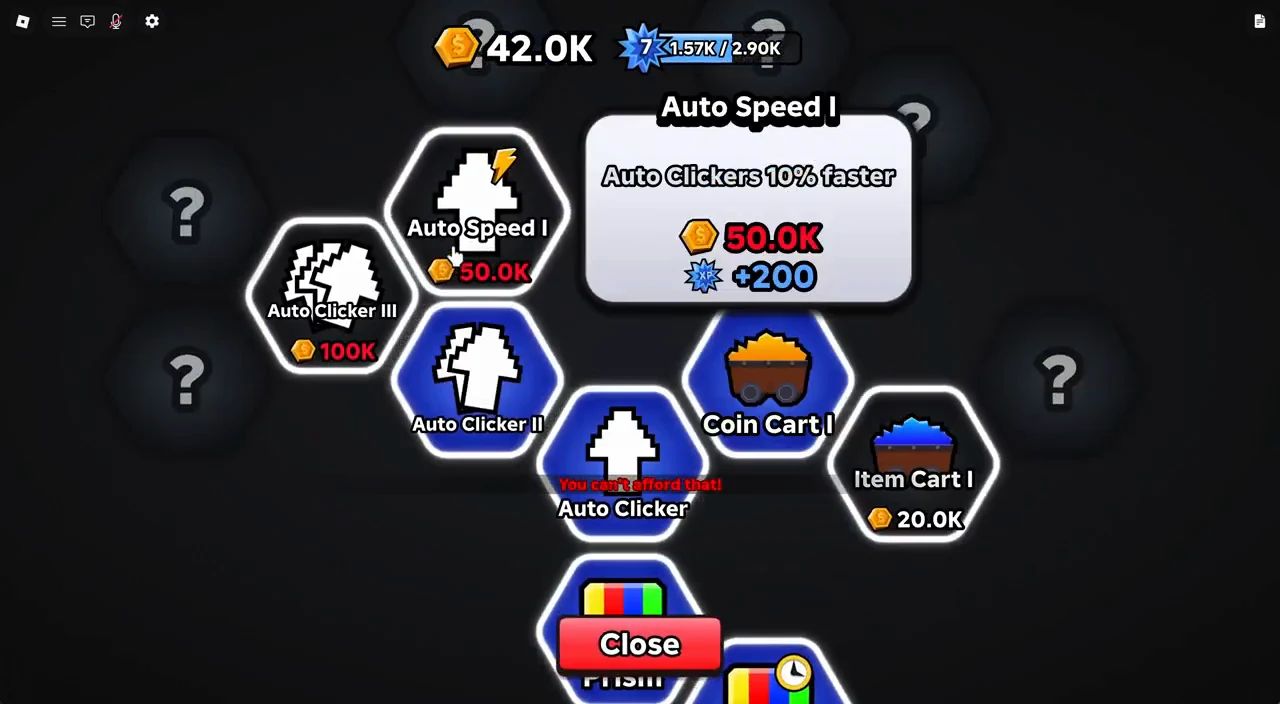
Each island has its own tree, so revisit the Teleporter and buy the cheap Auto Clicker and Coin Cart nodes on every island you unlock. Capacity upgrades matter too, because a full cart stops collecting until it empties.
Fill the Index for permanent luck
The Index tracks every unique item you have discovered, grouped by button color. As you fill it, progress milestones become claimable, and each claim grants permanent stat boosts such as extra Clicks and extra Luck, plus a consumable potion.
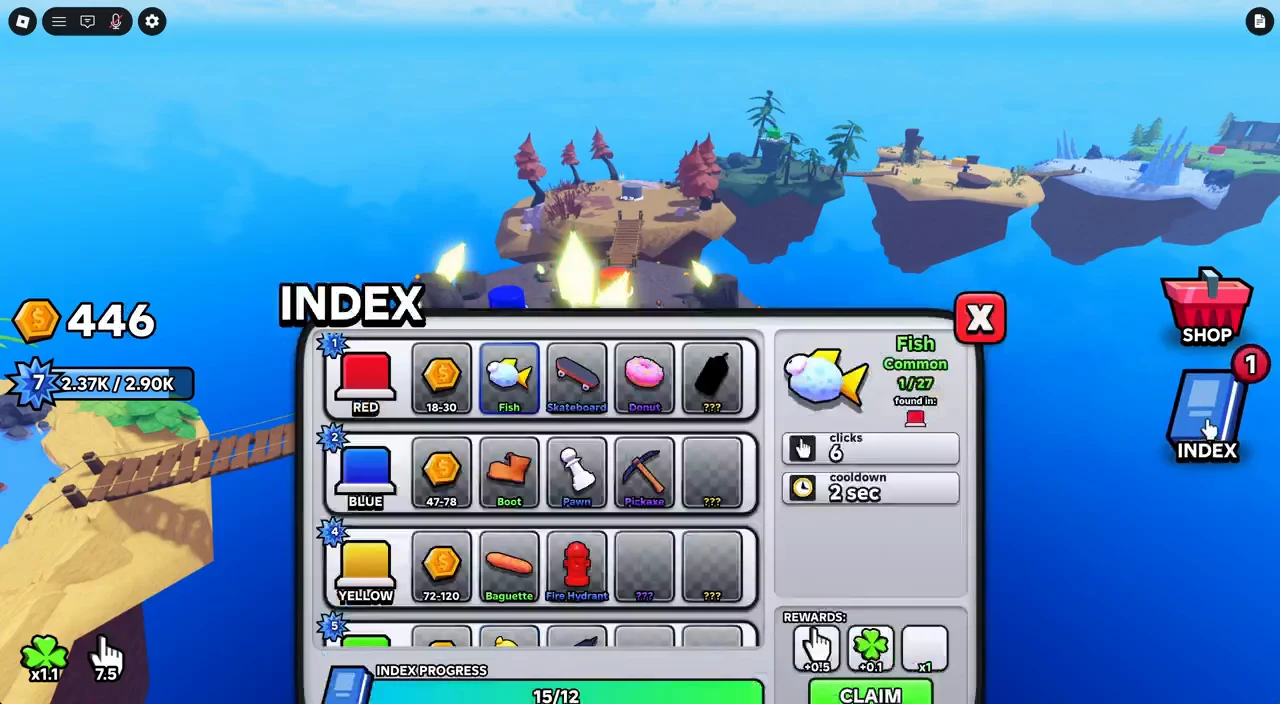
Click through the Red, Blue, Yellow, Green, Orange, and Prism rows to see which items you are still missing and read their click and cooldown details. Check back whenever you find a new drop, because those permanent Luck gains raise your odds of pulling rarer items going forward.
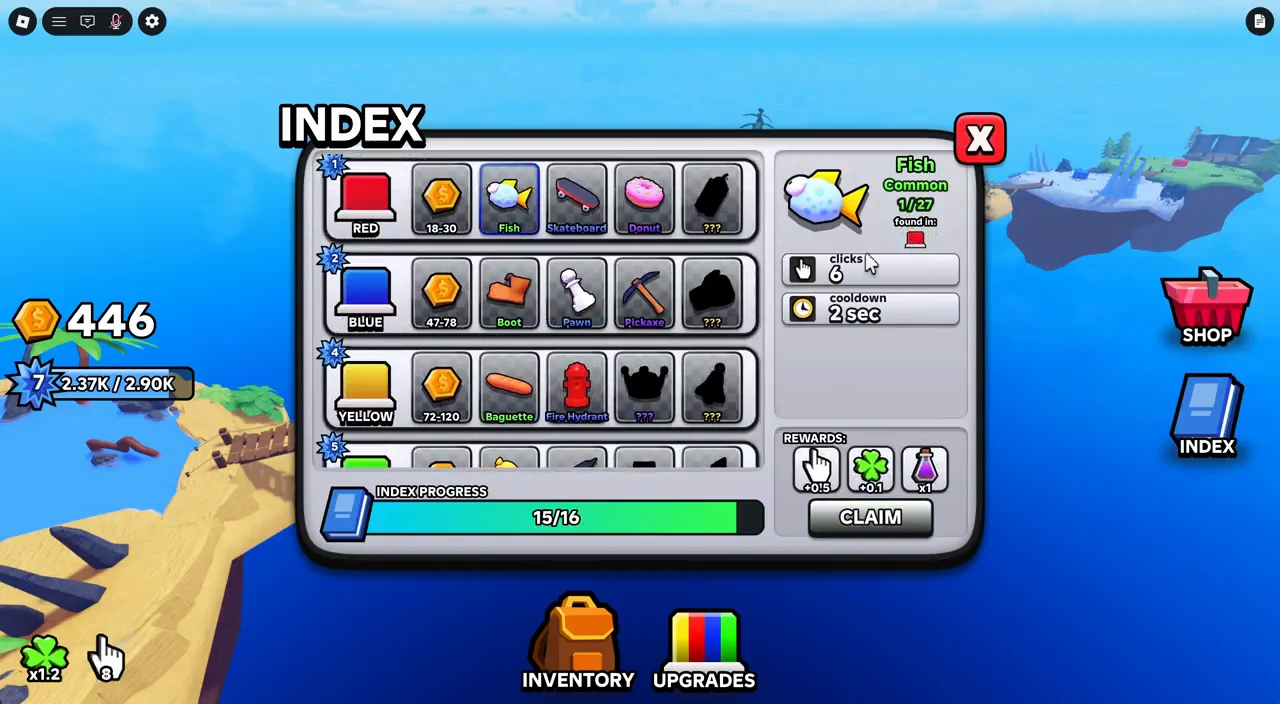
You can confirm a claim worked by watching the milestone reward apply and seeing the Index entry for that boost tick up in your Clicks and Luck breakdown tooltips on the HUD.
Luck, boosts, and the Shop
Luck controls your odds of rolling rarer items, and it stacks from several places: your Index claims, the Lucky Taps pass, the VIP pass, playing with friends, liking the game, joining the group, and timed boost potions. Boosts last three minutes each and can be bought or earned as rewards.
- Luck Boost — +1 Luck for 3 minutes
- Ultra Luck Boost — +2 Luck for 3 minutes
- Clicks Boost — 2x Clicks for 3 minutes
- Coins Boost — 2x Coins for 3 minutes
The Shop also sells gamepasses that permanently change how fast you tap and collect. These are optional, but a few directly accelerate the core loop.
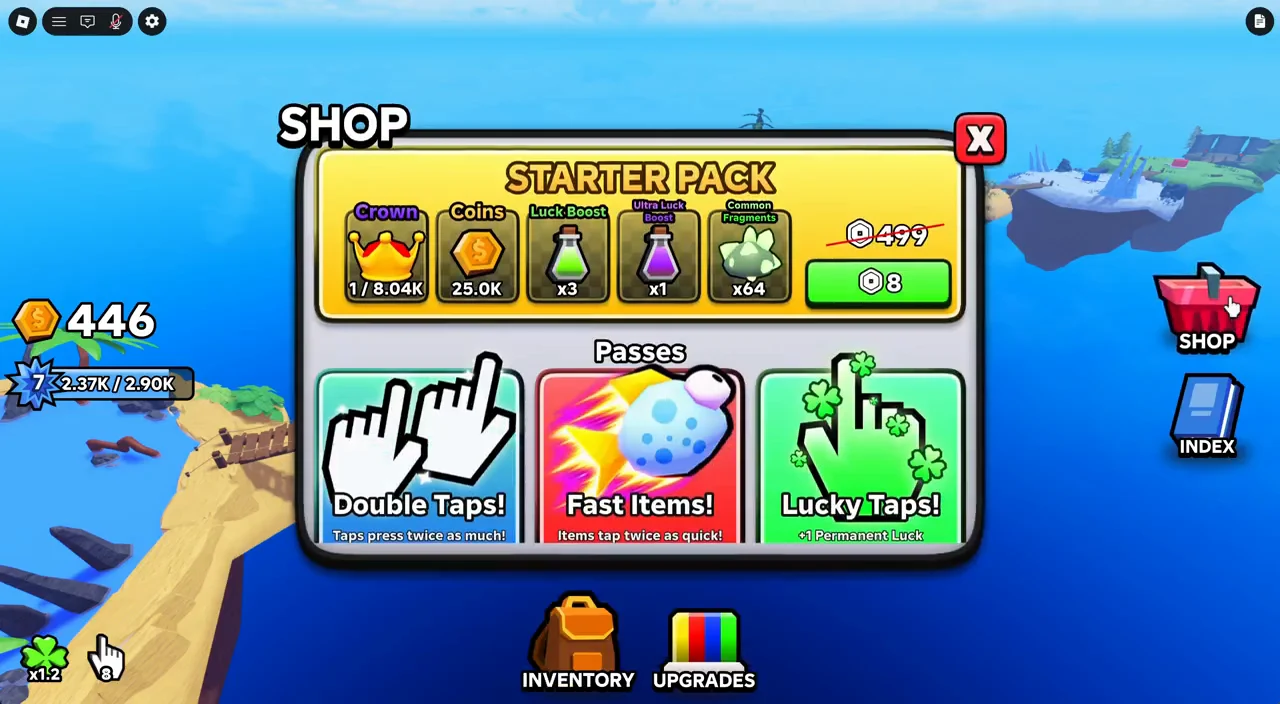
| Pass | Effect | Robux |
|---|---|---|
| Double Taps! | Taps press twice as much | 239 |
| Fast Items! | Items tap twice as quick | 199 |
| Lucky Taps! | +1 Permanent Luck | 59 |
| VIP! | Auto-Mania! costs 119 Robux and grants a Chat Tag, +0.5 Luck, +0.5 Taps, and +10% Coins. | 119 |
| Auto-Mania! | Auto-Clickers tap 50% faster | 199 |
| +1 Equip! | Permanently equip an extra item | 79 |
| Magnet! | 3x pickup range | 99 |
| Bigger Carts! | 2x cart capacity | 259 |
| Gold Hunter! | 2x chance to find Gold items | 399 |
Redeem codes for free rewards
Codes give free coins and boosters, and the active one right now is Release!, which grants a Luck Boost. You can track working and expired codes on the Tap Buttons codes list.
Release! exactly as written, then confirm. A valid code applies the reward immediately, while a bad one returns an “Invalid code!” message. The promo string Bosstin! advertised in an older update log returns that invalid message, so treat it as not working.How to progress faster
The quickest route to a strong account is to automate first and grind second. Buy the cheap Auto Clicker, Coin Cart, and Color Hold nodes as soon as you can afford them, then let the carts and auto cursors farm while you focus taps on building the multiplier.
- Hit Upgrade All every time you open the Items tab to keep gear leveling with your cheapest copies.
- Press Equip Best after any good drop so your strongest items are always active.
- Claim Index milestones for permanent Luck and Clicks before grinding for new rolls.
- Teleport between islands and buy each island’s Auto Clicker and Coin Cart nodes.
- Use the overhead camera to chase teleporting buttons and keep combos alive.
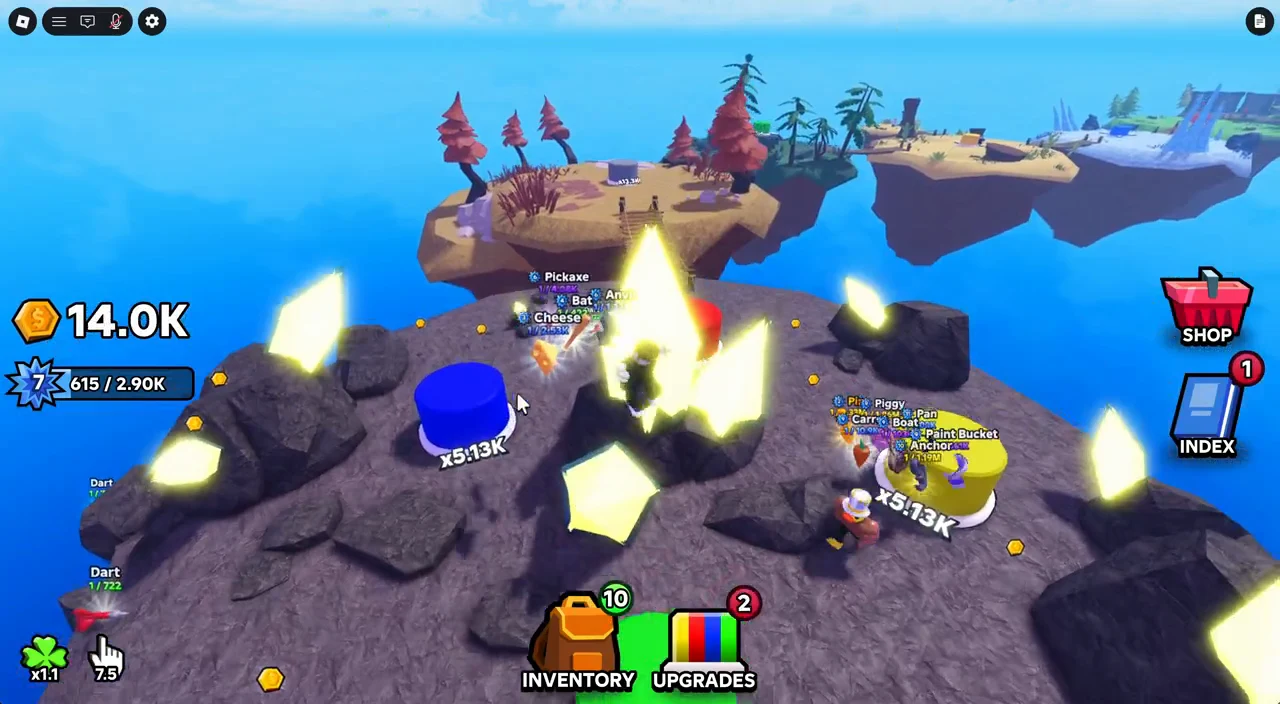
Stack a Coins Boost before an upgrade push and a Luck Boost or Ultra Luck Boost before a rolling session, since that timing turns the same stretch of tapping into both cheaper upgrades and rarer item pulls.