Aion 2’s auto-use feature consumes a healing item when your health falls below the level you select. It also renews buff scrolls automatically, letting you stay mobile rather than reach for the hotbar during a fight. Potion auto-use starts disabled; scrolls are switched on individually, one slot at a time. Find both types on the bottom action bar, or access them through Settings.
Quick answer: Make the cursor visible, left-click the potion symbol on the action bar, enable Auto-use Potions, then choose a value with the HP slider. To control scrolls, pull a slot icon downward to activate it or upward to deactivate it.
The auto-use slots on the action bar
Along the bottom of your HUD are one auto-use space for a healing item and four distinct spaces for scrolls. Put the recovery item you want used automatically in the potion slot; options include a Life Potion (Bound) or a Life Serum (Bound). The scroll spaces are beside it: for example, the Benediction Scroll (Bound) goes in F5 and the Courage Scroll (Bound) in F6.
Make the cursor visible before using any of these slots. Press Esc or X to bring up the main menu, or use Left Alt to display the cursor directly (the game labels it “L-Alt”).

Turn Auto-use Potions on or off from the action bar
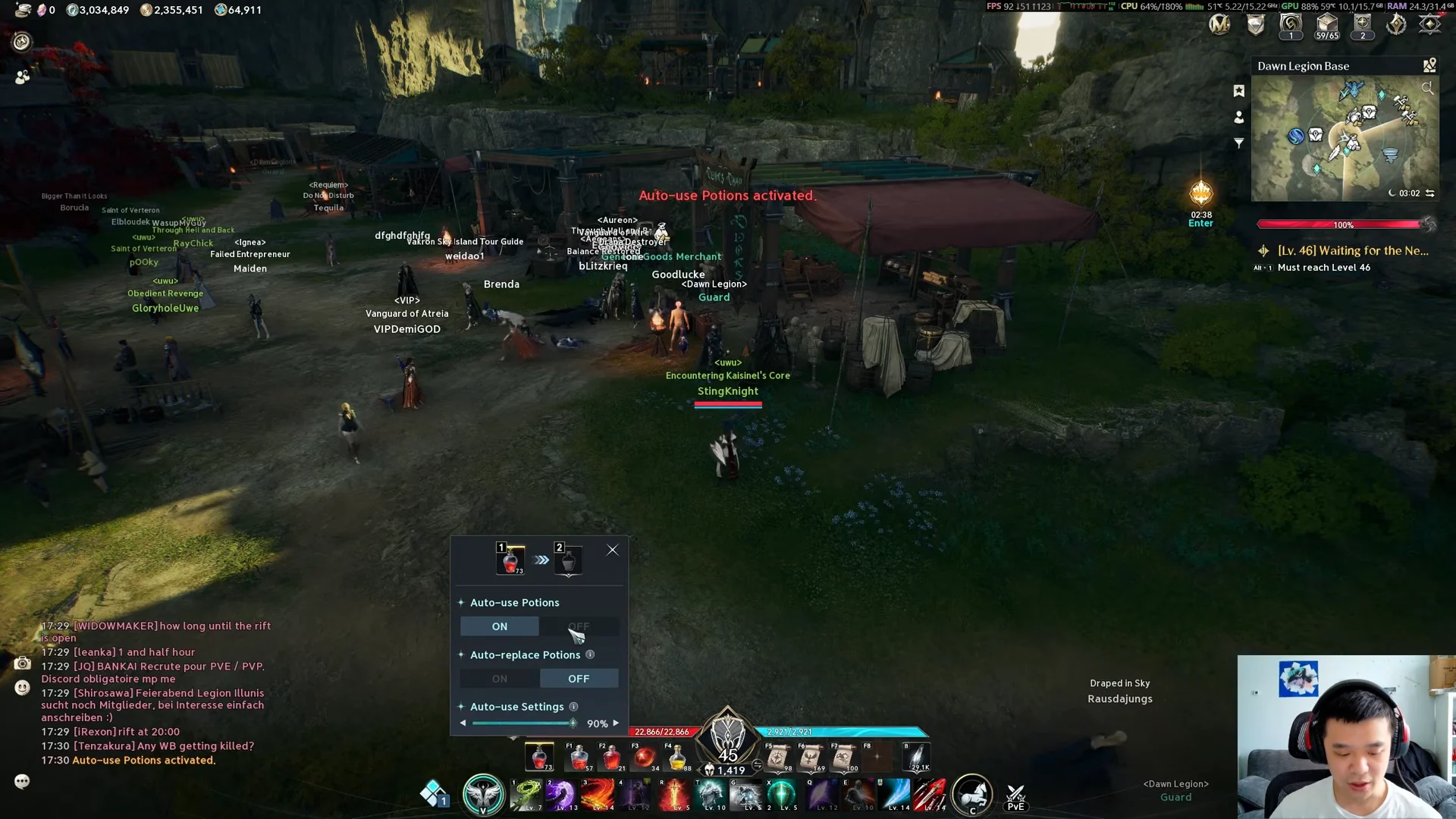
The menu isn’t necessary to change this slot’s state. Pull the potion icon downward to activate auto-use; move it upward to deactivate it.
Set it from the Combat settings menu instead
You can access these controls in Settings too, which helps if the potion key makes you drink by accident. Auto-Use Potion uses the X key by default, and you can change its binding there.
Choosing an HP threshold
Choose a percentage based on whether another player is healing you and how quickly you lose health. When a healer is replenishing your health, a lower setting conserves potions; without someone keeping you alive, a higher setting makes one activate sooner.
| Situation | HP threshold |
|---|---|
| Mixed PvE and PvP | 70% |
| PvE with a healer | 70% |
| Pure PvP | 90% |
Running 70% for general play keeps you healthy without burning potions right before a healer tops you off. In pure PvP, 90% drinks sooner, which matters when incoming damage spikes fast and nobody is covering you.
Toggle auto-use scrolls on or off
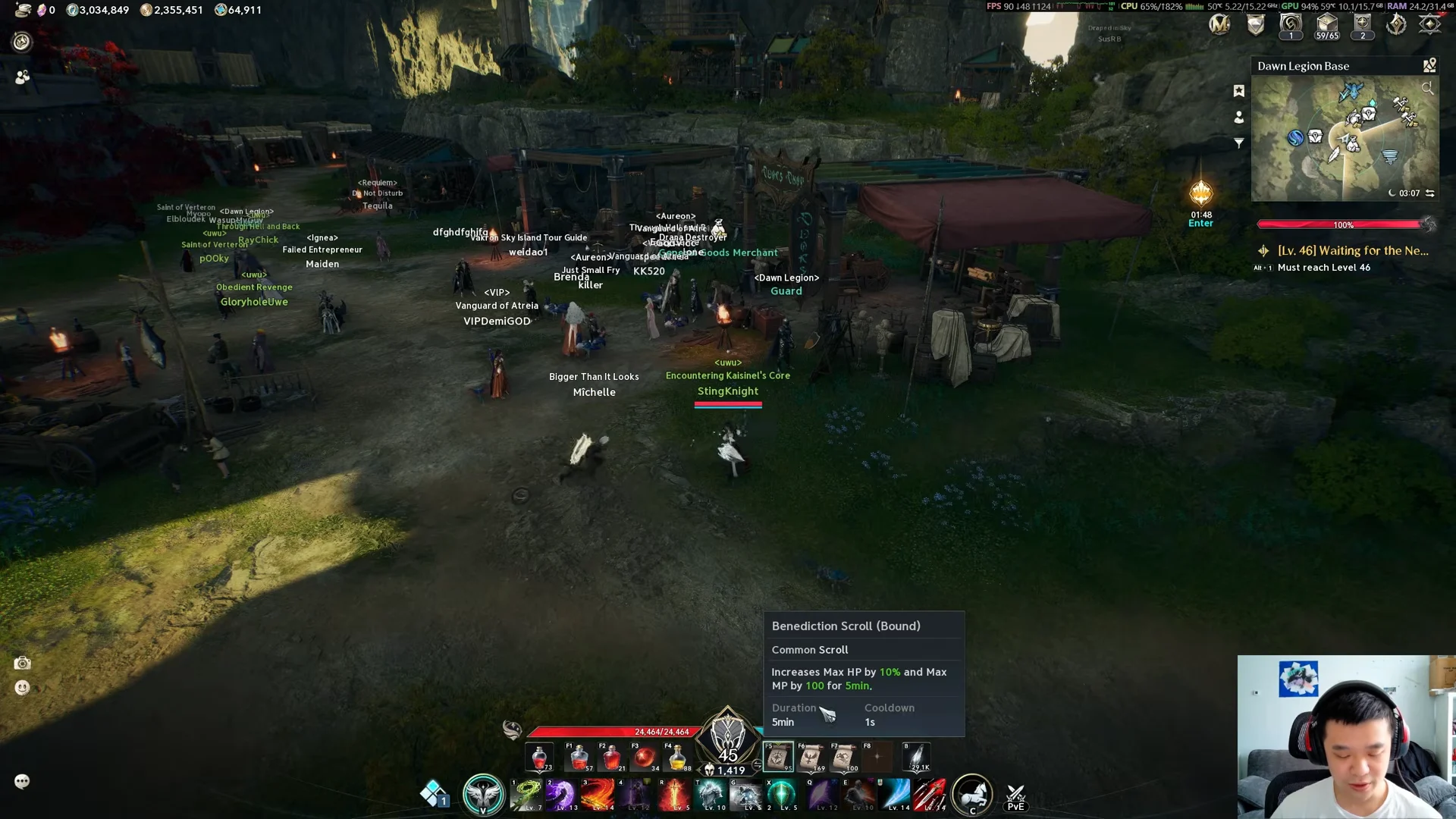
Potions and scrolls use different controls: scrolls have no menu that opens with a click. Drag a scroll’s action-bar icon downward to enable auto-use, or upward to disable it. After activation, it triggers automatically and reapplies as its duration expires while you play.
The Benediction Scroll (Bound) on F5 raises Max HP and Max MP for 300 seconds, and the Courage Scroll (Bound) on F6 increases Combat Speed for 300 seconds. If a scroll keeps triggering the moment you move and you want to stop it, drag that slot’s icon upward.
The potion popup includes an Auto-replace Potions switch too. When the current stack is empty, it automatically changes to another stack.
Confirm auto-use is active
Once you close the menu, an active potion slot shows a glowing gold border, and an on-screen banner reads “Auto-use Potions activated.” Turning it off displays “Auto-use Potions deactivated.” and removes the border. When your health drops below the threshold, the game drinks the potion without any input from you.
Healing items and scrolls you can slot
These are the common consumables that fit the auto-use slots, with their in-game effect, level requirement and shop cost. The HP and MP amounts scale with the item variant, while the percentages and durations below are fixed.
| Item | Effect | Level | Shop price |
|---|---|---|---|
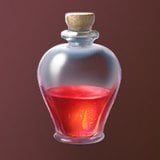 Life Potion (Bound) Life Potion (Bound) | Restores HP plus 5% of Max HP over 10s (every 1.95s) | 1 | 250 Kina |
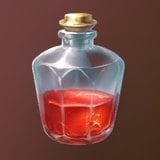 Life Serum (Bound) Life Serum (Bound) | Instantly restores HP plus 5% of Max HP | 1 | 1,000 Kina |
 Life Crystal (Bound) Life Crystal (Bound) | Instantly restores HP plus 10% of Max HP | 10 | 80 Event Currency |
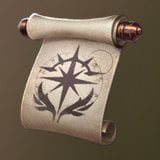 Benediction Scroll (Bound) Benediction Scroll (Bound) | Raises Max HP and Max MP for 300s | 1 | 1,000 Kina |
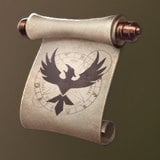 Courage Scroll (Bound) Courage Scroll (Bound) | Increases Combat Speed for 300s | 1 | 1,000 Kina |
None of these bound versions can be traded. The Life Serum (Bound) and Courage Scroll (Bound) can also be crafted through Alchemy, each starting at a base success rate of 72.9%, with the Life Serum needing a Glass Bottle (Bound) and either Fresh Aria or Fresh Azpha at Alchemy mastery 1.
If you want your healing to go further, HP Potion Recovery boosts stack on top. The Noble Belt carries a 10% HP Potion Recovery increase as a main stat, and several titles add flat recovery when equipped, including Dripped Out and Apex Predator at 180, and Burdened with Responsibility at 160.