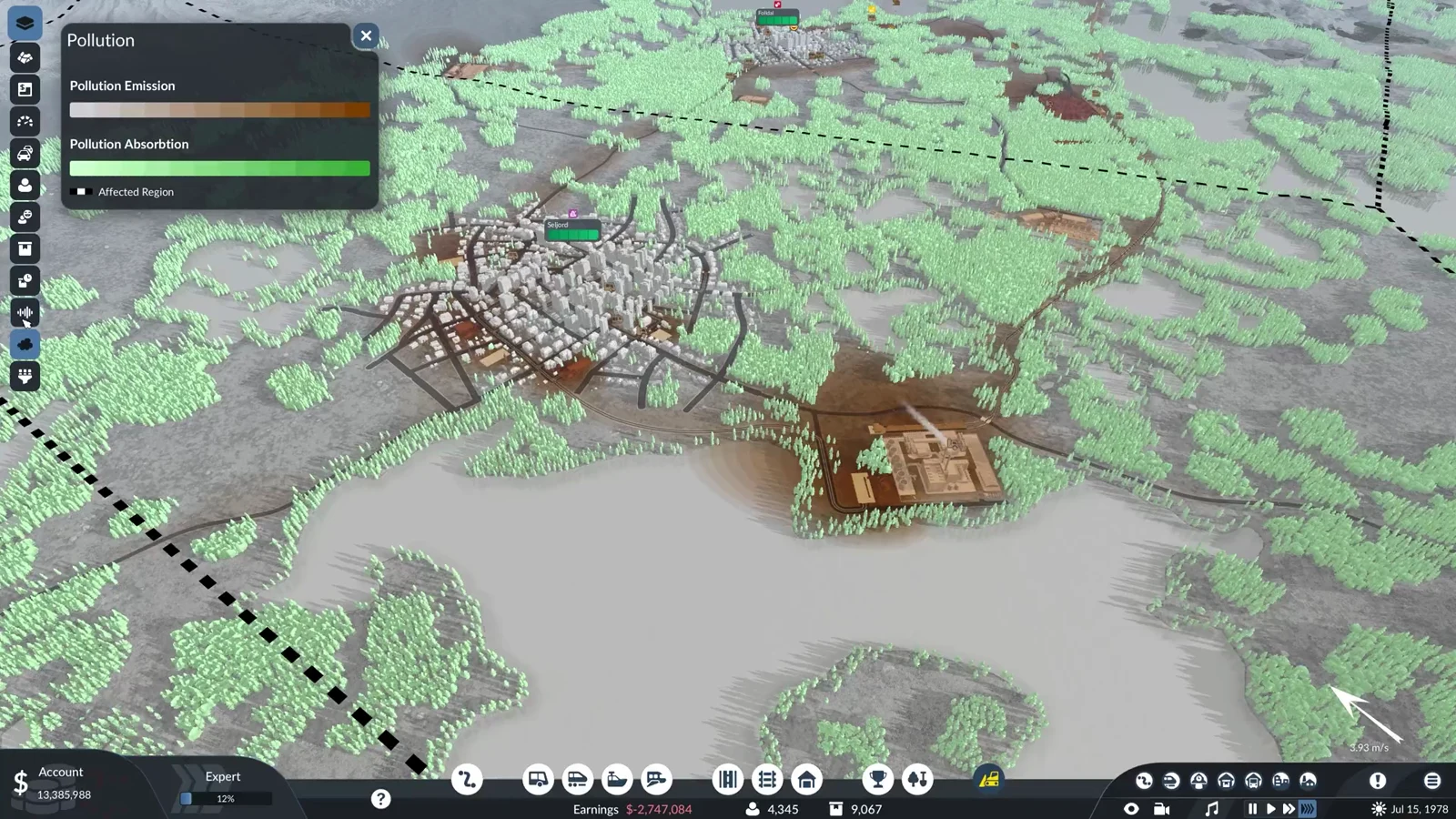
A new free game on Normal drops you onto the map with nothing to build with. The company starts on an empty account, so the first thing you do is borrow. Loans live in the company window, each one a fixed offer with a set amount, term, and interest rate, and each one can be cleared in a single click once your cash covers it.
Quick answer: In the lower-left Account panel, click “$”, switch to Loans, and choose Obtain for an offer. The full sum is credited immediately, a payment comes out at the first of every month, and Repay settles the entire debt whenever your Account has enough to cover what remains.
You start a free game with no money
In a free Normal game with no mods, the lower-left Account panel shows “Account 0” without a dollar sign before the number. Earnings beside it is also $0. Construction is unavailable until you have funds, so Loans is the practical place to begin.
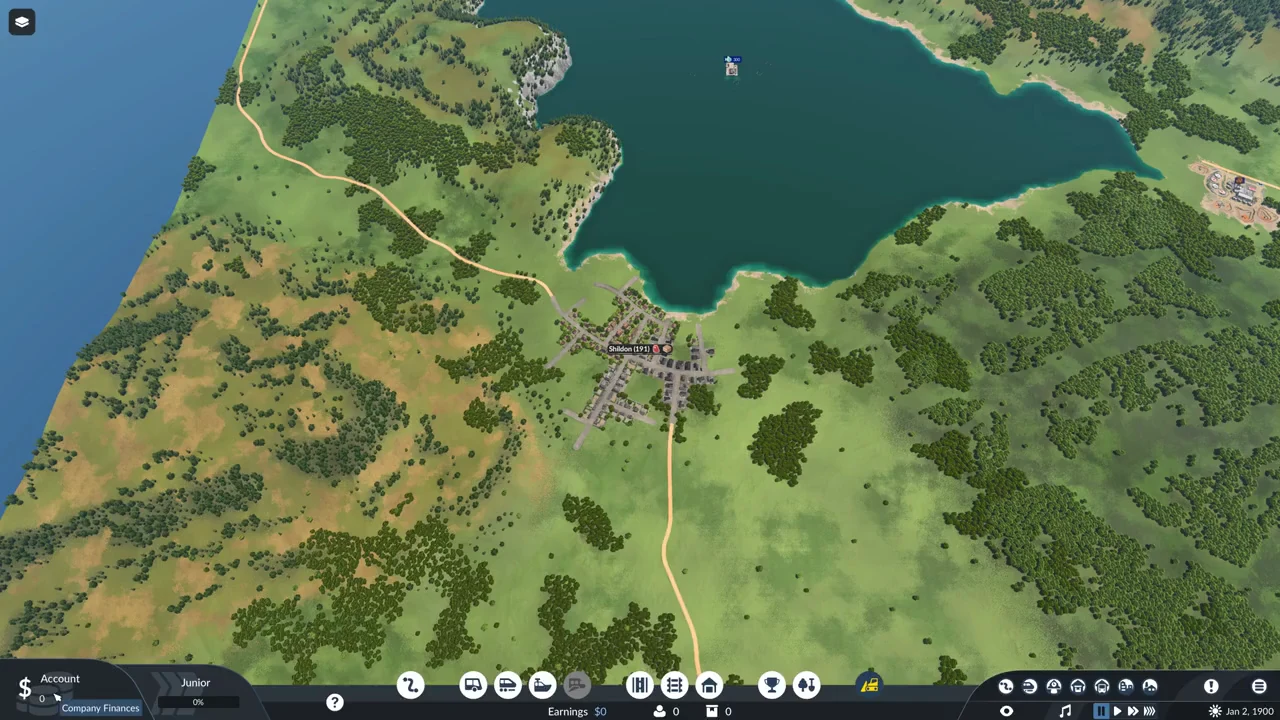
Open the Loans tab
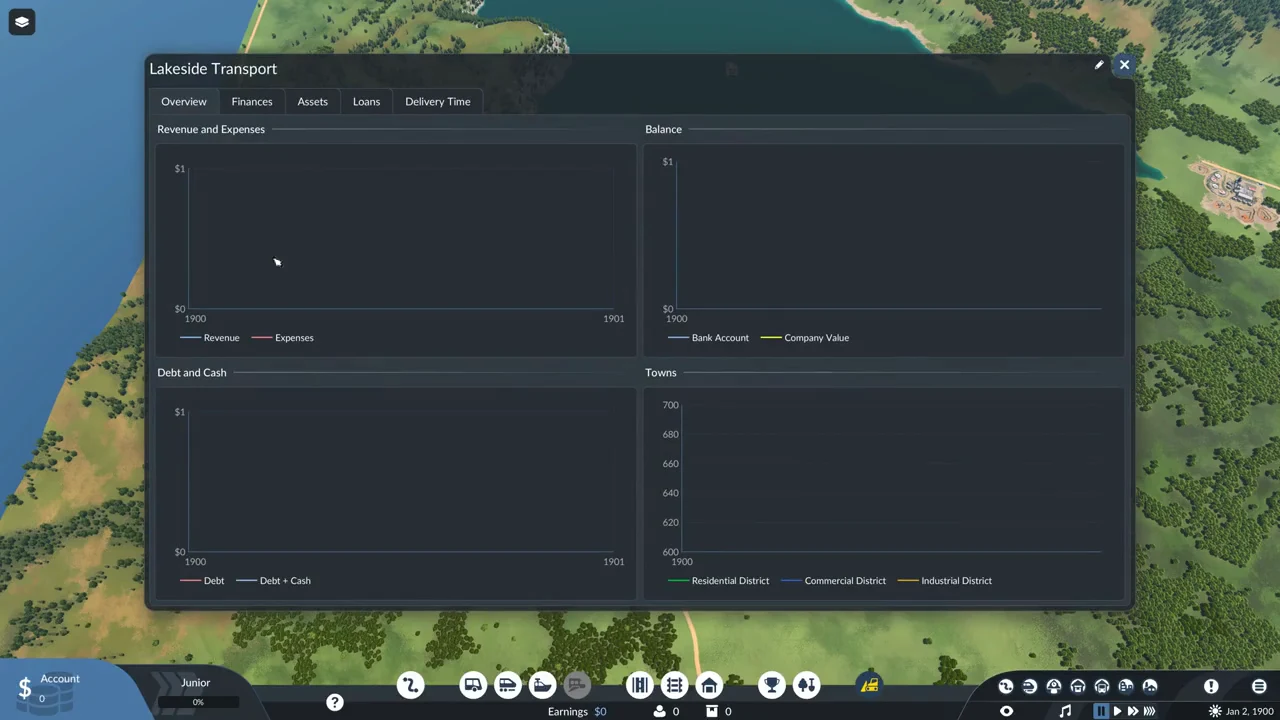
What each offer card shows
An offer card lists four things above an Obtain button. Hovering each line brings up a short tooltip naming it.
- The amount, for example “$8,000,000” (tooltip: Loan Amount).
- The duration, shown in months—for example, “84 Months” (tooltip: Loan Term).
- The interest, a percentage such as “6%” (tooltip: Annual Interest Rate).
- The annual payment amount, such as “$1,211,429 per Year”. Hover over the line to see “Annual Loan Repayment ($100,952 per Month)”, which shows the actual monthly charge.
The term is part of the offer and cannot be set separately. A longer term only arrives attached to a different offer. There is no custom loan card, so the four offers on screen are the only ones you can take right now.
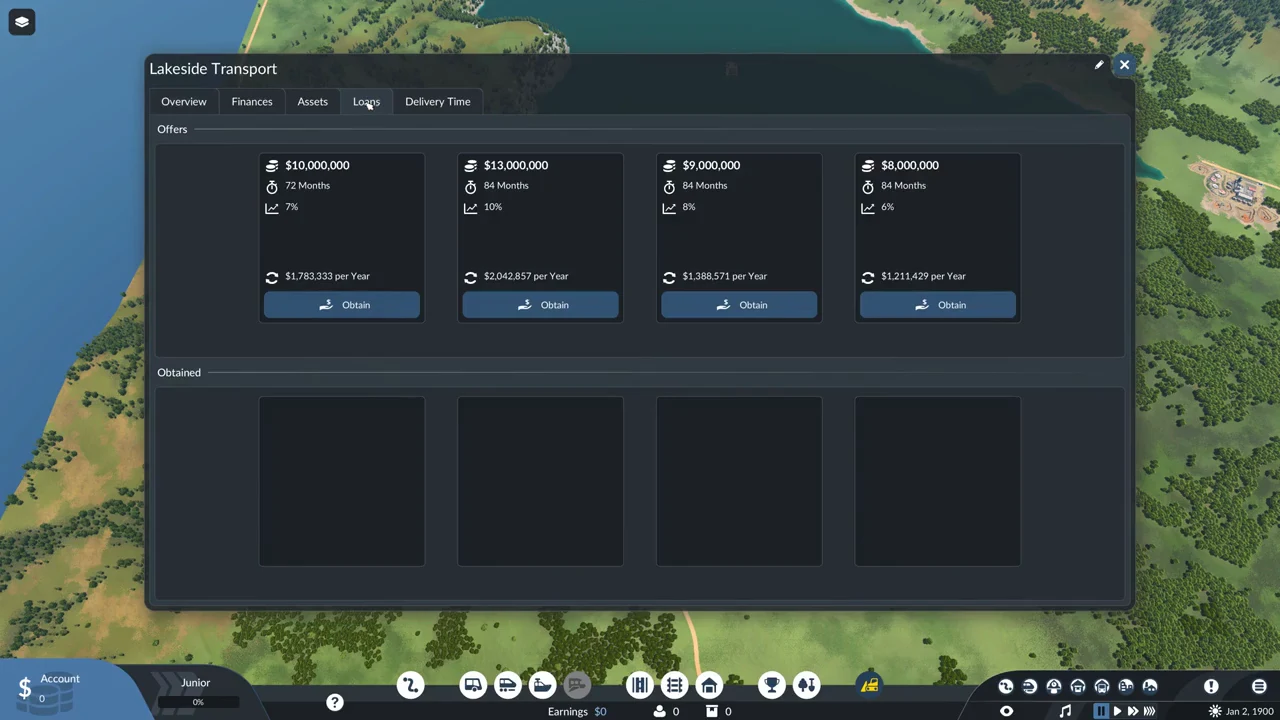
The four offers in a 1900 start
A new game generated these four offers. Instead of charging the percentage each year against the remaining balance, the game adds a single surcharge based on the original loan and divides it among the payments. As a result, total interest is the percentage multiplied by the loan amount.
| Amount | Term | Rate | Per year / total |
|---|---|---|---|
| $8,000,000 | 84 Months | 6% | $1,211,429 / $8,480,000 |
| $9,000,000 | 84 Months | 8% | $1,388,571 / $9,720,000 |
| $10,000,000 | 72 Months | 7% | $1,783,333 / $10,700,000 |
| $13,000,000 | 84 Months | 10% | $2,042,857 / $14,300,000 |
To find the monthly payment, divide the amount borrowed by the number of months, then add that month’s portion of interest. For an $8,000,000 loan lasting 84 months at 6%, principal is 95,238 and interest is 5,714, giving a monthly payment of 100,952. A longer term lowers each payment without increasing the total cost. Since interest is a fixed share of the borrowed amount, the percentage rate determines how cheap the loan is.
Take a loan
Select Obtain on the offer you want. There is no confirmation prompt. The full amount is added to your account at once, so an $8,000,000 loan moves the Account straight from 0 to 8,000,000.
Once you take an offer, its top-row space is vacant for several months, until another offer appears. A loan card is added under Obtained with the remaining debt, a blue bar showing months left, the interest rate, the annual payment, and a Repay button. Borrowing does not add to earnings, so the bottom-bar Earnings figure stays put. You can take out a loan while the game is paused.
The monthly payment
Payments come at the change of month, not a set number of days after you borrow. A loan taken on January 2 pays its first installment on February 1, and nothing is charged in between month changes. A loan taken late in the month pays its first installment only a few days later, at the next turn of the calendar.
Right after the $8,000,000 loan is taken, the card reads $8,000,000 and “84 Months” with an active Repay button, and the date is still January 2. Only when the date turns to February 1 does the card change: it then reads $7,904,800 and “83 Months”, the Repay button turns grey, and Earnings turns red at $-5,714. The account itself drops from 8,000,000 to 7,899,048, a fall of the full 100,952.
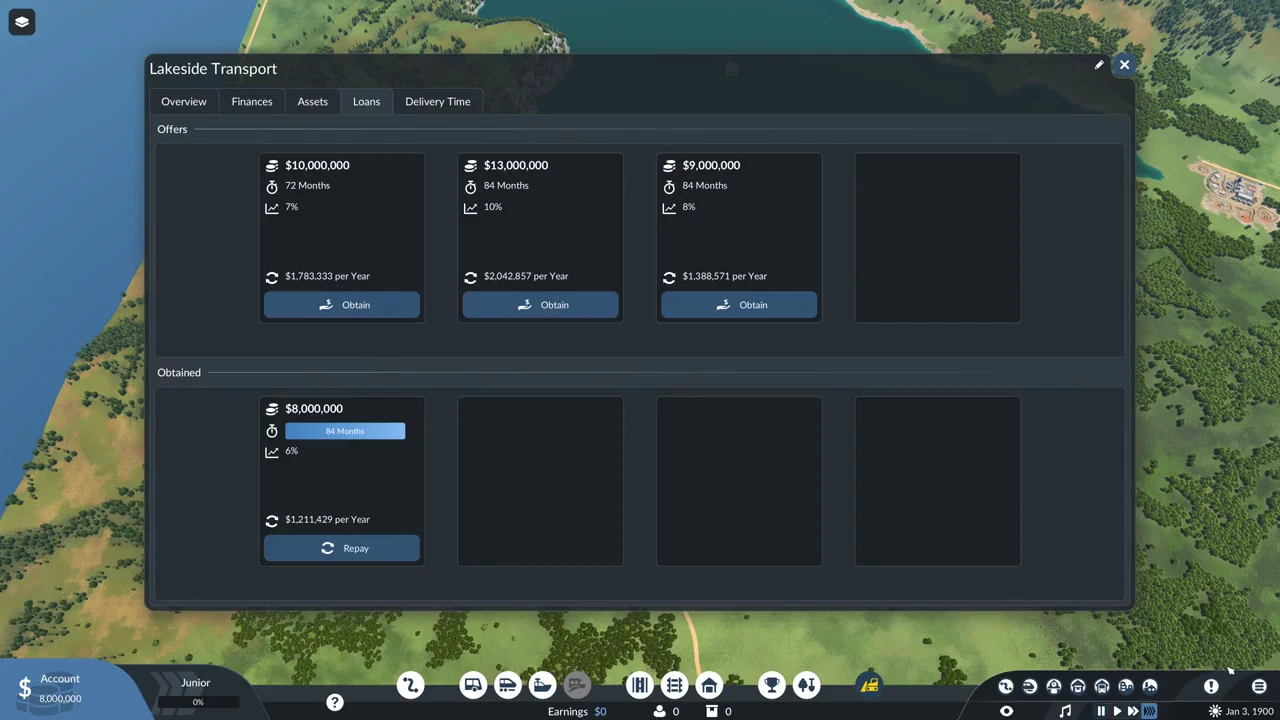
Each payment contains principal and interest. The principal portion alone reduces the debt, taking the card from $8,000,000 to $7,904,800 (the exact amount still owed is 7,904,762, rounded to the nearest hundred on screen). Earnings reflects only the interest portion, shown in red as $-5,714. After each payment, the months bar drops by one. At normal speed, a month takes about two minutes, so payments arrive at roughly two-minute intervals; at the fastest speed, they come about every 30 seconds.
Pay a loan back early
Every obtained loan carries a Repay button that clears the whole thing in one step. There is no partial repayment and no confirmation prompt. When you select it, the card disappears and any loans below it move up a slot.
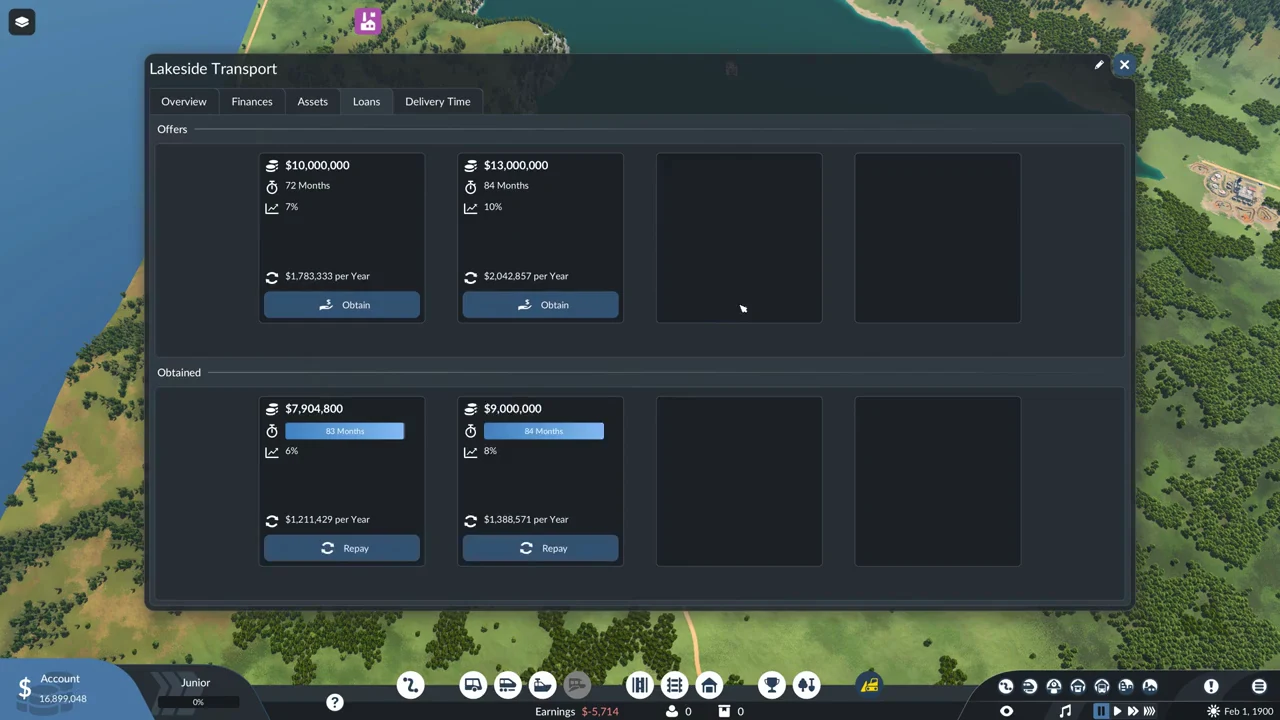
Repay is available only if your account balance is at least as large as the entire debt still outstanding; otherwise, the button is disabled and cannot be used. It works just after borrowing because the account still contains the full loan. After the first payment, the debit—including interest—leaves the account short of the remaining debt, so the button greys out until more money comes in. A disabled button is normal and means your balance cannot cover the amount owed.
Paying off a loan early deducts precisely the remaining debt, with no added charge. With 7,904,762 outstanding, pressing Repay took the account from 16,899,048 down to 8,994,286—a deduction of exactly 7,904,762. Interest for the remaining 83 months was not charged, and Earnings remained unchanged.
The first interest charge happens only when the calendar moves into the next month, so you can borrow and repay within the same month at no cost. Repay during the following month and you owe one month’s interest, which was 5,714 on the $8,000,000 loan. Paying the loan off as soon as your account can cover it avoids any interest not yet due.
You can borrow a second time and use that money to settle the first loan. When you press Repay, the Account needs only enough to cover the remaining debt, and funds from the new loan count toward it. The original offer does not return after repayment; its slot stays empty until another offer arrives.
How to know it worked, and what trips people up
You know a loan landed when the Account jumps by the full amount and a card appears under Obtained. You know an early repayment went through when the card vanishes, any loans below it shift up, and the Account falls by exactly the amount that was still owed. The Finances tab breaks the same movements out as New Loans, Principal Repayment, Loan Interest, Loan Transactions, and Debt.
- The tooltip describes the percentage as an “Annual Interest Rate”, but the charge is applied once to the full loan rather than once per year.
- The figure beside “per Year” includes principal repayment; it is not just the interest charge.
- The card shows the debt in hundred-dollar increments, so the amount taken by “Repay” can differ by a few dollars.
With the Loans tab understood, the offers differ in amount, term, and interest rate. A road depot, a couple of stops, and an early vehicle or two cost a small fraction of even the smallest offer in 1900, so the cheapest money, the offer with the lowest percentage, usually covers a first line several times over.