Scrooms is a Roblox adventure where you track down and catch mushroom creatures by playing an instrument. Every catch runs through a rhythm-and-tuning minigame, and the creatures you bring back become currency, better gear, and access to new areas. The early loop is simple once you know the order to do things in: catch, sell for Chimes, upgrade your instrument, and work toward the Sprintreeads boots that open up the second zone.
Quick answer: Catch Scrooms with your instrument, sell them to the vendor for Chimes, buy a stronger instrument, then finish Halden’s questline and hit Level 25 to race the cliff NPC for the Sprintreeads speed boots.
How the Scrooms catching minigame works
Catching is built on sound rather than combat. You find a Scroom in the world, play your instrument, and work through a short sequence to lock it in.
Landing a Perfect Catch rewards bonus experience, around +50% Exp on top of the base amount. Better instruments widen the catch zone and make the tuning more forgiving, which matters a lot once you start chasing rarer species that demand clean timing.
Earn Chimes by selling Scrooms
Chimes are the main currency, and you earn them by selling what you catch. Head to the shopkeeper NPC inside the wooden cottage in Songkeeper’s Grove and talk to them to open the sell menu.
You get two choices: [Sell Held] offloads only the Scroom you are currently holding, and [Sell Inventory] clears everything at once. A single decent catch can fetch something like 106 Chimes, so a full inventory adds up quickly. Sell in bulk when you are grinding and hold back individual rare finds you still want logged.
Instruments and what they cost
You start with a basic Wooden Lute. Spending your Chimes at the shop counter gets you instruments with better Precision, Luck, and Tune Speed, which directly improve how reliably you catch. The Adventurer’s Tambourine at 15 Chimes is the first cheap upgrade to grab.
| Instrument | Precision | Luck | Cost |
|---|---|---|---|
| Wooden Lute | +2% | 0% | Starter |
| Adventurer’s Tambourine | — | — | 15 Chimes |
| Tamer’s Guitar | +6% | +5% | 100 Chimes |
| Violin of Pilgrimage | +5% | +10% | 1,500 Chimes |
| Blackwood Fiddle | +10% | +15% | — |
The Tamer’s Guitar also adds +20 Tension and +5 Harmony, making it a strong early buy once you clear 100 Chimes. The Violin of Pilgrimage and Blackwood Fiddle both push Tune Speed to +5% and Resonance to +1, so they handle the higher-frequency rare species far better than the starting lute.
Get the Ocarina and set your spawn point
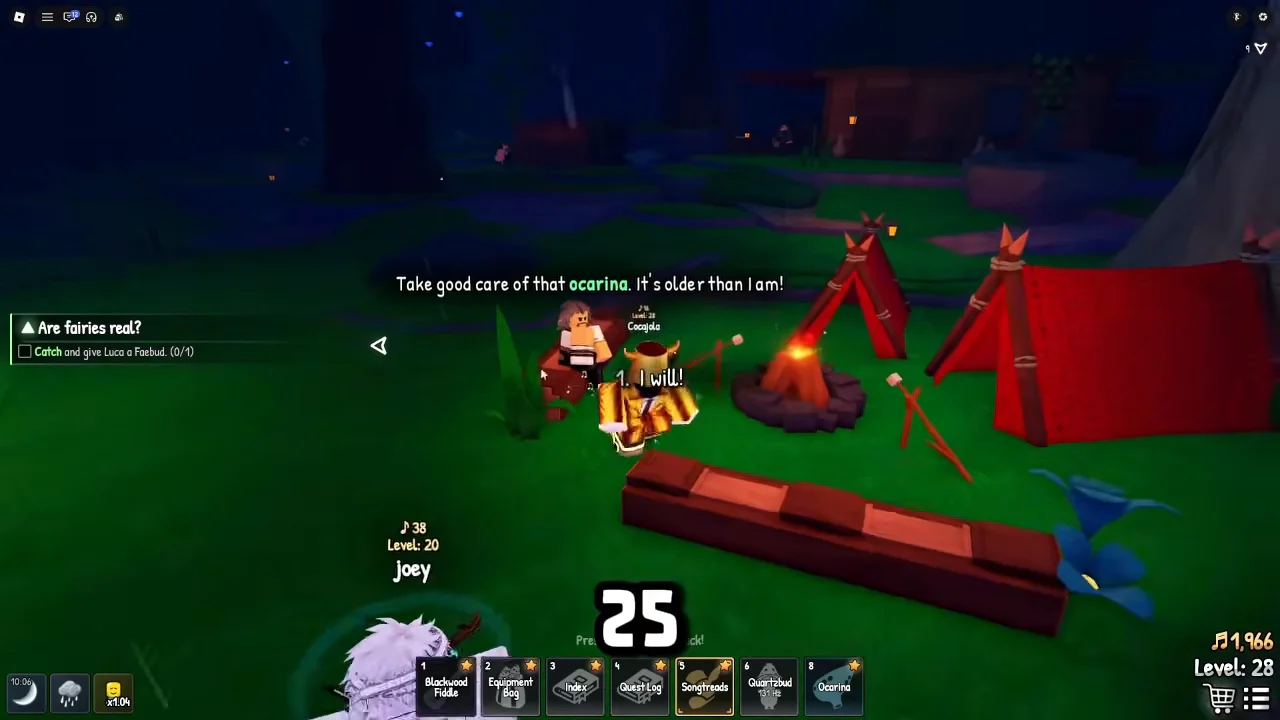
Early on, take every quest you can from the NPCs around Songkeeper’s Grove. One of the most useful rewards comes from Halden, the NPC seated by the campfire. Complete his introductory tasks and he hands you the Ocarina.
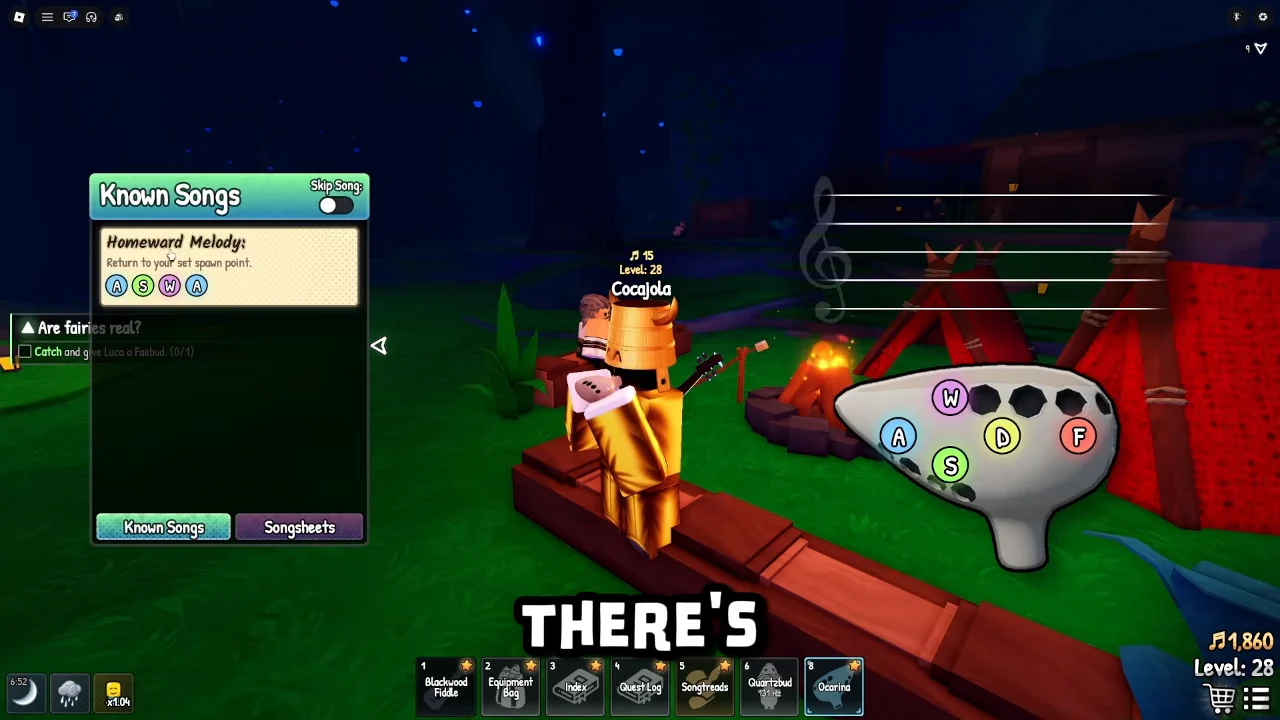
The Ocarina lets you play the Homeward Melody, which teleports you straight back to your registered spawn point. The on-screen keys for playing are W, A, S, D, F. Before that teleport is useful, go into The Old Oak Inn and speak to Kent to set your home spawn. After that, the Homeward Melody becomes a free fast-travel back to base whenever your inventory is full.
Unlock the Sprintreeads speed boots
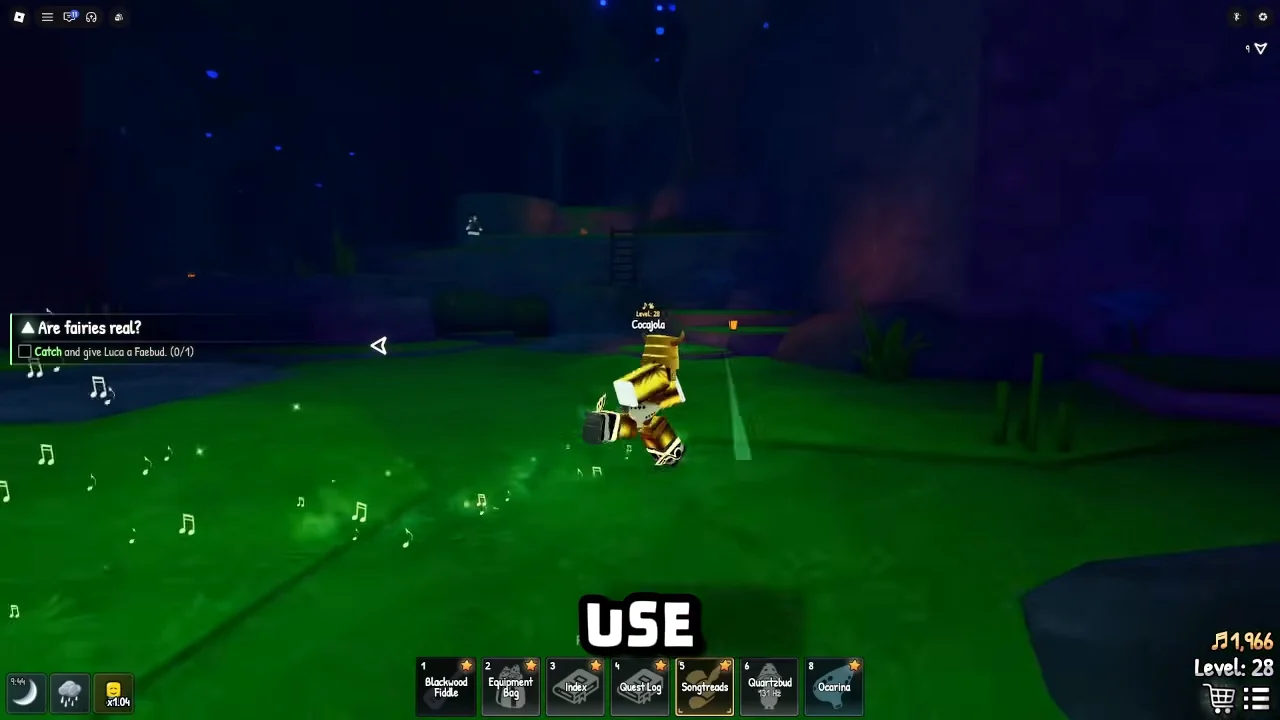
The Sprintreeads are the speed boots that let you run fast and clear the long jump into the second zone. They enhance your movement speed after you play the “Alacrity” song, and they must be equipped and held to take effect.
Reach Bluestone Caverns and The Verdant Grotto
With the boots equipped, follow the path up to the Bluestone Approach cliffs. Sprint toward the wide gap and jump across it to land at the entrance of Bluestone Caverns, the second world. You cannot clear that chasm without the speed boost, which is why the Sprintreeads are the gate to this area.
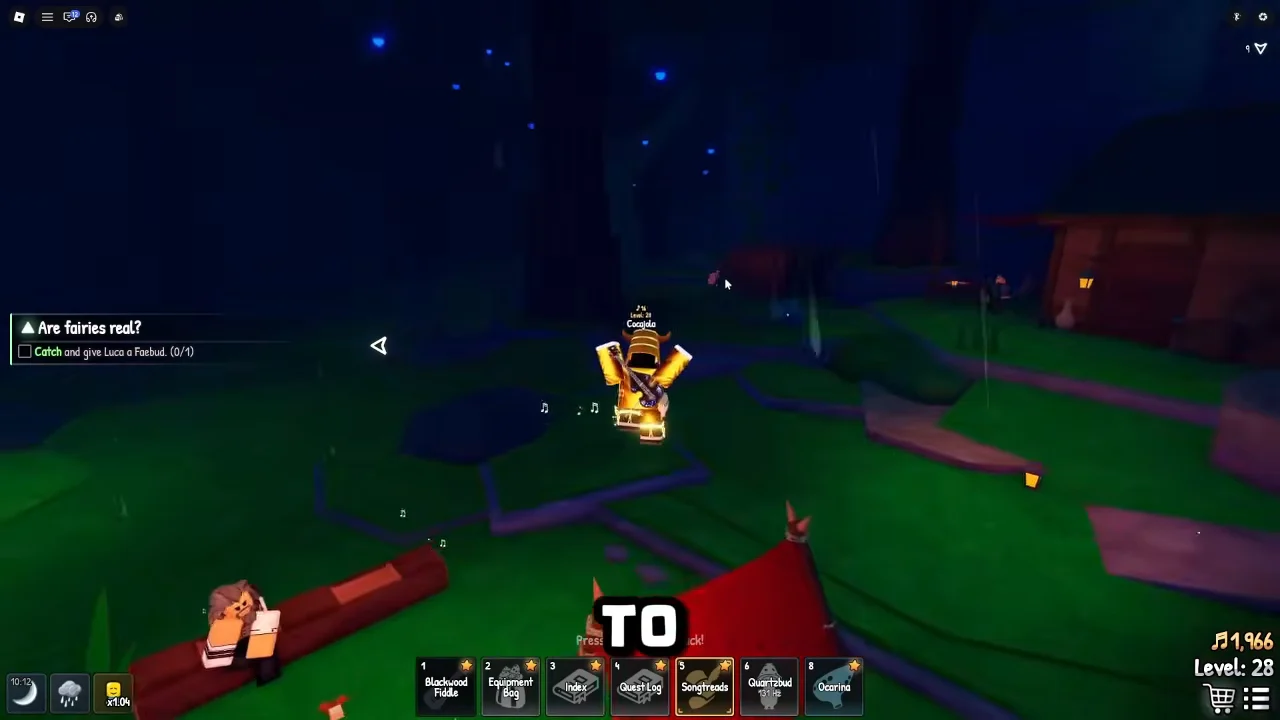
A separate area, The Verdant Grotto, sits behind the waterfall entrance. Reaching it requires 100% completion of the Songkeeper’s Grove Index. Keep catching every species the Index lists, including the ones tied to NPC requests such as Lucia’s “Are fairies real?” quest, which asks you to catch and give her a Faybud.
Automating catches with the ExoPanda macro
The catching minigame becomes repetitive once you are running dozens of catches per session, so some players automate it with the free ExoPanda Scrooms macro on Windows. It reads the Roblox window and sends ordinary mouse and keyboard input to tune the frequency, align the ring, and keep the catch going.
Automation tools involve some risk. The macro operates outside Roblox and sends only inputs that mimic player actions, but zero risk cannot be guaranteed. Use it at your own discretion and keep sessions reasonable.