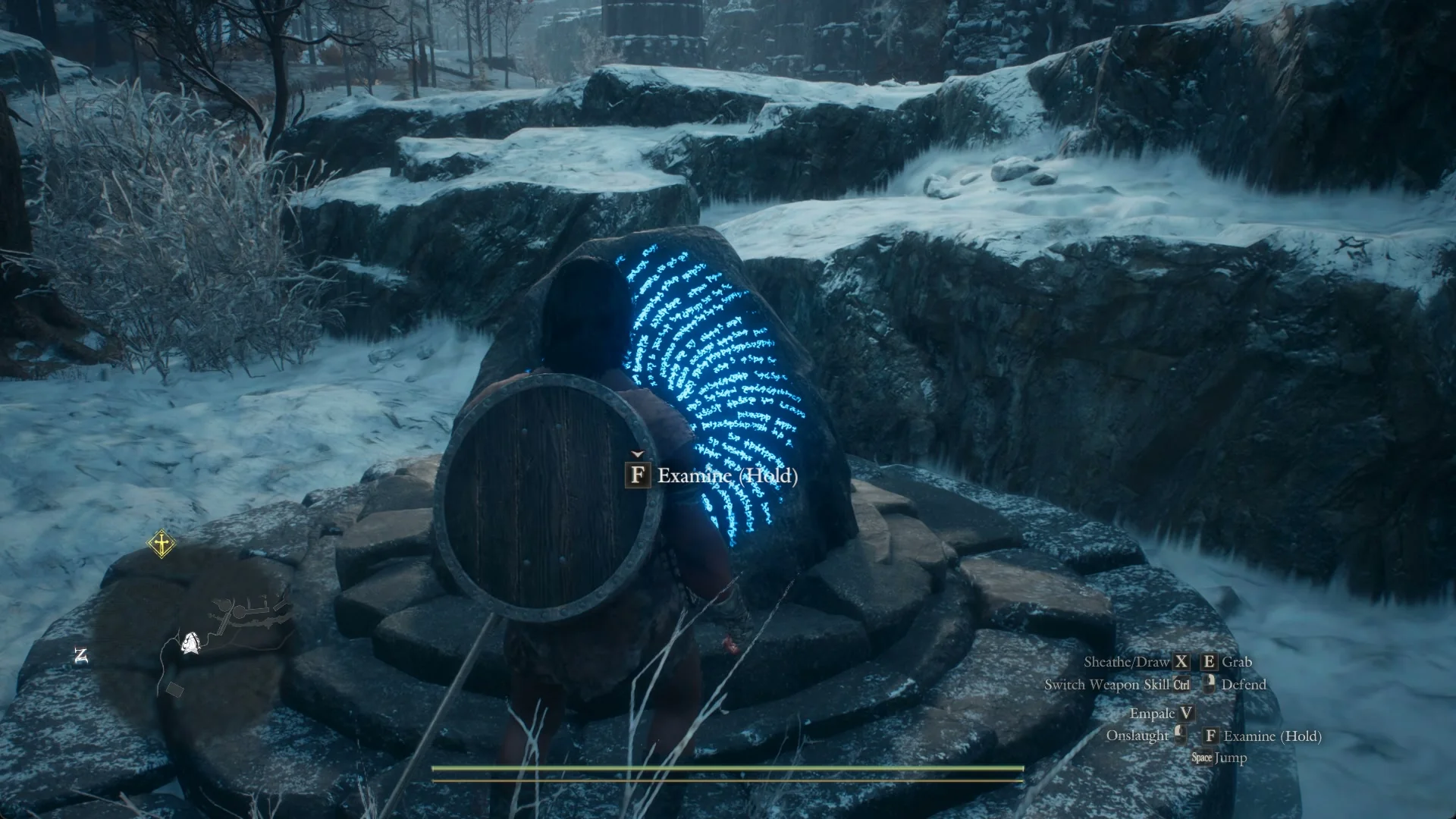
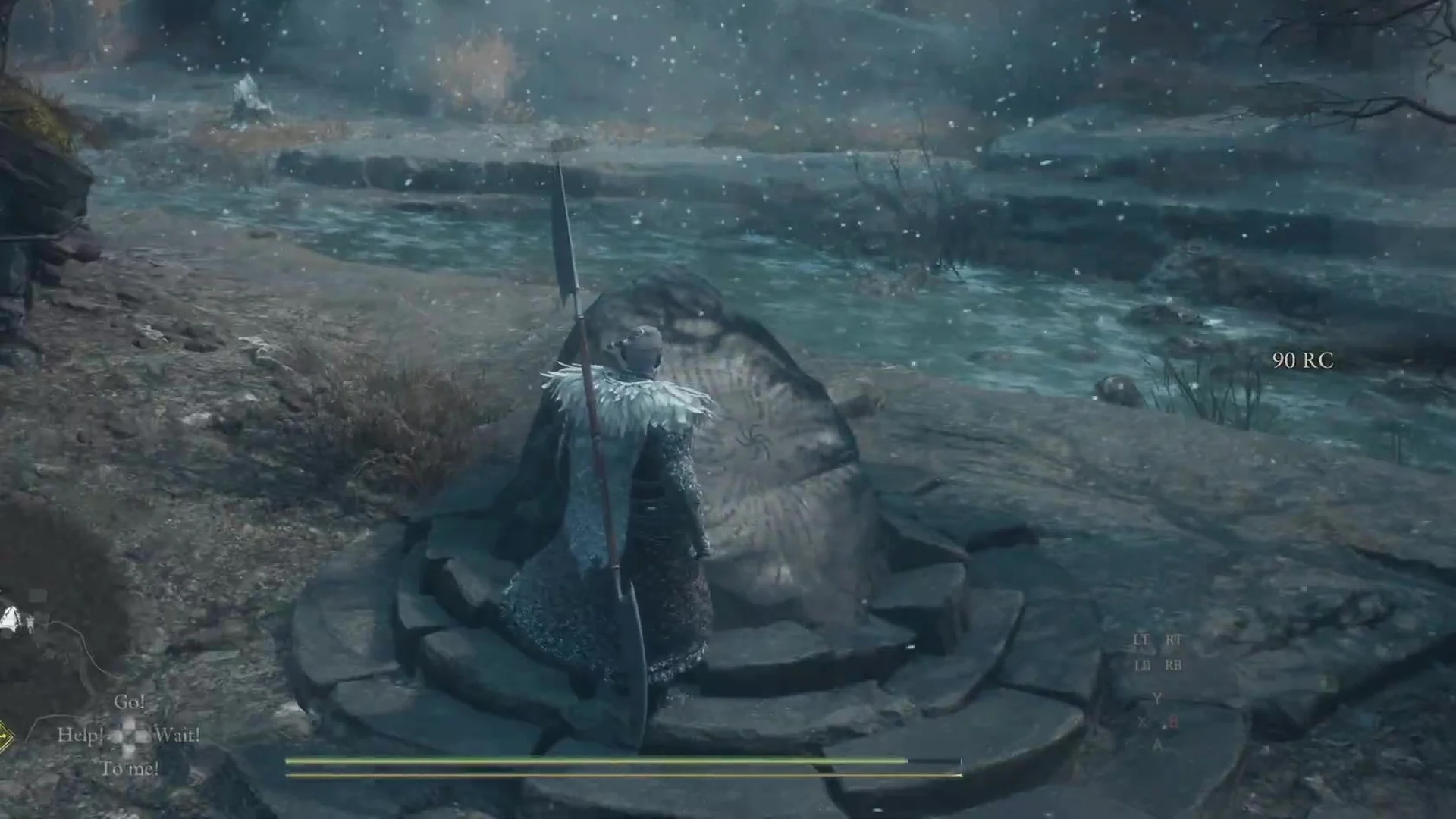
The Riftstone of the Elite sits inside the Abandoned Village in Norgan, the ruined hamlet east of the Norgandian Settlement. You find it broken at first, a heap of dark rubble on a round, stepped stone base, waiting beside the stream near a small plank bridge. Restore it and it opens a rift stocked with pawns carrying advanced weapon skills.
Quick answer: Walk onto the stone base beside the stream in the Abandoned Village and press Examine (F on PC) to rebuild it, then hold Examine to enter the rift.
Riftstone of the Elite location in the Abandoned Village
Reach the Abandoned Village from the road east of the Norgandian Settlement. A grey stone wall with battlements crosses the path, broken by arched openings with rubble piled on its right side.
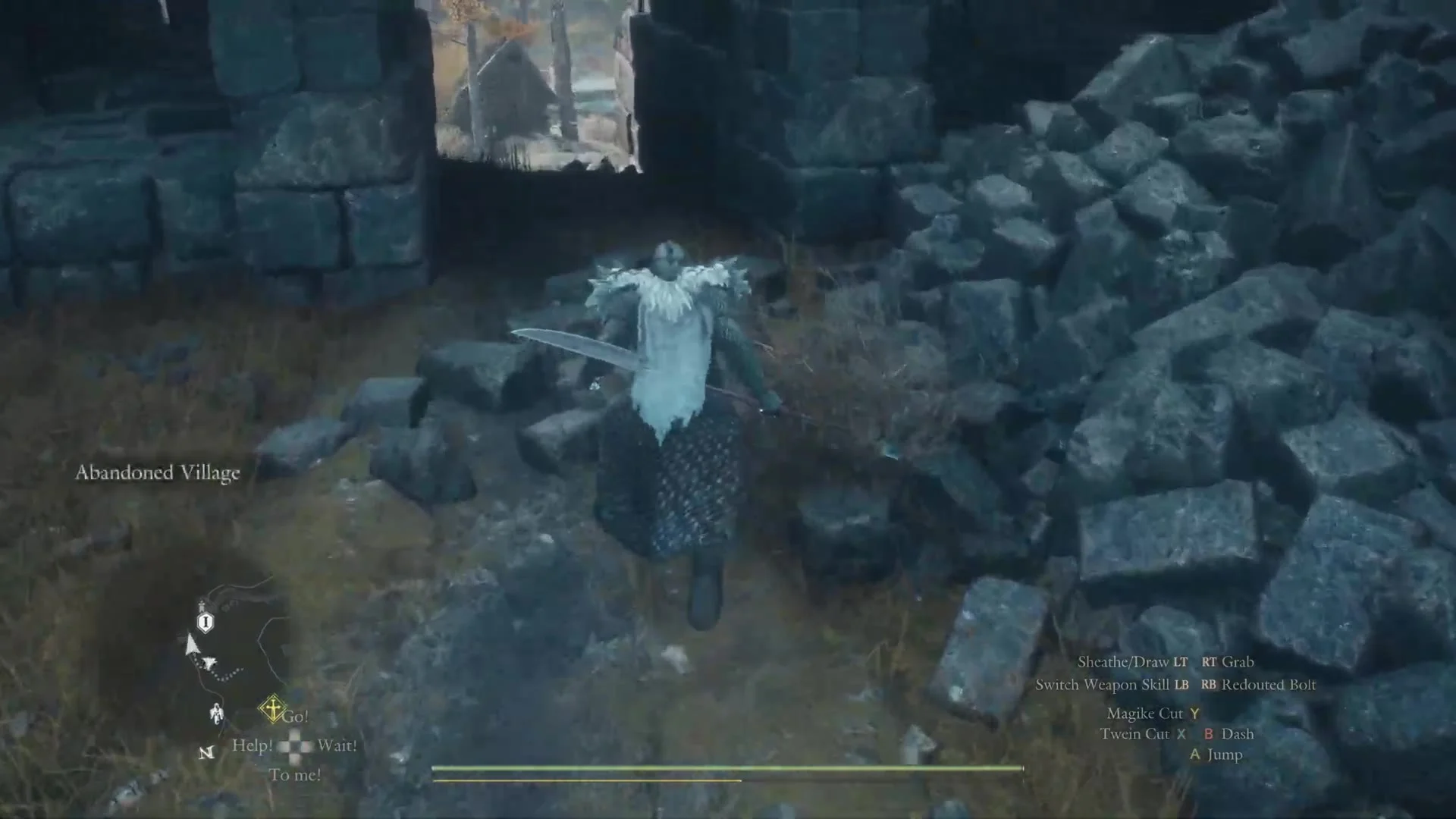
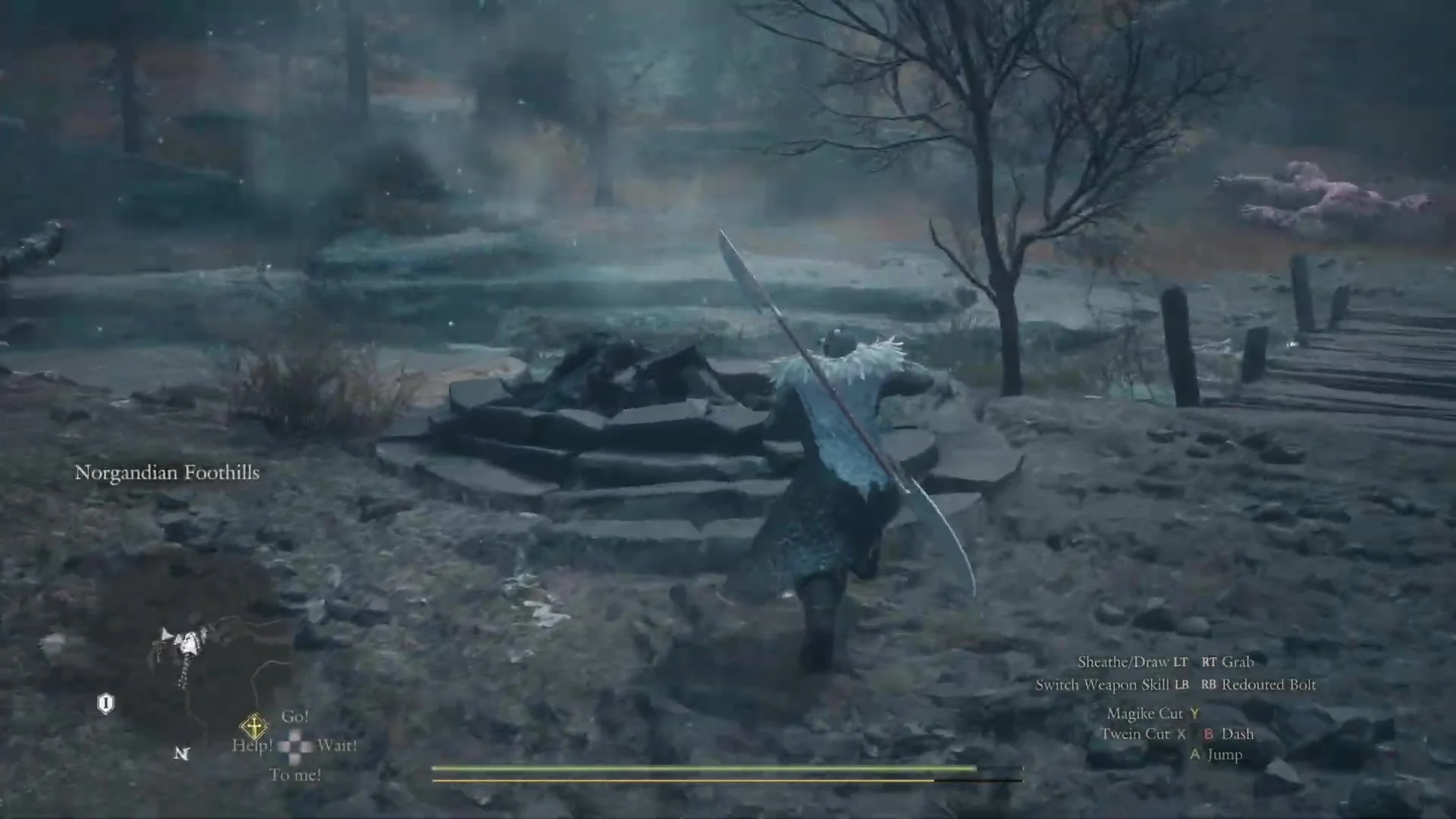
The area name can switch to “Norgandian Foothills” by the time you reach the stream. You are still in the right spot.
Enemies hold the village. “Encountered: Beorcan and others.” shows on the roads around it, and a large beast can be waiting at the stream inside the walls. Clear them before you stop at the stone.
How to restore the Riftstone of the Elite
The prompt alone rebuilds the stone; nothing is taken from your pack, and Rift Crystals are added rather than spent.
What the Riftstone of the Elite does
The stone’s text reads “Find pawns with advanced weapon skills equipped.” The pawns waiting inside carry advanced weapon skills, so this is where you go to recruit for that purpose. It is a riftstone, not a portcrystal, so it is not a fast-travel point.
Inside, pawns stand around the glowing blue stone. A small tag by each one shows a name, a level and a hire cost in RC. A header at the top switches the tags between pages with LB and RB (Q and E on PC), and the pages include “General Information”, “Type/Race/Inclination” and “Weapon Skill”. The row of dots under the header has eight dots.
On the “Weapon Skill” page, each tag lists that pawn’s six weapon skills, so you can read the advanced ones before talking to anyone. Skills listed on pawns in this rift included Hurricane Strike, Riotous Fury, Full Moon Slash, Eviscerating Skewer, Spiral Arrow, Cascade Shot, Myriad Shot, High Levin, High Solemnity, Argent Solace, High Frigor, Celestial Paean, High Celerity, High Salamander, High Thundermine, High Hagol, Grand Decanter and Meteoron.
Walk up to a pawn and the prompt reads “Hail (Hold to Talk)”. The menu gives you “Hire” with the cost beside it, “View Pawn Details”, “Add to Favorites” and “Cancel”. Choosing “View Pawn Details” opens the Status screen with the tabs “Status”, “Vocation” and “Pawn”, where “Vocation” lists Weapon Skills and Core Skills with a text and a preview for each.
Hire costs vary with the pawn. On the tags, pawns at level 97 showed “0 RC”, level 98 showed “27 RC” and level 99 showed “61 RC”. Talking to a pawn already in your party instead gives “Talk”, “Dismiss”, “Add to Favorites” and “Never mind.”
How to leave the rift
Use “Examine” on the stone from inside the rift. The menu is titled “Riftstone of the Elite” and has two rows, “Pawns in the Rift” and “Leave the Rift”, with the stone’s text beneath them. Highlight “Leave the Rift” and the hint line reads “Leave the rift and return to your travels.” Select it to step back out and carry on.