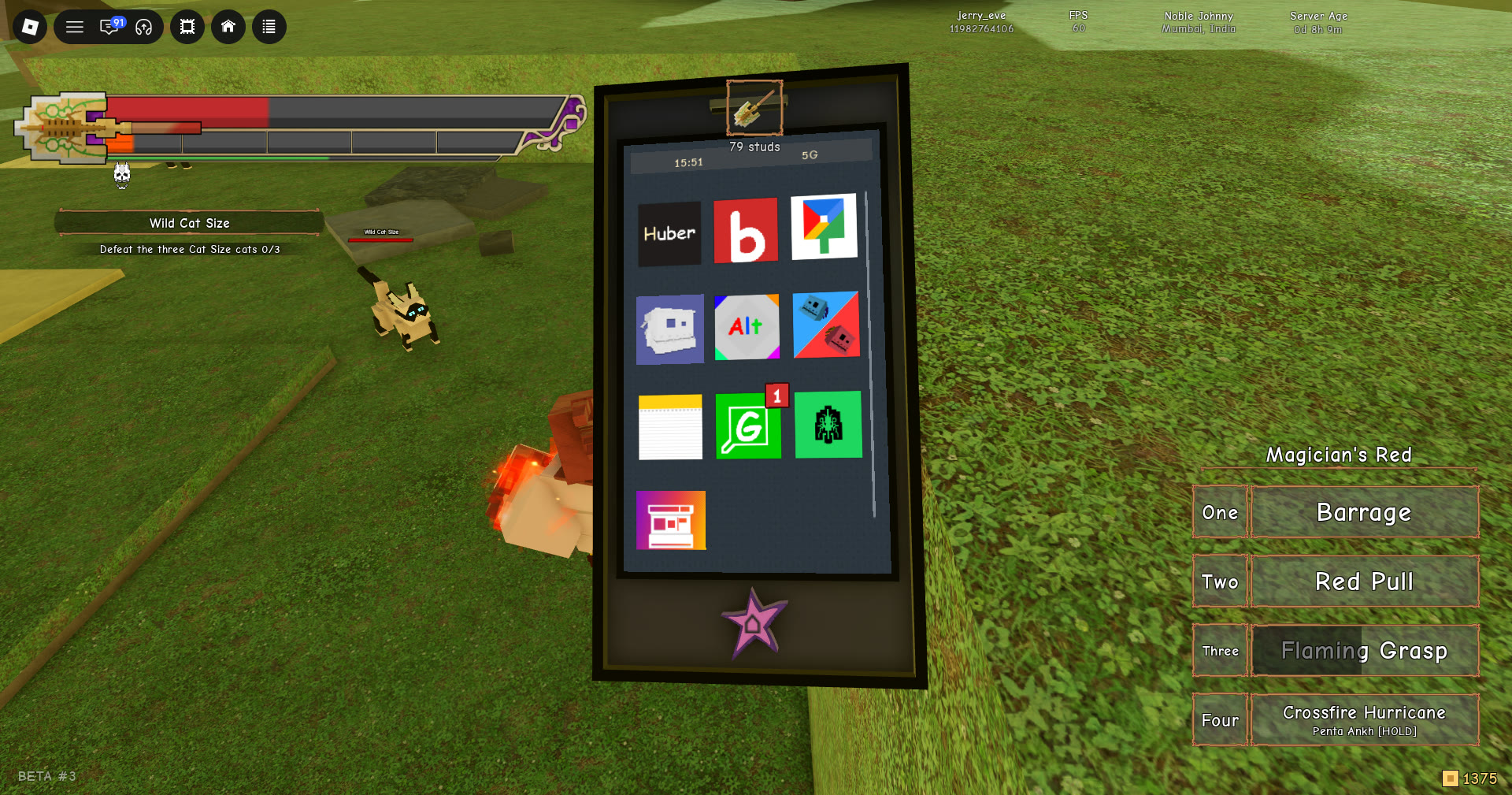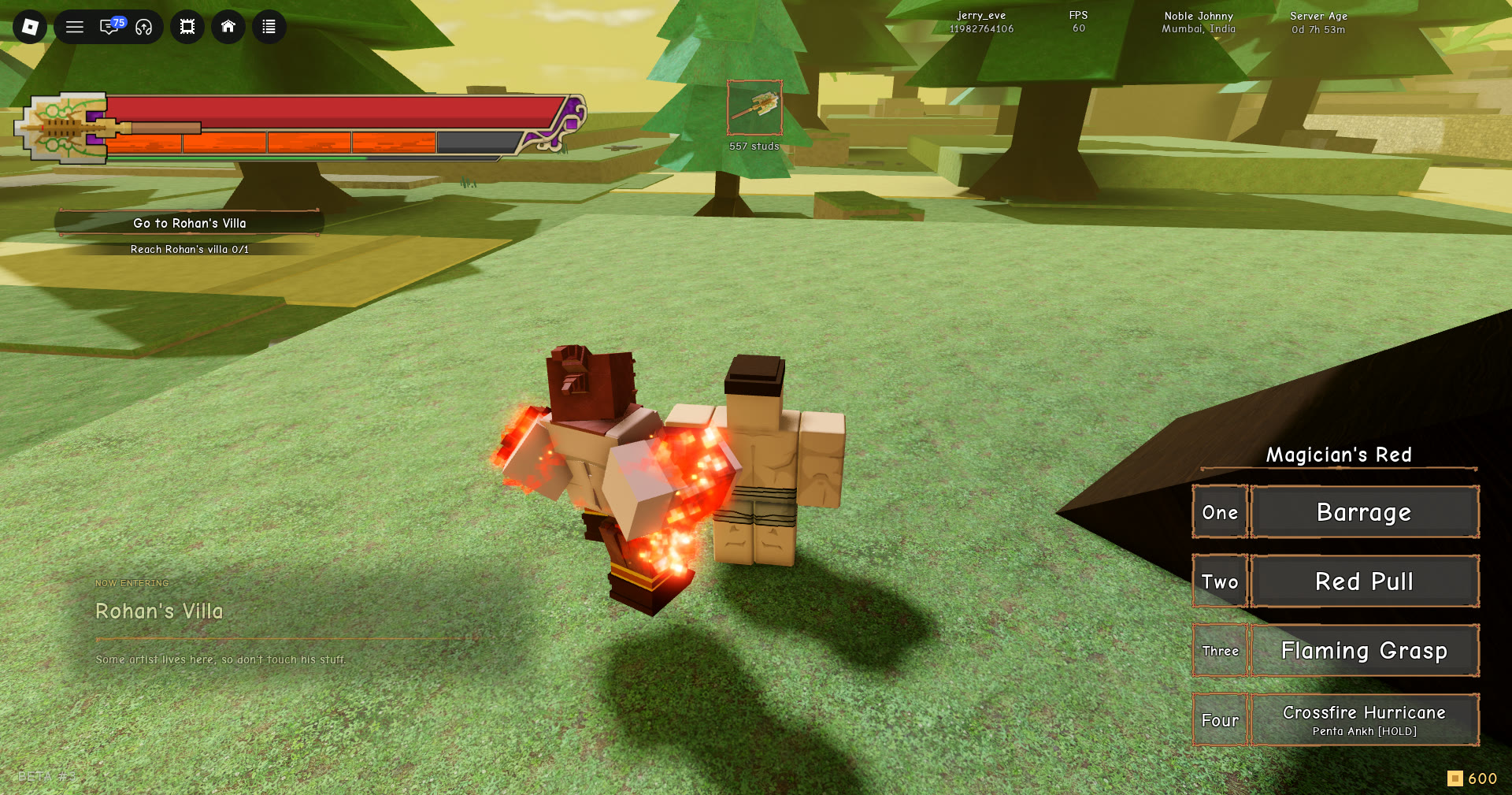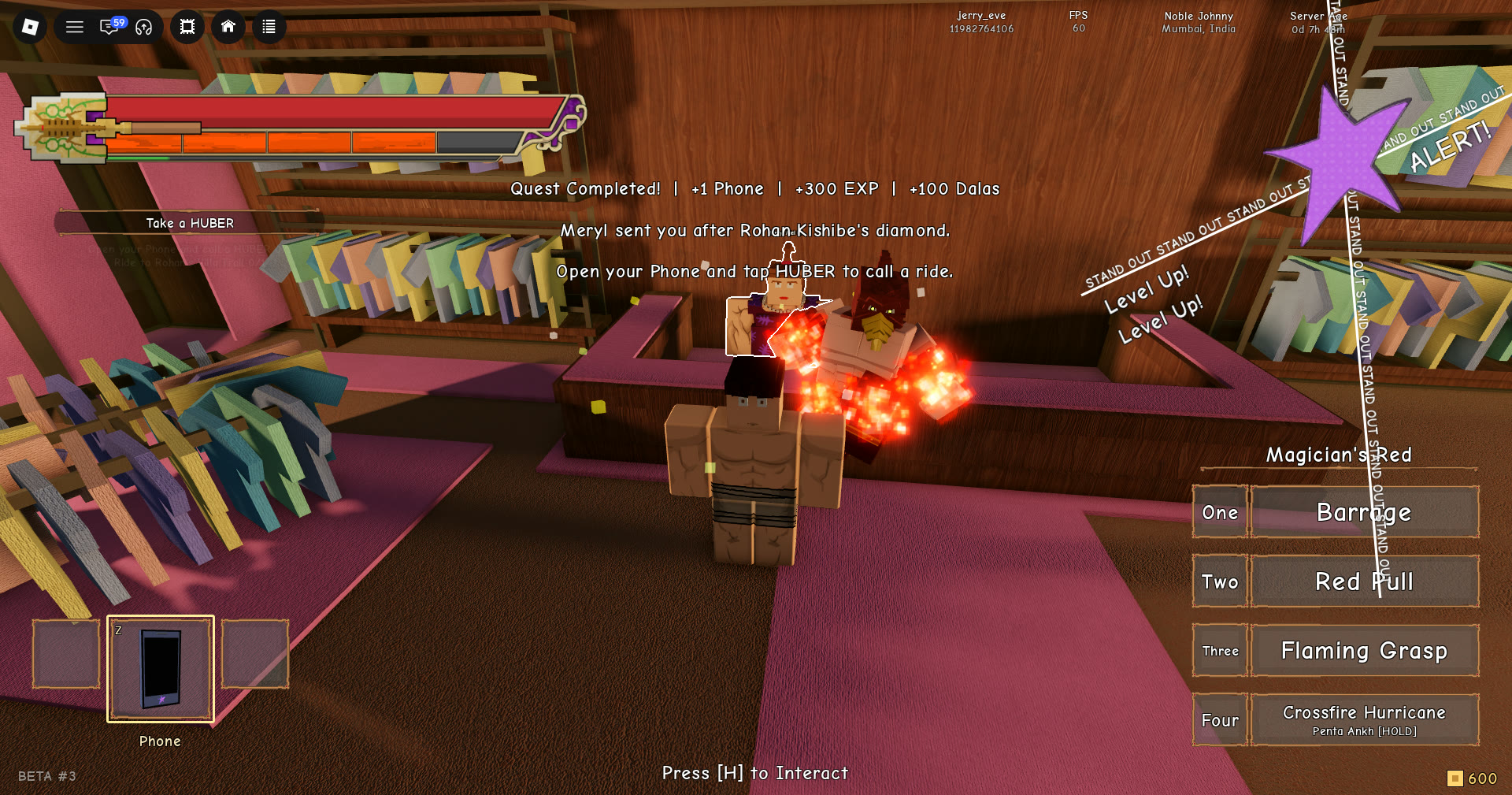
Fast travel in Stand Out is a taxi. The Huber app on your phone summons Hubert, a yellow cab that picks you up from the street and drops you at a Hubert signpost somewhere else on the map. It costs a flat fee in the game’s own coins. The catch is that Hubert only comes when you are standing on an actual road.
Quick answer: Stand on a street, press Z, open Huber, tap “Call Hubert | 50 dalas”, get in at the passenger door, pick a stop, then tap “Confirm | 50 dalas”. The 50 dalas comes out on confirm.
Huber taxi cost: 50 dalas, charged when you confirm
A Hubert trip is priced at 50 dalas. Dalas is Stand Out’s gold-coin currency, displayed by the counter in the screen’s lower-right corner. It is separate from Robux and requires no real-money payment. Bounties reward you with Dalas and Exp if you need to replenish your coins.
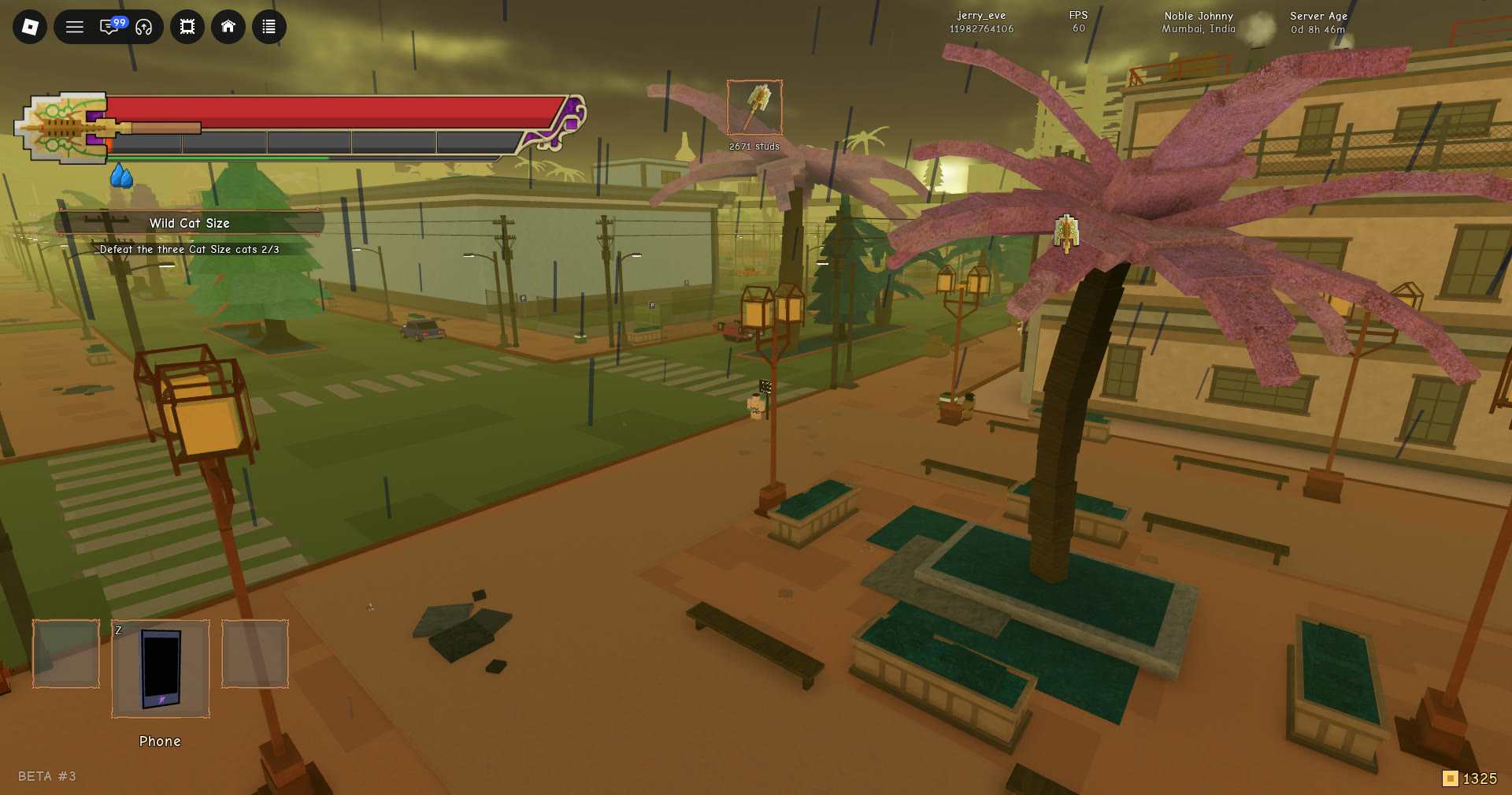
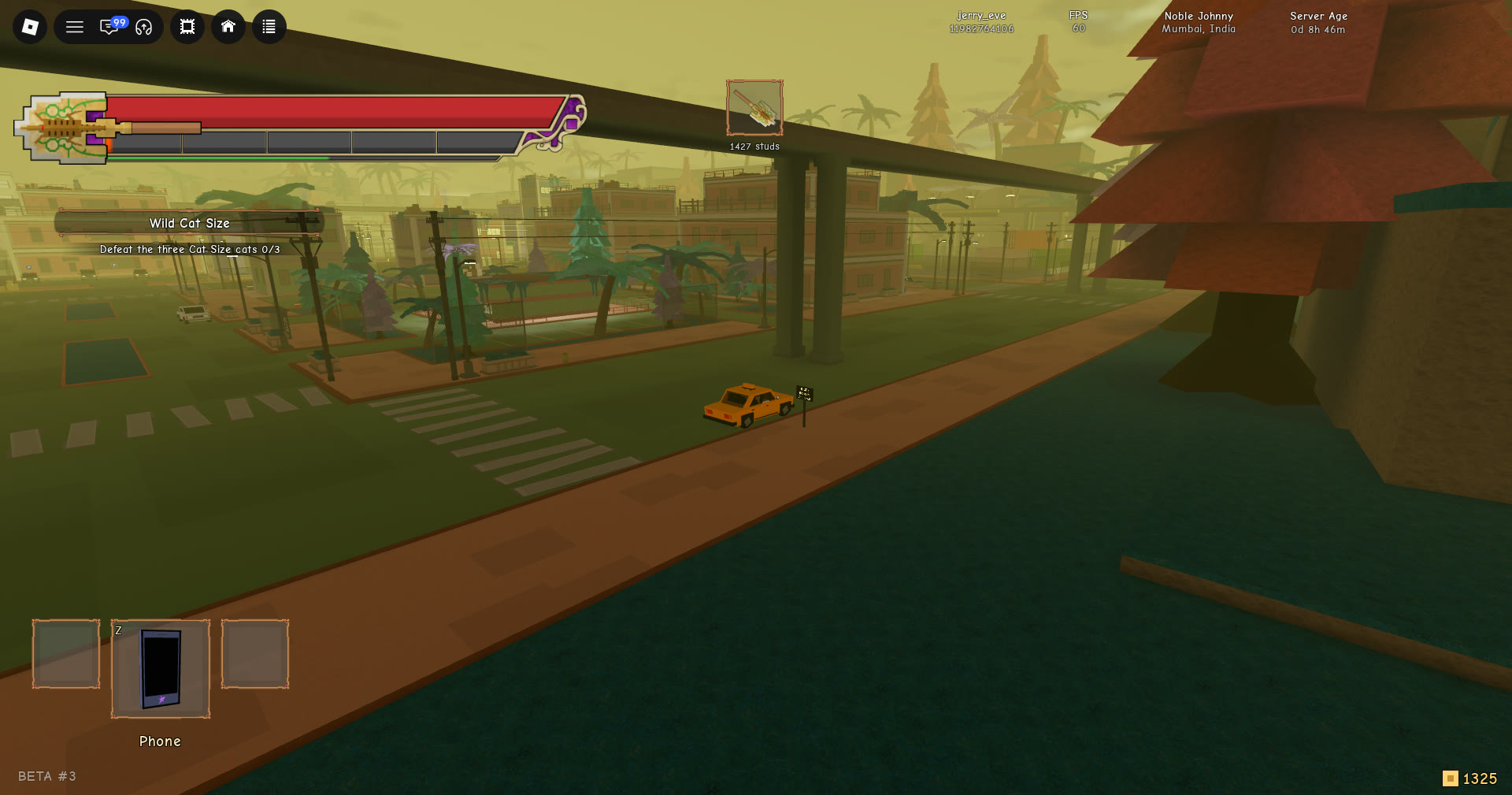
Calling the cab, walking to it, and even sitting inside it are all free. The fare is only taken at the moment you confirm a destination. On a balance of 1375, confirming a ride drops the counter to 1325 right away. That coin counter is how you can tell the trip has gone through.
A brand-new save works a little differently. The call button there reads “Call Hubert | Free”. After that, it shows the standard 50 dalas fare.
Where you can call Hubert from
The Huber call screen lists the pickup point as “Nearest clear street”, and the app takes that literally. You cannot call a cab from the jungle around the Wild Cat Size quest area. The cab does not show up, and the app gives you this message instead:
“Move closer to a clear street so Hubert can pull up.”
Seeing a road in the distance is not enough. Your character has to be standing on the street itself. A Hubert signpost on the roadside is a dependable place to call from.
How to call and ride the Huber taxi
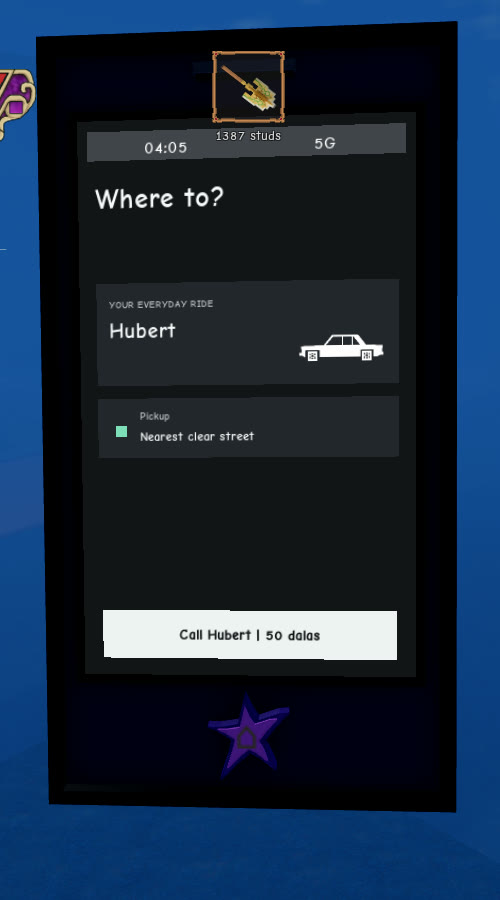
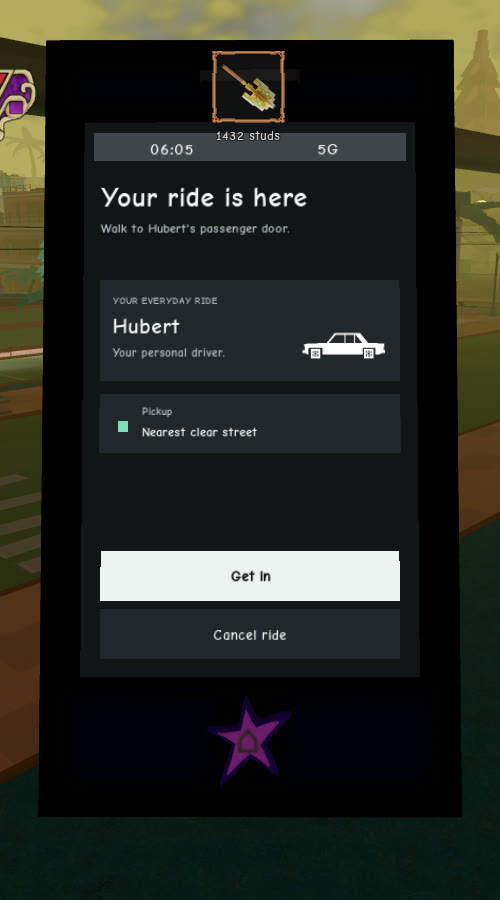
The cab does not wait long. After about 40 seconds of standing around, the car disappears and the app goes back to “Call Hubert | 50 dalas”. If you would rather not ride, “Cancel ride” sits right below “Get in”.
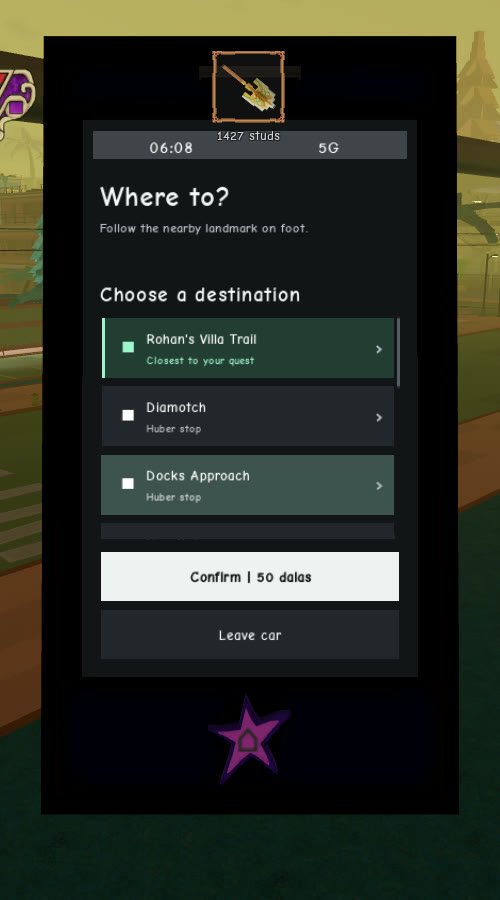
Huber taxi destinations
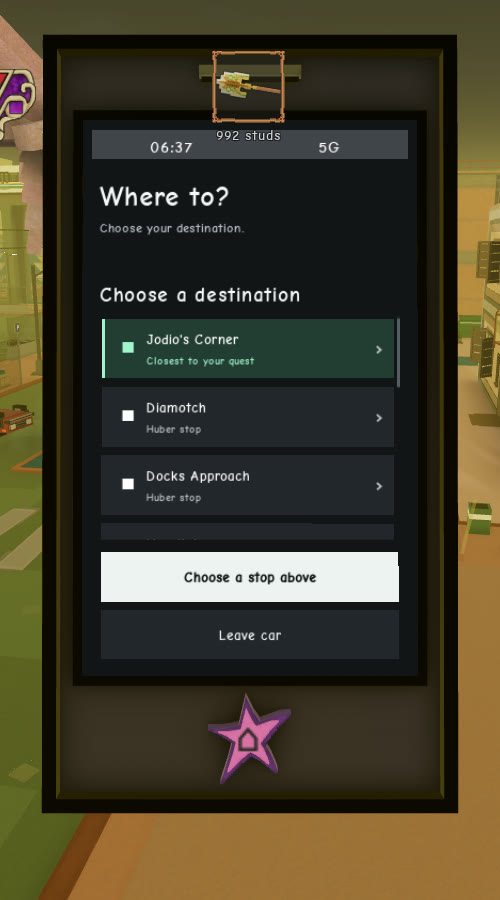
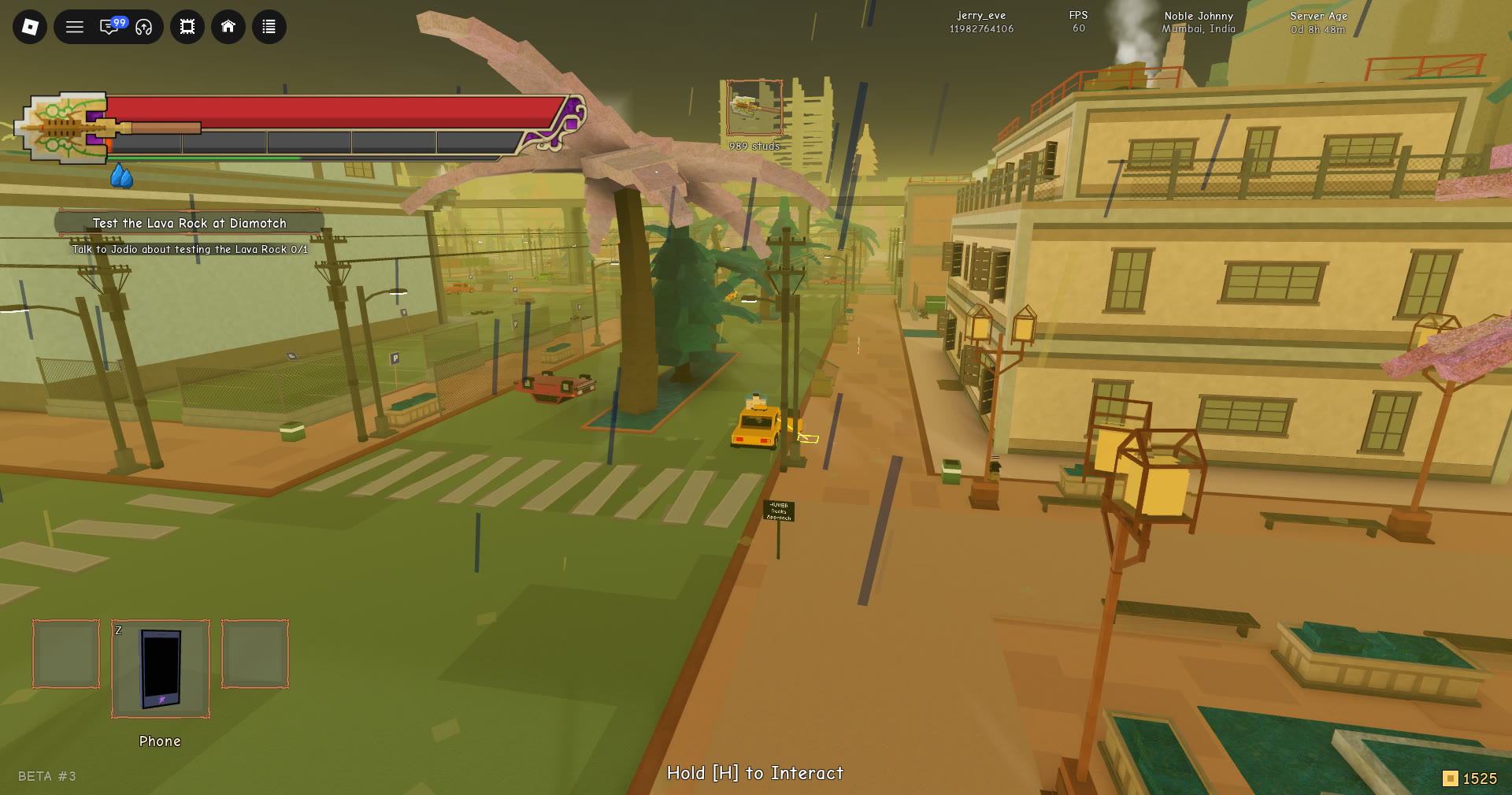
The destination list is not the same everywhere: it changes with where Hubert picks you up, and each row has a short label under it. Called from the stop by Rohan’s Villa Trail, the list read:
| Destination | Label |
|---|---|
| Rohan’s Villa Trail | “Closest to your quest” (green tag) |
| Diamotch | “Hubert stop” |
| Docks Approach | “Hubert stop” |
Called from the Docks while the quest read “Test the Lava Rock at Diamotch”, the three rows were Jodio’s Corner (tagged “Closest to your quest”), Diamotch and Docks Approach (both “Hubert stop”). The green tag is the game’s own pick and does not always sit on the place your quest names. Whichever stop you pick, Hubert drops you on the street at that destination’s Hubert signpost. Once you are out, you can pull up the phone again as normal, so a road and 50 dalas are all you need for the next ride.