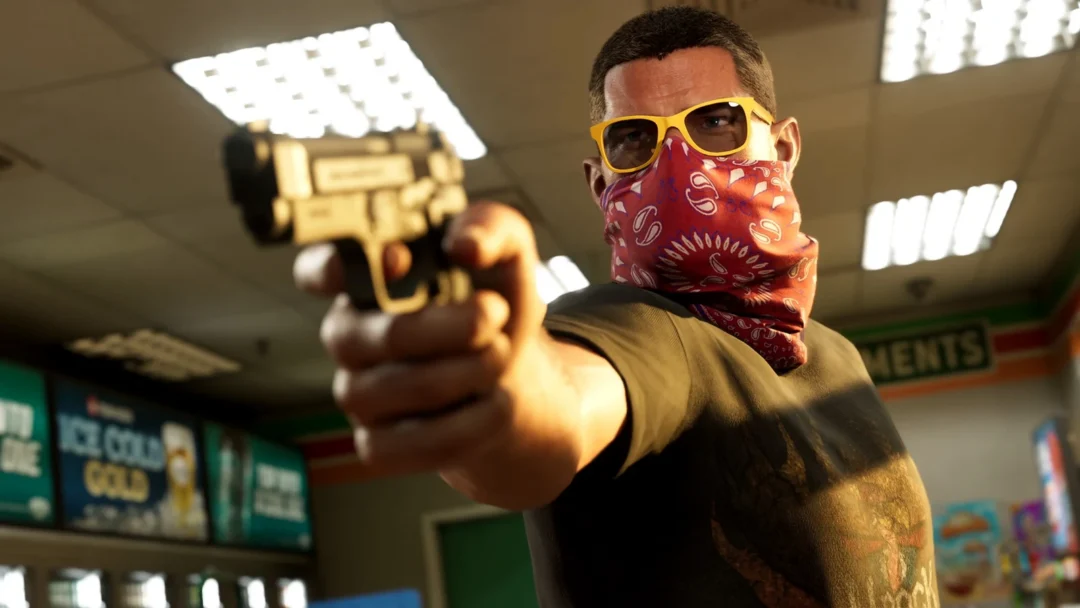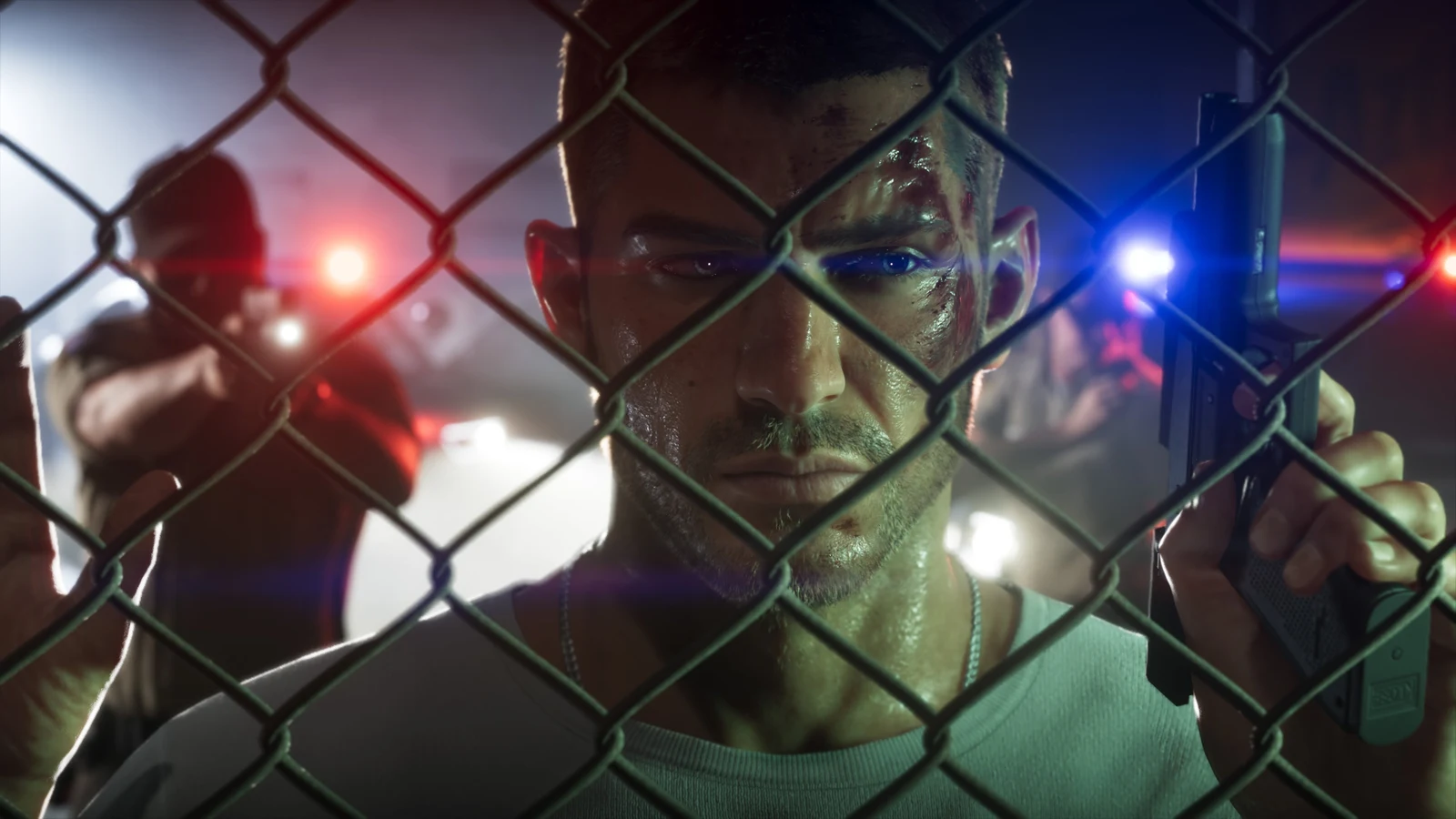
Grand Theft Auto VI launches on November 19th, 2026, and if you’re buying it digitally, you can share it with one other console on the same platform. Sony and Microsoft both build this into their consoles. On PS5 it’s called Console Sharing and Offline Play, and on Xbox Series X|S it’s Home Xbox. GTA 6 is a single-player game, so whoever plays on the second console has their own save and doesn’t touch yours.
Quick answer: Yes. Sign in with the account that owns GTA 6 on the other console, turn on Console Sharing and Offline Play (PS5) or Make this my home Xbox (Xbox), then download the game.
GTA 6 gamesharing rules on PS5 vs. Xbox
| Rule | PS5 | Xbox Series X|S |
|---|---|---|
| Feature name | Console Sharing and Offline Play | Home Xbox |
| Shared consoles per account | One | One |
| How often you can switch | Disable on the old PS5 first | Up to five times a year |
| Owner’s own console | Must be online to check the license | Any other Xbox, signed in online |
| Works offline | Yes, on the shared PS5 | Works without the owner signed in |
You can’t share across platforms, so a PS5 copy can’t go to an Xbox or the other way around. On Xbox, the five-switch limit counts over any one-year period, and Xbox customer support can’t give you extra switches if you run out. A PS5 also turns on Console Sharing and Offline Play by itself the first time an account signs in on it, which is worth knowing if you’ve signed in on a friend’s console before.
How to share GTA 6 on PS5
Do all of this on the PS5 that’s getting the game, not the one you normally play on.
You’ll know it worked when the other person can start GTA 6 from their own profile on that PS5. You can keep playing on your own PS5 by signing in to your account there, as long as that console is online so it can check the license.
Signing in on someone else’s PS5 gives that console access to your account and the payment method saved to it, so set a purchase passcode or remove saved cards before you do it, and only share with someone you trust.
How to share GTA 6 on Xbox Series X|S
On Xbox, the console you set as your home Xbox is the one that gets your games for everyone who signs in on it, even when you’re not signed in yourself. Set it up on the console that should receive GTA 6.
Once it’s installed, anyone who signs in on that Xbox can launch the game from their own account. You can still play on any other Xbox as long as you’re signed in and online.
GTA 6 pre-order bonuses and extras that may not share
The other person using the shared console gets the base game and begins with a fresh save. Sharing covers the game, but not necessarily every part of the purchase. Microsoft says some pre-order rewards, special edition items that can only be redeemed once, and in-game currency may not be shared. For GTA 6, the account that paid will probably keep the pre-order bonus called Vintage Vice City Pack, plus the Ultimate Edition extras. Check in the game to see if that works differently once you’re playing.